
- NewspaperHow to Use tagDiv Cloud Library
- NewspaperCloud Library Templates
- NewspaperCloud Library – Category Templates
- NewspaperDesign your Post Pages using the Cloud Library Templates
- NewspapertagDiv Cloud Library Plugin
- NewspaperCloudflare (CDN)
- NewspaperSingle External Shortcode and External Shortcode
- NewspaperSearch setup for custom post type
- NewspapertagDiv Composer – Website Manager
- NewspaperFlex Block Builder and Flex Loop Builder
- NewspaperModules Builder in Newspaper Theme
- NewspaperIntroduction to CPT and ACF with Newspaper Theme
- NewspaperCreate a frontend submission form
- NewspaperFilters and sorting for taxonomies
- NewspaperUser review system
- NewspaperHow to use the Google Maps API
- NewspaperWooCommerce: Happy “Add to Favorites!”
- NewspaperHow to insert a block inside the content of a post
- NewspaperHow to setup the Contact Page
- NewspaperPosts Loop Element
 Bettina
 Hello @FcousAndrew!
Unfortunately, you can not duplicate the default templates as the cloud ones, sorry.
Thank you for understanding!
Bettina Hello @christopherkevil8838!
You need to select a cloud header template from the Website Manager or import one: https://prnt.sc/fAGak4xhBiOj
Please note that you can edit only the cloud elements with the TagDiv Composer.
Thank you!
Bettina Hello Mauri!
This page uses a standard or default template which can’t be edited with the TagDiv Composer. Only if you assign a cloud template, which you will import from the Cloud Templates library.
Thank you!
 FcousAndrew
 Hello, thank you for your reply.
I am using the Newspaper theme with the default header template that came with the theme, I am not using and of the Cloud Templates so I need to duplicate the existing header template to achieve what I need.
How do I copy the existing header template to then allow me to change the header on the posts and pages?
 christopherkevil8838
 Thank you. I did eventually manage to edit it but I used the backslash — when you hover over the header date, it tells you what to do to remove an element, like the day. YES!
I will study the mobile page situation a bit more. I did create a mobile page but unfortunately, I was not able to edit it. The message said that I had to use the Cloud header template. That’s confusing, because none of them look like the Amsonia sub-theme. How should I proceed to edit the mobile header in the Cloud?
 bluedot
We are a magazine publisher with locations across the US. We use WordPress Multisite to maintain our main site (bluedotliving.com) as well as a subdomain site for each location. We’d like to use the same Cloud Templates across all of our subdomains. Is this possible? I haven’t found a way to save or transfer the Cloud Templates from one site to another.
 dennisjpitocco
 As it is a Cloud Template Page, this is what we see (no Layout):
Bettina Hello @nwnuyhs!
For cloud templates, there is this setting in the element’s settings: https://prnt.sc/yZB70HHZQLA5
For default templates, there are no settings for that because the blocks are standard.
Thank you!
christopherkevil8838 I’m a bit unclear on how to edit the mobile pages (#2 option). When I click on “mobile” to the right of the tagDiv button, it gives me a drop down menu that is different from the one that is shown in your 10.3.7. Update link.
Instead, I see three choices: 1 “load mobile page from Cloud” or 2 “create blank mobile page” or 3 “no mobile page, please create or import mobile page” and then
4 “Documentation”. Only the first two are active links.
Please advise how I can follow the instructions outlined in the 10.3.7 update link
 Maurafarah
Hi, whenever I try to show the categories, I get the following error:
Warning: Undefined array key “tdb_templates” in /home/customer/www/games.barcelona/public_html/wp-content/plugins/td-cloud-library/includes/tdb_functions.php on line 518
One sample url its: https://www.games.barcelona/category/games/electronic/
Can you help please?
Thanks in advance
 Onisiforos
 Hello @bettina,
Already did so as I mentioned earlier https://prnt.sc/lIRSr8zaXrQK but it does not work even though the article has primary the category I am showing.
Not really interested in the category cloud template to be honest as our categories do not have so many visits.
Regards,
O
Bettina Hello @ilmetu !
The difference between them is that one uses a cloud template and the other one uses a standard template.
Please set the single cloud template as global and make sure the theme panel is set to cloud template also.
Or you can set a default template when you edit a post(Gutenberg).
Thank you!
Onisiforos Hello @bettina,
Thanks for the update on this issue. Do you have an ETA on this issue as it affected the ux of our users on some case?
How do we do this?
“Please set the new cloud template in the theme panel too.”
@tdaplyn we use multiple categories as well, the correct ones are the primary but the system still refuses to show the correct template to that category.
Regards,
O
 sudipto
 Hi Bettina,
Thanks.
This is exactly what I am doing. But the content that is coming in the block is latest articles despite applying the filter.
I understand the cloud template will show the dummy content. But the actual pages (after applying template to global) is also showing “latest articles” on all templates.
Here are 2 example URLs of 2 different custom taxonomies ::
https://www.thip.media/health/diabetes/
https://www.thip.media/health/polycystic-ovary-syndrome-pcos/
You will note that they are showing the same set of articles.
[Fact Check and Questions are categories]
Can’t figure out what I am doing wrong.
 dc1
dc1Hi there,
I am looking to build a custom layout for this custom post type archive page: https://staging-qxmagazine.kinsta.cloud/listing/. I selected a cloud layout under Newspaper > Theme Panel > Template Settings > Archive Template, but the layout of /listing didn’t change.
Please could you advise how I apply a cloud layout for a custom post type archive?
Thanks very much.
Bettina Hello Matt!
If you use cloud templates, then you can remove it from the TagDiv Composer(drag & drop the whole row)
. Otherwise, for default templates, there is a setting in the theme panel -> header -> top bar: https://forum.tagdiv.com/header-manager/
Thank you!
Bettina Hello @AuroraCattery!
Install the tagdiv shop and Woocommerce plugin.
You can change the demo with one dedicated for shops: https://prnt.sc/8cYnsH3JBho4 or just import the shop templates from the Cloud Library: https://prnt.sc/9zOXPfe4hZfi
You can import any cloud templates from any demos you like from the Cloud Templates and assign it on your website, or you can build them from scratch by importing a blank template(in order to make it editable with the Composer).
I recommend you to try to use the staging plugin, so you won’t ruin your website, check also this article from here and give it a try: https://themeisle.com/blog/wordpress-staging-site/
Thank you!
Bettina Hello @adfrogs !
We’ve created different demos which you can use without building the whole design for templates. The ads in the cloud templates are added manually to the templates. You can use other templates from any demo you like. Import and assign sections, pages, templates, headers, and footers.
Unfortunately, there is not a global setting for the ads, sorry.
Thank you for understanding!
Bettina Hello @sudipto!
1. Yes, you should build the template as you like, depending on your cpt. Because the CPTs feature in the cloud templates is new, there are no pre-made templates yet. We will add in the next update.
2. You should apply this filter: https://prnt.sc/7NSKG4S-uIFU
Please note that in the TagDiv Composer it will show only dummy data, so please save the blank template and make it global. Make sure your CPT has a category and see the results when you view your CPT page.
Thank you!
Bettina Hello @nagarig!
Go to the Cloud Templates and add the date or archive template you like, or a blank date or archive page in order to build it as you like: https://prnt.sc/YRe8ztZUhDAw
Also, you can access the archive page, and there you’ll have the list of the templates you uploaded.
Thank you!
Bettina Hello @edragon!
Yes, it is there in order to be applied to the cloud templates. For example, here: https://prnt.sc/I3BQy7W0q_nd
It is everywhere in order to be applied to every different ad.
Make a test and deactivate ALL plugins except tagDiv ones, also if you are using a cache plugin, deactivate it, and see if the problem goes away.
Thank you!
 nwnuyhs
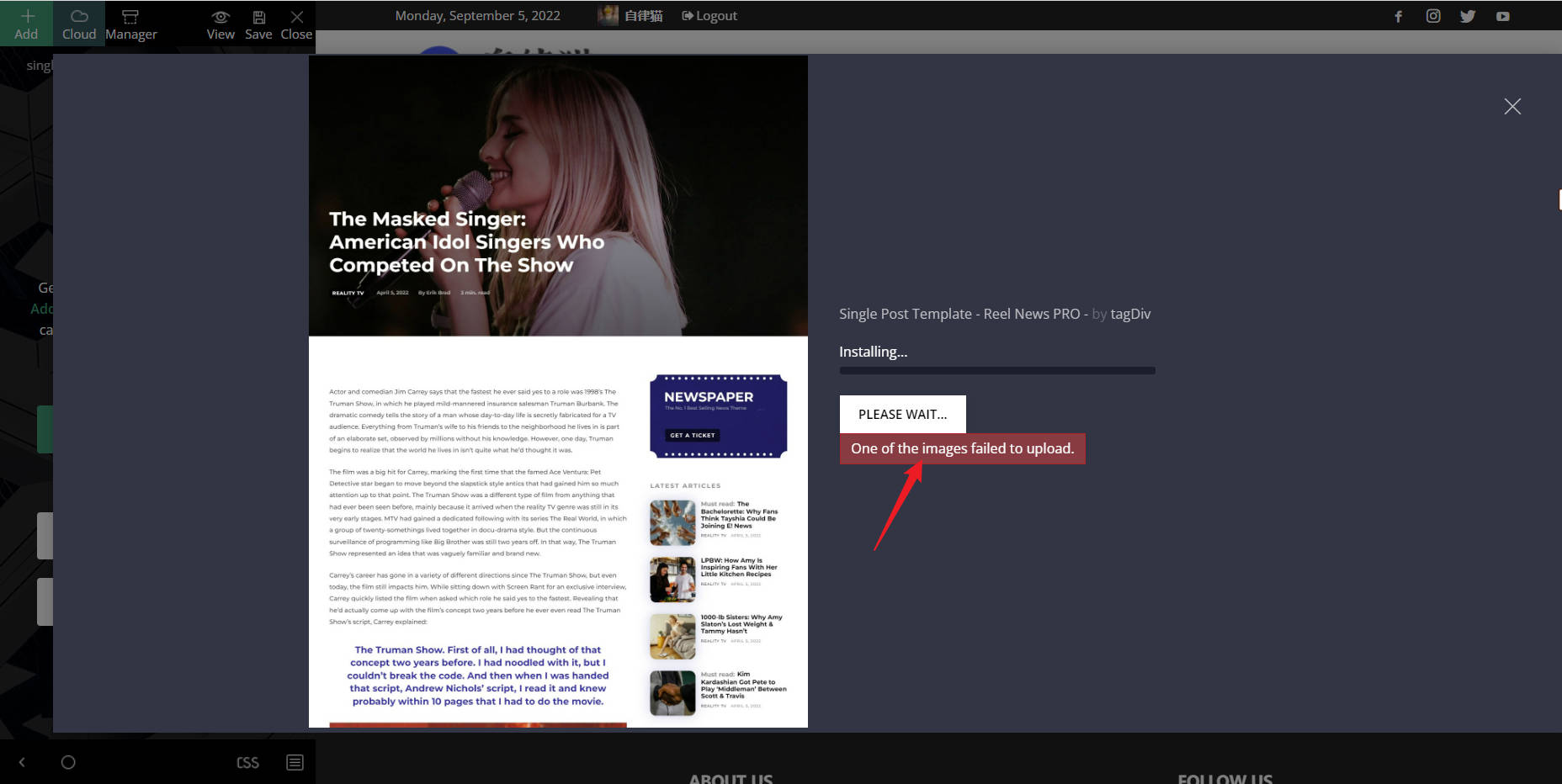
 The front end of the website can open the tagDiv Cloud Library, but the template cannot be imported. When importing the template, the following error message appears: One of the images failed to upload.
nwnuyhsHi,
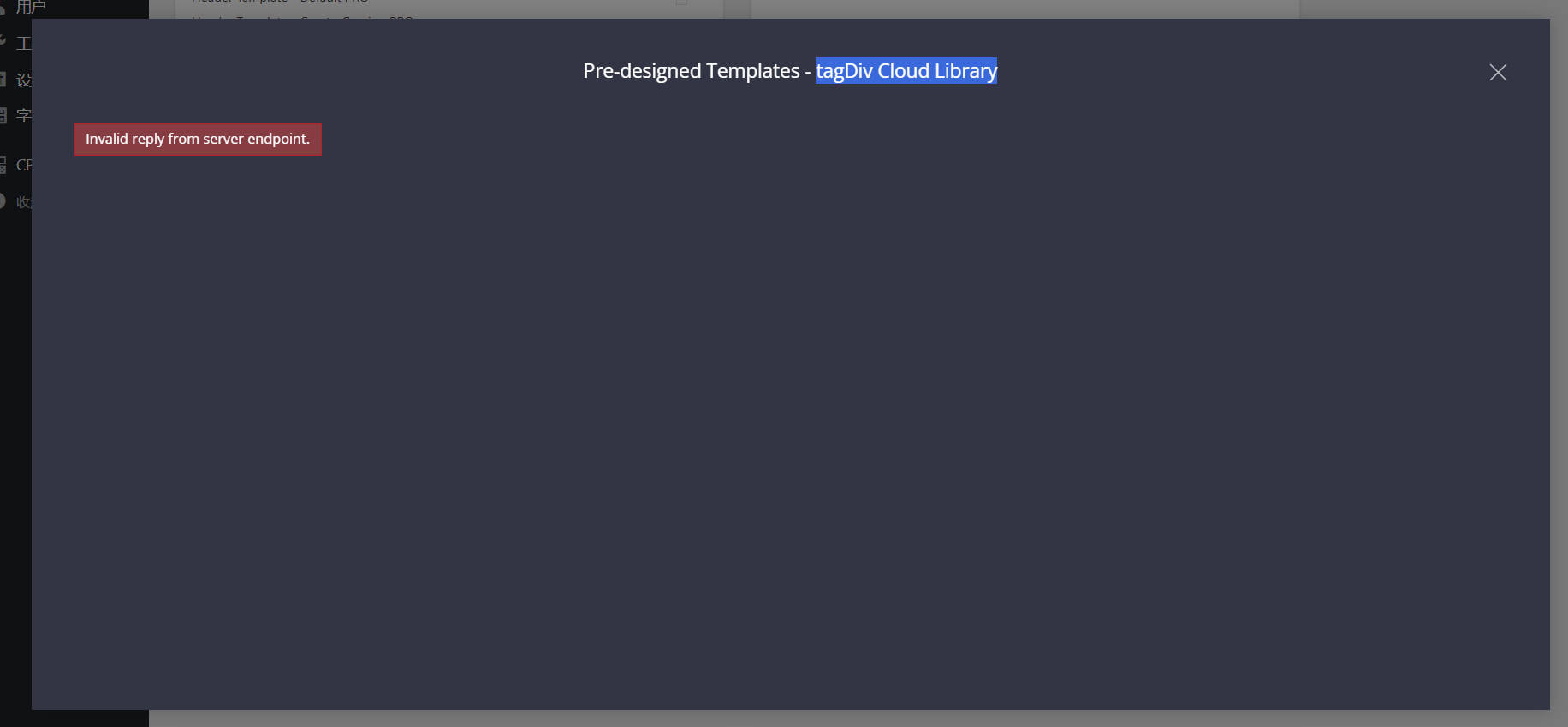
I Can’t import template from tagDiv Cloud Library,hope to fix it as soon as possible.
 adfrogs
Hello,
I am finding your banner ads hidden all over my website with the theme I installed, this is extremely annoying and frustrating to say the least. We are a live company with live content and having your ads default embedded everywhere requiring me to manual remove on them on a page by page basis in the tagdiv cloud editor is a total joke!
How do I globally find and remove all the ads embedded into a theme I PAID FOR!?
Screenshot of the latest offender: https://www.screencast.com/t/XlrBz4jyllMl
I’ve found larger banners on the header of post templates, category template, author template, it never ends.
How do I globally remove your litter from my website?
sudiptoHi,
[I can see this has been discussed multiple times. But I couldn’t find a solution yet. Thus, a new post]
The Cloud Templates have a CPT/Taxonomy tab from where we can add a cloud template. We can use the + button to add new template. And then set it to Global to apply.
[So far I am referring to your guide here: https://forum.tagdiv.com/custom-post-type-support/ ]
Questions are:
1) Whenever I click on the plus sign to add a cloud template, it only allows me to add a blank template. That’s how it’s supposed to be? Are there no pre-made templates for this section?
2) In the blank template, when I add an element like Custom Block 5 and save it – it starts showing latest articles of the website and not the articles related to the taxonomy. The standard template is showing right articles of the taxonomy but applying the cloud template makes all taxonomies show only the recent articles from the website. Am I doing something wrong? How do I show articles for that taxonomy under cloud templates?
