
- NewspaperCreate Custom Code with the browser’s Inspector or the Live CSS Box
- NewspaperScroll Animation
- NewspaperWP Rocket and Newspaper Theme: Optimization Guide
- NewspaperHow to setup Twitch for Social Counter
- NewspaperModal Popup
- NewspaperFlex Block Settings Guide
- NewspaperAutoptimize Plugin – install and configuration
- NewspaperAdding Multiple Authors to Your Articles
- NewspaperDesign your Post Pages using the Cloud Library Templates
- NewspaperBig Grid Flex Settings
- NewspapertagDiv Composer Tutorial
- NewspaperTheme modules and blocks
- NewspaperThe Mobile Theme
- NewspaperCompare theme files – Winmerge tutorial
- NewspaperUsing Other Ads
- NewspaperBlock settings tutorial
- Using custom fonts
- Using typekit fonts
- NewspaperChild Theme Support
- NewspaperHow to Make the Site Faster
 nachtwache
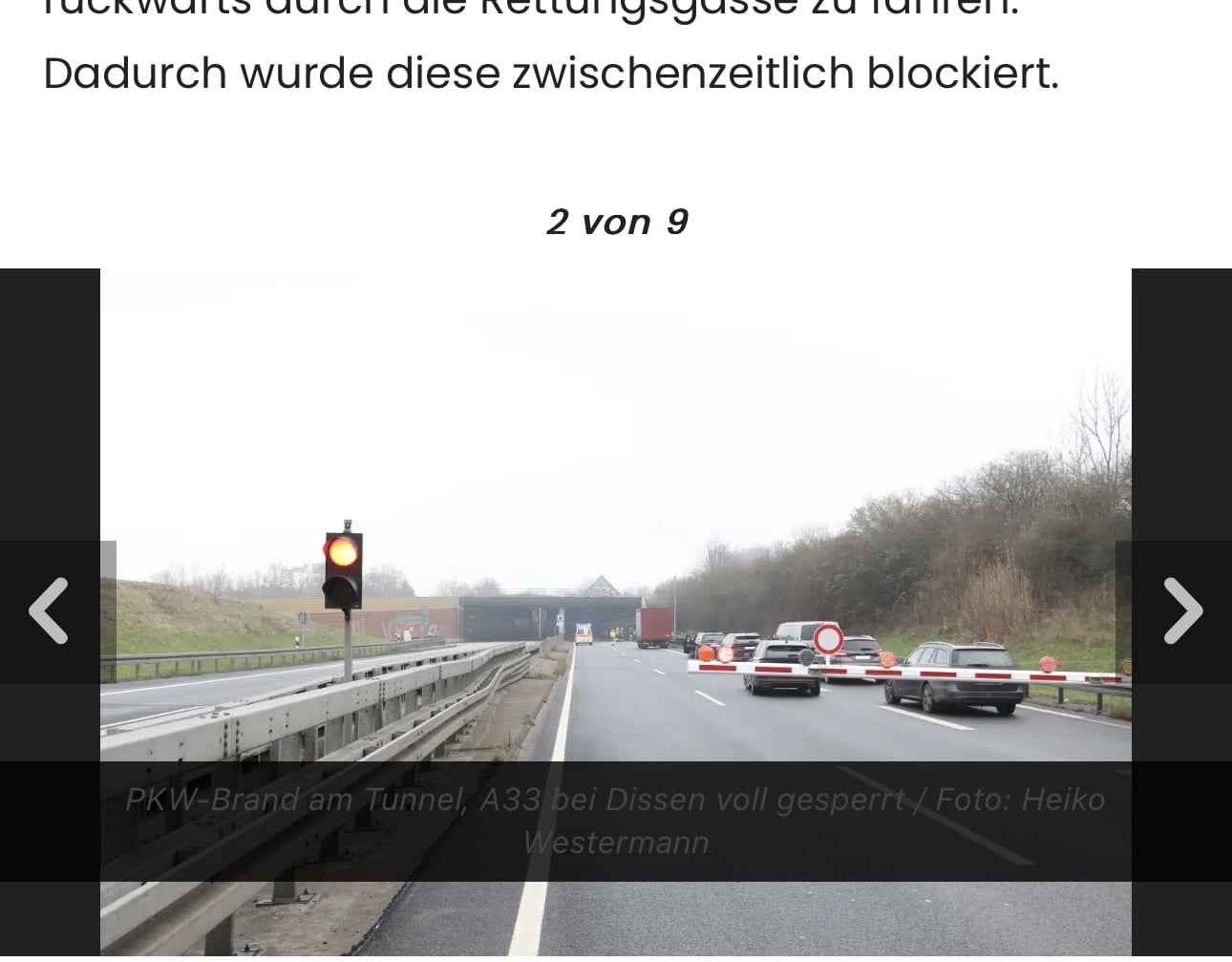
On the mobile version of our website the caption on the Tagdiv Slide Gallery pictures is dark gray on black – and not readable. While on the desktop it´s white on black.
Please see: https://www.hasepost.de/pkw-brand-am-tunnel-a33-bei-dissen-voll-gesperrt-350212/
How can we change the text color? CSS?
 Bettina
 Hello!
From which demo did you import this section?
The background should be on the row -> CSS tab.
Take a look here in this video for an example where I build 6 columns: https://www.screencast.com/t/mZ2c5XamTFN
Build the columns and add the elements to every column.
Thank you!
Bettina Hello @yy!
Please write the CSS with !important, for example:
color: black!important;
Let me know the results!
Thank you!
 yy
yyHello.
I use a prebuilt site, Publication PRO. In Publication PRO, in Single Template, there is a Share button called Single Post Share.
I have set the Buttons text color in TagDiv Composer, but it seems that something is overriding the value.
For example, let’s look at the Twitter Share button: in TagDiv Composer, the Buttons text color is set to #000000, but when I open the actual page and check it from the developer tools, the cyan style is overriding it, as shown below.
.td-ps-text-color .td-social-twitter .td-social-but-text {

    color: #29c5f6;

}
Checking the Publication PRO demo site from the developer tools, the same thing seems to be happening.
I gave up on setting it from TagDiv Composer and tried applying #000000 to the same class name as above using Live CSS, but it was still overwritten by cyan.
Is there any way to fix this?
Thank you in advance.
 Calin
Calin Hi,
Yes, this is possible, but will require a lot of steps 😀 you need to use the popup element and some custom css, or a different plugin for the popup.
If you want I will be more than happy to help you, but this will take some time.
We can do this in 2 ways, here on the forum (it can take some more time), or via email (contact@tagdiv.com) where if you can provide temporary wp-admin access we can speed up the process.
Thank you!
Calin Hi,
Unfortunately, there is no option for changing the description color of the category, this can be changed using css.
.td-category-description p {

color: #f2f2f2;

}
Please set this custom css to theme panel > Custom code> custom css.
I hope it will help you!
 rondupoits
 Thanks for your advise! Indeed it works when you add the Category Background Image after the Category title (with BACKGROUND BOXED LAYOUT off).
What I had in mind was to add the Category Background Image immediately under the main menu bar, for the full width of the category page. But if I do so I find that all pages (including Homepage, Contact page) have an empty space at the very same location as the images on Category pages (td_meta_replacement.png).
I tried to add an image on those pages but if I do that trough tagDiv Composer (Css – Background Image), this added image will be placed over the images on Category pages, not overwriting them but covering them.
In conclusion:
– my best scenario will be no Background Image on Home page, full width Background on Category pages and no Background page on other pages as Contact page for example
– what I expressed before is the ideal scenario, but if there is not possible I can live with your solution
If you have an workaround I’ll be more than pleased to hear it.
Thanks anyway!
 Laura
LauraHello,
I’m sorry, I have again a question.
I built a custom author page. As example I used the Romania news pro author box.
I’m using the font “Rubik” like the example does.
Unfortunately the font doesn’t load at all, I can see it in the developer tool in my browser. The Google fonts are turned on in the theme panel.
In the tagdiv composer everything is fine and the fonts are loading from Google.
Do I have to manually add them with @font to my css or something? I thought they will load automatically.
Here is my authors page
Thank you very much!
Best wishes and have a great day
Laura
Calin Hi,
It is very complicated to hide the image only on the mobile version in the settings (due to the construction of the template).
What I can recommend is to use a mobile page template for a single post template and make it as you wish.
or you can use this custom css
body.single .tdb-featured-image-bg {

    padding-bottom: 190px;

    background: none;

}
You need to set it in this place – https://i.imgur.com/EnHFGQV.png
Thank you!
Calin Hi,
For that situation what I can recommend is a custom css like this one:
.td-category-header .entry-title {

    text-transform: none;

}
Please set this code in the Theme panel > Mobile theme > Custom code> css – https://i.imgur.com/2lMb7Ns.png
I hope this will help you!
 miguel_dimase
 Sorry, the alignment is not good in the composer editor either (I didn’t notice it due to the side bar). Look:
https://drive.google.com/file/d/1RXaZ5PKw2tI3kob-mO-UuJLrlAuS-wth/view?usp=share_link
And I can’t make that row 100% wide and then align the column to the left!
I’ve deleted the cache and I do not have any extra CSS.
Just in case: the template is School PRO and the selected “DEFAULT SITE POST TEMPLATE” is this:
https://drive.google.com/file/d/1ow27PP7lYupiy15g5gCF-gm-gNUvRMAU/view?usp=share_link
(whose thumbnail, by the way, shows the title centered; but I don’t know if that’s important)
 insumedical
 Anamaria
Check out the picture below.
https://being-money.com/wp-content/uploads/2023/02/02-14-01.jpg
If it’s difficult in the block editor, let me know at least a CSS method.
Bettina Hello!
Which template is that one? Because the single template from the School PRO demo is looking like this: https://prnt.sc/s4I4BTQVBLyZ
Please delete the cache and see the results! If the alignment is good in the composer editor, it should be good in the front end as well. Make sure you do not have any extra CSS.
Thank you!
 Anamaria
 Hi,
You can set the css here https://i.imgur.com/WtBQcva.png
Maybe you need to adjust the css for your block.
Thank you!
Anamaria Hello,
The LiteSpeed is not tested with the theme, but please check if you have enabled the option to optimize the css and js, if yes, please disable it and check after it.
Thank you!
 wp support
 where i can put this code on css live
Anamaria Hello,
You need to add an inner row and that row and set the block in that inner row, after you need to add an extra class -> https://i.imgur.com/pRFF4CM.png and use that extra class in your code, for example, I have set td-row-gradient-homepage1
@media only screen and (min-height: 1000px) {

  .td-row-gradient-homepage1 .vc_column {

    display: box;

    overflow-y: scroll;
}
}
@media only screen and (max-height: 999px) {
.td-row-gradient-homepage1 .vc_column {
display: box;
overflow-y: scroll;
height: 800px;
}
}
@media only screen and (max-height: 899px) {
.td-row-gradient-homepage1 .vc_column {
display: box;
overflow-y: scroll;
height: 600px;
}
}
@media only screen and (max-height: 700px) {
.td-row-gradient-homepage1 .vc_column {
display: box;
overflow-y: scroll;
height: 500px;
}
}
@media only screen and (max-width: 767px) {
.td-row-gradient-homepage1 .vc_column {
overflow: visible;
height: 100%;
}
}
Set the code in Raw CSS.
Thank you!
Bettina Hello!
A CSS code can be added in the Live CSS or in Newspaper -> Theme panel -> Custom code -> Custom CSS): https://forum.tagdiv.com/create-custom-code-using-the-browsers-inspector/
The old style is accessed by that ID. Now, if you will delete the values of that ID, then the style will be lost.
This is a workaround of what you need to do!
Thank you!
Calin Hi,
My recomandation is to check the settings for the iframe usually, there can add an extra parameter to make it scrollable.
What I can do to help is to provide a css like this one
.page-id-2063 .vc_raw_html{

overflow-x: scroll;

overflow-y: scroll;

}
This code should be set in the theme panel > custom code> advance css > phone section.
Thank you!
Anamaria Hello,
You are probably uploading the whole theme package. You have to upload only the theme zip file, not the whole package which contains other items
– https://help.market.envato.com/hc/en-us/articles/202821510-Theme-is-missing-the-style-css-stylesheet-error
Install via WordPress -> https://forum.tagdiv.com/install-via-wordpress/
Install via FTP -> https://forum.tagdiv.com/install-via-ftp/
Requirements for Newspaper => https://forum.tagdiv.com/requirements-for-newspaper/
After installing the theme and activating it you will find in the Prebuilt websites all the theme demos and you can import whatever demo you want => https://www.screencast.com/t/6rf5g0Dxc0K
Thank you!
 JackHeartBlog
 I don’t know where to enter the css you provided. My thinking is that the standard tagdiv “Create Account” button on the user login modal should on click go to hyperlink. I guess this is incorrect. Please explain the need for css, and specifically how that causes the action of clicking the field on the form to go to the registration page.
 camilaalves_jetss
 Thank you Anamaria, I was able to edit the color footer.
How can I edit the Footer Text color from white to black (i.e. I tried via css but doesn’t have any options) – https://www.screencast.com/t/w7wW8PT2ft ?
 gina77777@gmail.com
I received the following error message when I attempted to install the Newspaper theme in WordPress:
Unpacking the package…
Installing the theme…
The package could not be installed. The theme is missing the style.css stylesheet.
Theme installation failed.
Can you please help me correct this?
miguel_dimase Of course, but now it’s clear that the problem is generated by the Kattmar prebuilt site, because I’ve switched to the Default Pro and the problem is gone (the font size in the list is NOT reduced):
https://drive.google.com/file/d/1n75dpskshFBRrlRYdO9c9iqrxJkz4O92/view?usp=share_link
Live page: https://blog.migueldimase.com/educacion/limitaciones-de-la-voluntad-en-la-autorregulacion-del-estudiante
So, please somebody check what works differently in that part of the code and let me know how I can compensate/repair the problem using css/html, because I have already invested A LOT of hours customizing Kattmar (and it is also for the benefit of all users that this prebuilt worked as good as the rest).
Thanks
Bettina Hello @jpaul3767 !
Try this CSS code:
body .tds_create_account h2.tds-spsh-title{text-align:center!important;}
Thank you!



