
- NewspaperModules Builder in Newspaper Theme
- NewspaperIntroduction to CPT and ACF with Newspaper Theme
- NewspaperHow to edit modules for Flex Block X
- NewspaperStripe Setup
- NewspaperPayPal Setup
- NewspaperAdd Cryptocurrency Price Ticker Widget
- NewspapertagDiv Shop
- NewspaperDesign your post pages using the Default Templates
- NewspaperTheme modules and blocks
- NewspaperUsing the Theme Translations with WPML
- NewspaperHow to Set the Image Avatar
- NewspaperNewspaper theme documentation
- NewsmagInstalling pre-built websites
- NewsmagIntroduction
- NewsmagSmart Lists
- NewsmagTheme thumbs
- NewspaperSmart Sidebar
- NewspaperBreadcrumbs
- NewspaperFooter Builder
- NewspaperMain Menu
 Travel Secrets
Hey,
I purchased TagDiv Newspaper theme around a month back, and had been working on setting it up even since. For quick setup purposes, I imported the Influencer Demo on the website, which i changed later according to the need. The current problem is that, despite having a different mobile template for Blog Post (Single Page), it sometimes seems to load the Global template itself, and using it’s mobile properties. This causes a lot of viewing errors on the website.
Website: https://travelsecretsmag.com/
PageSpeed Report: https://pagespeed.web.dev/report?url=https%3A%2F%2Ftravelsecretsmag.com%2Fts-stories%2Ftop-5-dishes-not-to-miss-in-munich%2F
Please check at the earliest and revert with a possible solution.
Best Regards
Chirag Mittal
 Bettina
 Hello Tadej!
You need to import the full demo with content in order to have that page in the menu. Or import it into a staging version and import it into your website. https://themeisle.com/blog/wordpress-staging-site/
Thank you!
 nwnuyhs
How can I achieve a box layout like this for the homepage?
Like this demo:https://demo.tagdiv.com/newspaper_shop_vaness/
or this demo:https://demo.tagdiv.com/newspaper_blog_cars/
thank you very much
 Anamaria
 Hello,
That demo is created using standard templates, before using cloud templates, that is why you can’t edit them with tagDiv Composer -> https://i.imgur.com/h7TukUo.png and the footer is a footer page -> https://i.imgur.com/nuz4Cvh.png that’s why you were able to import it.
For all the changes if you want to have that header, you need to do them in Theme Panel.
Thank you!
 Stanford Nix
Tagdiv composer is telling me I have an issue but I don’t know how to fix it. HERE is a picture of the error code it is showing./
Here is a video demonstrating further. Can someone tell me what the error is, or how I can find it in tagdiv composer? This is an emergency
 andreaskas
Hello,
I imported the Spa Heaven demo content and the templates for the footer and the header are not imported as a result footer and header can’t be edited through tagdiv. Although i was able to find to import the footer template through the tagdiv manager, i am not able to find the header template that includes the image, menu etc from the corresponding header section. The steps i tried are the following:
Edit with tagdiv–> manager–>header–> import header –> search for spa heaven
but no results.
Can you please advise so i can proceed with the customization?
Thanks
 erfahrungsguru
We have completely reinstalled WordPress and the Newspaper Theme on a fresh domain and have set up a demo theme. Now we have noticed that both the existing and new posts, the texts are displayed twice. That is, in the demo posts and in new ones from us, the text is doubled and we do not know why. What can we do? As I said, everything is installed FRESH.
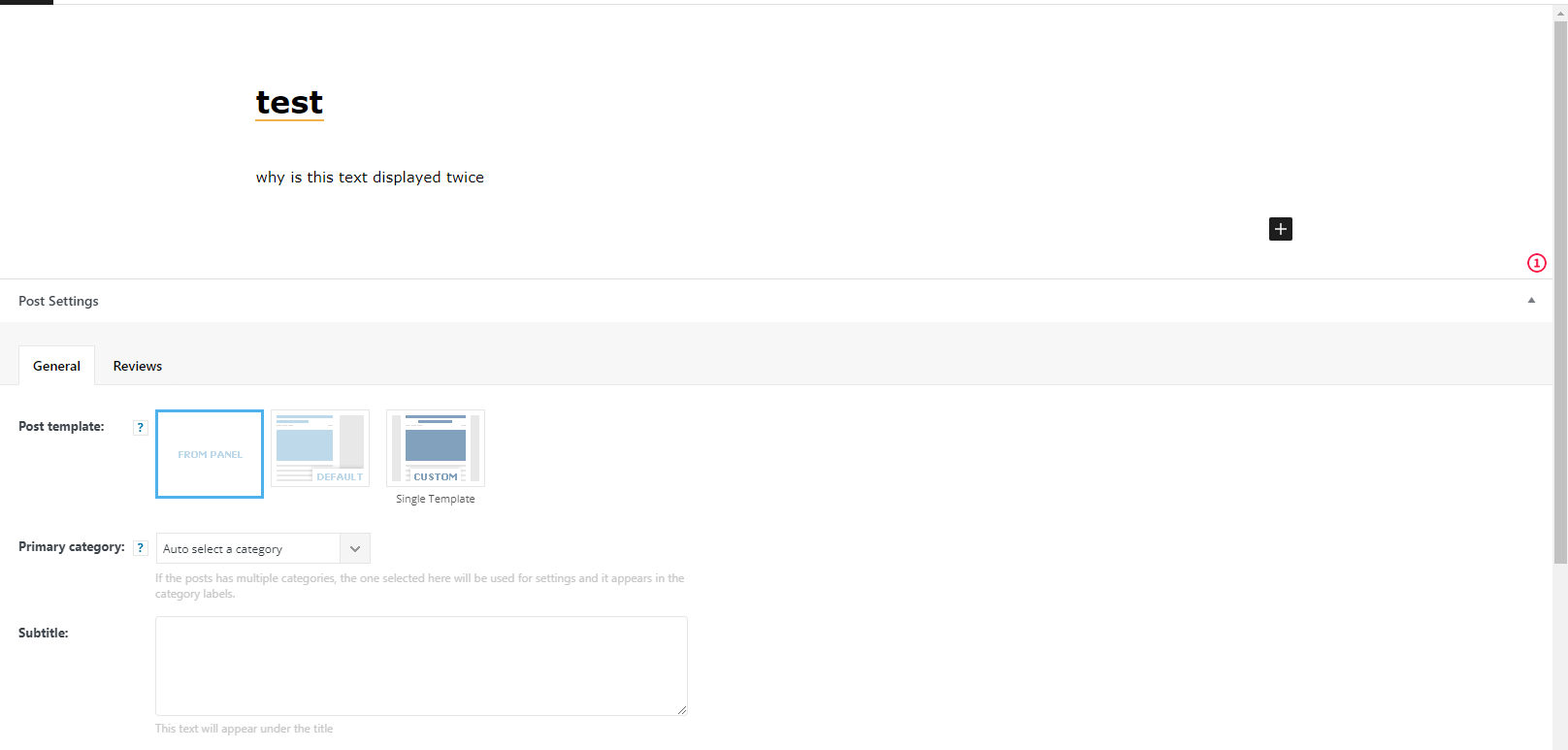
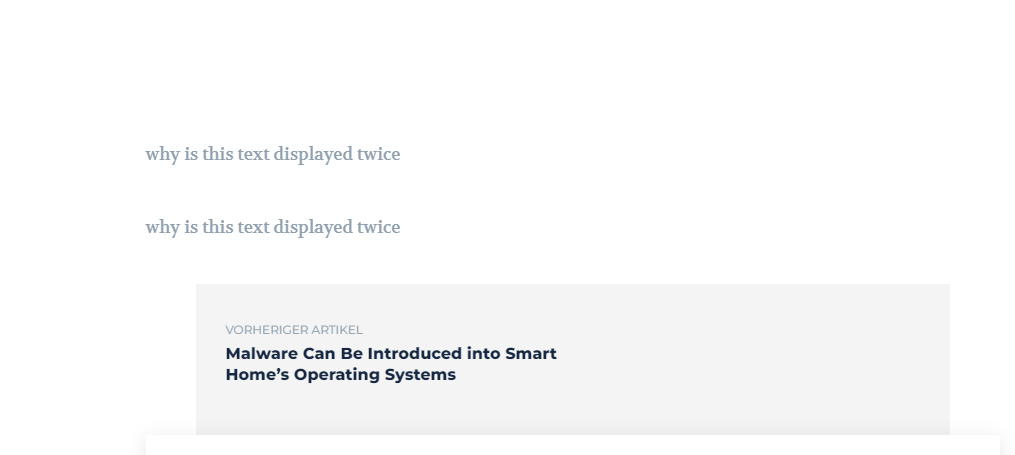
here is an example. own post – see scrollbar, the text can be seen twice.
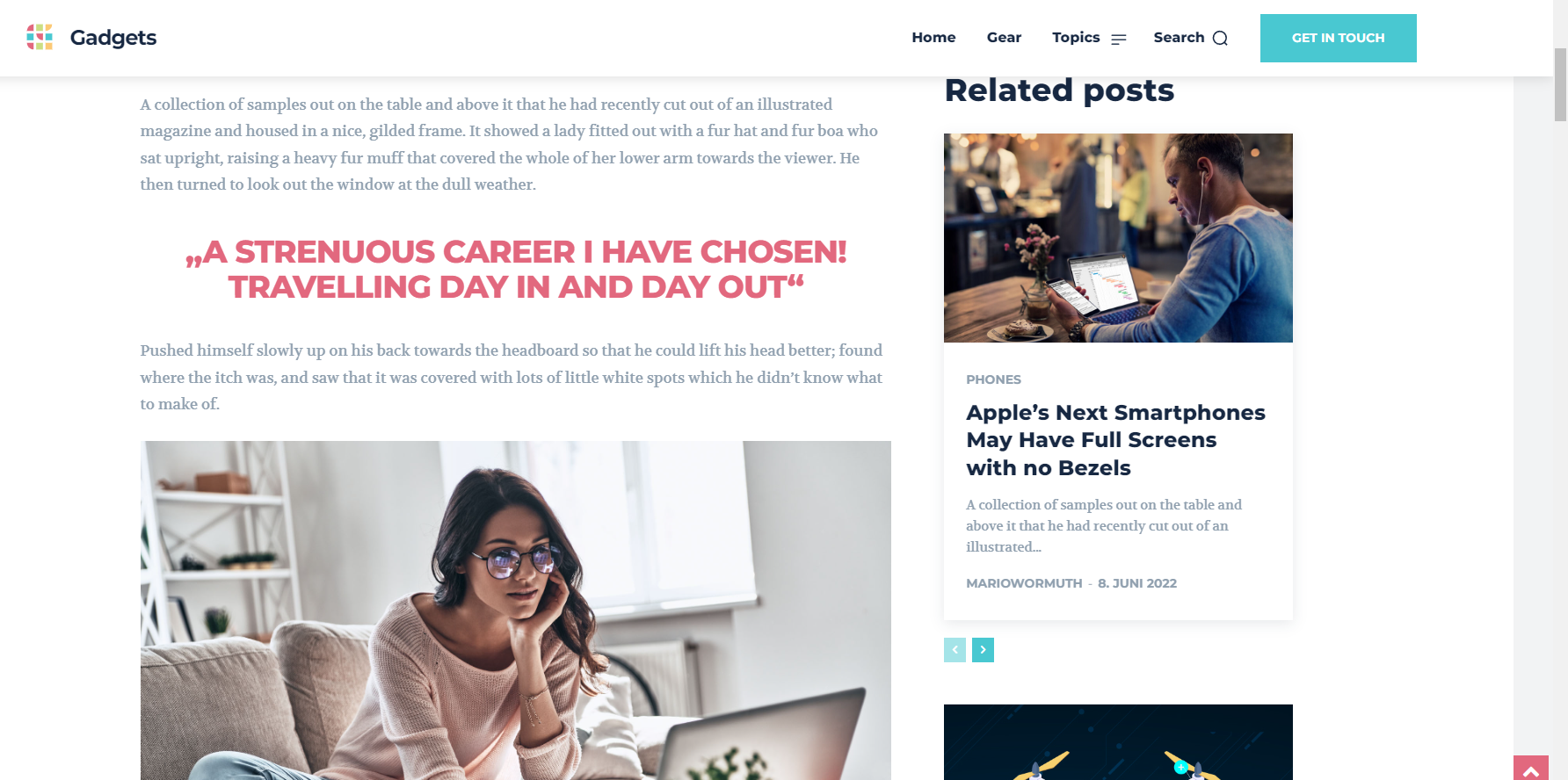
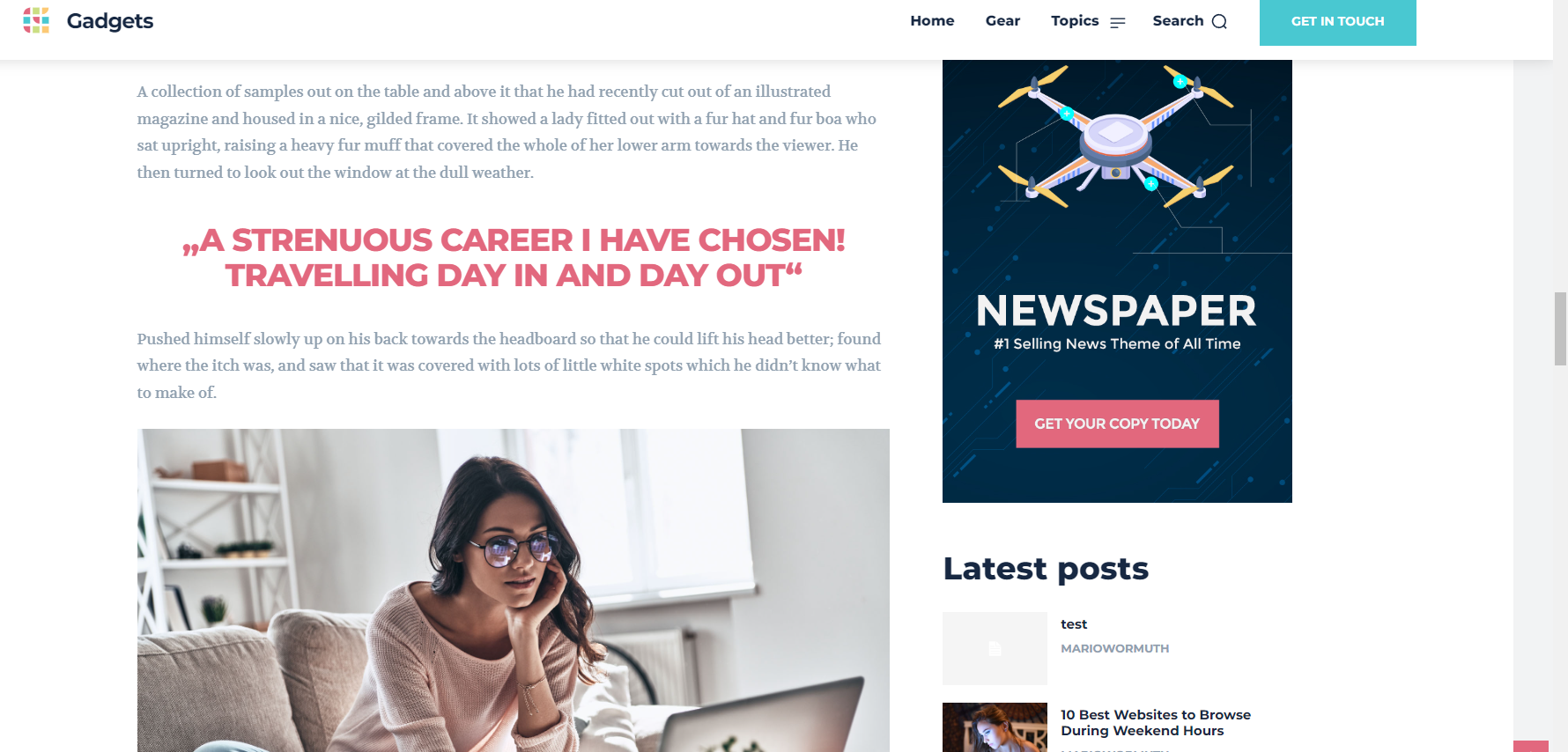
erfahrungsguruWe would like to have a German website and of course we need the German language on the website.
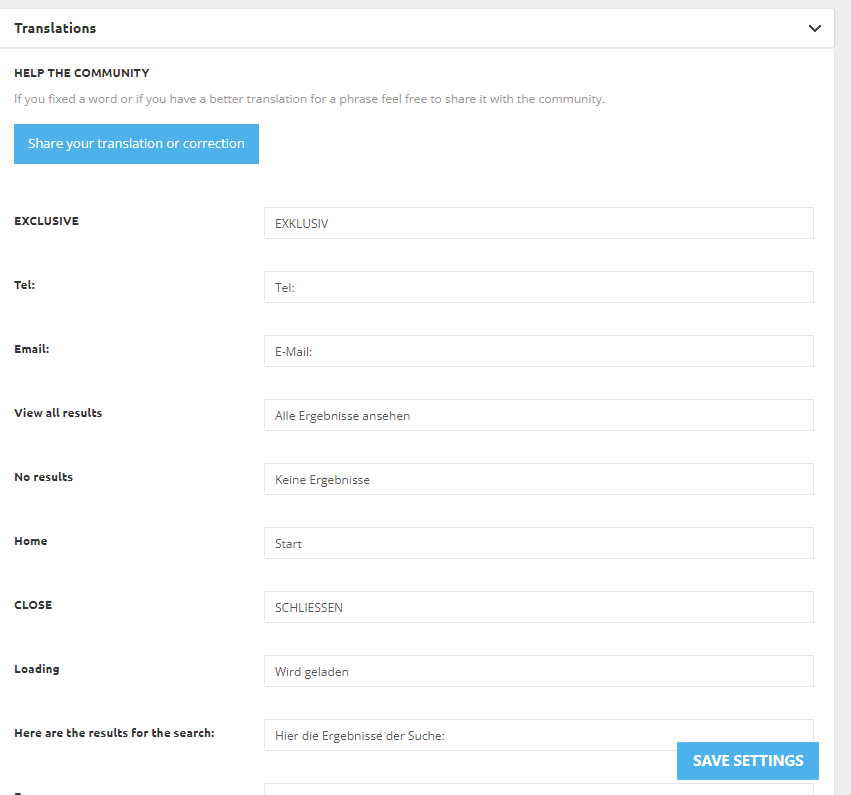
Now we have fortunately seen that your theme already offers this in the settings and we were very happy about it. Now we have changed in the Theme Options: “Translations” to German and also clicked Save Settings. But unfortunately the items are still all in English.
On the website only a demo theme was installed, nothing more was done.
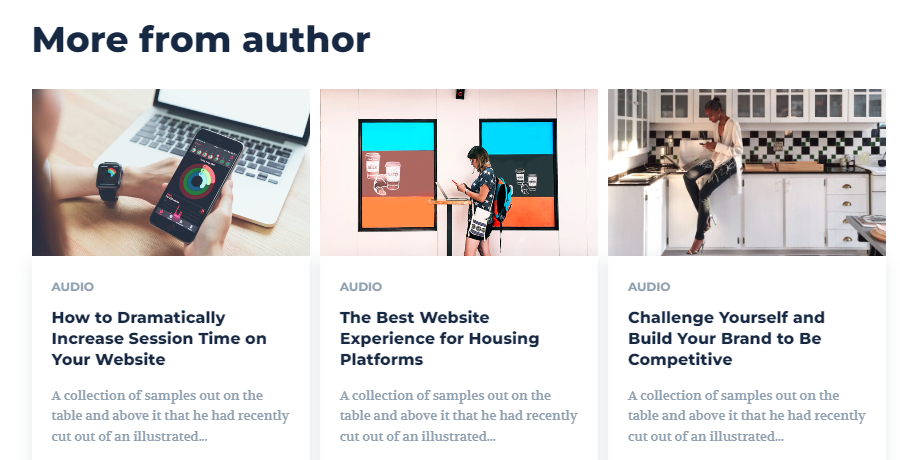
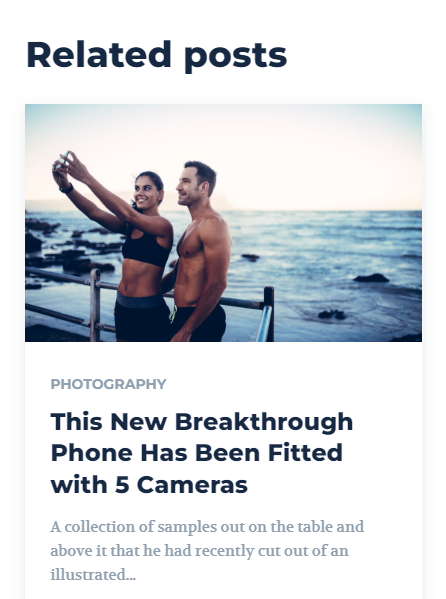
Here you can see on the screenshots: “Related posts” and “more from author” and everything else on the website too. These things should be in German if you have set and saved the language package or are we doing something wrong?
I am looking forward to your answer.
 T J
T JHi there,
Wondering how to add a caption below the featured image on posts? Don’t need it under thumbnail that appear on the Home page, just under the image that appears within the actual post itself. I see in the default Newspaper demo on post pages that images that appear within the post have a caption below each image. I’d like to do this for the featured image as well though, using the image editor “Caption” field. How can this be added? I’m using the Newspaper Rimont theme.
Thanks,
T
 joannatruncali
 Here’s my screen. As I said before, I’ve set all of that and erased all demo content. You can see the header I’ve set in composer on the screenshot, but the screenshot I included in my original post is what is being generated. I thought it might just be on the CPTs, but it happens off and on on my home page also. It will not allow me to create a mobile page for CPTs, which is where it happens most often, but it is also happening on other pages and even my home page. The text is embedded somewhere other than in Composer. I was asking if there is a way to get into a php file or something to delete this line?
My screen in Composer: https://drive.google.com/file/d/1Ik59zSTUwF_pVDyo2uLProI_hfgiHOTq/view?usp=sharing
What is being generated on mobile: https://drive.google.com/file/d/1zoxwyZczM9jZZjAQrY-8Mz4Ph4rAft5e/view?usp=sharing
joannatruncaliHi, I need some help locating this line of code that is still generating the “All About Parenting(dot)com” demo (pictured below). I’ve set a global header and a mobile version, and have disabled the mobile plugin, but some mobile pages (not articles) are still displaying the “all about parenting.com” next to my logo. I’ve searched the theme panel and all the elements in the header and deleted all demo content. I cannot find what is generating this. I’d like to just delete it since several pages are still displaying this next to my logo. Can you please help with which file might be generating this so I can erase it?
It appears in two places in this element under Inspect. Again, I’ve left all my text logo spaces blank and erased demo content in both the theme panel and the individual elements in the global header and global mobile header in TD Composer, and also selected “Hide” under Show Text and Show Tagline. https://drive.google.com/file/d/1EpEl0UIhHvckc1q1h1J6ACKoew97UAQg/view?usp=sharing
Example of mobile header being generated: https://drive.google.com/file/d/1zoxwyZczM9jZZjAQrY-8Mz4Ph4rAft5e/view?usp=sharing
 gono
gonoHi
When you go to your blockchain pro demo and open a blog post and start scrolling down, the floating sidebar is cut off. The sticky menu is covering the sidebar widget “Related”. How to adjust the widget to make sure the title of the widget is still shown?
Thank you.
 vittoriogiusti
Hi there
I have a problem with the home page of the Blockchain theme I have installed, on any mobile browser on iPhone.
The issue is present also on the demo (https://demo.tagdiv.com/newspaper_blockchain_pro/)
When the page is loaded part of the hero section does not appear.
When it is scrolled down, the hero section appears, but the upper part is cut (the label “invest in crypto the smart way” is not visible).
Any suggestion on how to fix this?
Thanks
Vittorio
Anamaria Hello,
Yes, you can show the post content with the featured image inline -> https://demo.tagdiv.com/newspaper_the_critic/2019/11/14/td-post-a-film-by-troy-leroy-selenium-with-ariel-lenor/ -> https://demo.tagdiv.com/newspaper_aniglobe_pro/2022/01/12/td-post-tokyo-24-ku/
You need to do in from the row setttings.
Thank you!
joannatruncali Both of these articles are running the same template (Single Template) that I have gone in and edited. I have created mobile pages, erased demo content, and uploaded my own information. However, they have different headers on mobile. So how is the same template generating different headers?
Correct mobile header: https://409family.com/409-family-southeast-texas-splash-pads-pools/
Incorrect mobile header: https://409family.com/409-outline-june-events-around-southeast-texas
Sorry for the multiple replies. As I dug into your proposed solution, I found it lacking.
joannatruncali I have also gone in and edited each individual Cloud Template with my header/logo info, and as I said, erased all demo content from the Theme Panel. So where would the demo content still be generated from?
joannatruncali So setting a Header as Global will not override other settings? That seems like it defeats the purpose of having a Global header setting option.
The events page is generated automatically, and I don’t have a Page in my dashboard to edit or assign a template. How can I remove the demo content from that page?
Anamaria Hello,
Please make sure the tagDiv Standard Pack plugin is updated and activated.
Those shortcodes and the error are from tagDiv Standard Pack, and this plugin is not required from version 10.4, because the new demos are using cloud templates.
Thank you!
joannatruncaliI created a Mobile Header Cloud Template and set it as Global, but the default header from the “All about Parenting” demo is still loading on several posts and pages. The correct header loads on one blog post, and the demo head will load on another blog post so I’m not sure why it’s switching between two posts that are both using the same Cloud Template. I have checked all my settings in the Theme Panel and erased all of the “All About Parenting” demo content. I have also deactivated the Mobile Theme plugin in order to show the mobile pages I’ve created. The Global Mobile Header I have set is what shows in TD Composer, but is not what appears when loading the page on an actual mobile device. What might still be generating the text for the demo header? How can I ensure the Global Mobile Header I’ve created is actually Global across the mobile site?
Global Mobile Header that I have set: https://drive.google.com/file/d/1wjtaEilAm8_Gz34AHX6b3xZUmlGXzwDw/view?usp=sharing
example (this is the correct header on my mobile device): https://bit.ly/3tbpAX9
Mobile Header that appears on several posts and pages (some blog posts, all event pages, etc): https://drive.google.com/file/d/1zoxwyZczM9jZZjAQrY-8Mz4Ph4rAft5e/view?usp=sharing
example (post loads incorrect header on my mobile device): https://bit.ly/3tchrSl
 nguyenvanhieuvn
 Thank you for your support. As your guide, I found that I changed the default post template (site wide) in Theme Panel > Post settings from Single template to Default. After changing back to “Single template”, Now it’s ok with text content. But the title (h2-h6) is still black as the background color. You can see it here: https://pyzone.dev/start/
I have looked at your demo at https://demo.tagdiv.com/newspaper_black_pro/ and don’t see any heading on your posts.
 harbinh1
Hi TagDiv,
There is a major problem with your new popup modal. After we placed it into our website, we noticed an issue. The button in the popup (when the popup is not there) is still present on the website though not visible. So when we click on a post, for example, and click where the button would be if the popup were present, it does not go to the link of the post, but the link in the popup. (difficult to explain).
We thought that this might be an issue on our end until we went onto your demo page for the popup modal on TagDiv and the page on your website had the same issue:
https://tagdiv.com/newspaper-theme-popup-shortcode-examples/
You can see this when you click, for one example, the “see in action” button on “popup advertisements.” When the popup comes up, close the popup and hover/click over where the linked button would be if the popup were present.
Can you please help us how to resolve this issue?
Thank you
 casprom
 That’s exclusive to who uses the Cloud template feature? What about the ones from the default demo?
 risingtimes
out of every prebuilt demos
the rimont is loading too slow in composer
its becoming very difficult to use the composer with this theme.
Bettina Hello!
Every demo has other settings for the design, but they do not change the functionality of WordPress or any others.
Check the video: https://www.screencast.com/t/blElkL3tvVz9
Thank you!
risingtimesThere is one theme I like but it is in black and
I m not able to change the color
demo name is “NEWS HUB PRO”


