
- NewspaperHow to update a plugin
- NewspaperHow to update the WPBakery Page Builder plugin
- NewspaperHow to Update the Newspaper Theme
- NewspaperSingle Post Excerpt
- NewspaperWP Rocket and Newspaper Theme: Optimization Guide
- NewspaperCredit System
- NewspaperHow to use the Bing Maps API
- NewspaperModules Builder in Newspaper Theme
- NewspaperCreate a frontend submission form
- NewspaperCustom Fields Support
- NewspaperFlex Block Settings Guide
- NewspapertagDiv Opt-In Builder
- NewspaperHow to use the YouTube API
- NewspaperDefault Category Settings
- NewspapertagDiv Composer Tutorial
- NewspaperHow to Set the Image Avatar
- NewspaperUnique Articles
- NewspaperFacebook Share
- NewspaperCache plugin – install and configure
- NewspaperFeatured Image, Video or Audio
 Bogdan B.
 Thank you for your suggestion. I will add it on our list for future updates and maybe if the development team considers it, we will be able to provide such options in the future.
Thanks
 Catalin
 Hello ralf.dk,
Please ensure that you are using the latest version of the theme and also, the latest version of Social Counter that comes bundled with the theme packet. Update them only via FTP method because this is the surest method in this regard. Also, please ensure that your Facebook ID is a valid one and it has been designed to be used for Like (Like page). Setup the Social Counter according to our documentation here -> https://forum.tagdiv.com/tagdiv-social-counter-tutorial-2/
Thanks for your understanding!
 davidcolq
 Gents,
Just a quick update on this. I updated the theme in November to themeforest-5489609-newspaper and the 500 error went away within a couple of days.
I will point out that the only changes made at the time were an update to the theme. So it appears that whatever changes you made in that version has fixed the issue.
I’ve yet to update to the latest version but will do so shortly and keep an eye out on webmaster.
Regards,
Dave
 vipe
vipeOk, i read some posts here but for me don’t work. I have this problem before update and i see it persist.
so, how i can resolve it?
http://prntscr.com/dqxagf http://www.screencast.com/t/qmj1mRe8X5l
But on my page are 11 not 10.
Catalin Hello nitormedia,
The last update was released on 21 December 2016 and the changelog for this version can be found here -> http://screencast.com/t/E2tQhlPzMsvs If you want to update the theme to the latest version you simply download the latest theme packet from your Theme Forest account and then, using the FTP method you should update the theme. First of all, you should make a full backup to your database to be safe. For more information about this way, please consult our guide here -> https://forum.tagdiv.com/newsmag-install-via-ftp/
Thanks for your understanding!
 shorebeat
 Catalin – Thanks for the help. I followed the instructions and they worked, but when I installed a theme update the issue came back. It would be very helpful if you could add a toggle for this in future versions.
 dilcot
Hi,
How to show ‘last modified date’ on every single post, replacing the default ‘published date’? Im not too familiar with these things 🙂
I use “Style 3″ as sitewide post template. So I edited loop-single-3.php file:
Replacing this:
<div class=”td-module-meta-info”>
<?php echo $td_mod_single->get_author();?>
<?php echo $td_mod_single->get_date(false);?>
<?php echo $td_mod_single->get_comments();?>
<?php echo $td_mod_single->get_views();?>
</div>
with this:
<div class=”td-module-meta-info”>
<?php echo $td_mod_single->get_author();?>
<span> Updated: <?php the_modified_date(); ?></span>
<?php echo $td_mod_single->get_comments();?>
<?php echo $td_mod_single->get_views();?>
</div>
The problem is, I use other post template style on some particular posts but I cant find the above mentioned code in some other template style file. So, how to make other post template to show ‘last modified date’?
Is there better way to do this?
Thanks in advance.
 Dan18392
When I add page-jump links to a section at the the bottom of my page, they initially work.
link URL: #unique-identifier
<p id=”unique-identifier”><p>
But when I update my post, this paragraph and its ID get deleted (although the link URL stills says the same thing, it has nothing to point to.)
Why is this? And how do I fix it?
Thank you.
 colgate
Hi there,
Is it possible that you can make your mobile theme AMP friendly?? It would be great if you can do that in your next update. I have tried many AMP plugins including Automattic’s AMP plugin, none of them have worked.
More details about AMP: https://www.ampproject.org/
Thanks
 mikyasferhat
Hello,
I updated WordPress 4.7 and Newspaper 7.6 at same day. After that every end of the day my web site becomes blank pages. Only some ads can be seen after 00.00 AM.
I can fix it myself but it always gets me tired of it.
When I change theme from Newspaper to another a theme and again change from the another theme to Newspaper , my web site is going to alright.
you can check my web site here.
Can you help me to fix this problem?
Thanks.
 nairolf
 Hi guys,
¡Happy New Year!
Same here.
I think that is some problem from GoogleBot or Yoast because I receive the same errors in all my sites (Newspaper & different WordPress themes).
Note: I’m still using 7.4v from september, so is not the last update.
colgateHi TagDiv Team.
I have noticed that the number of 404 errors (mobile) has increased. I had an email from Google Webmaster saying that the number of 404 mobile errors has increased. Errors have started after the last update.
Please see a screenshot http://imgur.com/a/bKGlL . For some reason, the letter ‘m’ and word ‘mobile’ are automatically added to nearly all links, so instead of serving the users with this: http://www.website.com/tag/cars-for-sale/ they see this: http://www.website.com/m/tag/cars-for-sale/ or http://www.website.com/mobile/tag/cars-for-sale/ which is an 404 error page, because the link doesn’t exist.
Thanks
 restography
 Oops found it.
Edit main page, updated the filters 🙂
 nitormedia
Thank you to the team for the December 2016 Theme upgrade.
After the download, I notice various folders.
What are the steps to upgrade to the next version?
Regards,
Cor
 rocketicon
I cannot seem to update the Style.css file…because of the Version tag that is at the end it will not update for me. Can someone please help me either do one of two things:
Find where the style.css is being called and remove the version query OR
Show me how to update the version number so that it sees the update changes I have FTP uploaded.
Thank you in advance.
 marijn390
 I did exactly the same, but this does work. I feel it is because of the last update.
 ralf.dk
Hi
Where / How can I update the playlist in the midle Youtube Section?
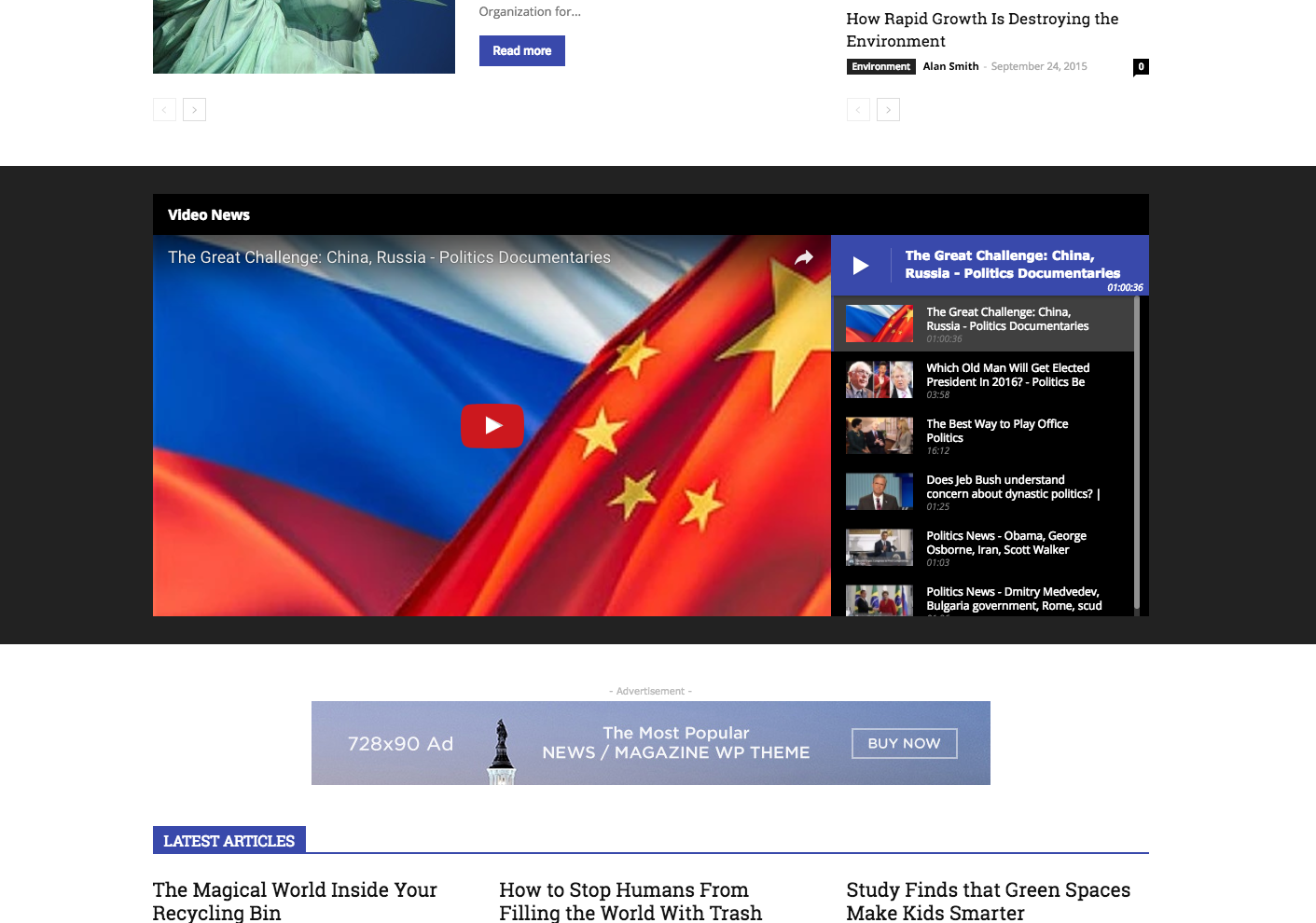
Thank you in advance
Ralf
ralf.dkHi
Where can I update the social media section on the right side of the template?
I filled all informations inside the Theme Panel but nothing happens?!?!
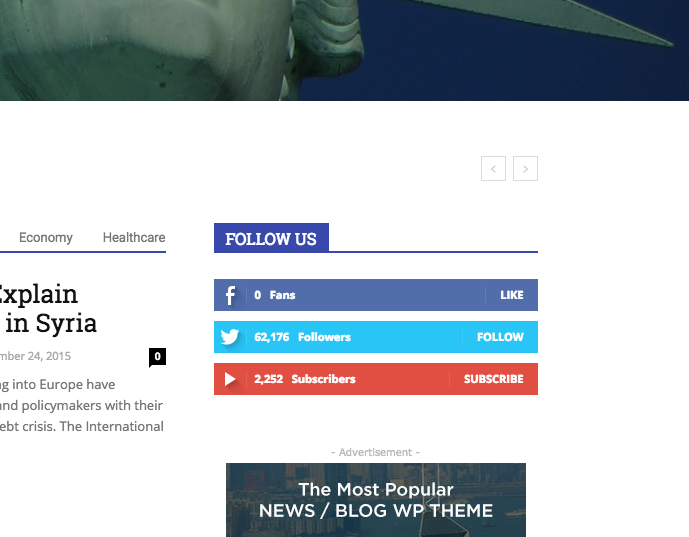
Thank you in advance
Ralf
 salimnazer
I deleted my wp bakery plugin to update visual composer. I am trying to update by uploading newly downloaded js composer zip folder but couldn’t update it. I end up with broken link page.
I would appreciate if you could help me resolve the issue asap as i currently don’t have a visual composer to help me with some crucial updates.
 TCSails
 I have pasted the full code in from Google… Flushed the server cache… dumped the cache in three browsers and my ipad…. still getting it.
I was not getting it before I updated the theme.
Thanks
 Emil G
 Hi,
I’ve checked our url and there’s no threat – http://screencast.com/t/eKK2CvtM5
I suspect it’s a false positive on your side, check if your antivirus is updated.
Thank you!
Emil G Hi,
The first 3 posts are part of the Featured category. You have to find the Featured category id – http://screencast.com/t/iFa7XL9s
And add the following code – http://screencast.com/t/2lxjc6GHS
We plan ro fix this in the one of the next updates.
Thank you!
Emil G Hi,
If your css is stored in Theme Panel -> Custom Code -> Custom CSS, it won’t be lost.
No settings made in Theme Panel or on Posts, Pages, etc. won’t be lost.
The update rewrites the theme files and only the custom modifications made on the theme files will be affected. If you didn’t made any modifications on the theme files, you don’t have to worry.
If you find it hard to update via ftp, there’s an easier method:
– From wp-admin Appearance, just switch the theme to Twenty Sixteen (or any other theme you may have) – http://screencast.com/t/pUsPQIhxy
– from the same area, delete Newspaper – http://screencast.com/t/s4KkeByP9efW – http://screencast.com/t/fGhkkbzJK9xz
– next press on Add New http://screencast.com/t/5RtxCpQvuDy – Upload Theme – and install the theme latest version – http://screencast.com/t/tS8ssTmOkXJb
– activate the theme
Wordpress (and we) recommends that before doing any update to it’s core or update to themes or plugins, to backup your site. More details can be found on their documentation – https://codex.wordpress.org/WordPress_Backups
Thank you!
Emil G Hi,
We inspected this and it wasn’t a bug, the author was not displayed on the page/post but the author meta was still active to serve for web search engines crawlers/bots.
For those who want to disable it, we plan to add an option in Theme Panel in one of the next updates.
Thank you!
Emil G Hi,
Using allow_url_fopen=1 is considered a potential security risk. This means that it will only be a problem if your code is sloppy, which is not the case with any of our themes.
We know that many servers disable allow_url_fopen by default and this issue is on our list. We will modify the code in one of the next updates, sorry for the delay.
Thank you!
