Calin
Calin Hi,
Please make sure that you do not have a plugin conflict, please deactivate ALL plugins except tagDiv plugins (theme plugins), also if you are using child theme or cache plugin, deactivate them, clear all cache and try again.
Also please make sure that all the settings are like in our requirements, please follow the guide carefully
– https://forum.tagdiv.com/requirements-for-newspaper/
and please increase all requirements that are lower, and follow all steps.
If there is still a problem, you can send us an email at contact@tagdiv.com and provide admin login, as well as cPanel. We will take a look. Include a link to this topic in the email.
Let me know the results!
Thank you!
Calin Hi adrianprieto00,
Unfortunately for the moment on blocks/module it can be display only the category, tags are available only inside the article.
If this is not what you mean, please provide some more details.
Thank you for your understanding!
Calin Hi coralie,
So if you edited the Fashion PRO category with tagDiv Composer and you added the block 13 and set the category filter on featured -> https://i.imgur.com/AZAVlqQ.jpg then it can be display all the posts/articles that has assigned the featured category.
Thank you!
Calin Hi,
As soon as Instagram approves that we can use their api to receive Instagram feeds, we will make a theme update.
Thank you!
Calin Hi,
Please make sure that you do not have a plugin conflict, please deactivate ALL plugins except tagDiv plugins (theme plugins), also if you are using child theme or cache plugin, deactivate them, clear all cache and try again.
Also please make sure that all the settings are like in our requirements, please follow the guide carefully
– https://forum.tagdiv.com/requirements-for-newspaper/
and please increase all requirements that are lower, and follow all steps.
If there is still a problem, you can send us an email at contact@tagdiv.com and provide admin login, as well as cPanel. We will take a look. Include a link to this topic in the email.
Let me know the results!
Thank you!
Calin Hi,
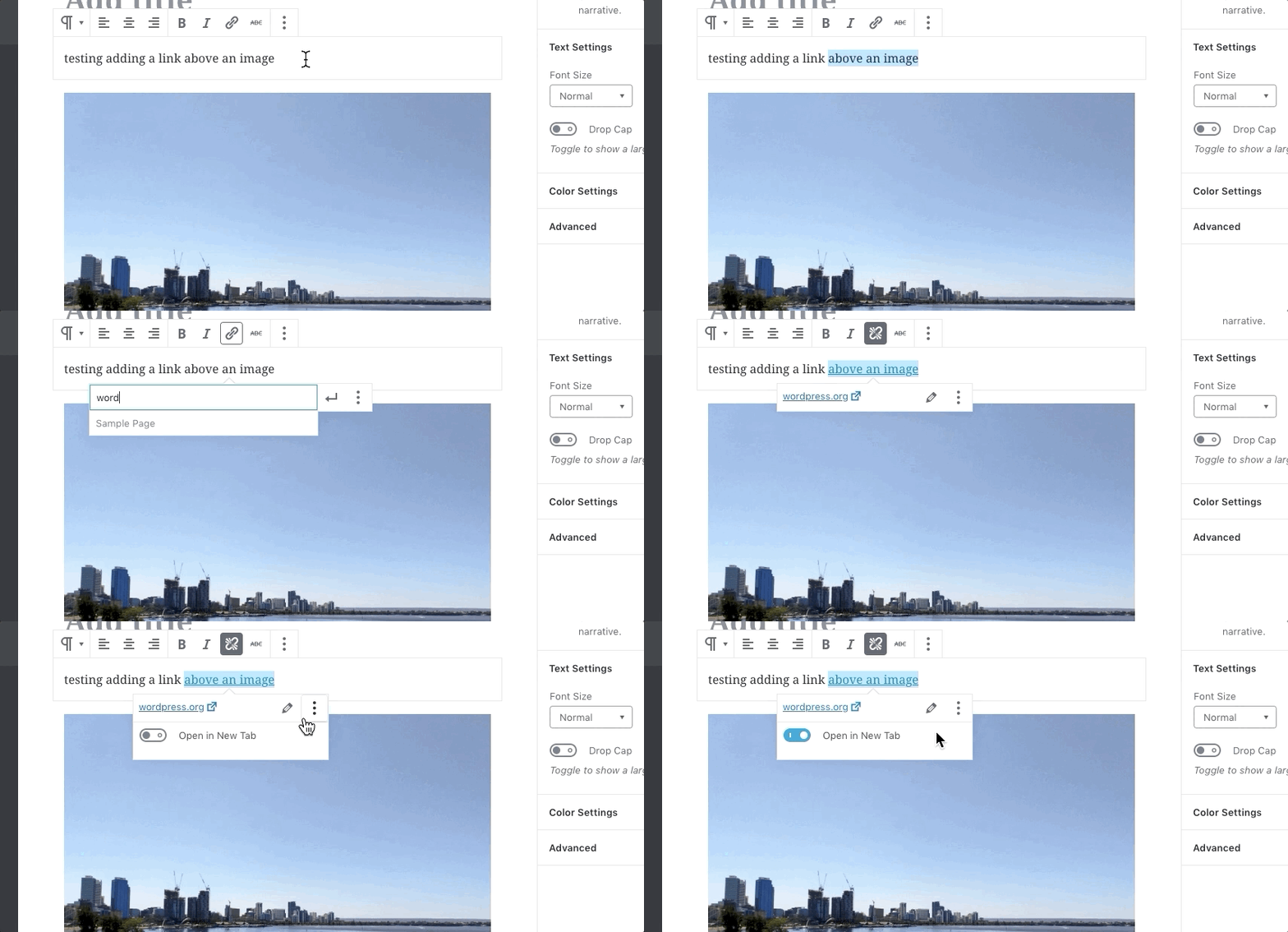
1. In order to disable the lightbox (modal image) option you need to disable this option from theme panel -> https://i.imgur.com/fqXxu84.png Also in latest version of WordPress was add an individual option for lightbox -> https://imgur.com/jFbeAM7 also for the open in a new link tabe pelase check this option -> https://user-images.githubusercontent.com/677833/49787647-31449280-fd62-11e8-91d0-adc32f5ca3f3.gif
2. For Jetpack Subscribe please check these articles -> https://jetpack.com/support/jetpack-blocks/subscription-form-block/ and -> https://jetpack.com/support/subscriptions/#:~:text=To%20enable%20Subscriptions%2C%20navigate%20to,turn%20on%20the%20Subscriptions%20feature.
Thank you!
Calin Hi,
When the mobile version or amp is displaying on desktop is a cache problem, we recommend to use WP Super Cache plugin, this is a free plugin and tested with our theme, also we have a guide for the settings you should do -> https://forum.tagdiv.com/cache-plugin-install-and-configure/ also if you are using other cache plugins please deactivate them and make a test.
Thank you!
Calin Hi chotaweb,
If you are using cloud template or pro demos (these are made only with cloud templates), these can be edited only with tagDiv Composer, the settings from theme panel will not affect theme.
https://i.imgur.com/8ojZ6ky.jpg -> https://i.imgur.com/ygtOSDE.jpg
Also the background image from header can be change only with tagDiv Composer, you need to click on the row and chcek the css tab -> https://i.imgur.com/8Be7CCp.jpg
Thank you!
Calin Hi,
The background image can be blurry when the image is smaller and need to be stretch or when you have set a smaller thumb for that image, make sure that you set the full size for the image that you have set as background, for example-> https://i.imgur.com/UVlTXgy.jpg
Also in some cases this image can be look blurry because of some plugins for optimization, these plugins will display a smaller/compress version of image and the result will be in a blur image.
Hope this will help you!
Thank you!
Calin Hi xyq146353,
This can be achieve using flex block 1 or you can choose to import a block from cloud -> https://i.imgur.com/3AUPg0E.jpg -> https://i.imgur.com/c9amvRs.png in this way you’ll have only to adjust the flex block with tagDiv Composer
Thank you!
Calin Hi thegun1986uk,
Please try the new mobile theme plugin, this should help you to improve the mobile speed, also you can check more details about it in these articles:
-> https://tagdiv.com/mobile-theme-get-mobile-ready-with-newsmag-theme/
-> https://forum.tagdiv.com/the-mobile-theme/
Thank you!
Calin Hi DavidSiqueiros,
As soon as Instagram approve to can use there api to can get the Instagram feeds, we will make a theme update.
Thank you for your understanding!
Calin Hi,
So first your social need to be public, for example now your facebook is privet -> https://i.imgur.com/F5Z3hr4.png also for twitter is look that there are 0 feeds and there is no account for @CountryCaller -> https://i.imgur.com/VgfhJpS.png
For Instagram please check this topic -> https://forum.tagdiv.com/topic/cannot-connect-instagram-account-2/#post-357342
Thank you for your understanding!
Calin Hi,
It looks like instagram retired a legacy API permission on June 29. Here’s their post: -> https://www.instagram.com/developer/
The changes for Instagram ware made, now we need some approbations from Instagram to implement the api key and after we got them, them we’ll make a theme update where will be the new Instagram version.
Thank you for your understanding!
Calin Hi,
The Newsmag theme is very possible to not work correctly on wordpress.com, I remember that some users had some similar problems, they said that this platform is limited and is not allow you to install any plugins -> http://prntscr.com/q4x1j4 -> https://ithemes.com/tutorials/wordpress-com-vs-wordpress-org/ then you can get even this “problem”-> https://i.imgur.com/oQEFpBd.png
At the end the problem can be caused by a plugin from the platform that you can not disable, the only way to find out is to test only with theme plugins. If you want you can try on localhost and in this way you’ll know if the problem is from untested plugin or platform.
Also if we login and we can not disable the plugins, then we still can not investigate this problem.
Thank you!
Calin Hi,
Usually this option is apply for post content from mobile theme plugin -> https://i.imgur.com/vovyEix.png but in some cases there can be element that can not be overwrite by the setting from theme panel.
Please provide ma a link where I can inspect your content, in this way I will be able to provide a better answer.
Thank you!
Calin Hi malikmubshir,
I will try to explain again, the related posts from category will display all the posts that has on of the categories that the current article has -> https://i.imgur.com/asFFNwf.png -> https://i.imgur.com/30RjMdK.jpg -> https://i.imgur.com/fMp9rRM.jpg -> https://i.imgur.com/2bLdRxt.png
If you want you can make a test with a standard post template.
Thank you for your understanding!
Calin Hi askshameer,
There is no templates for wooCommerce, but you can set the wooCommerce shortcode in pages using tagDiv Composer, these need to be set in column text or text with title in text area -> https://i.imgur.com/dY3qluv.png -> https://imgur.com/CSPcls9
Also cloud templates can be use only for theme.
Thank you for your understanding!
Calin Hi,
It looks like instagram retired a legacy API permission on June 29. Here’s their post: -> https://www.instagram.com/developer/
The changes for Instagram ware made, now we need some approbations from Instagram to implement the api key and after we got them, them we’ll make a theme update where will be the new Instagram version.
Thank you for your understanding!
Calin Hi Hameed,
The post view count can be seen only inside the article, there is no option to display it in homepage for blocks like the one that is set for latest articles.
Thank you for your understanding!
Calin Hi,
If you ads are set using a cloud template, then only the users with admin and editor role can save the changes make with tagDiv Composer, the rest of users will be able to see the template, to make the changes, but the save button will not work.
Hope this will help you in some ways. Also there are plugins that you can use, unfortunately we do not tested any of theme, therefore, I can not recommend one.
Thank you!
Calin Hi namhyojin,
I think that Vlad provide the wrong cloud footer code, you can get the code for classic pro from here -> https://pastebin.com/z5XZssJA set it in a footer template.
Thank you!
Calin Hi,
If are using the main theme and not the child theme and you are able to edit the page with tagDiv Composer, then the problem is with some files that are set in child theme, make sure that you are using the child theme as in our guide from her -> https://forum.tagdiv.com/the-child-theme-support-tutorial/
Let me know if tagDiv Composer is working or not without child theme.
When tagDiv Composer is not working ->https://forum.tagdiv.com/tagdiv-composer-not-working/
Thank you!
Calin Hi soccerratmartin,
Using tagDiv Composer you can edit and build pages and cloud templates, but you can not use it to make posts, these can be edited only from WordPress Gutenberg editor.
If you have some questions about our theme, just let me know!
Thank you!
Calin Hi orionlabs,
Indeed the JUSTIFY style is not add in elements from tagDiv Composer. What you can do is to add an extra class -> https://i.imgur.com/cyMtD7p.png adn use this custom css for that class -> https://i.imgur.com/LAwux7i.png all blocks that will have this extra class will display the text justify and there will be no problems when you’ll update the theme.
The css need to be set in theme panel> custom code> custom css.
Hope this will help you!
Thank you for your understanding!