
- NewspapertagDiv AMP Plugin Tutorial
- ApiPractical example – How to add a new Block and Module
- NewspaperTrack Subscription Sources with Locker URL in Opt-In Builder
- NewspaperWP Rocket and Newspaper Theme: Optimization Guide
- NewspaperCredit System
- NewspaperIntroduction to CPT and ACF with Newspaper Theme
- NewspaperHow to edit modules for Flex Block X
- NewspaperHow to use the Posts List shortcode
- NewspaperUser review system
- NewspaperCustom Fields Support
- NewspaperHow to generate Facebook App ID
- NewspaperHow to insert a block inside the content of a post
- NewspaperModal Popup
- NewspaperPayPal Setup
- NewspaperLink Tracker
- NewspaperLockers
- NewspaperGeneral Options that May Interfere with the Newspaper Theme
- NewspaperAdd Cryptocurrency Price Ticker Widget
- NewspaperPosts Loop Element
- NewspaperThe Newspaper Mobile Theme: Introduction
 BuddhaNET777
 this code you have given me hides the entire description, I would like to keep the description visible but by default make it not include the embed url when there is no description written on the post… please advise, thanks
Example without your code and without a text description input for post, displays the embed url as description
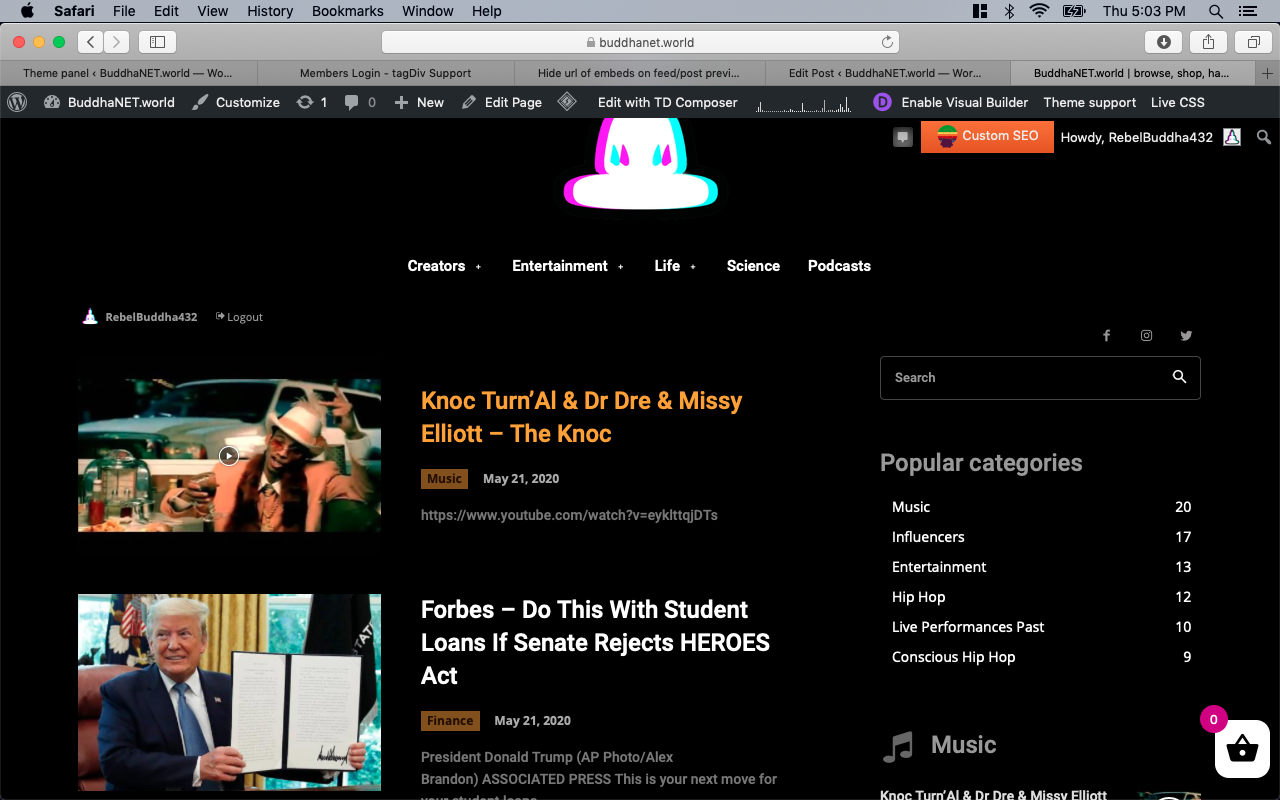
Example without your code with description written proper length hides url
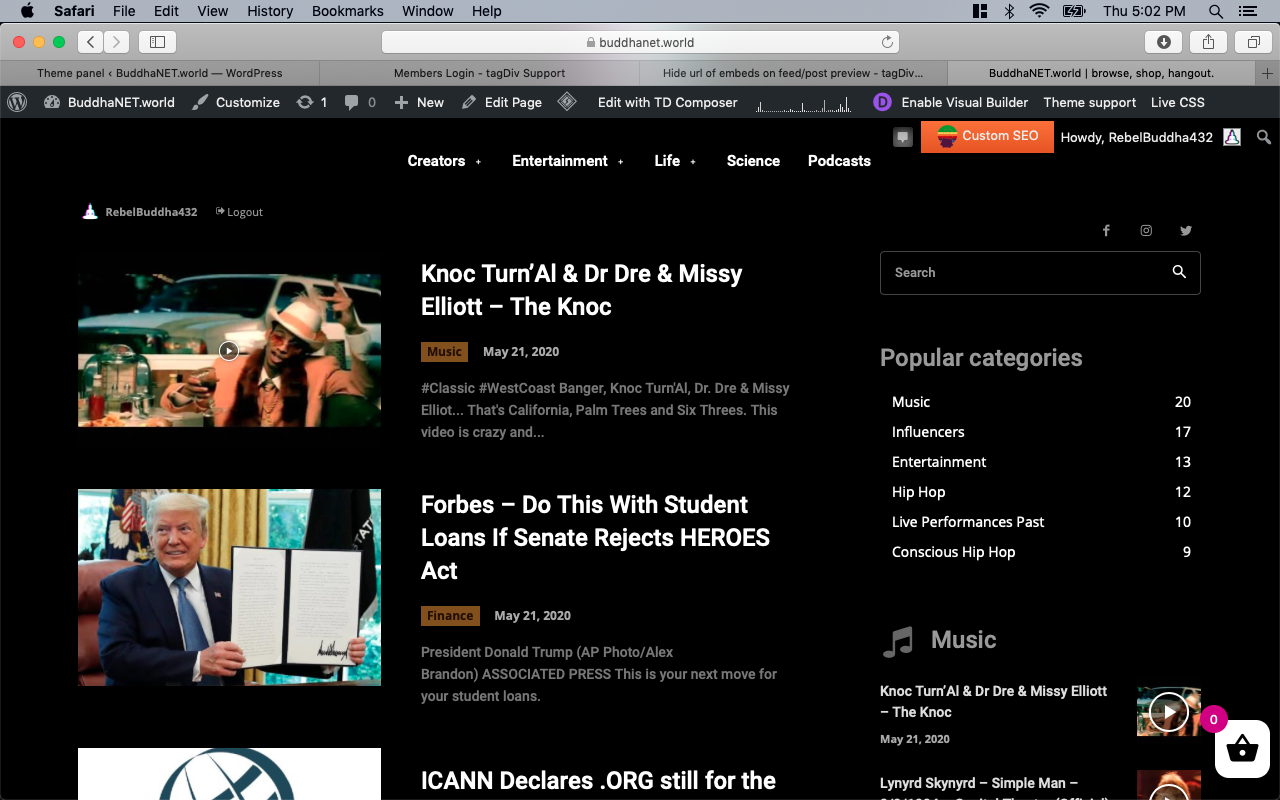
Example with your code, no description display
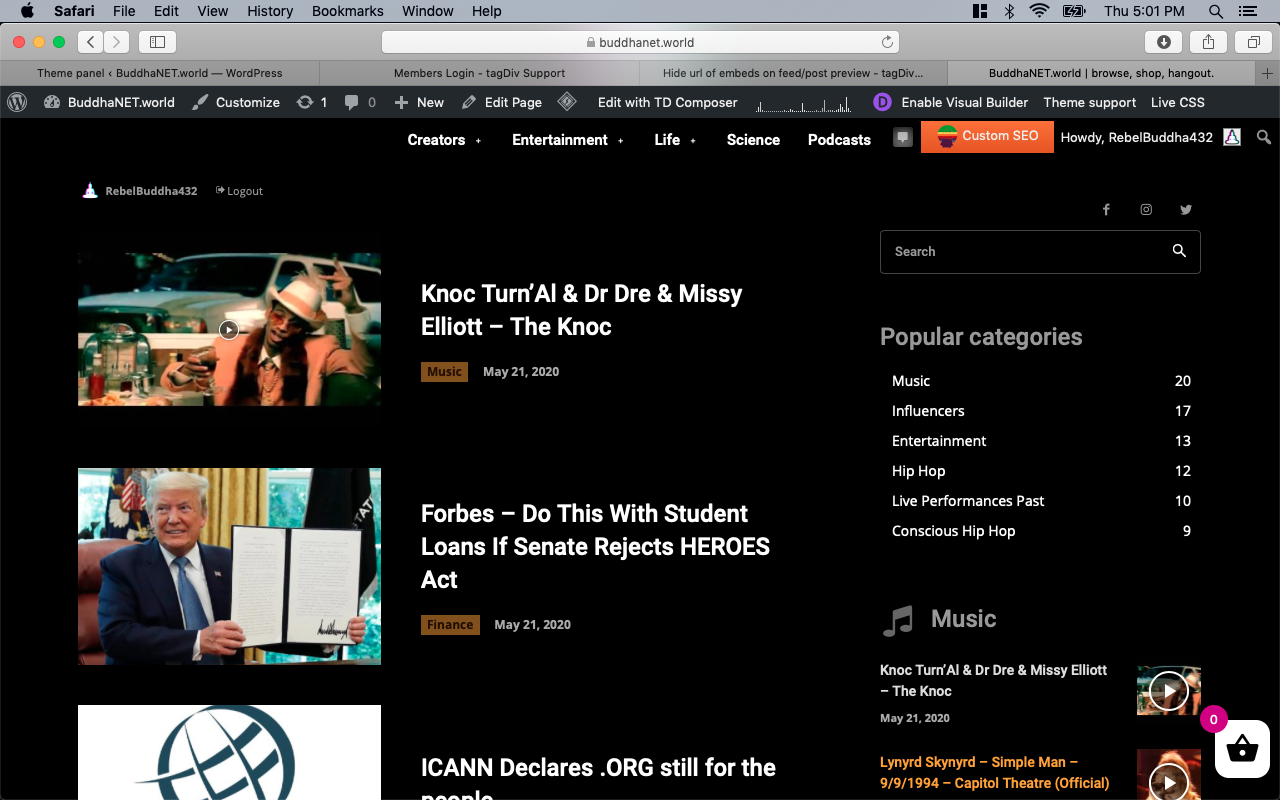
-
This reply was modified 6 years by
BuddhaNET777.
 Maxyct
Hi all,
By installing WPBakery Page Builder will be introduced more css + js into my pages? Will this impact the performances? Can I disable tagdiv composer in that case?
Thanks,
Max
 archnews
I want to ad Google AMP enabled ADs instead of standard ads to my theme.
When you create the ad, google adsense says:
Step 1: Copy and paste the script in between the <head></head> tags of your site
Place this code once in between the head tags of your AMP site’s HTML. This script loads the relevant amp-ad libraries.
<script async custom-element=”amp-ad” src=”https://cdn.ampproject.org/v0/amp-ad-0.1.js”></script>
However, there’s no head tag in the plugins theme, Google says – the plugin has a txt file that says “The mobile templates files are in the ./mobile theme directory, the TagDiv Mobile Theme plugin detecting and working with them.” but there’s no accessibly theme I can see.
So how do i add the initial script to enable AMP ads in the header?
 gumball44
 same problem with this page
https://lowtechnation.com/test-orientation-metier-avenir/
https://lowtechnation.com/test-orientation-metier-avenir/?amp
really strange
 forevermogulmag
 For example onmogul.com
 fm92
fm92Hello,
how i can set links in amp pages to link to normal page?
 Balasahu
The size of my mobile logo is 309 x 35, yet it is not aligning properly, touching the Mobile Menu and Mobile Live Search icon from both side.

Mobile view in Desktop:

Mobile view in Mobile:

Tries below steps:
1. Upload the mobile logo on both Header & Mobile Theme options.
2. Upload through Tagdiv Composer.
Please assist to resolve the issue.
 Calin
Calin Hi,
If you are using a pro demo, the footer is a cloud template, then you’ll need to edit it from a page, for example, you can edit the homepage, click on edit with tagDiv Composer -> https://i.imgur.com/uweNRrc.jpg after that go down to the footer end edit it how you want (now you can customize the the whole web-page from fronted).
Thank you!
Calin Hi,
That is because you are using the mobile theme plugin, you’ll gain a better speed then responsive version of theme, but in order to achieve that speed you’ll need to create a new content for pages because in the most of cases those were made with builders ( tagDiv Composer, WPBakery ) and you need to use only the mobile editor ( you need to set the content for pages in mobile editor and this content will be display on mobile theme)
-> https://i.imgur.com/9d0UWLT.png
Also you can show the responsive version on mobile theme -> https://i.imgur.com/m0bVB5T.png you can check more details about mobile theme in our documentation -> https://forum.tagdiv.com/the-mobile-theme/ or if you want to have the responsive version only, you can use the amp option from mobile theme -> https://i.imgur.com/oofST3D.png (to use the mobile theme template on amp) or you can disable the plugin.
Hope this will help you!
Thank you!
 Vlad S
 Hello !
If you will use for example only one post template, that can be edited from the cloud Library, and the changes you make on that template will be shown in all the posts that use that template. Find out more in our guide here: https://forum.tagdiv.com/design-post-pages-using-cloud-library-templates/
Thank you !
 nimbukofficial
I Want to insert a 6 row table which only list name of pages with different categories in home page.e.g
AAAAA BBBBB CCCC DDDD EEEE FFFF
a a a a a a
b b b b b b
c c c c c c
d d d d d d
Calin Hi,
I just try again, this is the code that I have set -> https://i.imgur.com/l7Jirsy.jpg using only this css for desktop -> https://i.imgur.com/tQALrYh.jpg and for me the results on mobile are -> https://i.imgur.com/ugETCew.png (you need to refresh the page to see the results). Please try with banners/images like in my example and let me know the results.
Thank you!
Vlad S Hello !
Please take a look at our guide here: https://www.youtube.com/watch?v=biTpVVlr8j8&t=3s
Thank you !
Calin Hi,
As a solution you can use the amp plugin without mobile theme and set the amp option like this -> https://i.imgur.com/lbe43pJ.png but the best implementation of this amp with our theme is using it with mobile theme plugin.
Thank you for your understanding!
 jbyrnes
Hi,
My website https://www.fredbloggs.co.uk/ doesn’t recognize the theme. What I did was I updated the theme from 10.3.3 to 10.3.4. Moments later I received this:
Howdy!
Since WordPress 5.2 there is a built-in feature that detects when a plugin or theme causes a fatal error on your site, and notifies you with this automated email.
In this case, WordPress caught an error with one of your plugins, tagDiv Cloud Library.
First, visit your website (https://www.fredbloggs.co.uk/) and check for any visible issues. Next, visit the page where the error was caught (https://www.fredbloggs.co.uk/wp-admin/update.php?action=update-selected-themes&themes=Newspaper&_wpnonce=c049c99451) and check for any visible issues.
Please contact your host for assistance with investigating this issue further.
If your site appears broken and you can’t access your dashboard normally, WordPress now has a special “recovery mode”. This lets you safely login to your dashboard and investigate further.
To keep your site safe, this link will expire in 1 day. Don’t worry about that, though: a new link will be emailed to you if the error occurs again after it expires.
When seeking help with this issue, you may be asked for some of the following information:
WordPress version 5.4.1
Current theme: Newspaper (version 10.3.4)
Current plugin: tagDiv Cloud Library (version 1.5 | built on 06.05.2020 14:38)
PHP version 7.3.12
—
How can we resolve this? Many thanks,
 engrmahmud
The previous one is when I install WPbekar Page builder & if I use custom post template then sidebar not support perfectly. Its show below the post! In mobile view, it’s even worse
I have found another problem today when I update the theme. I use the WMPL plugin to my site for English & Bengali Language. I use different post page templates for English & Bangla but after today’s update, it shows the same template! It’s a big issue for my site. Please Help me. my website address: https://footcricinfo.com
 45Admin
Hi there, I’ve been using the Newspaper theme to set up a site on a staging platform, and we’re nearly ready to go live, but I’ve noticed a few issues. Firstly the secondary (category) level of the breadcrumb string is not a clickable link, as expected, but I can’t find anything in the documentation on how to turn this on.
Secondly, I turned on all sizes of standard and retina crop, and yet certain module templates are still looking really low res on certain screens. For example the M3 module blocks. And yes the retina crops were turned on prior to image upload.
 diriras
Hello,
I want to build in my newspaper theme portal a section below the main menu, which will show all the teams logos as in the example which I have marked with the yellow arrows.
https://www.to10.gr
https://ibb.co/NS5sCL3
I do not know what tool to use in the newspaper theme to achieve this. As you can see in the example each logo is a has a different link target and i want to develop it in my sport portal powered with newspaper.
kind regards,
Michael
 nguyenduc1601
 I have disabled all plugins. Cleared cache, but the interface on the link amp is still corrupted. Help me fix please!
 turma99
 Hi, Vlad! Could you please help us find out why AMP ads are not being displayed? Can you check if I put the AdSense codes in the right places? Thanks!
gumball44 How do you explain the button difference between thoses two pages in amp version ? It’s exactly the same button on desktop
https://lowtechnation.com/livres-low-tech/?amp
https://lowtechnation.com/metiers-avenir-agriculture-foret-peche-2030/?amp
-
This reply was modified 6 years by
gumball44.
Calin Hi,
Please make sure that you are using the amp plugin with mobile theme plugin.
If there is still a problem, make sure that you do not have a plugin conflict, please deactivate ALL plugins except tagDiv plugins, also if you are using child theme, cache plugin or CDN, deactivate them, clear all cache and try again.
Please make sure that all the settings are like in our requirements, please follow the guide carefully
– https://forum.tagdiv.com/requirements-for-newspaper/
and please increase all requirements that are lower, and follow all steps.
Let me know the results!
Thank you!
Calin Hi,
The amp version will be on mobile and you can not make the hover on mobile devices, but if you want you can set it in Theme panel> Mobile theme > Custom code> css it should apply on amp too.
Thank you!
jbyrnes Hi,
For example one of your demos: https://www.fredbloggs.co.uk/entrepreneurial-advertising-the-future-of-marketing/
if you rollover the mouse thru the pic you’ll see text showing ’44-1′, now I still want the title for photos, I just don’t want them displayed on live website. Is there any solution for this?
Vlad S Hello !
Follow our tutorial for more information: https://www.youtube.com/watch?v=biTpVVlr8j8&t=3s
Unfortunately you cannot have specific ads on specific posts.
Thank you !



