- NewsmagInstall via WordPress
- NewsmagInstall via FTP
- NewsmagInstalling pre-built websites
- NewsmagUsing the theme translations together with WPML
- NewsmagHow to update a plugin
- NewsmagNewsmag theme support
- NewsmagCustom Post Type Support
- NewsmagImport / Export theme settings
- NewsmagHow to add icons in the menu
- NewsmagRequirements for Newsmag
- NewsmagNewsmag documentation
- NewsmagHow to update the theme
- NewsmagBlock settings tutorial
- NewsmagHow to update the WPBakery plugin
- NewsmagIntroduction
- NewsmagMain menu
- NewsmagFeatured image or video
- NewsmagAuthor card
 Rigsbyx
Hello,
I have experienced so many issues with your theme that I am coming to the end of the road. There are far too many issues to list here, but the latest one forced me to completely reinstall your theme and start all over again. One month after purchasing and spending my entire life every day on the project, I am now back to square one, and I am not happy.
I didn’t wish to use a backup in case it brought along with it any errors.
Okay so, please explain to me why tagDiv Composer crashes my website. I have disabled all plugins and also made a video showing the exit process, and it is definitely your plugin.
This obviously isn’t happening (yet!) with the fresh install, but maybe I can return to the other installation (still saved in a subdomain) if you can help.
Thank you
 edwinlima
Hi,
I have an issue, I need to add shortcodes from plugins to the homepage that I have installed in WP that don’t belong to the tech predefined template. However, everytime that I make a change on the page using the tagdiv composer that shortcodes disappear and I need to add them manually using the page editor. Why is that and how to prevent that?
Regards,
Edwin Lima
 danishmallick
 I have activated the theme on my money site and your theme is costing me lots of loss in terms of revenue and ranking on google ever since I have updated the theme, the Mobile Usability score is continuously going down on google search console, whenever the site loads it shows scrambled text and images for first few seconds and then the layout automatically gets fixed and when I test the link of my website on Google Mobile-Friendly Test it gives too many errors and I’m losing ranking on google because of this issue.
Note: I’m having this issue on both mobile and desktop, I have first updated the theme to 11.2 which totally messed up my website and then I installed the previous version of the theme that is 10.4
Theme activated on: https://www.goodelectricshaver.com
Have a look at the google mobile-friendly test result for my website, follow the link below
https://search.google.com/test/mobile-friendly?id=6jvRnjO5_dZyS6GbmRg6PQ
Please do something about this since I’m losing both ranking and revenue
-
This reply was modified 5 years by
danishmallick.
-
This reply was modified 5 years by
 zy331200
I am try to build an e-commerce website with newspaper theme, I am excited to know that V11.2 is able to support many woo commerce features after knowing from documentation. Anyway I am failed to do it when I creating a new page for my shop page, I can’t find “woo product category” block from my Tagdiv composer, which it is described in the documentation it should be available.
You can see from the image here what I have in my Tagdiv composer: https://imgur.com/a/6a20Bi2
And I am trying to install a shop template but I failed again, as it is not available in my cloud library: https://imgur.com/a/FuZ4o0i
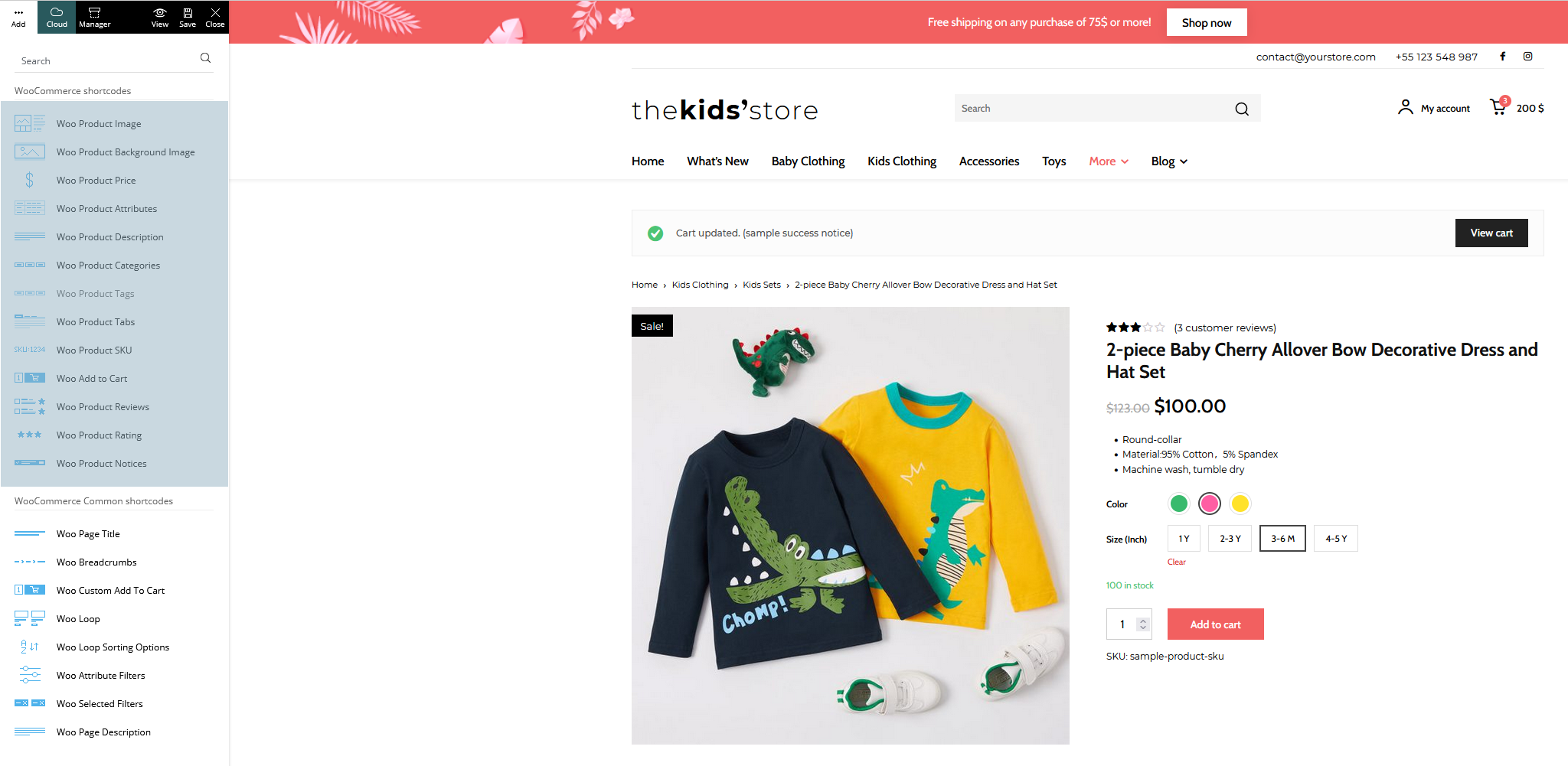
And in the Tagdiv newspaper documentation here, it shows all blocks related to woocommerce: https://forum.tagdiv.com/wp-content/uploads/2021/09/woo-shortcodes.png
Can any one tell me what I was doing wrong?
 Mark Gilbert
 Here is my experience – https://www.screencast.com/t/JruTL2Uoe Is this correct behaviour – what you see?
If not, there is perhaps a problem (some corruption?) with my installation. My installation conforms with requirements in documentation.
Thanks
MG
 Widebody News
Hello, I’m looking to buy a second license for a new website but I was never able to figure out the mobile theme. I just want a simple listing of the latest news and some menus, nothing fancy. Since it’s different from the desktop layout, am I supposed to go for the route where I delete the apps and create the mobile page? Right now, I have that done with a mobile theme from the cloud installed, but it’s not showing the correct way.
https://widebodynews.com/
Also, I have a question about AMP. It seems to disable my lightbox and google search console showed links with /amp in them at the end, so it was seeing two types of links which I thought was strange. If I don’t want amp I’m supposed to go the mobile page rout?
https://widebodynews.com/muscle-cars/hot-rodder-cant-buy-his-old-dodge-charger-daytona-builds-this-instead/?amp=1
(note, I have watched “Let’s go Mobile!” ten times. Please tell me what is the ideal solution to my situation).
 alessandrogini1
Hi there,
I think there’s something wrong with the page builder for pages. When I go to “Pages > add new page > tagdiv composer” this is what I see: https://snipboard.io/XsmixM.jpg
The header and footer are overlapped and you can actually modify them like you were modifying the header/footer template. So if I mess up doing my page the changes are applied to all the website structure into the header or footer.
This is so weird ’cause I use newspaper on other WordPress installations running multiple websites and this neve happend. Normally tagDiv composer works just smooth and fine saving me a lot of time, but in this case I’m wasting a lot of time trying to figure out what’s wrong.
Can you please help me?
Thanks
Mark Gilbert I still need to understand what you are saying. You say: “the theme is coming by default as I mentioned because I tested on a fresh install of the theme and this is working well.”
I don’t know what “coming by default” means. Do you mean that in Style 3, 7 & 8, with no CSS, you are seeing the post title in white? To help me understand, can you please go to this post – https://jazzjournal.co.uk/2020/08/15/charlie-parker-at-100-chasin-the-birds-tone/ (it’s set to Style 3) and tell me if you see the title in white or in black? The words of the title are: Charlie Parker at 100: Chasin’ the Bird’s tone
You can simply reply “For me the title is black” or “For me the title is white”.
To I am seeing only black, in Firefox, Safari and Chrome, on a MacBook Pro.
I know theme fixes take time – it was a suggestion for the future – but from what you say it looks like there may be a problem with my installation, which is why I ask you to take a look at it…
Regarding clients using cloud templates, I said in my first message above: “I know there are cloud options but can’t use any cloud templates while they remain incompatible with my paywall plugin.” (A reason, as I’ve said before, that Newspaper, as a media theme, needs to provide an integrated paywall as a priority ahead of shopping, which has nothing to do with journalism.)
Thanks again – look forward to your clarification.
Mark Gilbert
 Bettina
 Hello!
Please make sure all the settings are correct: https://forum.tagdiv.com/the-mobile-theme/
This situation appears when you are using the mobile theme plugin and the cache plugin that you have does not feature options for a separate mobile theme plugin therefore do not know when to deliver the mobile version and when to deliver the desktop version.
We tested with our theme the WP Super Cache and with the settings from our guide this is working correctly: https://forum.tagdiv.com/cache-plugin-install-and-configure/
Also, the issue can be from a plugin conflict, that’s why, please deactivate ALL plugins except tagDiv ones, also if you are using child theme or cache plugin, deactivate them, clear all cache(also from your browser) and try again.
If this problem is not solved after that, then we need to take a look and see what happened there.
Please contact us via email at contact@tagdiv.com and provide the following:
– admin url and credentials
– cPanel url and credentials
– a link to this topic in order to identify you
Our team will take a look!
Thank you!
Bettina Hello Mark!
I just say that the theme is coming by default as I mentioned because I tested on a fresh install of the theme and this is working well. We will investigate more and try to guess why in your case it is different. Please note that we can not “adjust it” in 2 minutes and everybody will have the fix, but maybe others do not have the issue as you. These cases could have a lot of possible trouble why those are black or white.
One more thing, a lot of clients do not use those default styles anymore because they prefer and we recommend the cloud templates to have the possibility to customize them with the TagDiv Composer.
Thank you for understanding!
 Anamaria
 Hello,
I think this problem is caused because the install was not done correctly, please make sure your theme and plugins are updated correctly, also, you can try to reinstall the theme and plugins
-> https://forum.tagdiv.com/install-via-wordpress/
-> https://forum.tagdiv.com/install-via-ftp/
Also, please make sure you do not have other extra plugins activated during the installation, as this may interfere with the installation process.
Thank you!
 totojisic100k
How can I install sports scores like this?
 R7
R7Hello I currently have the Magazine Pro demo theme installed and currently trying to customize it but I feel I might be better off just trying to design my own depending on how difficult it is.. but I would like to give it a try.
So how can I start designing a new custom theme and also keep my saved magazine pro design that I am editing?
 russellk
While creating posts yesterday, the homepage suddenly quit loading content, and instead only displayed the header and footer. Using CTRL+F5 loads the content consistently.
I turned on debugging info in wp-config, and also see, "Notice: Undefined offset: 0 in /home/dh_wpsun/hernandosun.com/wp-content/plugins/td-composer/legacy/common/wp_booster/td_module.php on line 378
Notice: Trying to access array offset on value of type bool in /home/dh_wpsun/hernandosun.com/wp-content/plugins/td-composer/legacy/common/wp_booster/td_module.php on line 501" randomly interspersed in the page. The line numbers in this message are different in the body vs. sidebar.
We went through a problem with the tagdiv composer also, but I’m not sure if that’s related to this display issue.
We’ve installed WP SuperCache, but it does nothing. The site also employs Cloudflare and uses its plugin which is supposed to clear caching upon each update to the site.
I have images showing the header/footer only and the way it’s supposed to look, but I don’t see an option to attach them.
You can view the site here: hernandosun.com
 SOLID_VENTURES_INC
Hi Support,
We are using Newspaper theme on the website http://170.249.236.146/~urboadmin/ with Tag div editor and running in the issues in sticky sidebar.
We are also using infinite scroll on posts and it works well, However when the scroll gets to second post or so it does remove the sticky from the right sidebar of the posts. Can you please take a look at this post http://170.249.236.146/~urboadmin/content/why-americans-refrigerate-eggs-and-other-countries-dont/
and help us to investigate what is the issue which is creating issue for Sidebar not to be sticky when new posts loads using infinite scroll.
We are having this issue on all the website where we installed Newspaper theme and tag div editor.
Please reply as soon as you can with the suggestion or fix.
Bettina Hello Stavros!
It seems that you have the Mobile Theme plugin installed and active. Please deactivate it and see the results!
Thank you!
Bettina Hello!
When you have the Mobile Theme plugin installed, then when you edit normally a page(not with TagDiv Composer), you will have those settings: https://www.screencast.com/t/KbleisXK
Thank you!
Mark Gilbert Mine on Style 3, 7 an 8 are still black. For example, with Style 3:
https://jazzjournal.co.uk/2020/08/15/charlie-parker-at-100-chasin-the-birds-tone/
Note – I have not applied your CSS.
Can you take a look at my installation to identify the problem? Thanks.
Bettina Hello!
I’ve tested on my end on a new install and this issue is not happening. For me, all the title were white by default.
Thank you!
Bettina Hello Ana!
The Mobile Theme is a performance optimized theme included in the Newspaper main theme and it loads only for mobile devices. It comes with its own templates for page, post, category, etc so your current templates from the desktop theme will get converted to the mobile theme layout. For more details, please take a look here: https://forum.tagdiv.com/the-mobile-theme/
Please note that if a page is made by Composer, than the content won’t be displayed on Mobile theme version. You should create the content with the Mobile Editor.
If you created the mobile pages with TagDiv Composer, then when you install Mobile Theme plugin, your pages will be overwritten by the plugin. Better deactivate the plugin and see the results.
AMP is faster and works better only with the Mobile Theme plugin. The design is looking pretty similar as our plugin.
Thank you!
Bettina Hello!
Please make sure you have the latest version of the PHP, WordPress, theme and plugins(11.2). Delete and re-install the TagDiv Composer plugin.
Please check if this code is missing from your htaccess file: https://www.screencast.com/t/iN0R93dD3p from our requirements, make sure you have all the requirements as you can see here: https://forum.tagdiv.com/requirements-for-newspaper/
Thank you!
Anamaria Hello,
Please deactivate, delete and reinstall tagDiv Composer from Newspaper plugins => https://www.screencast.com/t/OrzLvR2j and clear all cache.
In most cases when you get a similar message “ Error at zones: 8(models): 7(dom). The model does not match the content Current state has involved an issue. You could try an UNDO operation (CTRL+Z / CTRL+SHIFT+Z)” then indeed it is a problem, most of the time the problem is from a shortcode that is not compatible with our theme, therefore after you set it with tagDiv Composer and save the page/cloud template, the next time when you try to edit it, you’ll get that error.
For this error, you can check our guide from here at point 5 -> https://forum.tagdiv.com/tagdiv-composer-not-working/ also after trying the steps from our guide you do not solve the issue, you can send us an email at contact@tagdiv.com and provide wp-admin login, as well as cPanel and credentials. We will take a look. Include a link to this topic in the email.
Also, please make a full backup to all files and databases.
Thank you!
 SNB123
Ok so I have migrated posts from Squarespace to WordPress and installed the newspaper theme and its a nightmare.
Finally, after making some progress and building the rough structure I get down to tidying up the posts on the site (there’s over 500).
Issues:
Format is all over the place.
Massive blank spaces that when deleted they bunch the previous sentence. Then I have to do the shift and return trick to make an acceptable paragraph space. I HAVE TO DO THIS WITH EVERY PARAGRAPH in the article because it just jumps one paragraph past the giant gaping space.
If I change the a text section to a header it takes the whole section with it making the entire paragraph a header.
If I try and paste text in it jumps to double line spacing.
If I try and remove an image there is just a gaping white space left that cannot be removed.
The bottom of every post has a non-removable huge white space.
The Post settings and featured video bars sit right across the middle of the posts in the editor.
Finally, how do I turn off the endless scroll function where it just keeps displaying more articles. I just want 1 post per page thanks.
Honestly, this theme has caused nothing but issues so I hope someone can help
I also understand that the above is so unspecific and hard to describe as its demonic and buggy the way the editor behaves.
 Chyamaqa
Please help!
I want to edit the block header loop post element for city News demo via Tagdiv composer.
Please also let me know, if I install newspaper version 10.3 will I be able to access the city News demo with Tagdiv cus when I was using version 10 I was able to do it but now I can’t. Please help.
 cheryldimof
Hi,
My site is at https://www.pnwbeyond.com —
I am scaling back a bit, and was doing some maintenance and finally upgrade to PHP 8.0 after it seemed all plugins were compatible — only to have a critical error.
This error only occurs when I have PHP 8.0 enabled and am using a Cloud Library header template and have Ultimate Member enabled. It does not occur with Ultimate Member and any other theme, but it occurs when I use the base theme (not my child theme). If I try to create a new Cloud Library header template, it’s blank and nothing is imported.
The error does not occur if I set the header to “No Header”– then it just shows a plain default header.
I don’t want to use the Standard Pack but reinstalled it to see what would happen. Using a standard pack default header, it works fine.
If I look at my error log I see:
[Got error ‘PHP message: PHP Fatal error: Uncaught Error: Attempt to modify property “classes” on null in (I excluded some stuff here)/wp-content/plugins/td-cloud-library/shortcodes/header/tdb_header_menu.php(1270): tdb_header_menu->inner()\n#5 …/wp-content/plugins/td-composer/legacy/common/wp_booster/td_glob…’
How can I fix this? I want to keep PHP enabled and I want to be able to re-delete the standard pack and use a cloud library header again. I don’t want to mess with some other membership plugin — I just need it there to keep people submitting events from accessing the back end of the website.
Thanks
Cheryl