
- NewspaperThe Newspaper Mobile Theme: Introduction
- NewspaperThe Mobile Theme
- NewspaperModules Builder in Newspaper Theme
- NewspaperFilters and sorting for taxonomies
- NewspaperHow to Add a Logo in Newspaper
- NewspaperBig Grid Flex Settings
- NewspaperHeader Builder
- NewspapertagDiv AMP Plugin Tutorial
- NewspaperNewspaper theme documentation
- NewspaperBest Of Forums
- NewspaperCache plugin – install and configure
- NewspaperFont Customization
- NewspaperTheme Colors Introduction
- NewspaperBackground Introduction
- NewspaperHeader ads
- NewspaperPost template ads
- NewspaperCustom ad spots
- NewspaperMain Menu
- NewspaperHow to Install Newspaper via FTP
- NewspaperHow to Install Newspaper via WordPress
 Catalin
 Hello Ednardo Menezes,
I have tested your website on page speed and it seems to return good results, as you can see here -> https://developers.google.com/speed/pagespeed/insights/?hl=ro&url=https%3A%2F%2Fbelezanaweb.info%2Fvideo-aula-amor-de-verdade-mc-kekel-e-mc-rita-cia-daniel-saboya-coreografia%2F&tab=mobile but also, I saw through your console and I you have some errors through js which can break some theme’s functionalities, as you can see here -> https://www.screencast.com/t/KNaAbZzTM Try to disable all of untested plugins which can be the major reasons of your probems to your website, clear all the caches and check the results.
Thanks for the message!
Catalin Hello Post2Post,
If you want to have something like this, you should use the Mobile Theme plugin according to our documentation from here -> https://forum.tagdiv.com/the-mobile-theme/
Thanks for your understanding!
 bellendir
 Мобильная тема. В описании написано: top grid – displays 3 featured posts (posts included in the Featured category). Не работает. Показывает по времени. Менял все файлы мобильной темы. Как показывать определенную рубрику?
The mobile theme. The description says: top grid-display 3 featured posts (posts included in the Featured category). It’s not working. Shows on time. Changed all the files in the mobile theme. How do I show a specific category?
bellendir Мобильная тема. В описании написано: top grid – displays 3 featured posts (posts included in the Featured category). Не работает. Показывает по времени. Менял все файлы мобильной темы. Как показывать определенную рубрику?
The mobile theme. The description says: top grid-display 3 featured posts (posts included in the Featured category). It’s not working. Shows on time. Changed all the files in the mobile theme. How do I show a specific category?
 vargaspazdaniel
Menu in desktop version works perfectly, however in mobile version the menu doesn’t work properly, please check this:
Everytime i hit the menu it reloads the entire page
bellendir Thanks. but nothing helped, or I did not understand. Менял строчку “<?php echo $td_mod_single->get_comments();?>” в разные места, но не меняется ничего.
Еще вопрос.
Можно ли в мобильной теме включить функцию “Unique articles:” как в десктоп версии? Чтобы записи не повторялись?
Thanks. but nothing helped, or I did not understand. Change the line “<?php echo $td_mode_single->get_comments();?> “in different places but nothing changes.
More question.
Is it possible for the mobile theme to include the function of “Unique articles” like in the desktop version? To prevent the recordings from being repeated?
 Post2Post
Is there any way we can have a different grid/block element layout on desktop version and mobile version?
 AWAY FROM LIFE
Hi,
at the moment I use the plugin “Accelerated Mobile Pages” for AMP. Is there something that I must note when I want to change to “tagDiv AMP Plugin”?
Is the url also https://www.website.com/post/amp/ to avoid duplicate content?
What is the easiest way to change the AMP plugin?
Thank you and best regards
Simon
vargaspazdanielMenu in desktop version works perfectly, however in mobile version the menu doesn’t work properly, please check this:
 saranoa
Hello! Sorry forma my english. Im from España.
I have the following problem:
I installed the AMP plugin for newspaper to adapt my website to the new Google mobile technology.
When I enter from Google with my mobile the web looks very bad. The displaced images, has changed some translated texts and the color … You can not see the drop-down menu above. It seems that it does not adapt well. When I enter with a computer there are no problems. I have unmounted the AMP plugin for newspaper because I had many visual problems.
But if it is true that the pages of the web were loaded very fast with the AMP plugin. I wish I could have it installed. How can I do it? Is there any newspaper technical support? Thanks for answering!
 Bogdan B.
 Please check the mobile folder under the main theme folder. Those are the files used on the mobile theme. https://www.screencast.com/t/VlNEapCd
Thank you!
bellendir Thank You! Do everything. And where to dig to do the same for the mobile theme?
Catalin Hello Barnikl,
What kind of changes do you have made? I saw that you are using the mobile theme which has another layout and style. What exactly you want to achieve. Provide some useful screenshots so I will be able to provide a more accurate response.
Thanks.
Bogdan B. Hello,
Please read this guide: https://forum.tagdiv.com/the-mobile-theme/
The mobile theme has it’s own ad spots. Please also place ads in the mobile theme ad spots in the theme panel.
Thank you!
 meri
meri Hi again,
Maybe is it because I have this code in my Mobile custom code?
(I need it for the links colour)
.td-post-content a {
color: #4db2ec;
}
.td-page-content a {
color: #4db2ec;
}
.td-ps-bg .td-social-mail .td-social-but-icon{
background-color: grey!important;
}
meri Hi,
I haven’t changed anything and it’s still blue on my mobile.
Can you kindly help?
Thanks
 Barnikl
 Hi Catalin,
I now made a new menu (not mega) which works. However, when I try to make changes in the color theme or background for Mobile, none of those changes are applied.

 intelweb
 i have the same problem….i had to deactivate the mobile theme to show the ads…the theme is already responsive so u will not have problem, but u will not have the same design as in mobi theme…
 videomaker
Ads not showing on mobile.
We have ads on header, footer, inline-ad, custom ads, sticky ads and NONE of them are showing on mobile
I made sure that ALL ad boxes are filled yet still no-show
 SoNowner
 Just wanted to say thanks. I was having the same issue on my site. I have cloudflare as well. When I turned it off mobile menu and search bar are now functioning.
 mediabridge2
 I was having the same issue on the mobile version of our site. Weird thing is that it works on another site that is also running the newspaper theme.
mediabridge2Images are not loading on the mobile version of our site (libertynewsnow.com)
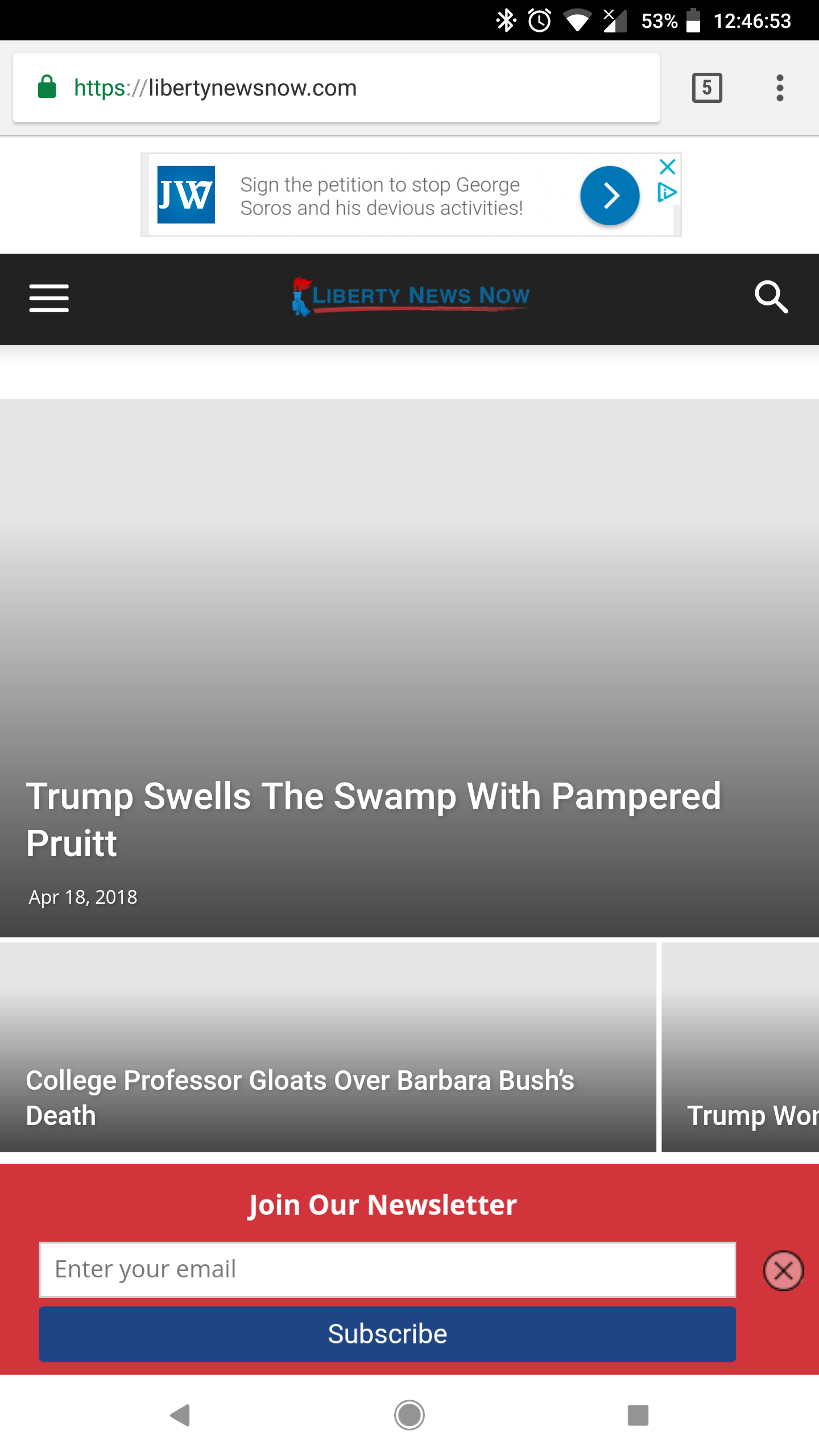
We are getting the following error message:

Images are loading fine on the desktop version.
meriHi, I use smartlists on some posts and it’s a great functionality!
I always start a post by some text (that will be used as a description on some other parts of the website and for Google description as well).
The problem is that this text remains on top when you navigate in the smartlist.
It is mostly annoying on Mobile.
Is there a way to only show this text on the 1st page of the smartlist and make it disappear after that?
Here is an example: https://www.mondeoz.com/destinations-voyage/top-100-destinations-voir-dans-une-vie/2/
Thanks for your help
 Demir
Demir Hi Catalin,
All the plugins I send to the list below are up to date.
There is a folder named “Newspaper” running on 8.6 version of the server. The newly updated theme is in the same location under the folder named “Newspaper 8.7”. This morning I cleaned all the cashes and experimented by changing the names of the folders mentioned above (“Newspaper” to “Newspaper 8.6” and “Newspaper 8.7” to “Newspaper”). And then my site crashed. I had to get back everything I did.
The above scenario did not work even if I brought all the plugins into a passive state.
Thanks in advance for your help.
The plugin list;
Accelerated Mobile Pages
Akismet Anti-Spam
Better WordPress Minify
Decent Comments
Default featured image
Easy WP SMTP
External Links
Forget About Shortcode Buttons
Glue for Yoast SEO & AMP
Hatom/hentry remover (Fix errors in Google Webmaster Tools)
Hupso Share Buttons for Twitter, Facebook & Google+
Fast Secure Contact Form
MailChimp for WordPress
MetaSlider
My WP Translate
Simple Social Icons
Smart Copy Protect
Social Media Feather
tagDiv Composer
tagDiv Multi-Purpose
tagDiv Social Counter
tagDiv Speed Booster
TinyMCE Advanced
Twenty20 Image Before-After
WordPress Related Posts
WP Maintenance Mode
WP Subscribe Pro
WP Super Cache
wpDiscuz
Yoast SEO
bellendir Нет. Надо чтобы сначала был текст записи, затем комментарии, а затем уже автор и еще из рубрики. Это сделать во всей теме. Не только в мобильной версии. Спасибо. И еще вопрос. Можно ли убрать из мобильной темы определенную рубрику?
No. It is necessary that at first there was a text of record, then comments, and then already the author and still from a heading. To do it throughout the topic. Not only in the mobile version. Thanks. And still question. Is it possible to remove the mobile theme from a certain category?
