
- NewspapertagDiv AMP Plugin Tutorial
- ApiPractical example – How to add a new Block and Module
- NewspaperTrack Subscription Sources with Locker URL in Opt-In Builder
- NewspaperWP Rocket and Newspaper Theme: Optimization Guide
- NewspaperCredit System
- NewspaperIntroduction to CPT and ACF with Newspaper Theme
- NewspaperHow to edit modules for Flex Block X
- NewspaperHow to use the Posts List shortcode
- NewspaperUser review system
- NewspaperCustom Fields Support
- NewspaperHow to generate Facebook App ID
- NewspaperHow to insert a block inside the content of a post
- NewspaperModal Popup
- NewspaperPayPal Setup
- NewspaperLink Tracker
- NewspaperLockers
- NewspaperGeneral Options that May Interfere with the Newspaper Theme
- NewspaperAdd Cryptocurrency Price Ticker Widget
- NewspaperPosts Loop Element
- NewspaperThe Newspaper Mobile Theme: Introduction
 eduardo
After I switched the server to Digital Ocean, the Contact Us setting for people to send messages does not work anymore. You receive the error message: “There was an error while trying to send your message, please try again later.” The link is at http://mobilidadesampa.com.br/fale-conosco/
Can you tell me where I can solve this problem?
Grateful.
eduardoLast year, I closed a partnership with the DINO news site, where a plugin was installed to automatically see their news on http://mobilidadesampa.com.br/noticias-corporativas
But there is the news like this that appears in the link http://mobilidadesampa.com.br/newsdino/?releaseid=108983 that the title appears with red background, the second title appears with the very large letters, the image to illustrate the text Appears small and the right menu does not appear the default menu of my site.
My brother who knows how to change these things I mentioned above does not have the time to fix it and I’m in my hand.
In the settings of this DINO appears the functions that I send the print in the links: https://www.screencast.com/t/WQsaY92YAA
Can you help me change it?
I await your contact.
eduardoHello!
There in the settings of the Newspaper theme where I can change the position of the logo (which is at the top) of my site mobilidadesampa.com.br to the left or right? print screen: http://www.screencast.com/t/SpL5dlRDpH
I await guidance.
eduardoGood afternoon!
The menu of the categories that is at the top of my site mobilidadesampa.com.br after I did the update of the theme, the colors of the menu are gone.
Take a look at the print screen: http://www.screencast.com/t/SAPrUDSBMR
There are no color categories: METRÔ, CPTM, TRANSIT, ROADS, CYCLING, SPTRANS, EMTU, MONOTRILHO and DAILY
Would you know how to help me put the colors back on?
 Bogdan B.
 Hello,
A text block supports html inside it;s content so you can wrap the content of the text block in a div element and place the class directly inside the text block like for example: https://www.screencast.com/t/81xhIdyzLTH
Thank you!
Bogdan B. Hello,
I have checked your site but could not find the broken thumbs. They seem to be working fine now.
Please provide an example link if the issue is still there as I cannot see it
Thank you!
 lrawareness
I have set my BIG GRID to CATERGORIES: ALL & POSTS: RANDOM and the issue is that its not working :/
Website: http://www.LetsRaiseAwareness.org
 XVanish
Hi,
I know that the theme API is not supported by the child theme but… Can you please tell me what do I need to load in the child-theme functions.php file so that I can get at least some basic support for td_config? At the moment I’m interested in adding new single post styles within the child theme’s structure (but not override the existing ones), just like you would for example use td_api_single_template::add(‘single_template_14’…
I can’t touch the main theme (td_config and so on) because I will lose everything at the next update.
I can handle the code, I just need some hints as to what should I do to be have td support within the child theme because I get “Class ‘td_api_single_template’ not found in ../child-theme/functions.php”. Should I create a new class to extend the main class td_config? What do I need to make it work properly?
Thank you!
 Catalin
 Hello mboersma,
Please keep in mind that the original theme behavior in this regard is this one -> https://www.screencast.com/t/a1HDRdlNME Notice that the image size on the TagDiv Gallery may be different and then will appear some misfit.
For example, if you want to achieve as you want, try the code below and place it in Theme panel->Custom CSS area.
.td-doubleSlider-1 .td-slide-item .td-slide-caption span {

margin-left: 30px!important;

}

.td-gallery-slide-copywrite{

margin-right:30px!important;

}
The result is here -> https://www.screencast.com/t/U11vjO5OvG
Thanks for your understanding!
 boos11
Hi,
Is there any way to put Sticky Posts at the top of the page and not just at the top of Content?
my website: Twoje Zagłębie
thx
Catalin Hello News Stamps,
I have inspected your website and I saw that you are using the Mobile Theme for your mobile mode, right?
I suppose that you do not understand very good how mobile theme works, right? So, please notice that this theme concept intend to display a Big Grid feature at the top of homepage which shows the posts which are included in Featured category, then will show a text which you added in Mobile Editor in Visual Composer from backend and at the very bottom of the page you will bring the Latest Articles module. Please keep in mind that the Mobile Theme do not recognize the Visual Composer shortcode and that’s why you did not get the demo style for mobile theme. So, for more information about our mobile theme, please check the documentation here -> https://forum.tagdiv.com/the-mobile-theme/ If you are unhappy with this layout, and if you want to have the similar structure with our demo mobile, you will simply turn off the mobile plugin and the theme will be automatically switched to the general responsive mobile mode.
Thanks for your understanding!
Bogdan B. Hi,
In my above example I just removed this condition: https://www.screencast.com/t/WGxE5VCO6TL
Thank you!
 visioneer
 Hello Catalin,
the URl is Camperholic, but i work on the new design in the backend, so you can’t see it live.
Bogdan B. Hello,
If you want to exclude a certain category or more from your mobile latest section, you can edit the front-page.php file located in the mobile folder and use this code:
'category__not_in' =>array(category id goes here),
Here is an example: https://www.screencast.com/t/neuyByeC9d73
You will need the category id’s though. You can see the id like so: https://www.screencast.com/t/hSLNFOb3RV7h
Thank you!
visioneerHi,
i want to remove the bottom border of modul 13, because I want to use modul 13 and 12 in a combination. Means: First post by block 13, second, third post, … by block 12 with an offset of one. Can you teach me, how to remove the border?
to understand what i mean: picture
thanks
 dap4890
I have read many posts about individuals not being able to save their settings in the theme panel of the Newspaper theme. I have read them all – modifying and optimizing the settings for WordPress (everything is green and set to the settings advised by tagDiv), clearing our cache, installing Super Cache, and even reinstalling the theme 6 times with no results.
It should be taken note that we do not have a domain pointed to this website and are using VHost in order to work on it. We were able to have these settings work using a local MAMP install and they did in fact save. But, that is not the point, we want to work on this website while it is on our hosting account as we plan to use this WordPress install with the Newspaper theme as an update version of a website that already has the domain we will use pointed at it.
We also noted that when trying to install the packaged plugins from the Newspaper/Plugins menu items that they would not install and would throw a 403 Forbidden error up on the screen. Our host does not allow temporary URLs. But we were able to simply upload the plugins from the Newspaper download, and everything installed successfully, even Visual Composer
With the above information provided I hope someone can give us a workaround that will allow us to still work on this site without point a domain to it while under construction, and not work on it on a local machine.
Thanks!
 ipcs
ipcs Please find the example here: http://scotomastudio.com/about-us/
 mboersma
 beckib
 Hi- I was able to set this up. I use a plugin called “WP Simple Adsense Insertion” to insert Adsense into my posts. Basically, you get the ad code from Google, add it to the settings area for the plugin, and then get a shortcode like [wp_ad_camp_1], [wp_ad_camp_2] etc. that you can use anywhere. It works with the Matched Content code the same way.
I imagine there’s probably also a way to add it to the template instead of each individual post, but I haven’t set that up yet as I have other changes I’m working on.
Hope that helps!
 Simion C.
 Hi,
This has happened because of the code provided above, as the mega menu was not meant to display like this. The limit for the modules in the mega menu is defined in td_block_mega_menu.php found in the theme folder->includes->shortcodes here – https://www.screencast.com/t/2sNvj9Vihchj also if you want to remove the “All” you should comment or remove this line of code from the same file – https://www.screencast.com/t/ua9wHUg6Yu
1. From what I can see the content in the sub-footer is already center aligned – https://www.screencast.com/t/v5FRYm8XuweK Please correct me if I am misunderstanding this
2. Unfortunately, our theme does not have any such an option that allows you to redirect, you could use this guide on how you can create simple 301 redirects:
http://www.wpbeginner.com/plugins/how-to-quickly-redirect-post-page-wordpress/ and redirect the actual link to the one you want
3. In order to add a new social network, you need to edit the theme code. Here is an example of how to add a new social network – https://forum.tagdiv.com/topic/adding-social-media-services-under-social-networks/
Thanks
 meremetia
 Hi,
Thanks, meanwhile, I managed to do it myself.
In case anybody else is interested in this, here is how you can do it.
First, on file Newspaper/includes/wp_booster/wp-admin/content-metaboxes/td_templates_settings.php change line 55 from if (current_user_can(‘publish_posts’)) to if (current_user_can(‘edit_posts’)). This means that the whole settings box is now visible to contributors.
Then, on file Newspaper/includes/wp_booster/wp-admin/content-metaboxes/td_set_post_settings.php you can add a custom class for example hidefromcontributor to the rows of the box that you wish to hide.
Lastly, you can set the class hidefromcontributor to have visibility=hidden selectively unless the logged in user is admin or author (or anything else you want).
So the complete box will only be visible to admins / authors, and all the lines that you don’t apply hidefromcontributor to them will also be visible by contributors.
 juliusuk
 Hi,
thanks Chris, i now tried this plugin as it was suggested in many threads. I installed the plugin and regenerated thumbnails, but did not solve this issue. Probably because the images loaded were large enough, but they scale wrongly inside the boxes.
Example: here this behaviour, which in this example only happens at viewport > 1140px. The pictures scale as they should on widths below this.
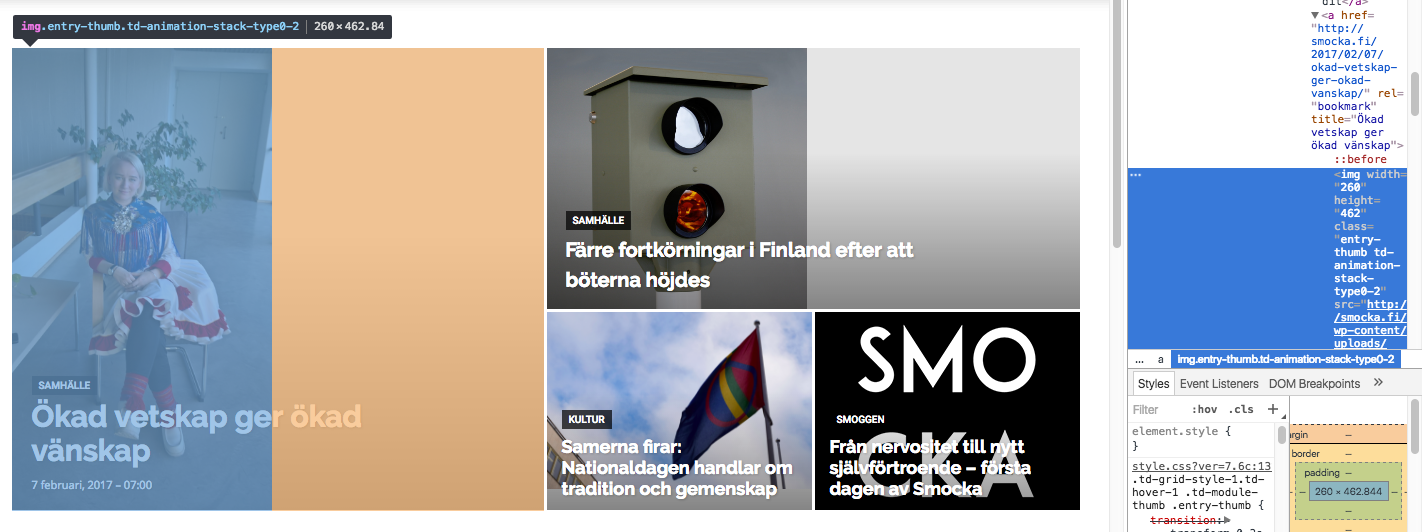
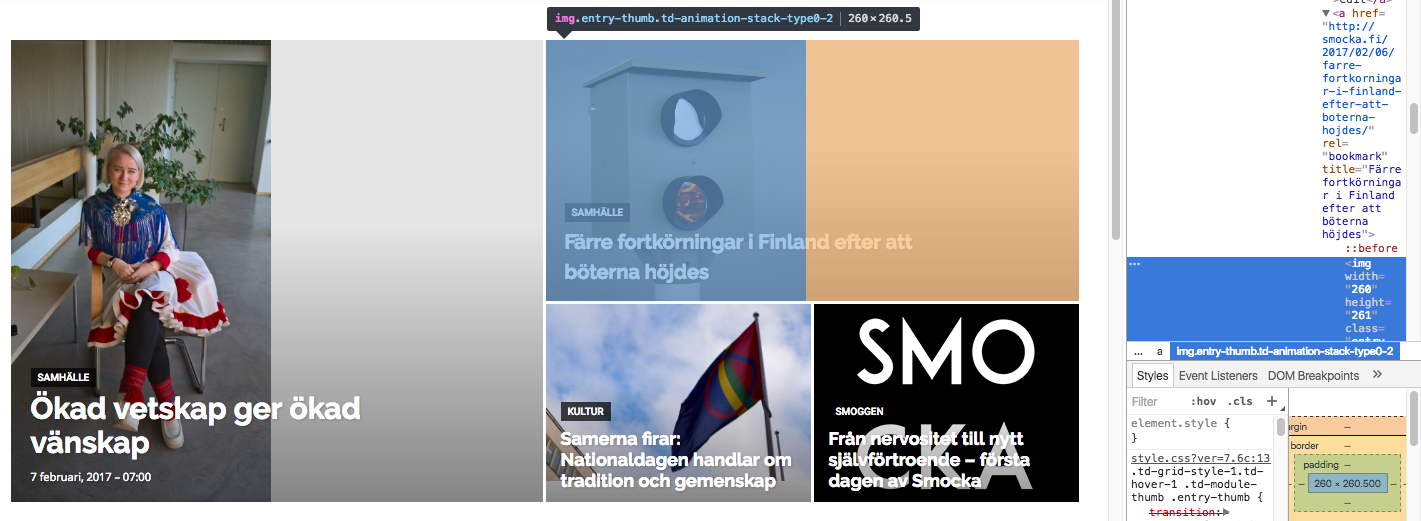
Both images in these boxes get width=”260px” written directly into the img-tag as properties. Don’t know if that is the issue (this also happens at the lower viewports where the layout works). However, the images that actually are loaded into the big grid are of widths 1400px (the one to the left) and 1022 px (the one to top right), i.e. large enough to fill the space if they were cropped to fit.
I’m trying to add “width 100%” or height “100%” at different places in css but this seems only to stretch images rather than crop them so this is not the solution.
I’m really puzzled why the center-top cropping that is described in some earlier threads is not taking place here?
Greetings,
Julius
 simchris
For those who don’t bother to read the changelogs for NEW versions of WordPress when announced, it’s critical you consider checking your version of WP “right now” as 100,000 sites are potentially hacked due to the API bug, and sites are being defaced (happened to friend of mine over the weekend).
REF:
https://blog.sucuri.net/2017/02/wordpress-rest-api-vulnerability-abused-in-defacement-campaigns.html
WordPress 4.7.2 is now available. This is a security release for all previous versions and we strongly encourage you to update your sites immediately.
WordPress versions 4.7.1 and earlier are affected by three security issues:
The user interface for assigning taxonomy terms in Press This is shown to users who do not have permissions to use it. Reported by David Herrera of Alley Interactive.
WP_Query is vulnerable to a SQL injection (SQLi) when passing unsafe data. WordPress core is not directly vulnerable to this issue, but we’ve added hardening to prevent plugins and themes from accidentally causing a vulnerability. Reported by Mo Jangda (batmoo).
A cross-site scripting (XSS) vulnerability was discovered in the posts list table. Reported by Ian Dunn of the WordPress Security Team.
An unauthenticated privilege escalation vulnerability was discovered in a REST API endpoint. Reported by Marc-Alexandre Montpas of Sucuri Security. *
 yopyop22
Hi,
i want to make a page without header and footer. I need this to makea landing page for a mail campaing.
But i add a new page i dont have option blank page.
Is it a way to have this ?
I have an other problem look here
logo and ads are not in the same line !!!
thanks
 salimnazer
Hi,
I just wanted to know if it is possible to create a post feed page similar to the below link using the elements available within Newspaper or does it require custom coding & plugins. If yes, please suggest a workflow.

