- NewsmagHomepage – How to build and set it
- NewspaperHomepage – How to build and set it
- NewspaperHow to edit modules for Flex Block X
- NewspaperGeneral Options that May Interfere with the Newspaper Theme
- NewspaperThe Newspaper Mobile Theme: Introduction
- NewspaperHow to Add a Logo in Newspaper
- NewspapertagDiv Shop
- NewspaperHow to Use tagDiv Cloud Library
- NewspaperDesign your Post Pages using the Cloud Library Templates
- NewspaperHeader Builder
- NewspapertagDiv Cloud Library Plugin
- NewsmagtagDiv Composer Tutorial
- TutorialsFrom WPBakery to tagDiv Composer
- NewspapertagDiv Composer Tutorial
- NewspaperNewspaper theme documentation
- NewspaperThe Mobile Theme
- NewsmagNewsmag documentation
- NewsmagMain menu
- NewsmagLogo & Favicon
- NewsmagPage templates
 intakemediaco
I Purchased a Newspaper Theme a few days ago and after setting it up the Images are not showing on the Homepage or even on the Blog Pages, not a single image is showing throughout any Article… And this issue is occurring on just Desktop/Laptop/Notebook View, but it’s showing all the Images on Mobile Devices.
My Website Link: https://www.techinpost.com/
Please check it and help me resolve it as soon as possible as I am losing so much of Traffic daily!
 Gail Langdon
http://www.foundmyjam.com
I have created an article in the “Shows” category.
I have a section of the main homepage dedicated to listing articles from the “Shows” category but nothing lists out.
Here is the whole home page with the green arrow indicating the section where the article is not listing: the link to the image file will take you to messenger (i don’t know where else to post it so you can see it).
https://scontent.xx.fbcdn.net/v/t1.15752-9/457511035_538130241984976_3839738543178298017_n.png?_nc_cat=104&ccb=1-7&_nc_sid=0024fc&_nc_ohc=0t6uxBKEuv4Q7kNvgEkhNb5&_nc_ad=z-m&_nc_cid=0&_nc_ht=scontent.xx&oh=03_Q7cD1QHWqGTctXna_1AbovLviKMRJRapo6BAn3JO6tQF90ZDsQ&oe=66FF4446
 Bordesley
 Hi Bettina
Thank you for your guidance. I have done that on the HomePage of darrenpriest.ie, but the mobile device shows the three lines but nothing happens when I click on it.
 Jindra
 Well, for some reason I need to display another than the featured image.
The featured image is fine for the homepage, but we sometimes use another, specific image (a quote, a portrait, etc) on social networks.
So I need a page displaying the same image as the visitor saw previously on our Instagram account.
-
This reply was modified 2 years by
Jindra.
 vimalgopal
I am unable to change the header background for posts on mobile devices. It works fine for the homepage.
There is only one global header template from the cloud library.
Site URL: concentratedwisdom.com
You can refer to the video recording below.
https://www.loom.com/share/954cbe41839d49669037a48859310b16?sid=cad37cb5-055f-4c8c-acd9-04a77bd47b11
 Bettina
 Hello Alex!
I’ve checked your website and I see the homepage is displaying well. Clear the cache and try again.
Thank you!
Bettina Hello!
Place the flex blocks where you need. You can drag & drop in the green places. Use the filters from the flex blocks: https://forum.tagdiv.com/flex-block-settings-guide/
Try to enable this feature: https://forum.tagdiv.com/unique-articles/ on your homepage.
So, you won’t have duplicate posts. Or you can set an offset: https://forum.tagdiv.com/offset-feature/
Thank you!
 snoopy
 i resolved the issues above, only have the issue below now.
i created an ar-eg language, the template is a copy from your Default Pro RTL, however, it seems that RTL is not applied.
i added the code below in the custom code to solve the RTL issue:
html[lang="ar"],
html[lang="ar-eg"] {
    direction: rtl;
    text-align: right;
}
however, the issue in the footer and header as in the images occurred https://ibb.co/VTkqTvY
https://ibb.co/DW6KJxq
also the problem of not being able to assign a Global Homepage template in the Arabic language.
i’ve already emailed you the access credentials, appreciate advising on how you resolved it.
Thank you
-
This reply was modified 2 years by
snoopy.
 Mark Gilbert
Hello – how can I get my website – https://jazzjournal.co.uk
to come out full width like this – https://demo.tagdiv.com/newspaper_free_news_pro/ or this – https://demo.tagdiv.com/newspaper_towntalk_pro/?
I have tried downloading both FN and Town Talk homepages and see my content but at the same narrower width as my live site. Is my header reducing page width, perhaps?
Thanks
 alex-3
Hello,
I just changed my domain address, now I have display error just for new visitors :
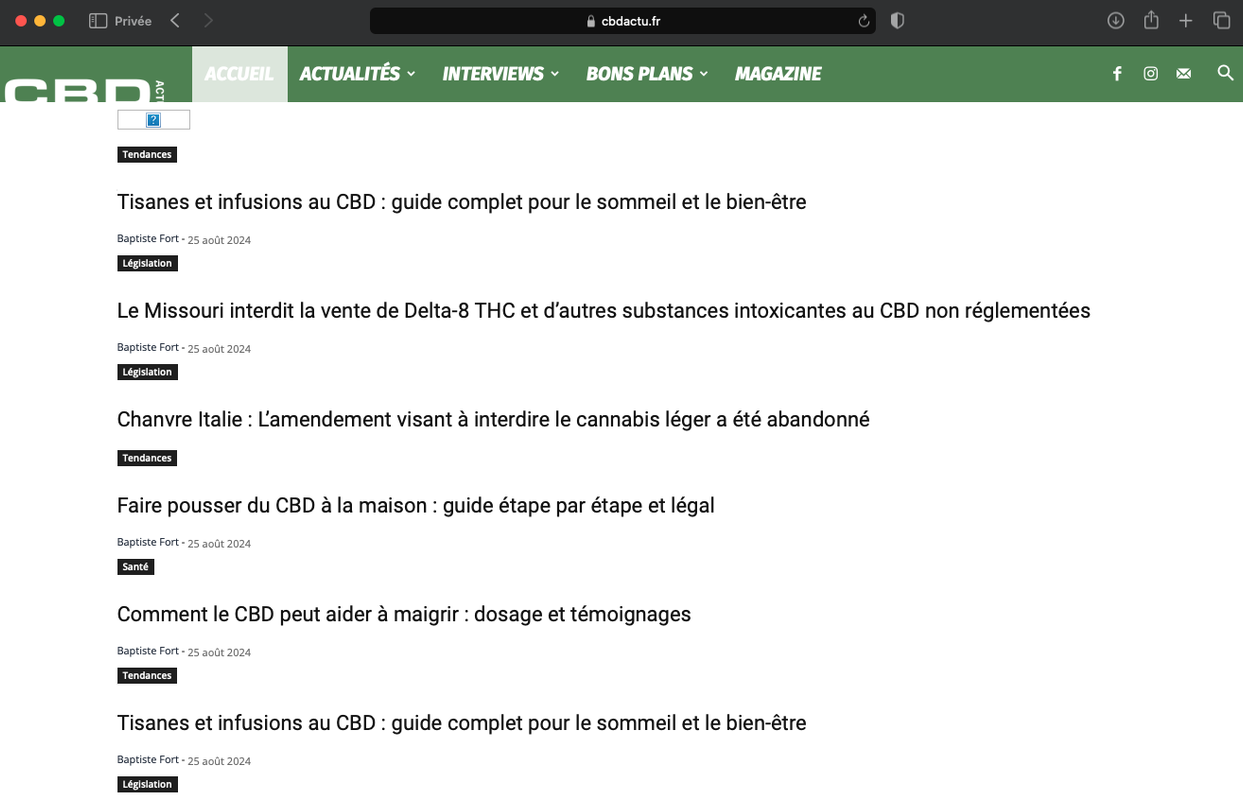
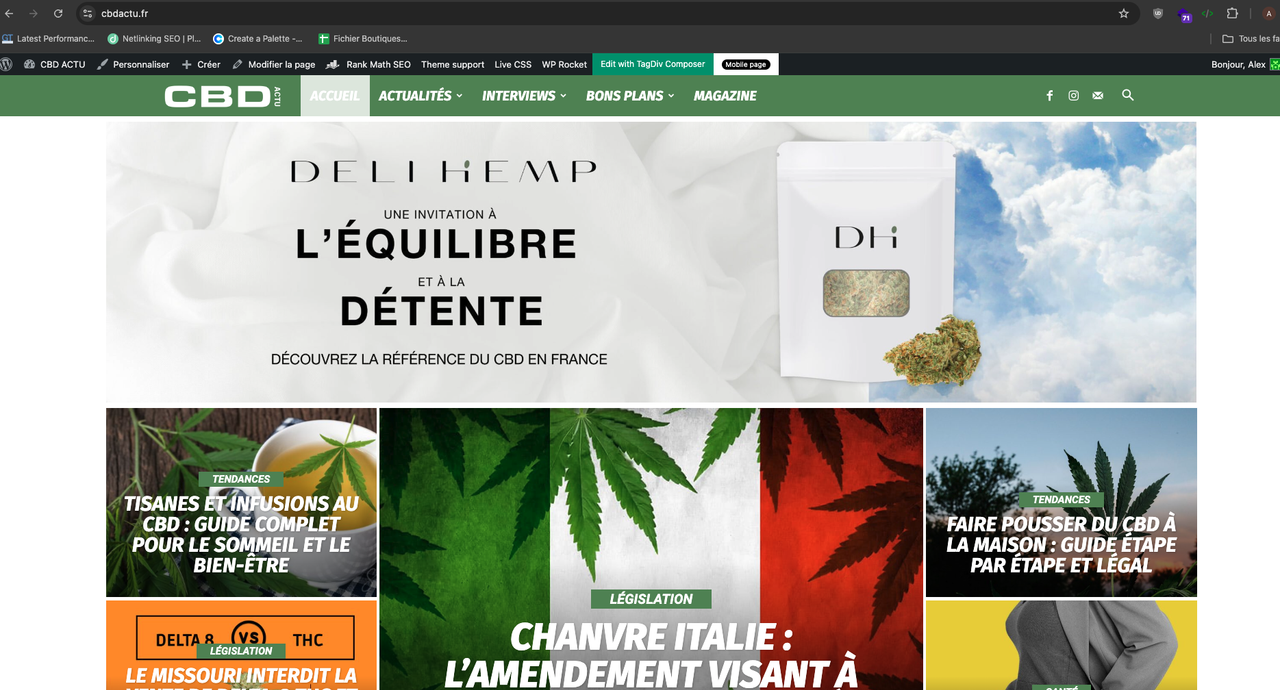
New visitor homepage : https://i.postimg.cc/mrL1MGW3/Capture-d-e-cran-2024-08-30-a-21-57-02.png
Normal homepage (work if I’m connected or save settings of TagDiv composer admin) : https://i.postimg.cc/Wz377kRn/Capture-d-e-cran-2024-08-30-a-21-57-37.png
Why ? I just updated Newsletter addon today
King regdards,
Alex
 kkstyle
hamburgher in homepage, doesn ‘t work on ios, in other page works… on Android all works perfect
 Nawshard
 when i try to add Homepage templates and Page templates appearing below error message
Pre-designed Templates – Cloud Library
Invalid reply from server endpoint.
how to resolve this error message
Nawshardwhen i try to add Homepage templates + appearing below error message
Pre-designed Templates – Cloud Library
Invalid reply from server endpoint.
how to resolve this error message
 Anamaria
 Hello,
Using our theme you can choose from 3 mobile versions
-> mobile responsive => https://www.screencast.com/t/oJ2ShOp47
-> mobile theme plugin => https://forum.tagdiv.com/the-mobile-theme/
-> mobile page => https://tagdiv.com/newspaper-10-3-7-update-brings-customizable-and-fast-mobile-pages/
If you created the mobile pages with tagDiv Composer, then when you install the Mobile Theme plugin, your pages will be overwritten by the plugin (the mobile theme comes with its templates for page, post, category, etc so your current templates from the desktop theme will get converted to the mobile theme layout, the page content is made without builders in mobile editor => https://www.screencast.com/t/xbgZG8kH also, the options that are provided to edit the mobile theme version are limited (this keeps the things simple)).
This is a video about Responsive Newspaper Theme, AMP & Mobile Theme, Mobile Pages & Templates -> https://www.youtube.com/watch?v=SpGkOnJeNZY
So, the mobile responsive is what you see then that you select the viewport on phone => https://www.screencast.com/t/matV17hH, so some settings may apply for each viewport(where is the border blue), and others are not(where the border is black).
The mobile page has the mobile templates from Cloud Library => https://www.screencast.com/t/YCcZ8rL8
Mobile responsive version of the theme and the mobile page editor can be edit with tagDiv Composer, the mobile theme plugin not.
For example, you can have the mobile theme plugin activate and use the mobile page/mobile responsive version for the homepage/pages, but for the categories pages/404 page you can’t use the mobile page/mobile responsive version if you have the mobile theme plugin activate.
So, if you want to design the pages with tagDiv Composer, you can use the mobile page or mobile responsive version.
Better deactivate the mobile theme plugin and see the results, and assign the mobile page for page, like this => https://www.screencast.com/t/lektAhyjd
Also, clear your cache.
Thank you!
 forcenews
Hi,
On the category page https://forcenews.pl/kultura/
I have modules at the top of the webpage:
Flex Block 5
Flex Block 1
In both modules, the colors of the CATEGORY TAG can be edited in the module layout.
On this page, I also have block 11 and unfortunately, I don’t know how to edit the colors of the CATEGORY TAG here. They are black, and I want them to be the same color as in Flex Block 5 and 1.
Similarly, on the homepage: https://forcenews.pl/
Block 16 and Block 18 – how to edit the color of the CATEGORY TAG and its position (above/below the image, below the title).
Thanks in advance for any help
snoopy Hello Anamaria,
Many thanks for your kind support.
1.There’s a theme bug, i cannot find the Home Template in the English lang as in here https://ibb.co/5hgrthT , also when i try to import https://ibb.co/9qQRz0t and set it as the front page, i get the error here https://ibb.co/7RwM3W3
2.When i try to duplicate a page to change its language to the new ar-EG language, the page does not replicate https://ibb.co/3Mp4Jys
3.I followed your steps, however, the permalinks has the word “category” always https://ibb.co/28sTgS6 , it should not be there. i clicked on the “Save” button to reset the permalinks, and i also cleared the cach with no success.
i need to have the below homepages.
1. English Lang ( /en ) – using the Default Pro Homepage template.
2. Arabic Lang ( /ar ) – using the RTL Default Pro Homepage template.
3. Arabic Lang Egypt ( /ar-EG ) – using the RTL Default Pro Homepage template.
Appreciate your kind support, i also emailed you the access url and username and pass.
Anamaria Hello,
Using our theme you can choose from 3 mobile versions
-> mobile responsive => https://www.screencast.com/t/oJ2ShOp47
-> mobile theme plugin => https://forum.tagdiv.com/the-mobile-theme/
-> mobile page => https://tagdiv.com/newspaper-10-3-7-update-brings-customizable-and-fast-mobile-pages/
If you created the mobile pages with tagDiv Composer, then when you install the Mobile Theme plugin, your pages will be overwritten by the plugin (the mobile theme comes with its templates for page, post, category, etc so your current templates from the desktop theme will get converted to the mobile theme layout, the page content is made without builders in mobile editor => https://www.screencast.com/t/xbgZG8kH also, the options that are provided to edit the mobile theme version are limited (this keeps the things simple)).
This is a video about Responsive Newspaper Theme, AMP & Mobile Theme, Mobile Pages & Templates -> https://www.youtube.com/watch?v=SpGkOnJeNZY
So, the mobile responsive is what you see then that you select the viewport on phone => https://www.screencast.com/t/matV17hH, so some settings may apply for each viewport(where is the border blue), and others are not(where the border is black).
The mobile page has the mobile templates from Cloud Library => https://www.screencast.com/t/YCcZ8rL8
Mobile responsive version of the theme and the mobile page editor can be edit with tagDiv Composer, the mobile theme plugin not.
For example, you can have the mobile theme plugin activate and use the mobile page/mobile responsive version for the homepage/pages, but for the categories pages/404 page you can’t use the mobile page/mobile responsive version if you have the mobile theme plugin activate.
So, if you want to design the pages with tagDiv Composer, you can use the mobile page or mobile responsive version.
Better deactivate the mobile theme plugin and see the results, and assign the mobile page for page, like this => https://www.screencast.com/t/lektAhyjd
Also, clear your cache.
Thank you!
 hospitality-school
I AM NOT USING ANY CACHE PLUGIN BUT ONLY Cloudflare SERVICE FOR CACHING. HERE IS MY SITE:
https://www.hospitality-school.com/
My homepage version for mobile and desktop are different. But time to time I am seeing mobile version while visting from laptop or pc. What’s the solution? I have enabled mobile theme plugin but not amp.
This is my cloud template settings: https://tinyurl.com/24xcq6os
This is how I set my desktop version to be visible through cloud template: https://tinyurl.com/2cnehzgx
and the mobile version: https://tinyurl.com/2b73ohv7
But EVERY NOW AND THEN I AM SEEING THIS MOBILE VERSION IN DESKTOP. WHAT’S THE SOLUTION. WHY IT CANT PROPERLY DELIVER PROPER VERSION FOR PROPER DEVICES?
 wangwang888
 Pictures cannot be displayed on the homepage article display page
https://free.wzznft.com/i/2024/08/28/frzvut.jpg
Anamaria Hello,
Please check this guide https://nichetwins.com/favicon-not-showing-wordpress/#:~:text=If%20you’re%20a%20WordPress,edit%20the%20theme%20header%20code.
Please check this topic https://wordpress.org/support/topic/favicon-not-showing-on-bing/
Also, on the homepage there’s an option Customize icon => https://www.screencast.com/t/I2uVvP4b -> Site identity -> Site icon -> Change image -> publish => https://www.screencast.com/t/lY9WEOZEj
Thank you!
Anamaria Hi,
If the settings are not saved, you can inspect them by right-clicking -> inspect -> console -> select the error in the tab network -> preview, and you can see the cause.
Please check this topic https://forum.tagdiv.com/topic/tagdiv-composer-does-not-save-only-content-of-homepage/
Thank you!
 periodicovision
I just installed Newspaper theme an import the Default PRO demo
When im trying to edit the homepage show me this error: Error at zones: 6(models) : 4(dom). The model does not match the content Current state has involved an issue. You could try an UNDO operation (CTRL+Z / CTRL+SHIFT+Z)
As you can see in the below screenshot:
https://snipboard.io/Lcfxnv.jpg
I was checking the forum and I see that it is a common error and I am worried about starting to design my site with this error. I have not installed any plugin that has not been imported from this Demo import, I have not added any information and I would like to have a solution to the problem. As you can see also in the screenshot below we meet the minimum requirements and even have many more resources on the server if needed more for the theme installation.
https://snipboard.io/1qEAQh.jpg
Regards
 anastasios
 it works on the homepage, but if you check an article it doesn’t work
Anamaria Hi,
If the settings are not saved, you can inspect them by right-clicking -> inspect -> console -> select the error in the tab network -> preview, and you can see the cause.
Please check this topic https://forum.tagdiv.com/topic/tagdiv-composer-does-not-save-only-content-of-homepage/
Thank you!
 swnprwr
hi, I accidentally deleted the post loop 2 part while editing the site. where the numbers of all the posts are at the bottom of the homepage. is there any way to bring this back, I was just going to apply for google adsense now