- NewspaperHow to use the Flex Blocks cache option
- NewspaperCache plugin – install and configure
- NewspaperWP Rocket and Newspaper Theme: Optimization Guide
- NewspaperFlex Block Settings Guide
- NewspaperGeneral Options that May Interfere with the Newspaper Theme
- NewspaperThe Newspaper Mobile Theme: Introduction
- NewspaperAutoptimize Plugin – install and configuration
- NewspaperHow to update a plugin
- NewspaperCloudflare (CDN)
- NewspaperFacebook Share
- NewspaperVideo Playlist
- Newspaper7 Days Post Sorting
- NewspaperAjax View Count
- NewspaperTop bar templates
- NewspaperHow to Update the Newspaper Theme
- NewspaperHow to Install Newspaper via FTP
- NewspaperHow to Install Newspaper via WordPress
- NewspaperRequirements for Newspaper
- NewspaperHow to Make the Site Faster
 Bettina
 Hello Des!
Please make sure you have the latest update of the theme and plugins.
Make a test and deactivate ALL plugins except tagDiv ones, also if you are using a cache plugin, deactivate it, clear all cache and try again.
Let me know the results!
Thank you!
 iancollins
 Bettina, this issue was reported to me by two users/visitors so whilst i can clear my cache it is not a “me only” issue which is why I need to get to the bottom of it. Anyway, I have indeed cleared my cache and i have put together a PDF with some information which you can reach here https://www.dropbox.com/scl/fi/clsz0f08cyqh04tnmlbre/font-renedering-issue.pdf?rlkey=vtrzkb0mycbei1mjdmkdq1ra5&dl=0
It includes tagdiv editor screen shot showing one of the many elements that are affected showing the element font set correctly.
The i have used console network throttling to show you exactly the problem.
Then i have copied the theme font settings so you can verify this is correct.
Hopefully from this we can establish if i have overlooked something or whether this is a bug or other issue.
Thx
Ian
Bettina Hello @fpnet!
Make a test and deactivate ALL plugins except tagDiv ones, also if you are using a cache plugin, deactivate it, clear all cache and try again.
Let me know the results!
If the problem is still there, then contact us via email at contact@tagdiv.com and provide the following:
– admin url and credentials
– cpanel url and credentials
– a link to this topic in order to identify you
We will take a look and try to help you asap.
Thank you!
Bettina Hello @Hector1 !
Please deactivate, delete, and reinstall the tagDiv mobile theme from Newspaper plugins and clear all cache. If the problem is still there, then make a test and deactivate ALL plugins except tagDiv ones, also if you are using a cache plugin, deactivate it, clear all cache and try again.
Let me know the results!
Thank you!
 arajioni
 Hello!
I tried clearing all website cache + browser cache + incognito window + testing on the MacBook with different safari version, and the issue is there.
Here you can see the screenshots.
The overlap in a single post – https://paste.pics/4a15735e25b09675bd4cdccc018b3765
The overlap on the homepage – https://paste.pics/f8ee178e196d89d0a07390b15bf6565c
 Hector1
After setting up the website, any update to the text, menu, or images completely disconfigures the website in both the web and mobile versions.
The website was finished and put online, however, no matter how small the change in the text, for example, the website is disconfigured, the banners appear out of order, the home areas are all mixed up
I’ve already increased the php memory and I’m also using a plugin to clear the cache
Bettina Hello @faridullah !
Please deactivate, delete, and reinstall the tagDiv mobile theme from Newspaper plugins and clear all cache. Check out this article: https://kinsta.com/knowledgebase/there-has-been-a-critical-error-on-your-website/
Thank you!
Bettina Hello @arajioni!
I’ve tested on Safari, and I couldn’t see any issues. The sticky header will load only there. Please clear all the cache and try in an incognito window.
Thank you!
 Calin
Calin Hello Alex,
I think that I understand what you want to tell us. I made some tests and I manage to cache the situation. It looks that the icon is set in i element and this has set a title (mail-1) that is displayed when the hover is used on the element -https://i.imgur.com/hQoZjRh.png I think that instead of setting the parameter related to the name of the social element in the title section, the one for the icon was mistakenly. This problem has been solved on dev and will be introduced in the next update, until then if you want we can implement the manual fix if it is necessary now.
Thank you for your understanding!
 Anamaria
 Hi,
Have you checked for a plugin conflict? Please deactivate ALL plugins except tagDiv ones; also, if you are using a child theme or cache plugin, deactivate them, clear all cache, and try again.
Thank you!
Bettina Hello @bananaj!
I’ve tested on the latest update of the theme, and this is working as it should.
Please update the theme and plugins too.
Please execute these steps:
1. disable TagDiv Composer
2. uninstall(delete) TagDiv Composer
3. install TagDiv Composer
4. activate TagDiv Composer
Make a test and deactivate ALL plugins except tagDiv ones, also if you are using a cache plugin, deactivate it, clear all cache and try again.
Let me know the results!
Thank you!
 joviberton@gmail.com
Hi i got a problem with the pic from Instagram.
You can see at unamamma.it , the column on the right has the Instagram fatch plugin, with everything but the images. They were there, until a couple of weeks ago.
Then they did not appear anymore.
In the console they are listed as “Failed to load resource: the server responded with a status of 403 ()”, and following the URLs they say “URL signature expired”.
So I tried to
– pump the php.ini
– pump the .htaccess
– disabling the cache
– revoking the access from the Instagram application, because the ‘revoke’ from Theme Setup is not working https://forum.tagdiv.com/instagram-widget/
but nothing worked out the problem.
Checking the area inside the TagDiv Composer, and changing setup, this appears “Error decoding the Instagram API json”.
Thanks
 nagi
nagiRespected Sir/Mam,
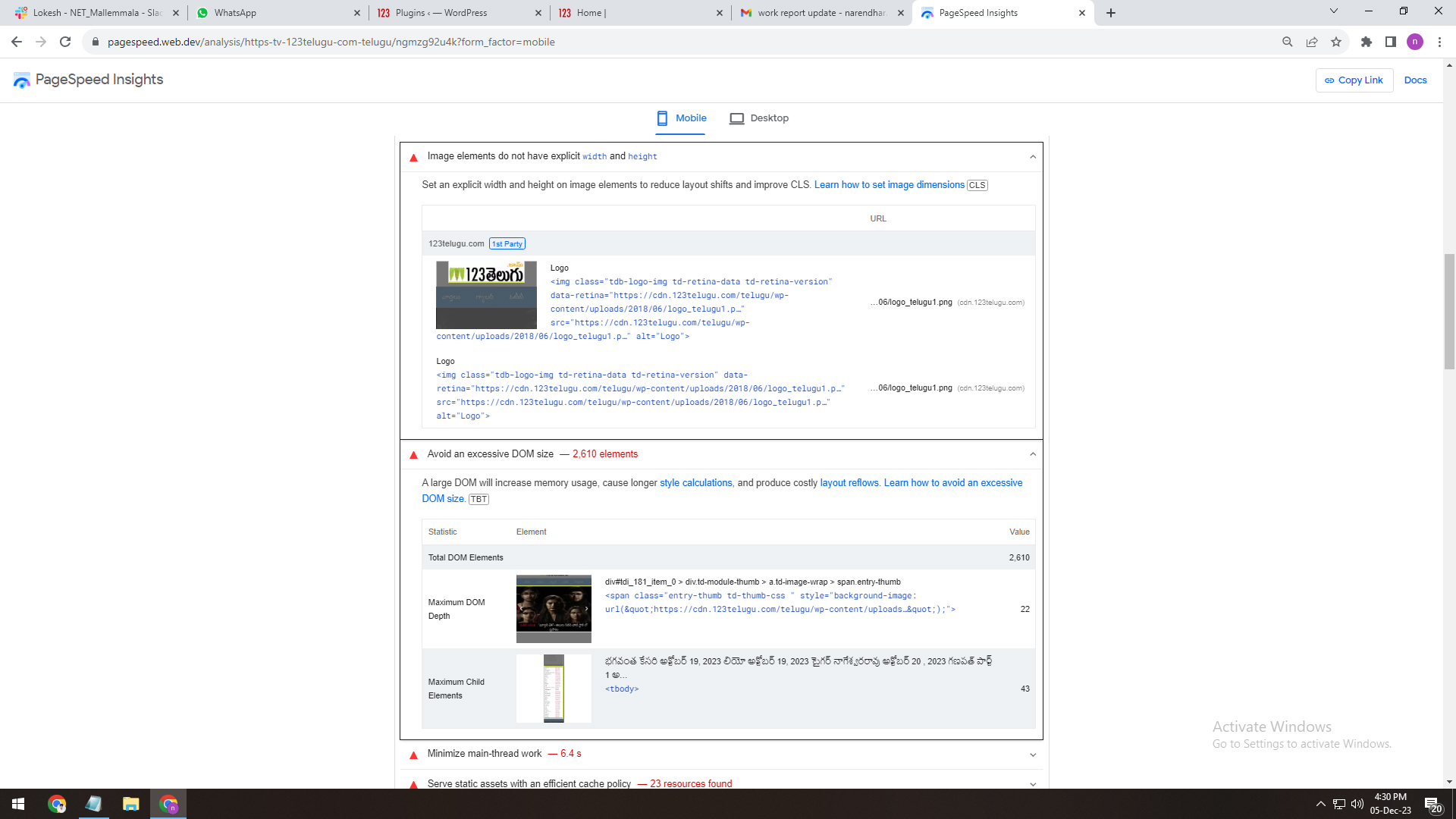
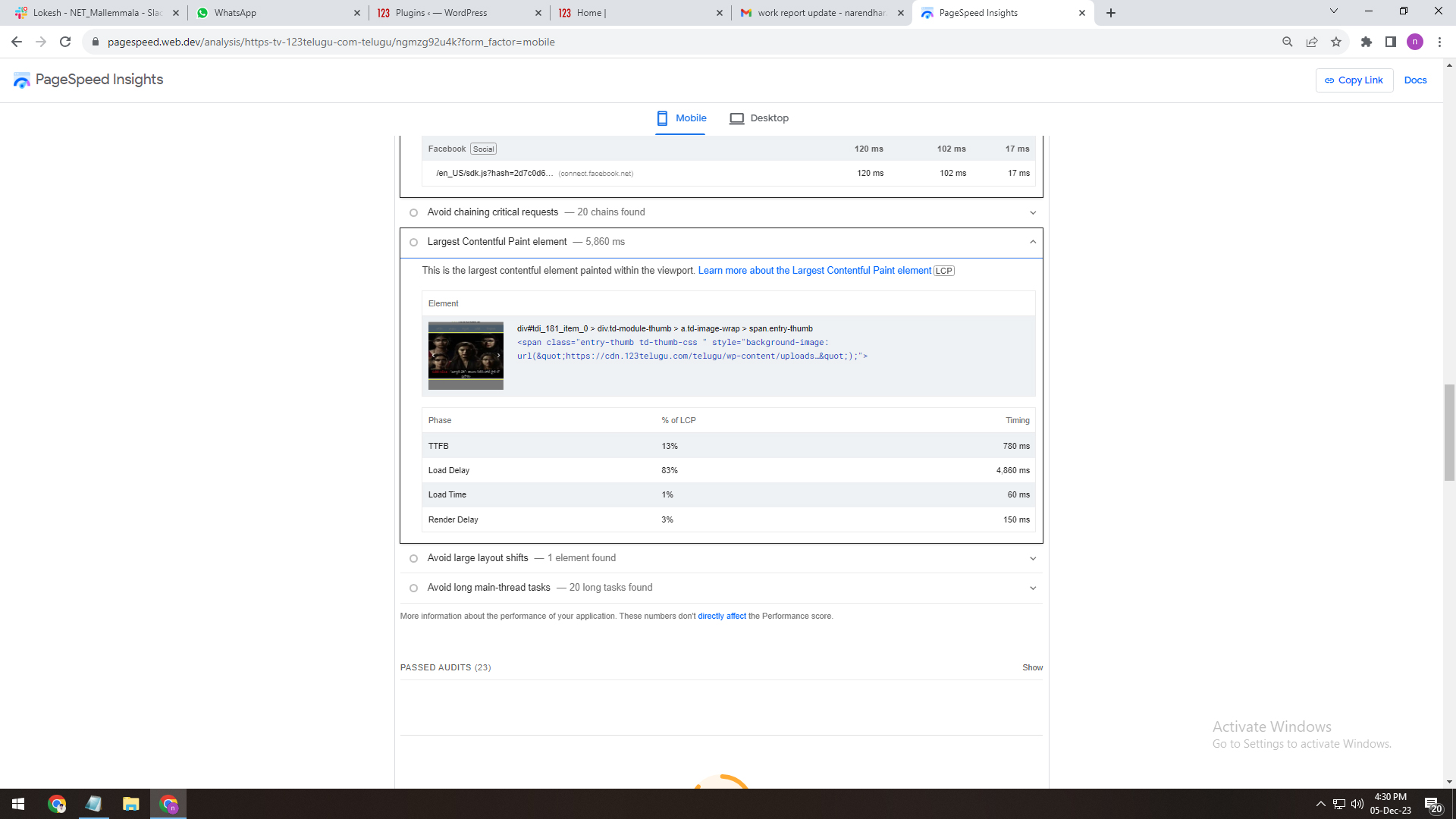
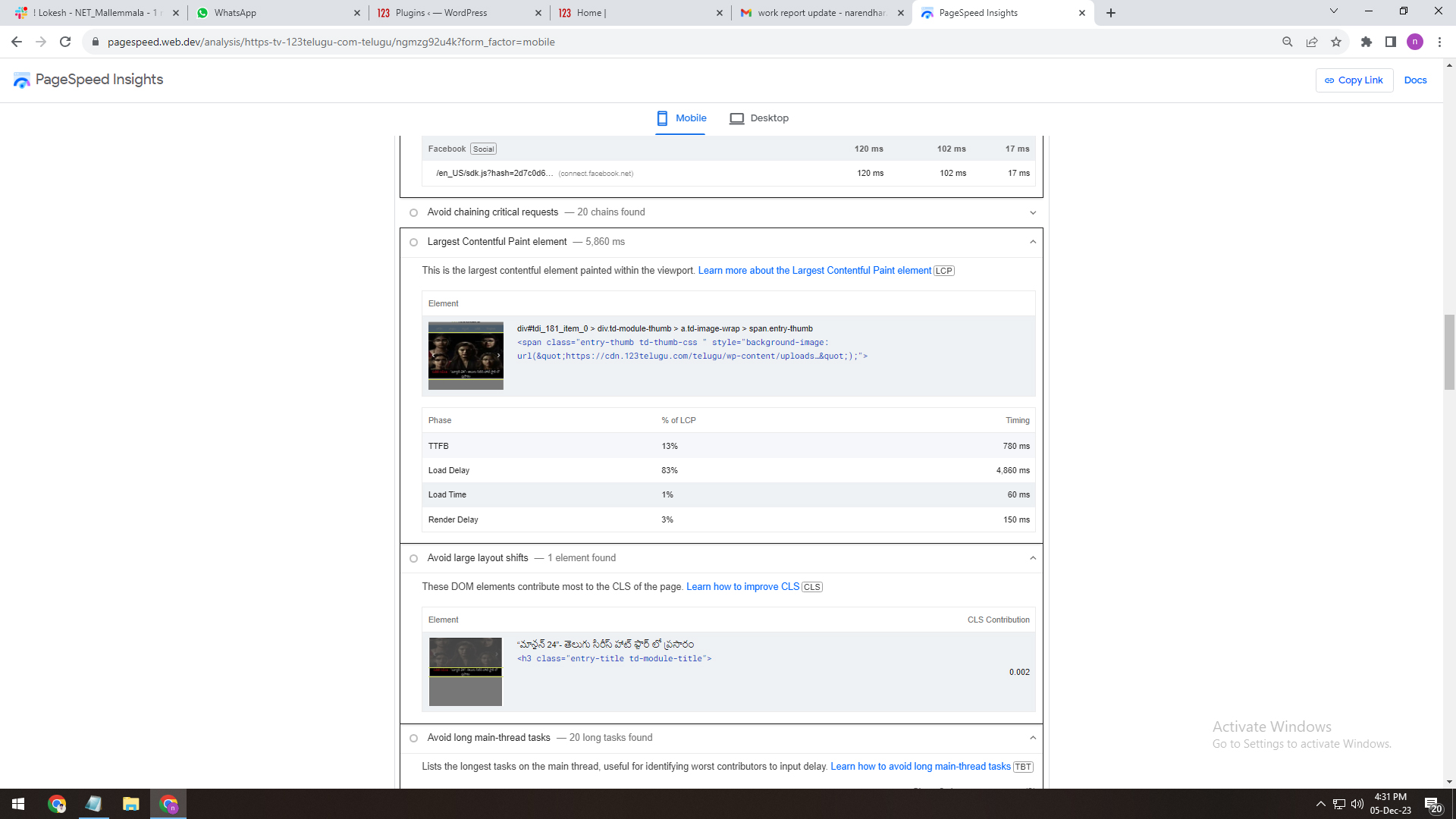
I am a developer at Mallemaala Entertainments, located in Hyderabad. We have a few requirements for our movie review website. I am hereby mentioning our requirements.
1. We have installed the Newspaper theme on the test server (https://tv.123telugu.com/telugu/) We have three issues:
DOM size (Document Object Model)
First Contentful Paint (FCP)
LCP (Largest Contentful Paint)
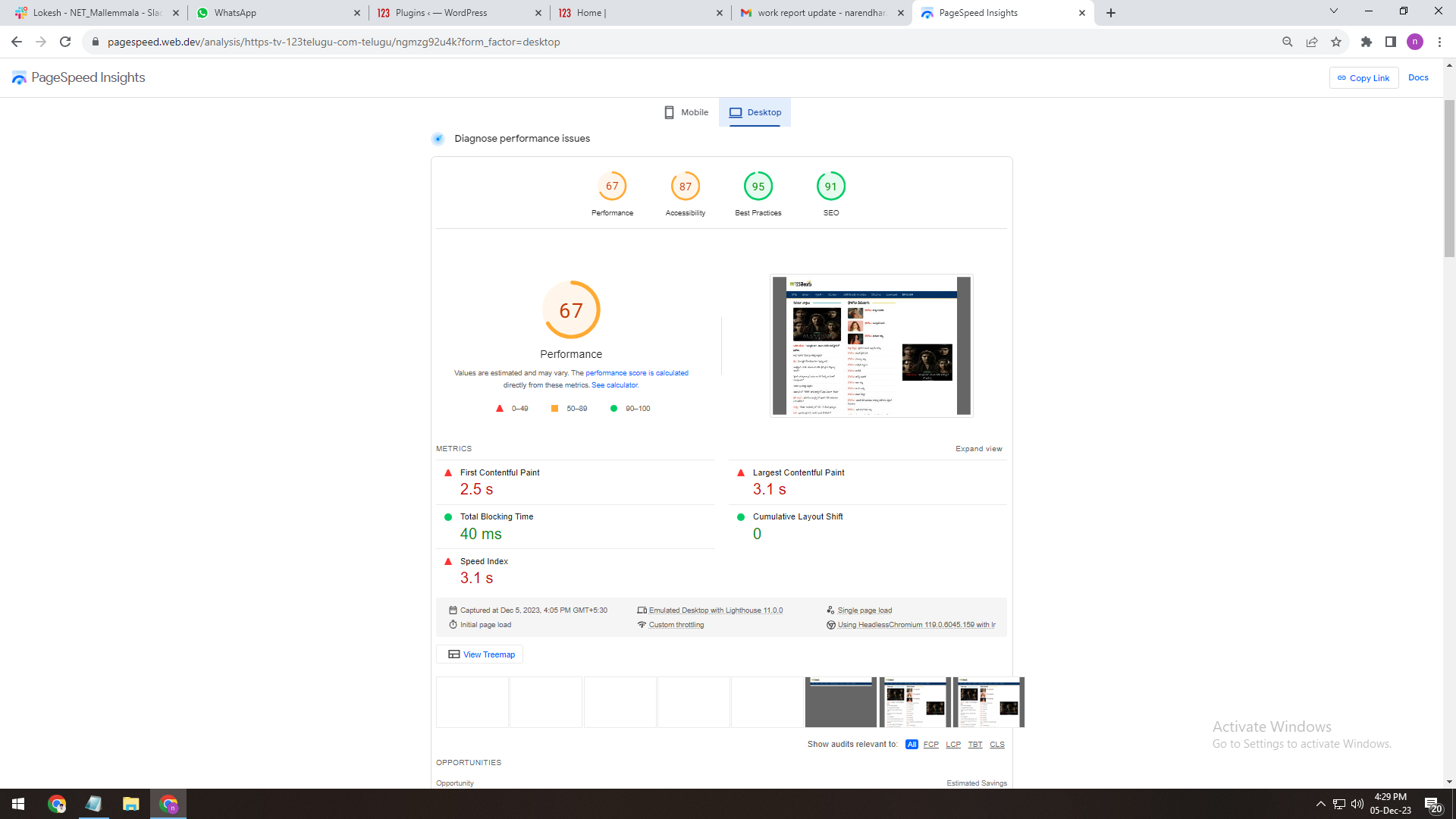
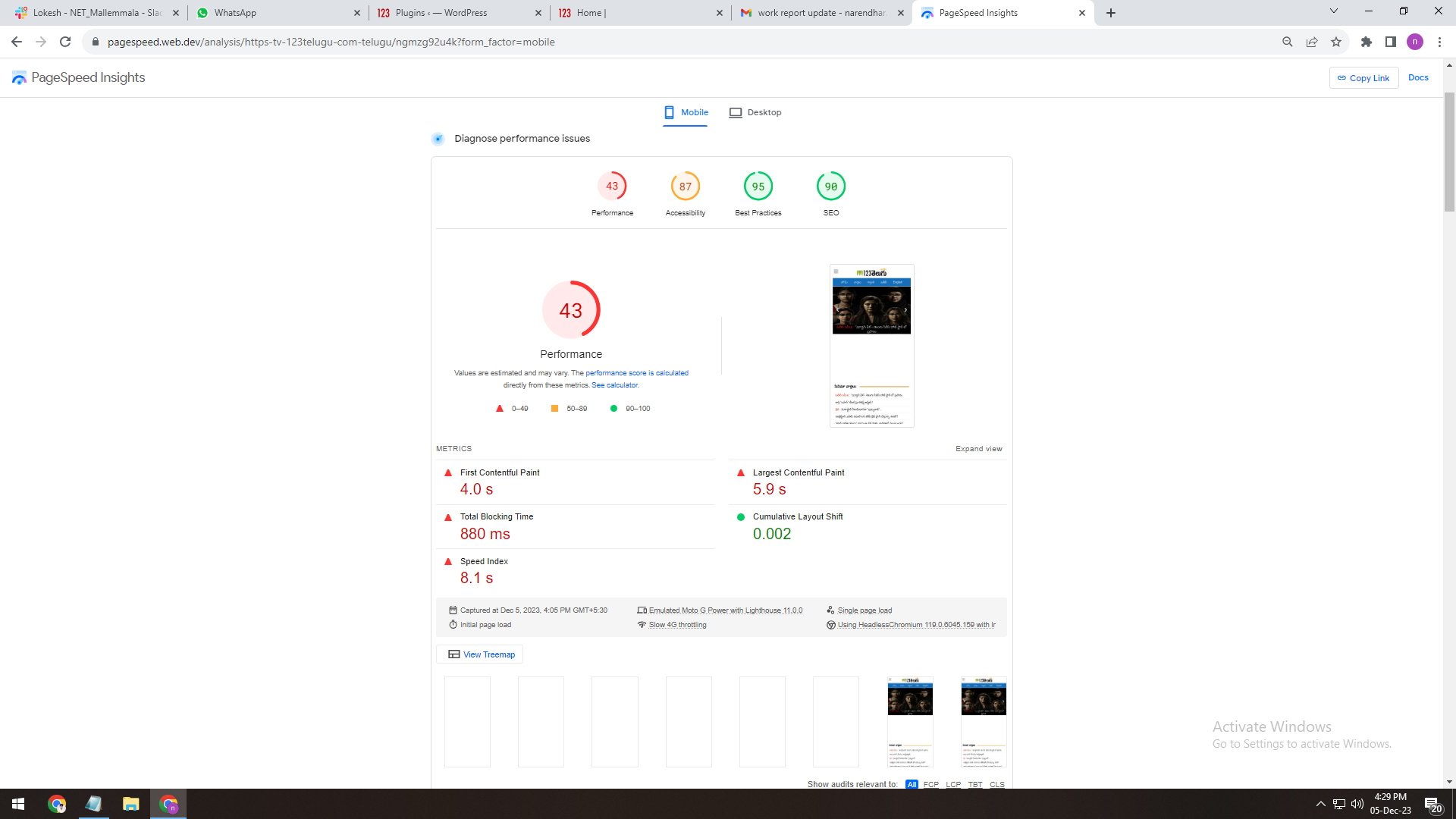
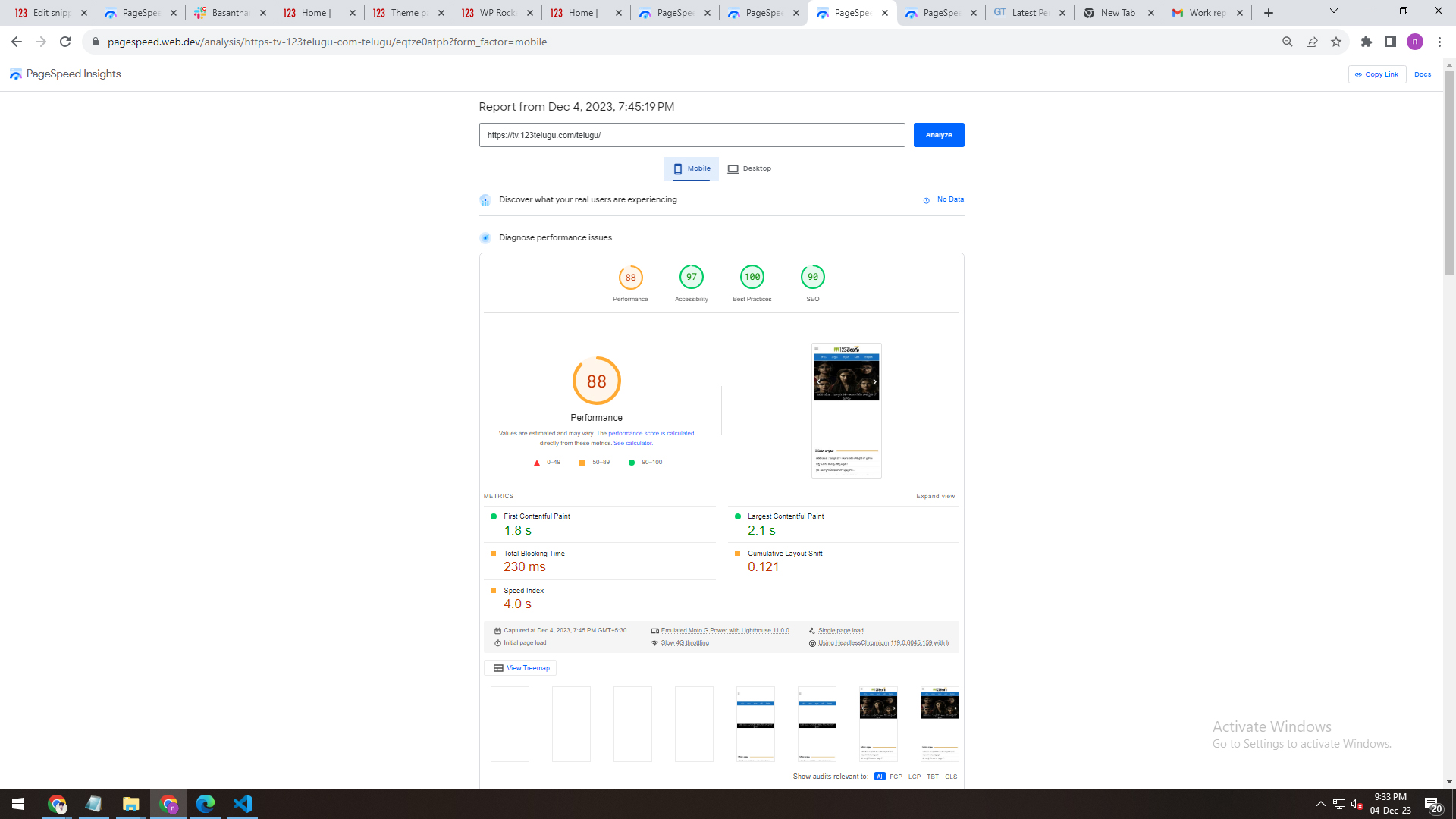
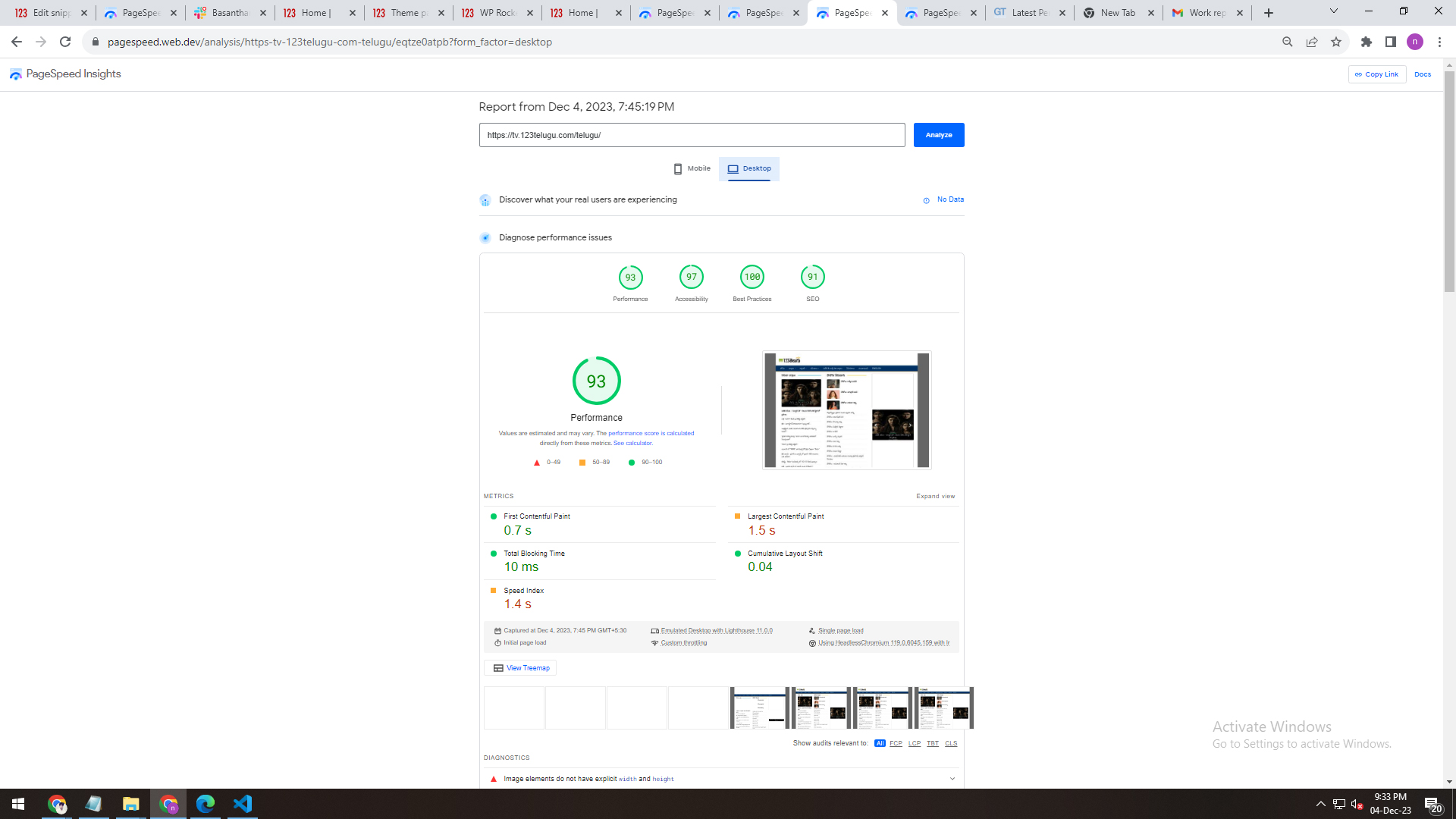
2. We installed the WP Super Cache Plug-in on the Newspaper theme. We are having issues with its speed. We are attaching the screenshots depicting the Plug-in’s speed. We are sending the details through links. Please give us recommendations on how to improve the speed.
WP Super Cache Plug
——————-
https://gallery.123telugu.com/images/theme_test/Narender12-05-3.jpg
https://gallery.123telugu.com/images/theme_test/Narender12-05-4.jpg
3. We have also installed the WP Rocket Pro Plug-in for better speed. We are having issues with its speed. We are sending the details through links. Please give us recommendations on how to improve the speed.
wp rocket plugin speed
————-
https://gallery.123telugu.com/images/theme_test/Narender12-05-2.jpg
https://gallery.123telugu.com/images/theme_test/Narender12-05-1.jpg
https://gallery.123telugu.com/images/theme_test/Narender12-05-7.jpg
https://gallery.123telugu.com/images/theme_test/Narender12-05-6.jpg
https://gallery.123telugu.com/images/theme_test/Narender12-05-5.jpg
Bettina Hello Sophia!
This site can’t be reached. Make a test and deactivate ALL plugins except tagDiv ones, also if you are using a cache plugin, deactivate it, clear all cache and try again.
Let me know the results!
Thank you!
Bettina Hello @oposum !
Please execute these steps:
1. disable TagDiv Composer
2. uninstall(delete) TagDiv Composer
3. install TagDiv Composer
4. activate TagDiv Composer
Clear all the cache and try again.
If the problem is still there, then contact us via email at contact@tagdiv.com and provide the following:
– admin url and credentials
– cpanel url and credentials
– a link to this topic in order to identify you
We will take a look and try to help you asap.
Thank you!
Bettina Hello @iancollins!
Yes, you have 2 global fonts, but you should check on the element what exactly is set there. I suggest you to make a test, clear all the cache from your browser and try again.
Please note that some styles of fonts may differ from browser to browser. Maybe the font you use is not compatible with the browser.
Thank you!
 inakio
 Hi Anamaria.
I tried the steps, deactivate all the plugins, clear the cache,… but the result is the same.
 Snippet Media
When i go to our site: http://www.saarmagazine.nl
most of the time it shows our mobile template in stead of our desktop desktop homepage. The desktop homepage shows a grid of three recent posts, dhe mobile template shows one large post. Next to this it doesnt show the logo and menu header on desktop (when it shows the mobile layout).
Also when I go to a blog from the website on my desktop, it shows the mobile layout for posts in stead of the desktop layout. So the image shows smaller and the text is on the left side of the screen and very narrow. Also without logo/menu header.
When i do a hard refresh on that page it seems like the cache erases so i get the right version, but my colleages never get to see the right version.
Here you see the mobile layout showing on a blog desktop (just showing the top of the page), + missing logo and menu and text on the left side):
https://www.saarmagazine.nl/wp-content/uploads/2023/12/Schermafbeelding-2023-12-04-om-14.59.41.png
Here you see what it should look like (image showing entire page):
https://www.saarmagazine.nl/wp-content/uploads/2023/12/screencapture-saarmagazine-nl-ik-wil-zeggen-tegen-vrouwen-die-wel-kinderen-hebben-2023-12-04-15_02_59.png
We’re already usng WP super cache.
And I also tried the Newspaper Mobile Theme, but the same problem appears. I hope you can help me!
 SP1
SP1 Hi Ana, hope all is well.
We went over the links you shared.
We have tried everything nothing works
1) OPCache enable/disable does not do anything.
2) Changing PHP max execution time does not work either
Enabling Cloud library plugin maxes out RAM and CPU, as soon as it is disabled, the website comes back.
We have already emailed you 4-5 days ago when you first asked, please ask someone to take a look.
Thanks
Bettina Hello @miccmalta!
Make a test and deactivate ALL plugins except tagDiv ones, also if you are using a cache plugin, deactivate it, clear all cache and try again.
Let me know the results!
You can install the demo or import the cloud templates from the gossip pro demo (make sure you have no custom code or something may differ and overwrite the design).
Thank you!
 oposum
 Hey, inline css in block settings was already on.
I turned off the W3 cache plugin for now.
Anamaria Hi,
Please go to the theme panel -> block settings -> inline css and enable the option to minify the css and js, clear the cache and check after.
Also, make sure that you have the same plugin on both websites.
Thank you!
Anamaria Hello,
Please disable the minify the inline css and clear the cache.
Thank you!
 Kari7
Kari7Hello,
I’m getting this message on all pages of my website when I try to use tagDiv composer to edit my website.
Errors at elements: 2(models) : 3(dom). The model does not match the content Current state has involved an issue. You could try an UNDO operation (CTRL+Z / CTRL+SHIFT+Z)
It worked perfectly until today. There was no new plugin added or updates today.
aside from the plugins that go with the theme, I added YOAST, W3TOTAL CACHE, HIDE MY WP GHOST, and AUTOPTIMIZE.
What could be the problem?
Anamaria Hello,
I checked the canonical tag with a few testers and this is passing all of them – https://www.seoptimer.com/canonical-checker/www.justonefortheroad.com
The problem related to the mobile header is happening on the desktop also. Usually, it is related to a cache or optimized plugin. What I can recommend is to to a test without those plugins and see if the problem persists. Also, if the theme analyzer is used, please remove the generated css – https://i.imgur.com/mTO9dkQ.png
This problem can be also related to this parameter – https://i.imgur.com/5GtGtcU.png
Thank you!