
- NewspaperModules Builder in Newspaper Theme
- NewspaperIntroduction to CPT and ACF with Newspaper Theme
- NewspaperHow to edit modules for Flex Block X
- NewspaperStripe Setup
- NewspaperPayPal Setup
- NewspaperAdd Cryptocurrency Price Ticker Widget
- NewspapertagDiv Shop
- NewspaperDesign your post pages using the Default Templates
- NewspaperTheme modules and blocks
- NewspaperUsing the Theme Translations with WPML
- NewspaperHow to Set the Image Avatar
- NewspaperNewspaper theme documentation
- NewsmagInstalling pre-built websites
- NewsmagIntroduction
- NewsmagSmart Lists
- NewsmagTheme thumbs
- NewspaperSmart Sidebar
- NewspaperBreadcrumbs
- NewspaperFooter Builder
- NewspaperMain Menu
 motherboard
 I found solution by uploading demo content and afther this I set categroy.
 cosmicDD
Hi
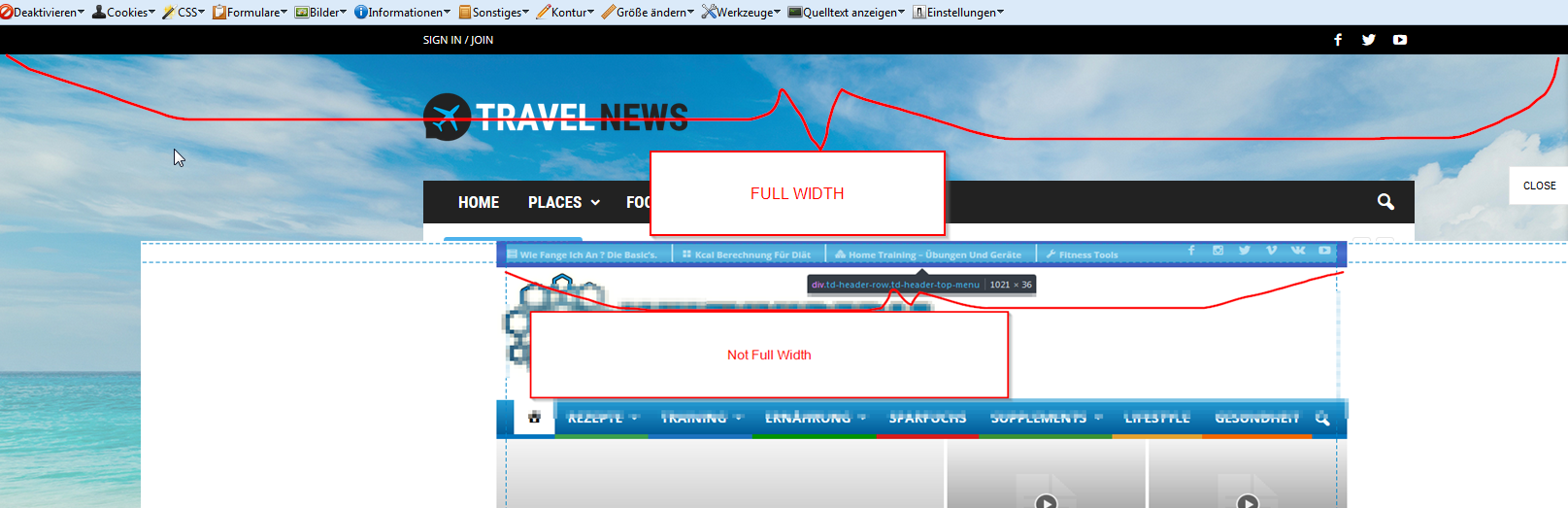
I deleted the posts on the home page from the political demo content theme I uploaded and the hero slider image I created went from full width to post width. Can you give me any info on why this happens and a possible fix?
Thanks!
 john low
 Hello,
why here : http://demo.tagdiv.com/newspaper/smart-list-style-1/
i have tested this page on my mobile the smart-list 1 keeps also on mobile
i liked the smart-list-1 because i haven’t load page is programing by ajax the other smart list with button navigation the page is loading and i loose the feature image on the top
thank you for understanding
-
This reply was modified 9 years by
john low.
 bartgevers
dear tagdiv
i installed the theme and only added posts and linked them to the demo post categories thats all i did and if i look on the mobile version i dont see the images showing and also the mobile menu is not responding can you please explain whats the problem and how i can fix this .
you can see the site here
kindest regards
 ernestobarrios333
Hello,
Please support with my case.
I am using as template “Default Demo”.
In what part of the template can I edit the buttons on social networks?
Appear in the sidebar.
STAY CONNECTED
– Facebook Fans
– Twitter
– Youtube
I checked the template and the widgets, but I do not locate it.
Waiting for your prompt response.
Thank you.
 dm-2
dm-2Hi,
The dropdown menus are not working when I use Firefox. They work fine with Safari and Chrome. It’s not just my site but also on http://demo.tagdiv.com/newspaper/ so effectively the whole theme regardless of template.
Need this resolved asap.
Thanks.
 Bogdan B.
 Hello,
Unfortunately the block title style can only be changed through custopm code or by activating another demo that offers a different style for the title. There is no easy way of haviong one style on another demo. Please use this topic: https://forum.tagdiv.com/topic/guide-me-how-to-change-the-format-of-title-of-the-blog/
As for the font size, you can use this code:
.block-title a, .block-title span, .block-title label{

font-size:20px;

}
Thank you!
 sv0801
Hello,
I installed a demo into my site.
I am wondering how i can edit the topics how they show up on the home page.
For example the travel theme has
A top sticky post that populates latest posts ( i think )
Trip Ideas
Travel Guides
I want to change the
1. text to my topics
2. how the posts populate into the feed on the home page
Thanks!
 Catalin
 Hello laurena86,
I have tested again the code provided you above, regarding on Related Articles and More From Author tab for mobile and it seems to work as properly, as you can see below:
@media(max-width:767px){.td-related-title .td-related-left, .td-related-title .td-related-right{

font-size: 23px!important;

}

}
The result is here -> https://www.screencast.com/t/hjAiLVsEruDZ
Regarding on More Articles Box functionality from Posts, please try to update the theme to the latest version of it and also, if you are using some untested plugins, try to disable all of them and install only the plugins that come bundled with the theme packet and rule out any conflicting plugins. Also, as you can see in our demo preview here -> https://www.screencast.com/t/geLX1k0Er seems to work as properly and therefore,
on your website should function properly if it used correctly.
If the problem is still there, please try to make a new clean install from scratch via FTP and check the result. Clear all your caches, purge CDEN files and check the results.
Thanks for your understanding!
 Bobby_Ocean
 Hello i dont mean the structure, heres a pic to understanding
 emirza
 If can not explain, how about to change the block title style like this demo http://demo.tagdiv.com/newspaper_magazine/.
And what font that used at block title. And also the font of title in “Most Popular” block?
thank you

 Lou
Lou I have emailed the screen shots. Another day goes by without support and I still can’t upload slide demos or templates. I have checked out on every possibility with my host server and read everything I could find on this issue. I don’t mind buying the Slider license however, how do I know it will work with this theme? I can tell you…not having a purchase code seems to be a major problem.
Please advise.
 Xiluvanogcosta
I have two things that I don´t know how to change/add it.
1. For example on this Demo: How can I add the green lines that appear on the header: http://demo.tagdiv.com/newspaper_magazine/
2. On my menu there is a white space between the menu and the revolution slider. How can I delete that space: This is the website: http://epilepsyandwellness.com/
Thanks in advance
 SpiderSeo
 If you check on your demo http://demo.tagdiv.com/newspaper_video/, with my phone I see the same problem
 sike
sikeHi,
I just bought this theme, and i’m new to wordpress, so i started testing the tech news demo theme…
When i for instance add an article for apple it also ads it to all other categories?
I have been looking at the source, and it seems there are no IDs added in there?
Can this be fixed?
Thanks
Bogdan B. Hello,
If you want to get an exact copy of the default demo, please use this code: http://pastebin.com/sHkGxZgU
and place it in your page in classic mode and text mode editing.
Thank you!
Catalin Hello fxnewsman,
As you can see, our default theme work as properly, as you can see in our demo, like this -> https://www.screencast.com/t/Sn96SaMf I suppose that your changes happen due to your untested plugins which are used on your website. Please try to revert the theme to the default state, remove all untested plugins, leave just Visual Composer to active, clear all your caches and install only the plugins that come bundled with the theme packet and rule out any conflicting plugins.
Hope this helps and let us know how it goes!
Thanks for the message!
 Simion C.
 Hi,
If you want to create a gallery inside a post please follow this tutorial – https://forum.tagdiv.com/gallery-2/ Also for pages you could use these Visual Composer elements – https://www.screencast.com/t/Cwi7kQKWfP
More documentation about smart lists here – https://forum.tagdiv.com/smart-lists/ – http://demo.tagdiv.com/newspaper/smart-list-style-1/
Thanks
Catalin Hello marcogovoni,
If you want to add something like this, you should use a bit of CSS code to do that. Try the code below and place it in Theme panel->Custom CSS area.
The code is ->
.td-category-header{

background-image: url(http://demo.tagdiv.com/newspaper/wp-content/uploads/2016/05/login-mod.jpg);

background-size:100% 100%;

background-repeat: no-repeat;

}
The result is here -> https://www.screencast.com/t/mYqHkK0k
Hope this helps!
Thanks for the message!
Catalin Hello Viachaslau1974,
Please keep in mind that I have tested our demo to this Mobile-Friendly Test and I got this -> https://www.screencast.com/t/7b1ue0GZvRN It seems that our theme is mobile friendly, after this result. All of these errors happens due to your website customizations. You should try to revert the theme to the default state, remove all untested plugins if you have something like this and try using only tested plugins and rule out any conflicting plugins. Also, if you have some additional customizations, notice that all of them can influence this bad results which you have got after testing your mobile friendly. I suggest you make a new clean install from scratch with the latest version of it via FTP and check the results. Every time, before reporting an issue with the theme, please try to check it on our demo and if it will be there, means that the problem is caused by the theme.
Thanks for your understanding!
 susanapri
I installed the theme and did not install the demo and I introduced my post and my Home page built with Visual Composer. But I want to get a Home page with the same look as Newspaper 7 Default. If I install the demo to get it, will I lose all my content and entries?.
Thanks and excuse my bad english
 Edward
  rudiamirudin
Set Footer Logo with new image But Logo Still Like Demo. My site http://www.beritabanten.id
Bogdan B. I was referring to this element: http://demo.tagdiv.com/newspaper/homepage-one-top-post/ But it;s not what you require. It is a different implementation to highlight a preferred post but it will not bring all of the post content on the homepage. Sorry. Our theme does not have such option.
Catalin Hello giahancute2013,
You should try installing one of our demos from this list -> https://www.screencast.com/t/Jw5UUhgWDvJ and then you should check the backend because you’ll see what blocks have been used and how it was built. For starters, I’d recommend you to install the default demo. For more information about this way, please consult our documentation here -> https://forum.tagdiv.com/newsmag-installing-demos/
Hope this helps!
Thanks for your understanding!
