- NewspaperAutoptimize Plugin – install and configuration
- NewspaperCache plugin – install and configure
- NewsmagInstall via WordPress
- NewsmagInstall via FTP
- NewsmagInstalling pre-built websites
- TutorialsHow to install Revolution Slider
- NewspaperInstalling Pre-built Websites
- NewspaperHow to Install Newspaper via FTP
- NewspaperHow to Install Newspaper via WordPress
- TutorialsHow to Install bbPress forum
- NewspaperIntroduction to CPT and ACF with Newspaper Theme
- NewspaperHow to edit modules for Flex Block X
- NewspaperWooCommerce: Happy “Add to Favorites!”
- NewspaperWoo Brands
- NewspaperStripe Setup
- NewspaperModal Popup
- NewspaperPayPal Setup
- NewspaperFlex Block Settings Guide
- NewspaperHow to setup the Contact Page
- NewspaperAdd Cryptocurrency Price Ticker Widget
 agencia_agos
We got hit by the Zexit hack. Removed scripts, infected files and folders, etc.
But I haven’t been able to update Newspaper. Would be given file permission errors.
I Chmoded the folder permissions, and now the theme’s not working, saying the stylesheet’s missing.
When I try to upload the theme from the zip file, I get the same error I would get when trying to update directly from the control panel:
“The update could not be installed because some files could not be copied. This is usually because of inconsistent file permissions. tagdiv-deploy-mode.php, font-newspaper.css, woocommerce, search.php, sidebar.php, comments.php, editor-style.css, style.css, archive.php, functions.php, translation, loop-single.php, style-buddypress.css, includes, single.php, style-bbpress.css, loop.php, index.php, loop-archive.php, style-woocommerce.css, header.php, page.php, tag.php, footer.php, attachment.php, bbpress.php, 404.php, screenshot.png, searchform.php, author.php, images, gutenberg-editor.css, category.php
Theme update failed.”
 halloway
 I did delete the mobile theme and reinstalled it. No errors now.
 shivam327
Recently I have install newspaper mobile plugin and I have enable “SHOW FRONT PAGE GRID” option in my website but this option did not show in my website..
You can see Here settings.. https://yourimageshare.com/ib/tmIBKaP1XG
My website screenshot
https://freeimage.host/i/screenshot-20231110-232125-kiwi-browser.JBruWzX
I want to show like this (this is your demo website mobile version)-
https://yourimageshare.com/ib/KIKtiKNt6G
 writerpixel3
 Once any new update affected my website layout, I installed the Newspaper-child and Active: Newspaper Child theme. Because I never overwrite exciting main theme files.in Child Theme. Only below mentioned files in the Child theme
1. functions. PHP
2. screenshot
3.style
writerpixel3Once any new update affected my website layout, I installed the Newspaper-child theme and Active: Newspaper Child theme. Because I never overwrite exciting main theme file .
 nagi
nagiRespected Sir/Mam,
I am a developer at Mallemaala Entertainments, located in Hyderabad. We have a few requirements for our movie review website, 123telugu.com. I am hereby mentioning our requirements.
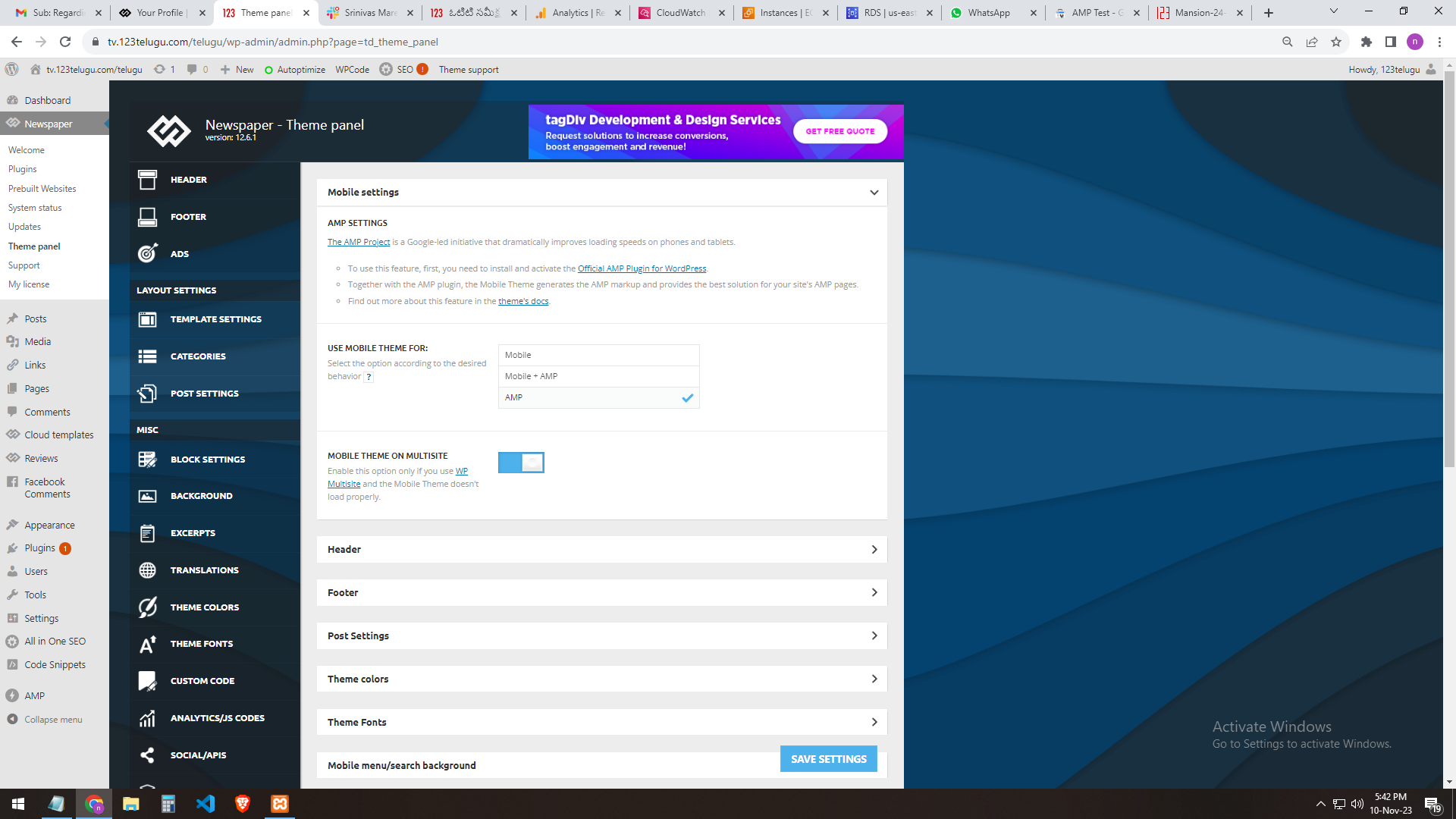
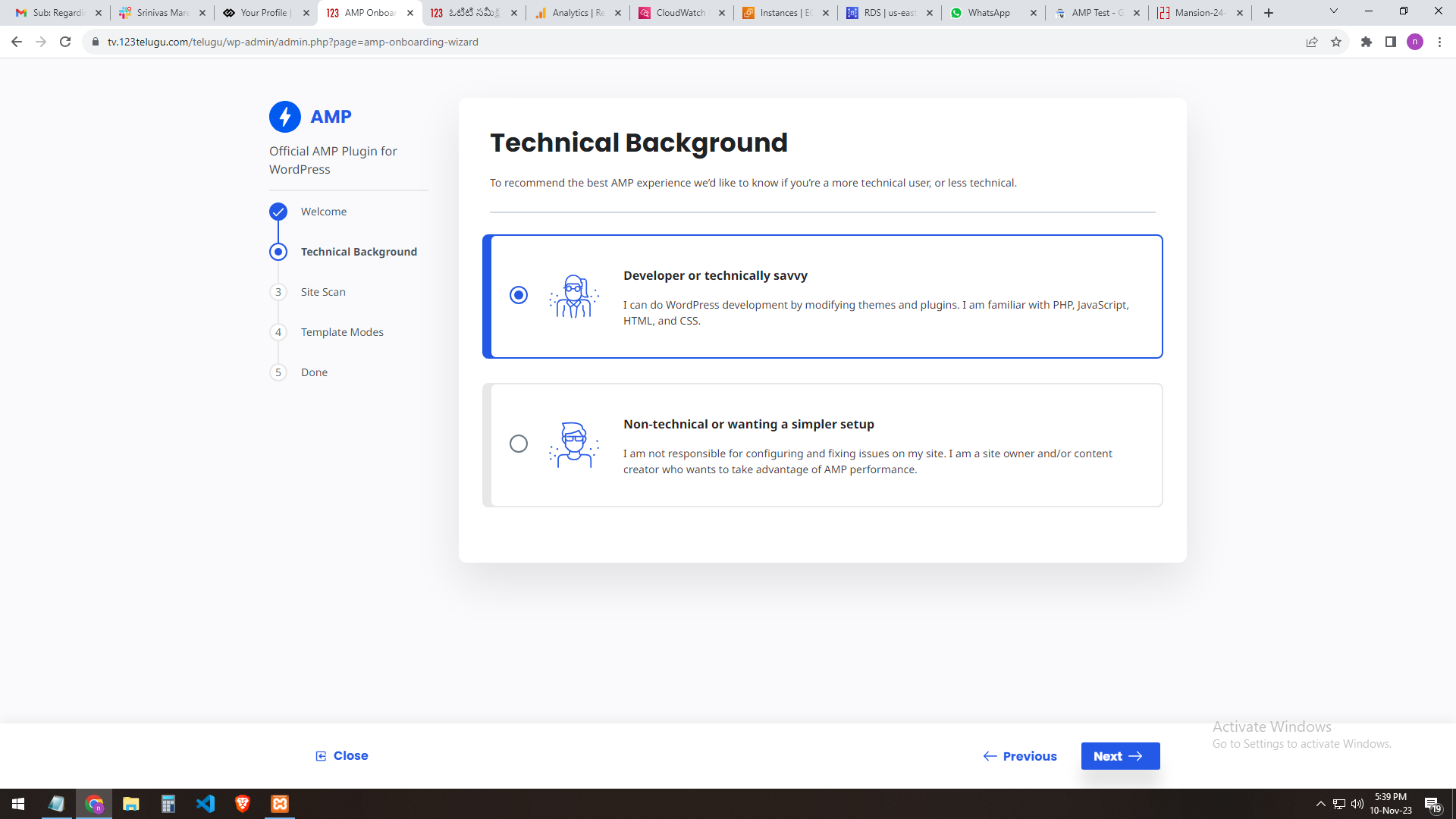
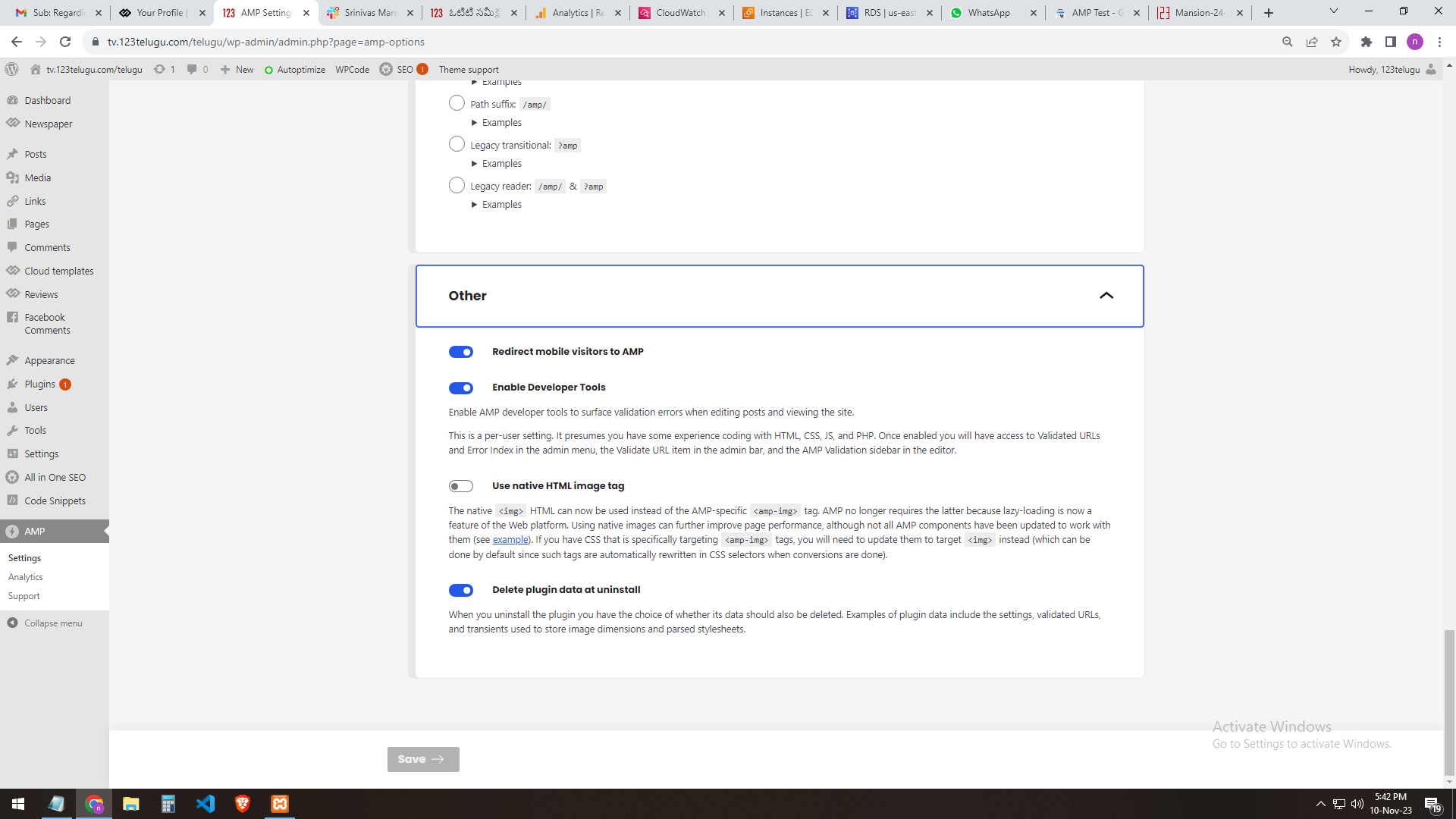
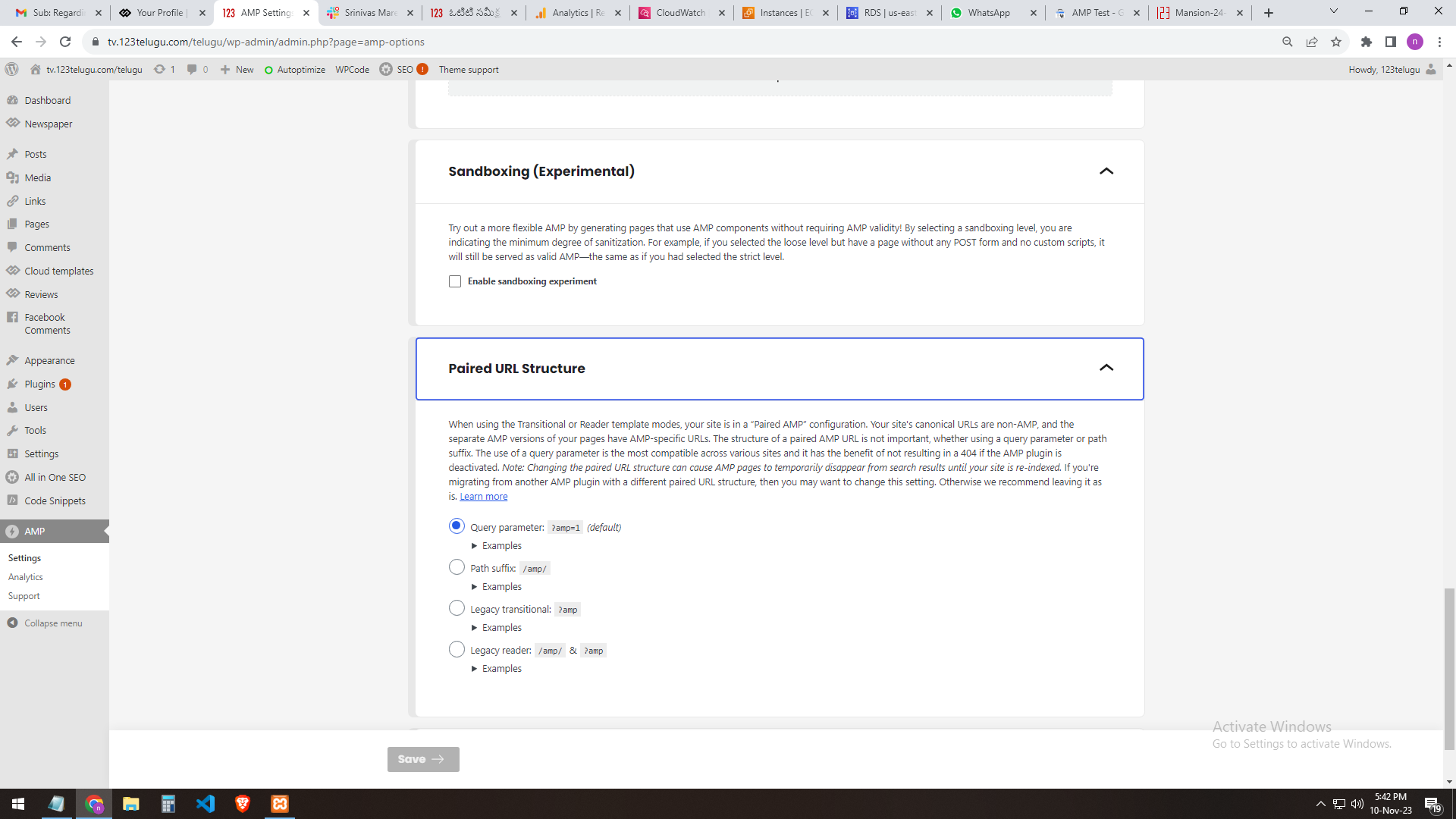
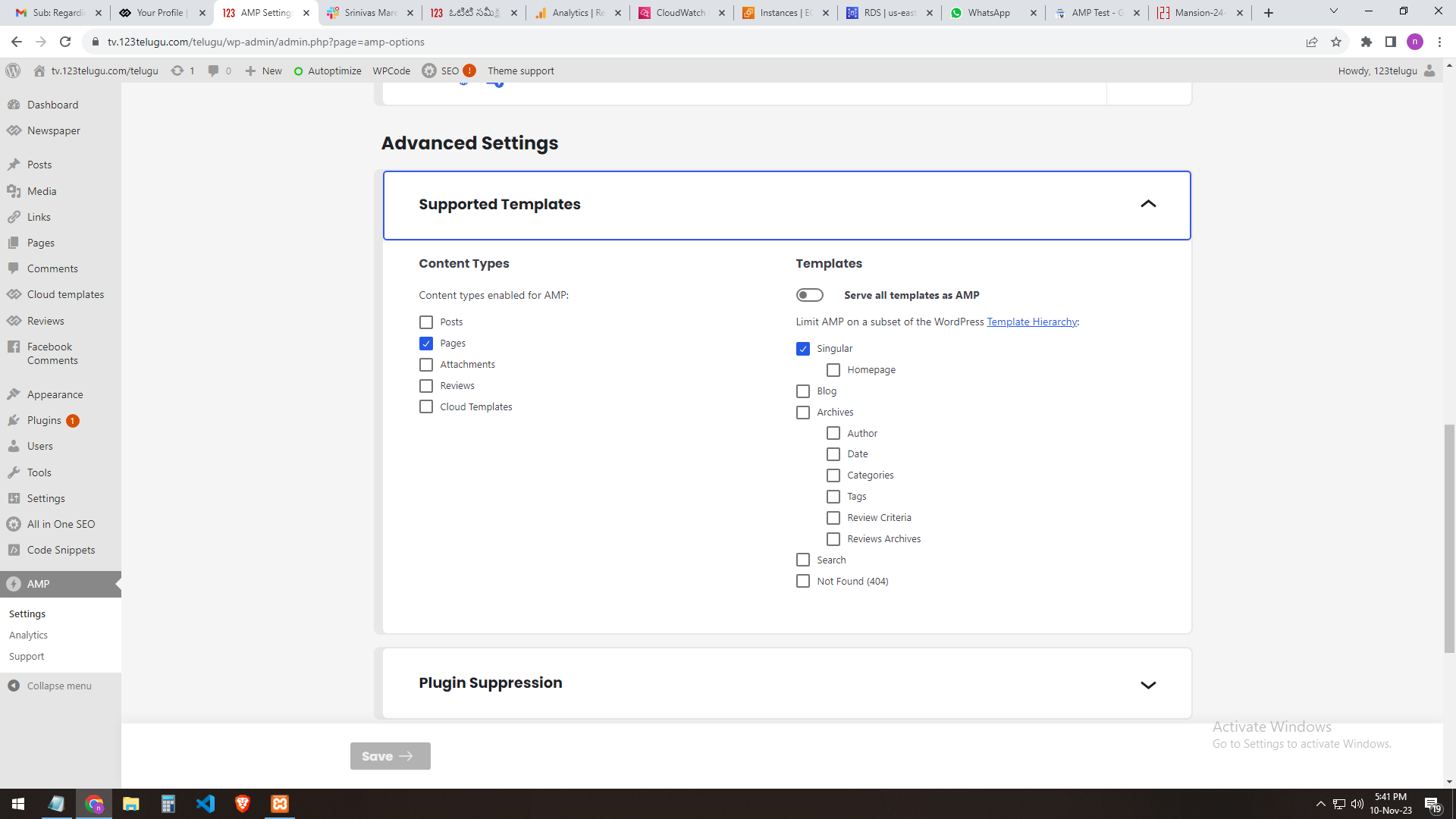
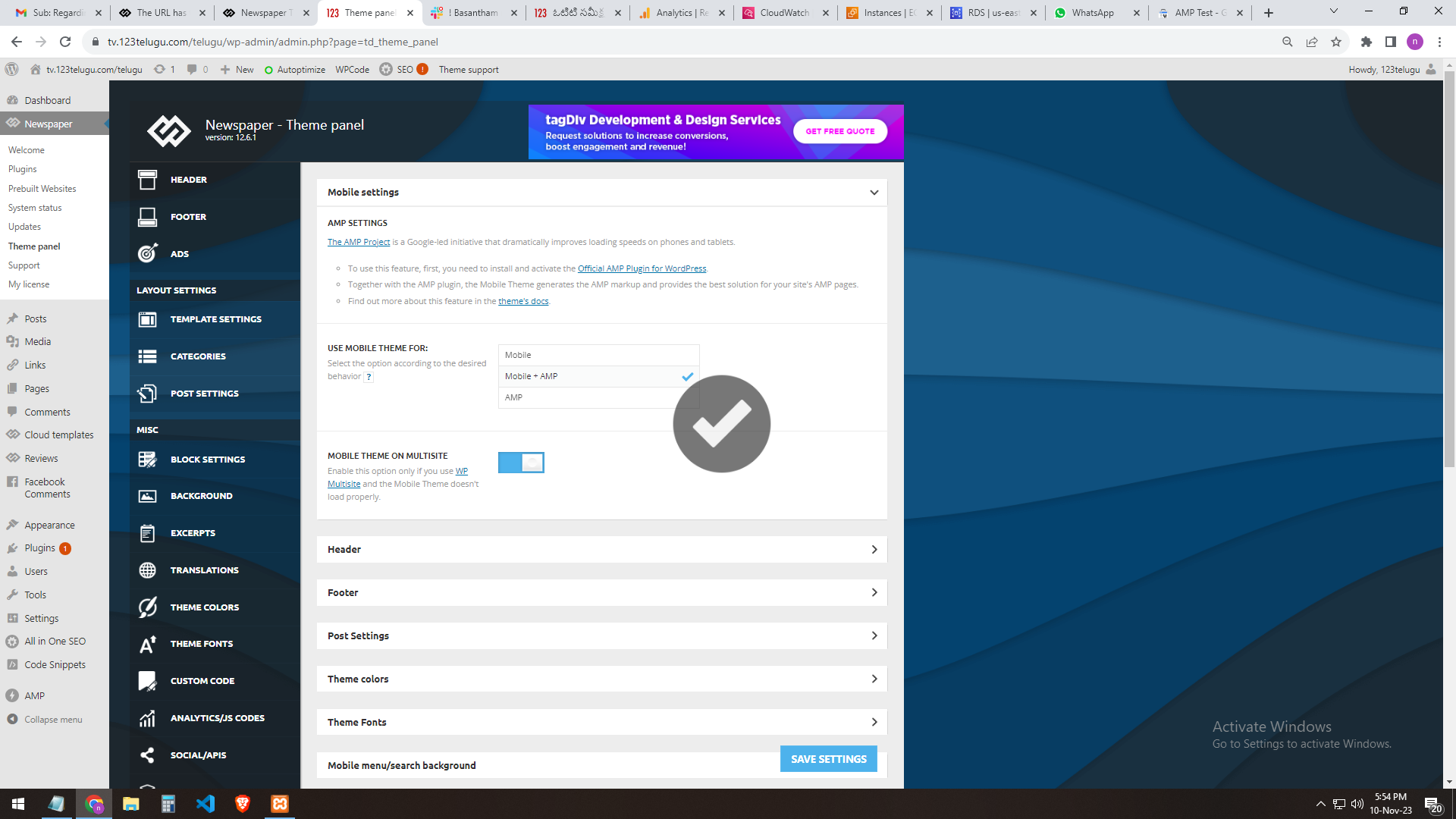
We need AMP validation. We are sending you the AMP changes (screenshots) that we did through the URL. In the mobile settings of the Newspaper theme panel, we are getting the mobile page only when we add AMP.
The plug-ins installed in the theme are the Tagdiv mobile theme and the official AMP for WP.
We installed these two plugins.
We need the best settings for AMP. Please send them step by step clearly.
In our 123telugu.com website, we have an AMP. We wanted to create an AMP with your theme.
my settings ONLY AMP
———
https://gallery.123telugu.com/images/theme_test/image2.png
https://gallery.123telugu.com/images/theme_test/image1.png
https://gallery.123telugu.com/images/theme_test/image3.png
https://gallery.123telugu.com/images/theme_test/image4.png
https://gallery.123telugu.com/images/theme_test/image5.png
my 2nd settings AMP+ MOBILE AFTER error
—————
https://gallery.123telugu.com/images/theme_test/image9.png
https://gallery.123telugu.com/images/theme_test/image10.png
Thanking you,
Regards,
Narendra.
 davidglass
I have had to install the Co-Authors Plus plugin to support multiple authors for articles. Unfortunately, to get it to work, I need to edit 3 files in the tagDIV plugins. It’s not too difficult, but is time-consuming. The problem is that every time tagDIV release an update, my plugin changes get overwritten and I need to re-apply the changes. Is there anything I can do to prevent this?
 Calin
Calin Hi maxcrandale, the curl error was caused by WordPress, that problem has been fixed in WordPress c6.4.1
Hi halloway, please make sure that you disable and delete the tagDiv Composer and tagDiv mobile theme and after that reinstall them from Newsmag > plugins, this should resolve the problem.
Thank you!
Calin Hi maxcrandale, there were some problems with WordPress 6.4 please update to 6.4.1 and also, please disable and delete tagDiv Composer (and mobile theme plugin if you are using), after that please reinstall that plugin from Newsmag > plugins.
Thank you!
 hank
hankHi
I deleted TagDiv composer due to the Balada security issue and now I can’t re-install it. When I click on Install in the plugins section of the Newspaper theme it says “Download failed. Forbidden”.
When I click to install via the Welcome screen in the Newspaper theme it says
“An error occurred and we could not finish the process.
Please reload the page and try again, or manually update the plugins.”
Any ideas are greatly appreciated
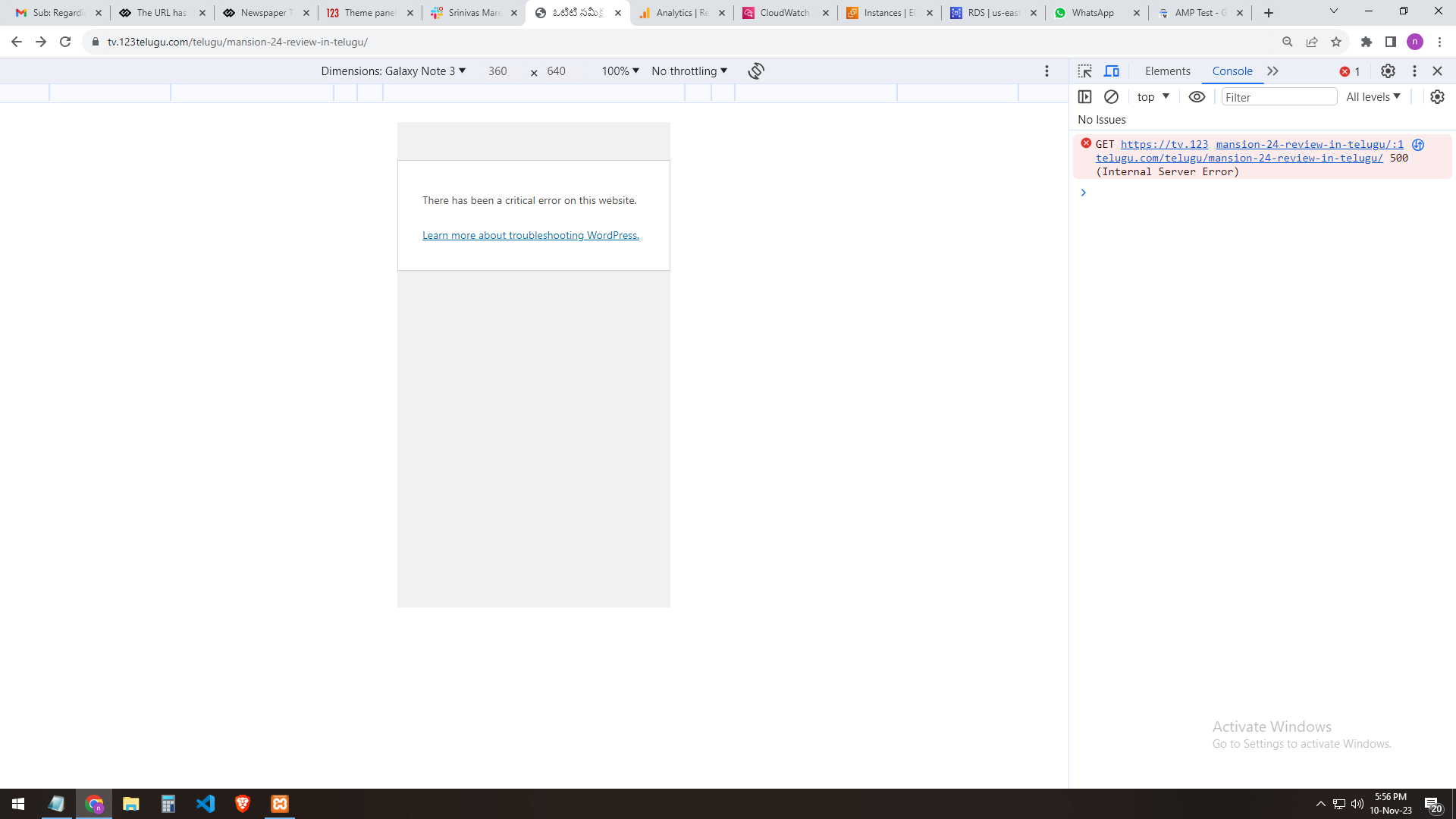
halloway I get a critical error as well on mobile. Any fix for this except for deleting and re-installing the mobile theme?
 mrewonderful
Hello Good day to all,
I install the Newspaper theme this morning and followed the instructions.
It is set to go, but every time I try upload my logo, favicon and for example YouTube Api Key; it takes ages to save and never save.
The Loop goes round and round and round never ending.
Really frustrating.
How can I resolve this problem?
Theme updated and all required plugins work smoothly.
I need to get this going please.
Thank you.
Celestin
 Upperloft
 So I reinstalled my site from a cPanel back up and all is fine. When I upgrade to new WP – all is fine. But when I upgrade theme, Composer goes crazy. Please let me know when safe to upgrade theme – but I can carry on for now.
 maxcrandale
 in my situation even i dissable caches and naked wordpress i got curl error while installing again mobile team. i try with clean install on other domain for test. Any other suggestion?
 digitalastitvaworks
https://forum.tagdiv.com/installing-demos/
I have checked demo but in pre build website install option not available in demo
Upperloft Downgrading WordPress doesn’t make a difference. Its the Newspaper upgrade I think – Composer is broken but I can edit posts now (after plugin reinstall, clear cache etc) but homepage layout all broken for now with an error message about “content module” or something
 Vereinszeitung
 As written here
Tried to delete and reinstall tagdiv plugins without success.
i already made this!
Still white page at pages and posts no matter if i try to edit or create a new one.
 besthomegear
 Anamaria,
please assist this morning if you will.
Yes, I updated to WP ver. 6.4.1 today. My site on mobile (IOS) worked perfectly with just the AMP plugin (google AMP + Newspaper AMP) as recommended in your tutorial.
I installed Newspaper 12.6.2 today. The desktop is fine. Mobile isn’t.
I then deactivated the Mobile Theme Plugin and deleted it.
then I reinstalled the Mobile theme, cleared cache, and as shown by these screenshots something is still wrong in the mobile view for my site besthomegear.com.
If you will please view the site on a mobile device, and offer any suggestions. Header, footer, and scrolling features are corrupted on mobile.
thanks!
Kevin
 miltonbeast
 I deactivated the composer plugin, deleted it and then reinstalled it from the newspaper – plugins page and this resolved the issue.
 Anamaria
 Hi,
Please deactivate, delete, and reinstall the tagDiv mobile theme from Newspaper plugins and clear all cache.
Also, I recommend to use PHP version 8.0 or 8.1
Thank you!
 chrystelle
 Hello
reinstall mobile theme and td-composer: no change. Email sent, I will get back to you after response
 Carmelo Nicolosi
 I have fixed:
– Disabled Mobile theme plugin
– Deleted Mobile theme plugin
– Cleared cache
– Installed Mobile theme plugin
– Activated Mobile theme plugin
Now works…tnx a lot
 Bettina
 Hello @chrystelle!
Please deactivate, delete, and reinstall the tagDiv mobile theme from Newspaper plugins and clear all cache.
If the problem is still there, then please contact us via email at contact@tagdiv.com and provide the following:
– admin url and credentials
– a link to this topic in order to identify you
We will take a look and try to help you asap.
Thank you!
Calin Hi Vereinszeitung, please disable and delete the tagDiv Composer and after that reinstall the plugin from Newsmag > plugins, this should resolve the problem.
Thank you!
 Addshine24x7
This error is coming while installing tagDiv Mobile Theme. Please help.
: require_once(): Failed opening required ‘/public_html/wp-content/themes/Newspaper/legacy/common/wp_booster/td_css_res_compiler.php’ (include_path=’.:/opt/alt/php74/usr/share/pear’) in