
- NewspapertagDiv Composer – Website Manager
- NewspaperWhen tagDiv Composer is Not Working
- NewsmagtagDiv Composer Tutorial
- TutorialsFrom WPBakery to tagDiv Composer
- NewspapertagDiv Composer Tutorial
- NewsmagHow to use the Visual Composer plugin
- NewspaperScroll Animation
- NewspaperSingle External Shortcode and External Shortcode
- NewspaperCredit System
- NewspaperBookmark – Save For Later
- NewspaperFlex Block Builder and Flex Loop Builder
- NewspaperModules Builder in Newspaper Theme
- NewspaperIntroduction to CPT and ACF with Newspaper Theme
- NewspaperCreate a frontend submission form
- NewspaperHow to Use the Tabbed Content shortcode
- NewspaperCreate a form contact page
- NewspaperFilters and sorting for taxonomies
- NewspaperUser review system
- NewspaperCustom Fields Support
- NewspaperWooCommerce: Happy “Add to Favorites!”
 neha.ecm
 If I want to use template other than “single post template”, then how we will be able to edit the post?
I am using other template.
Even after changing the template to “Single post template”. TagDiv composer is not available to edit the post.
Can you quickly look into the issue and provide the solution? I cannot wait much as It is delaying my post creation.
-
This reply was modified 6 years by
neha.ecm.
 Vlad S
 Hello !
That can be edited using the tagDiv Composer as you can see it here: https://www.screencast.com/t/CnuCgu5JiR
Thank you !
 Mauro
MauroI received a message that the truth is surreal, as they have not solved the problem.
“Hi,
As far as I know currently there is an issue as you mention. While in the classic editor the Yoast content analysis should work fine, in Gutenberg there are a few problems. For example the links detection may not work correctly when using Gutenberg. This is already on our list and our developears will try and fix it as soon as possible. Sorry for the inconvenience.”
They haven’t solved anything. Please provide realistic dates. Unfortunately, you have not been characterised in this, instead of continuing with the same pauteed response as always in each case. Can I speak to a human who does not have a machine mentality?
Specifically, when will the problem be solved? Because it is a complex issue, considering that you incorporated changes that are appreciated, but have resulted in several failures for the community. Therefore, it is necessary that you can resolve the error that you yourselves created as soon as possible.
 ClaudiuOvi
 I found the problem. It’s a plugin conflict from the tagdiv composer plugin. How to make it work?
 picturemeclubbing
Intermittent abilities to edit or save changes to the theme.
I can be in the middle of the edit and the live preview will stop.
I have tried using Chrome, Firefox, and Internet Explorer. Same problems.
Site Health is Good Screenshot
Newspaper System Status: screenshot
Tested my internet speed and its fine.
Had my host check server and its fine as well.
Haven’t been able to do much of anything on my site for a week now. Starting to regret buying this template. Need help asap.
 Fxnesse
 I’m having the same issue. I went to Plugins -> Plugin Editor -> Select Plugin to edit: tagDiv Composer
I don’t see the line to edit within this code. The search function isn’t finding it either.
 Desukiri
If I want to create a new post, there is only a white page. If I deactivate the tagDiv-Composer plugin, it work again.
I made a short video to show the error.
 stema
stemaHello,
I am using the Single Post Template 1 from the Default Pro theme (newspaper 10).
When displaying a single article, other articles show up down below when scrolling down the screen.
I would like to prevent that but I can’t see any setting related to that phenomenon when editing the template with tagdiv composer.
(As expected activating/desactivating the tagDiv Standard Pack plugin does not change anything).
Thanks for your help
picturemeclubbing Having the same issues in all browsers (IE, FF & Chrome). Loading of pages very slow, Save Changes button works 20% of the time, LIVE changes will stop in middle of refreshing itself. Been stuck a few days on this. Host is fine, my internet connection is fine. It’s definitely the install of this template and TD Composer.
 ibpsguideig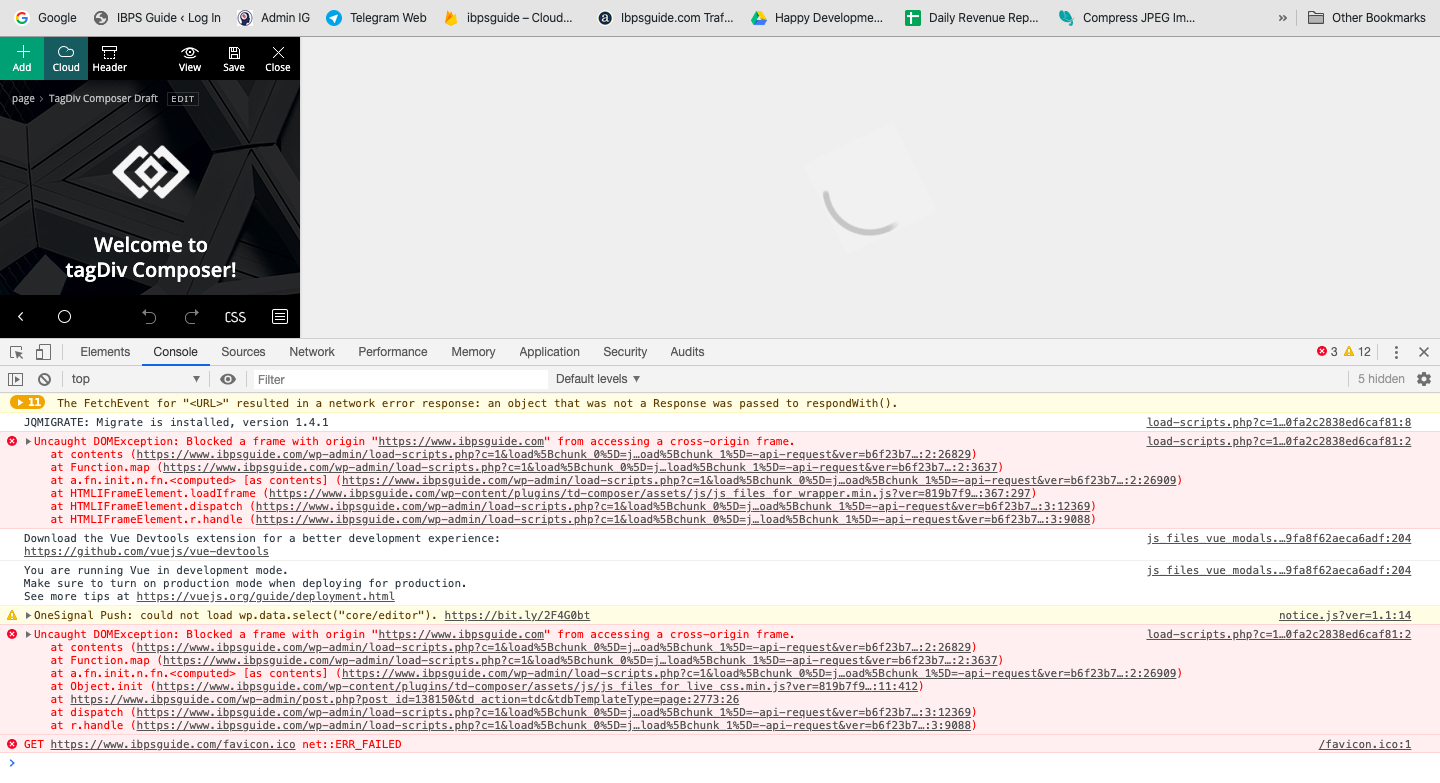
 Calin
Calin Hi,
In order to have access to theme panel, you’ll need to have the tagDiv Composer installed and activate -> https://tagdiv.com/updating-the-core-of-tagdiv-themes/
The licence can be remove only from them panel, but if the theme will be delete and reinstall then should be no problems.
Thank you!
 Frederikil
 My other website mitjagtblad.dk used to be only WpBakery as editor (running Newspaper 6/7). After updating to Newspaper 9.8, TD Composer installs automatically and now I can’t hide sections on devices in WPBakery.
I didn’t make any new TD Composer content. All content are made in WPBakery.
How can I continue use WPBakery with Newspaper 9.8?
Calin Hi,
Unfortunately the ‘call to action’ element can be add only with tagDiv Composer on pages or templates, also if the url will be different on each post then you’ll need to use a lot of single post templates, this will not be very good when you’ll need to change something, you’ll need to change in each one.
Thank you for your understanding and sorry for the inconvenience!
Calin Hi,
If you are referring to this effect-> https://www.screencast.com/t/fHjnGMQfHu you should be able to edit it with tagDiv Composer.
If there is still a problem, you can send us an email at contact@tagdiv.com and provide admin login, as well as cPanel or FTP if possible. We will take a look. Include a link to this topic in the email.
Thank you!
Vlad S Hello !
On Cloud Templates you can edit the logo using the tagDiv Composer as you can see it here: https://www.screencast.com/t/wQGoiCkn4aW
Thank you !
 viaggindia
 Only solution which i found is the following (it removes also all extra css for login).
IN
wp-content/plugins/td-composer/legacy/Newspaper/parts/header/td-login-modal.php
REMOVE EVERYTHING
********************************************************************************************
IN
plugins/td-composer/mobile/parts/menu-mobile.php
plugins/td-composer/legacy/Newspaper/parts/menu-mobile.php
REMOVE :
<!– login section –>
<?php if (td_util::get_option(‘tds_login_mobile’) != ‘hide’) { ?>
<div class=”td-menu-login-section”>
<?php
if ( is_user_logged_in() ) {
locate_template(‘parts/logged.php’, true);
} else {
locate_template(‘parts/login.php’, true);
}
?>
</div>
<?php } ?>
AND
<!– register/login section –>
<?php if (td_util::get_option(‘tds_login_mobile’) != ‘hide’) { ?>
<div id=”login-form” class=”td-register-section”>
<?php locate_template(‘parts/register.php’, true); ?>
</div>
<?php } ?>
Vlad S Hello !
For Cloud Templates you use TagDiv Composer and for Default templates you have to use Theme panel settings.
Thank you !
Calin Hi,
1. The “Column content” or “Image info box” can be set only on single post template, you can get these template from tagDiv Cloud Library and you can edit it with tagDiv Composer.
2. These are some anchor ads ( these have the position set as fix), our theme do not have these options, this can be achieve only with some ads plugin or custom work.
3. Is possible that the internet explorer to not recognize the style that is set on that button. Please provide me a link to your website where I can check this problem.
4. This is an untested plugin, but from what I can see is working normal now -> http://prntscr.com/pyjegr -> http://prntscr.com/pyjem6
Thank you!
Calin Hi,
1. Please make sure that all the settings are like in our requirements, please follow the guide carefully
– https://forum.tagdiv.com/requirements-for-newspaper/
and please increase all requirements that are lower, and follow all steps.
Usually the “Invalid reply from server endpoint error” is caused by insufficient WP_Memory_limit
2. Usually this is a plugin conflict, some times is from WPBakery, please deactivate ALL plugins except tagDiv ones, also if you are using child theme or cache plugin, deactivate them, clear all cache and try again.
3. Unfortunately only on cloud template you can change the width, without cloud the only width that you can force are these -> http://prntscr.com/pyj043
4. I think that you want to set 1 solid border around the ads, if is this, then you need to use custom css for theme panel ads -> http://prntscr.com/pyj2p0
.td-a-rec{

  border: 1px solid #111;

    padding: 8px;

}
Or you can set with tagDiv Composer ad box and set on it the css -> http://prntscr.com/pyj38a after that you can use the right click to save the element and reuse it -> http://prntscr.com/pyj3rr -> https://forum.tagdiv.com/custom-ad-spots/
Thank you!
Vlad S Hello !
If you’re using a Clean Newspaper 10 we recommend disabling the Standard Pack and after that you will see that theme panel will have less options. PRO Demos and Cloud Templates are fully editable using the tagDiv Composer as you can see it here: https://www.screencast.com/t/DytyzPnj0T
Thank you !
Vlad S Hello !
In order to delete the News Ticker you will have to drag and drop the News Ticker to the Delete button while editing the page using the tagDiv Composer: https://www.screencast.com/t/1tFQ0wtvbnf1
Thank you !
Calin Hi,
Please make sure that you do not have a plugin conflict with untested plugins, please deactivate all non theme/tested plugins, also if you are using child theme, clear all cache and try again.
When tagDiv Composer is not working -> https://forum.tagdiv.com/tagdiv-composer-not-working/
Let me know the results!
Thank you!
Calin Hi,
Now the single post template from tagDiv Composer have more ad places -> http://prntscr.com/pyiedx
The auto ads need to be add in head file, with our theme you can set the code in that place by setting the code in Theme panel> Analytics -> http://prntscr.com/pyif7t
Thank you!
Calin Hi,
The icon from icon box can be change from here -> http://prntscr.com/pyicec and can be set with tagDiv Composer -> http://prntscr.com/pyicur
If you are referring to these icons -> http://prntscr.com/pyic3c -> http://prntscr.com/pyibd9 unfortunately there is no option to add more icons, sorry!
Thank you!
 gumball44
Hi,
why date of post has the priority on Post ID even if I choose “Order elements by Post ID” in tag div composer.. ?
Thank you
Best regards
