- NewspaperAutoptimize Plugin – install and configuration
- NewspaperCache plugin – install and configure
- NewsmagInstall via WordPress
- NewsmagInstall via FTP
- NewsmagInstalling pre-built websites
- TutorialsHow to install Revolution Slider
- NewspaperInstalling Pre-built Websites
- NewspaperHow to Install Newspaper via FTP
- NewspaperHow to Install Newspaper via WordPress
- TutorialsHow to Install bbPress forum
- NewspaperIntroduction to CPT and ACF with Newspaper Theme
- NewspaperHow to edit modules for Flex Block X
- NewspaperWooCommerce: Happy “Add to Favorites!”
- NewspaperWoo Brands
- NewspaperStripe Setup
- NewspaperModal Popup
- NewspaperPayPal Setup
- NewspaperFlex Block Settings Guide
- NewspaperHow to setup the Contact Page
- NewspaperAdd Cryptocurrency Price Ticker Widget
 Calin
Calin Hi,
Checking the error message is like you try to use the theme with theme plugins that has different versions that are not compatible with the theme. Here is what I recommend.
Connect to your themeforest account and get the theme from there, then use a cPanel or FTP to replace the current theme (doing this you’ll have the latest theme version and it will be clean without any modifications), after that try to login via wp-admin and if is working, then go to Newspaper > plugins and install/update the theme plugins from there.
Thank you!
 Delicatu
 Ok. I have installed ACF. I have cerated 2 ACF ‘s.
They appeared in the post area. I added values for the two fields, I added them as custom fields on the page, but they are not displaying!!!!!

Delicatu Hello.
Each post will have a “Custom Post,” as shown in the image below. I want to be able to add these when creating a new post, not manually. Also, in the custom post, I need to have links on certain words. I can’t find anything like this by default in templates. How can I make them appear automatically, like they do with the Custom Post Types plugin? Or I have to install that plugins and then use in the Custom Field frothe theme?

 tolgmau5
Hi there,
Steps i’ve taken:
Installed woocommerce
create shop page (not the actual front-end)
select shop page via woocommerce settings
Installed tagdiv shop
Ideal solution:
http://www.theweed.blog/shop displays a page with products but unfortunately, at the moment, if you go to the URL provided, it’ll give you a “Error establishing a database connection”
Any assistance would be greatly appreciated!
 mongooz
Hello, I recently installed a new theme using the “Prebuilt Websites” option, and it seems that all my previous settings and content have been removed. Is there any way to recover or restore them? Also, is it normal for everything to be erased when applying a prebuilt website? I would really appreciate your help.
Site: momimmo.com
 delivermails
 my website url is http://www.thatta.in
still I have deleted the tagdiv plugin, but when i install and activate it, my website gets forwarded to 4-5 unknown urls like betting websites.
 RENATO
 I’m using a translator and it doesn’t come out perfect. I said that for a month I tried to resolve it with the plugin owner. We put some CSS codes, “additional CSS”, in customize, it didn’t work. I deleted it, I did everything, I uninstalled the theme, I restored the site, I did everything, nothing worked. I’m tired, you know, I’m late to finish the site, because of this problem. Everything was done. I ask that you resolve this. A position from the creator of this theme.
 kroshan
I purchased your theme yesterday however, after installing and setting up, I observed that
Website Page is broken for visitor (Not logged in WP user) but working fine on my logged in user browser
Required your urgent support on this.
url: techieinspire[dot]com
PFA screenshot.


 emmalabbe
 Hi, as I couldn’t find the vulnerability, I’m currently re-installing everything on a new subdomain. I’d like to test and copy the work that has been done since a month before transferring my website to the new one. My licence is already used for my website and a sandbox, so I can’t use it for the new test website.
Is it possible to assign temporarily my licence to a 3rd URL ?
Otherwise, I have another licence I’d bought in 2020 for another website and that is not used any more. Is it possible to use 2 licences for the same URL (3 sub-domains)? I tried but I cannot click on “assign” (theme panel > licence tab > 3rd URL), I can only click on “Buy a new licence”.
Thank you.
Calin Hi,
There is no newspaper-core.zip, I think there is a misunderstanding.
Did you manage to install the theme? – https://forum.tagdiv.com/install-via-wordpress/ (make sure you install only the theme zip inside the package you have downloaded from the themeforest account https://help.market.envato.com/hc/en-us/articles/202821510-Theme-is-missing-the-style-css-stylesheet-error)
After the theme is installed you need to go to Newspaper > Welcome section and you can install from there the tagDiv Composer and tagDiv Cloud Library plugins – https://i.imgur.com/LyI1bNb.png after that you need to activate the theme – https://forum.tagdiv.com/newspaper-6-how-to-activate-the-theme/ and only after that you can install the demo you mentioned – https://forum.tagdiv.com/installing-demos/
Also, all theme plugins are provided under Newspaper > Plugins tab – https://i.imgur.com/6NoXVCc.png
Thank you!
Delicatu I have reinstalled the theme from 0 and now it is ok.
I have a custom shortcode, made by me. How I can insert on the pages , where I want? This time it is not in the Tabbed content. I want somewhere on the page to briong something random from the database. Tks.
Calin Hi,
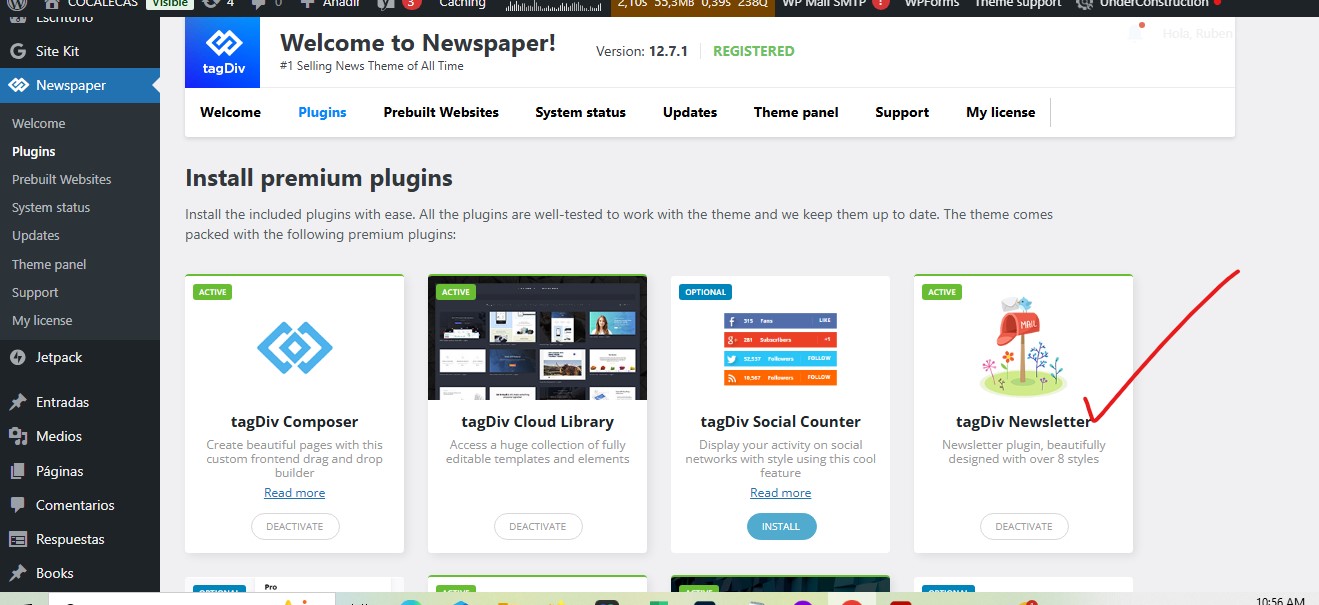
As I mentioned above that element is not using the tagDiv Newsletter plugin and is using the tagDiv Opt-in builder plugin and you need to install that plugin to bring back the popup content – https://i.imgur.com/27NNLyo.png- https://i.imgur.com/hgY1mTW.png
Thank you for your understanding!
 Antoine Bienvenu
Hello,
I have purchased and activated the Newspaper theme, and I’m trying to install the London News PRO demo.
Unfortunately, the required plugin “newspaper-core” is missing. It’s not available in the Plugins section in the WordPress dashboard, and it’s also not included in the full .zip file I downloaded from ThemeForest (“All files & documentation”).
Because of this, I can’t use tagDiv Composer. There is a bug.
Can you please provide me with the correct
newspaper-core.zip
file or guide me on how to install it manually?
Thank you very much for your help.
Best regards,
Antoine BienvenuHello,
I have purchased and activated the Newspaper theme, and I’m trying to install the London News PRO demo.
Unfortunately, the required plugin “newspaper-core” is missing. It’s not available in the Plugins section in the WordPress dashboard, and it’s also not included in the full .zip file I downloaded from ThemeForest (“All files & documentation”).
Because of this, I can’t use tagDiv Composer. There is a bug.
Can you please provide me with the correct
newspaper-core.zip
file or guide me on how to install it manually?
Thank you very much for your help.
Best regards,
Delicatu Hello.
I have another problem. I have installed a new theme prebuilted. When I am saving home page without making any changes I am receving this message.
Invalid data Current state has involved an issue. You could try an UNDO operation (CTRL+Z / CTRL+SHIFT+Z). Why this is happening?
Antoine BienvenuHello,
I have purchased and activated the Newspaper theme, and I’m trying to install the London News PRO demo.
Unfortunately, the required plugin “newspaper-core” is missing. It’s not available in the Plugins section in the WordPress dashboard, and it’s also not included in the full .zip file I downloaded from ThemeForest (“All files & documentation”).
Because of this, I can’t use tagDiv Composer. There is a bug.
Can you please provide me with the correct newspaper-core.zip file or guide me on how to install it manually?
Thank you very much for your help.
Best regards,
 csegarra
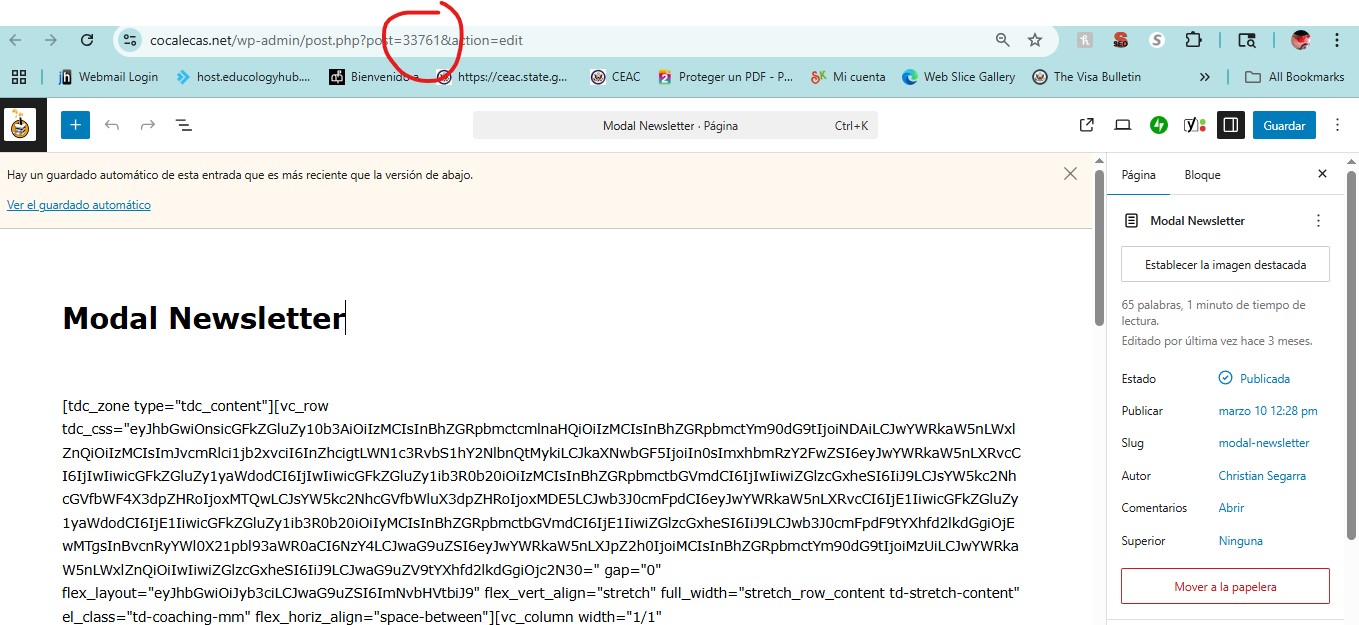
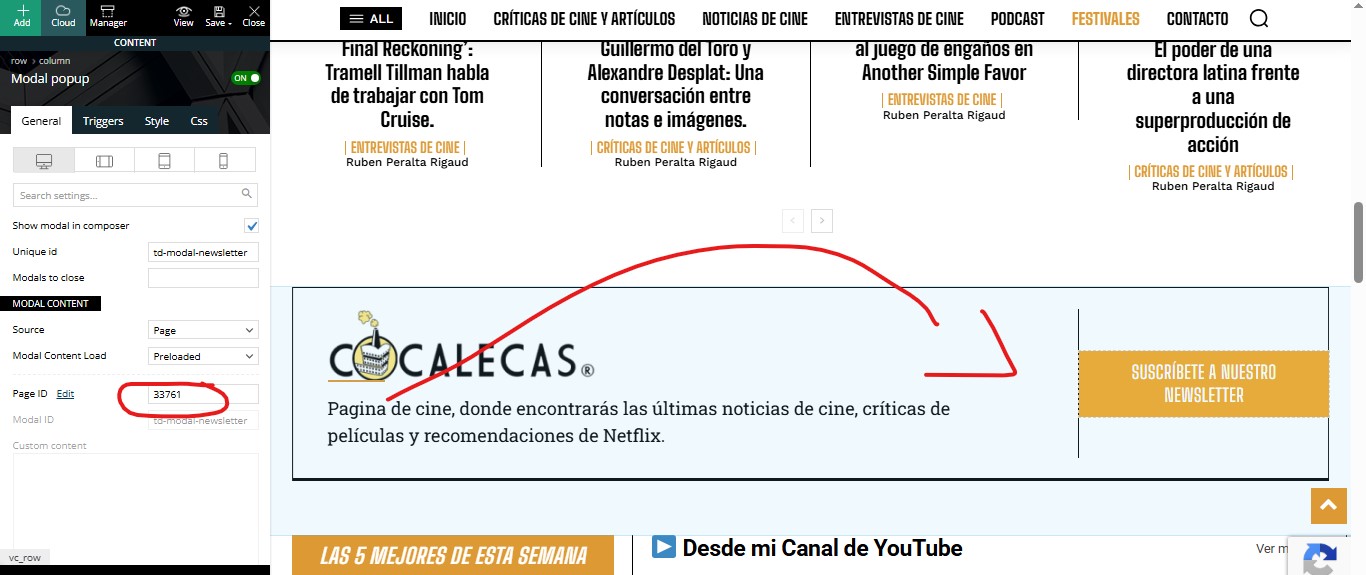
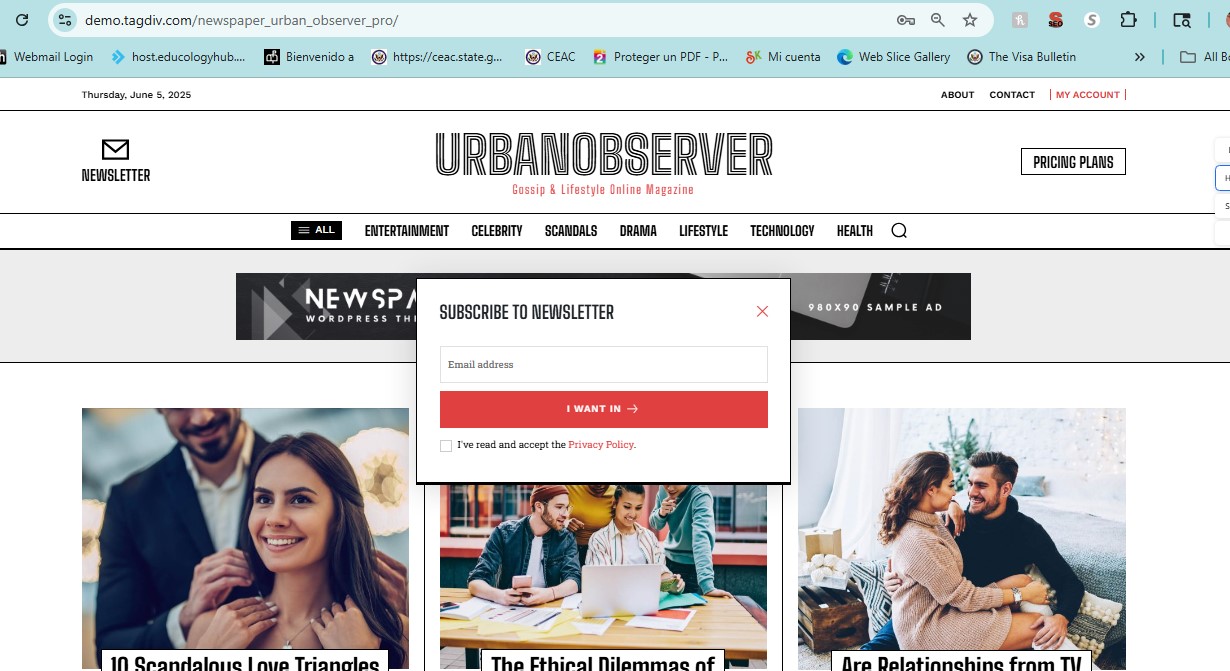
 Yes, I have that plugin activated. It worked fine for me as is in the demo. But since I installed the original version of this theme, it stopped working, and I don’t know how to fix it.
https://cocalecas.net/wp-content/uploads/2025/06/newsletter1.jpg
https://cocalecas.net/wp-content/uploads/2025/06/newsletter2.jpg
https://cocalecas.net/wp-content/uploads/2025/06/newsletter4.jpg
This is your DEMO
https://cocalecas.net/wp-content/uploads/2025/06/newsletter3.jpg
This is how mine should look like
thanks
Calin Hi,
Did you installed anew pre-built website? If so, most of theme are editable with tagDiv Composer directly on frontend, the same is the header and footer.
Foer the social share should be display after a pre-build website is installed, but in case you do not want to install one, please contact us via email at contac@tagdiv.com and provide a temporary wp-admin access to the website. Include the link of this topic to identify the problem.
Thank you!
DelicatuHello. I have installed a prebuilt demo. On the front page I have a tabbed content with lastest and recomanded articles.
I want to change those 2 things with 2 shortcode. I have created a new tabbed content but it force me to choose pages. i want to 3 tabs there.
How I cand put custom tabs, as I want?
Calin Hi,
Ok, it appears that the website is blocked for a part of countries, so I us a VPN to check it out.
Now, I see that on homepage you have a different header, so I believe that maybe one of the theme plugins is no longer installed? Please go to Newspaper plugins and make sure that you have installed and activate the tagDiv Composer, tagDiv Cloud Library and tagDiv Standard Pack (I believe that you do not have the standard pack that brings the old templates).
Thank you!
Calin Hi,
If you are using a cloud header, then you can use tagDiv Composer to remove the popup login (Header login element) then create a page that you want for login and make sure that tagDiv op-in builder is installed (from Newspaper > plugins), add in that page the page login element – https://i.imgur.com/vPrsKZi.png and set the menu login element in header section. Doing this you’ll get a login page like this one – https://i.imgur.com/hlGEVcN.png – https://demo.tagdiv.com/newspaper_downtown_pro/tds-login-register/
Thank you!
Calin Hi,
That one is not an actually newsletter (newsletter is this one https://forum.tagdiv.com/the-newsletter-plugin/) is a popup element that display the page id that has been set there and if I’m right is using some elements from tagDiv Opt-in Builder plugin (please check in Newspaper > plugins to see if the plugin is installed/enabled – https://i.imgur.com/Daas0Zl.png
Thank you!
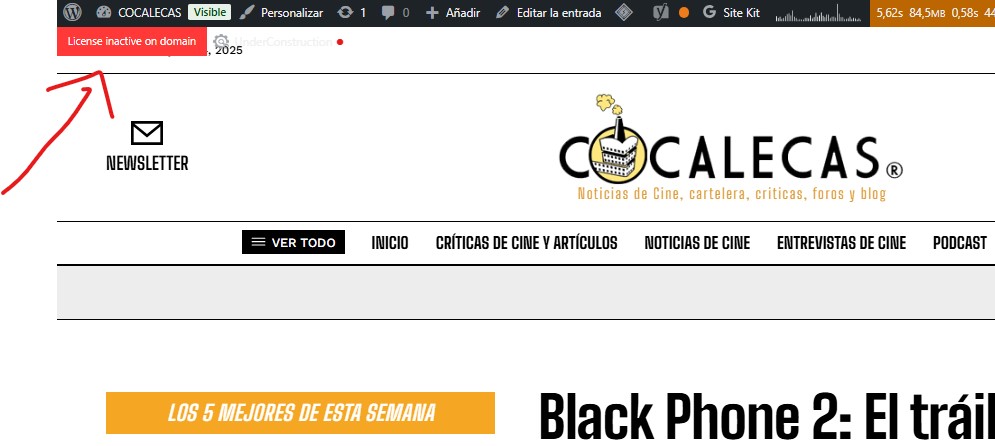
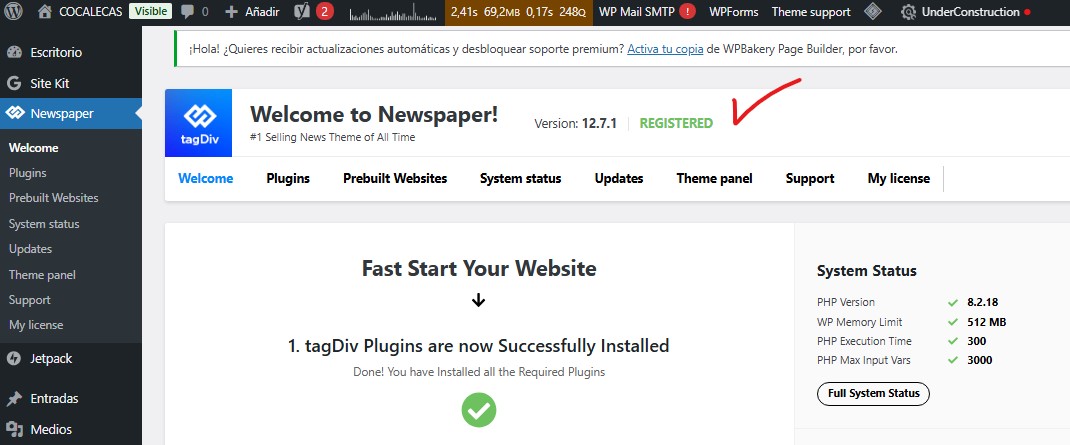
csegarraHi, I’m new.
I installed the theme and it says it’s activated, but on the other hand, it says it’s not. Can you help me?
Thanks
https://cocalecas.net/wp-content/uploads/2025/06/Screenshot-2025-06-04-143145.jpg
https://cocalecas.net/wp-content/uploads/2025/06/Screenshot-2025-06-04-143158.jpg
Calin Hi,
This is not a theme option, they are using an extra plugin to do this. If you can provide a website that has Facebook comment box I can let you know the implementation/plugin used.
Also here is a guide that can help https://www.wpbeginner.com/plugins/how-to-install-and-setup-facebook-comments-in-wordpress/
Thank you!
 a.harmach
Hello,
I’m experiencing an issue with pages that use Ajax: I’m unable to load the page when clicking on the arrow.
The pages don’t load, whereas everything works fine when I’m logged in (as an admin on WordPress).
Would you need to log in to resolve the issue? I have the WP Rocket plugin installed.
https://www.grip.org/medias-2/