- NewspaperHow to use the Flex Blocks cache option
- NewspaperCache plugin – install and configure
- NewspaperWP Rocket and Newspaper Theme: Optimization Guide
- NewspaperFlex Block Settings Guide
- NewspaperGeneral Options that May Interfere with the Newspaper Theme
- NewspaperThe Newspaper Mobile Theme: Introduction
- NewspaperAutoptimize Plugin – install and configuration
- NewspaperHow to update a plugin
- NewspaperCloudflare (CDN)
- NewspaperFacebook Share
- NewspaperVideo Playlist
- Newspaper7 Days Post Sorting
- NewspaperAjax View Count
- NewspaperTop bar templates
- NewspaperHow to Update the Newspaper Theme
- NewspaperHow to Install Newspaper via FTP
- NewspaperHow to Install Newspaper via WordPress
- NewspaperRequirements for Newspaper
- NewspaperHow to Make the Site Faster
 LauraBV
https://www.theblackmorevale.co.uk/
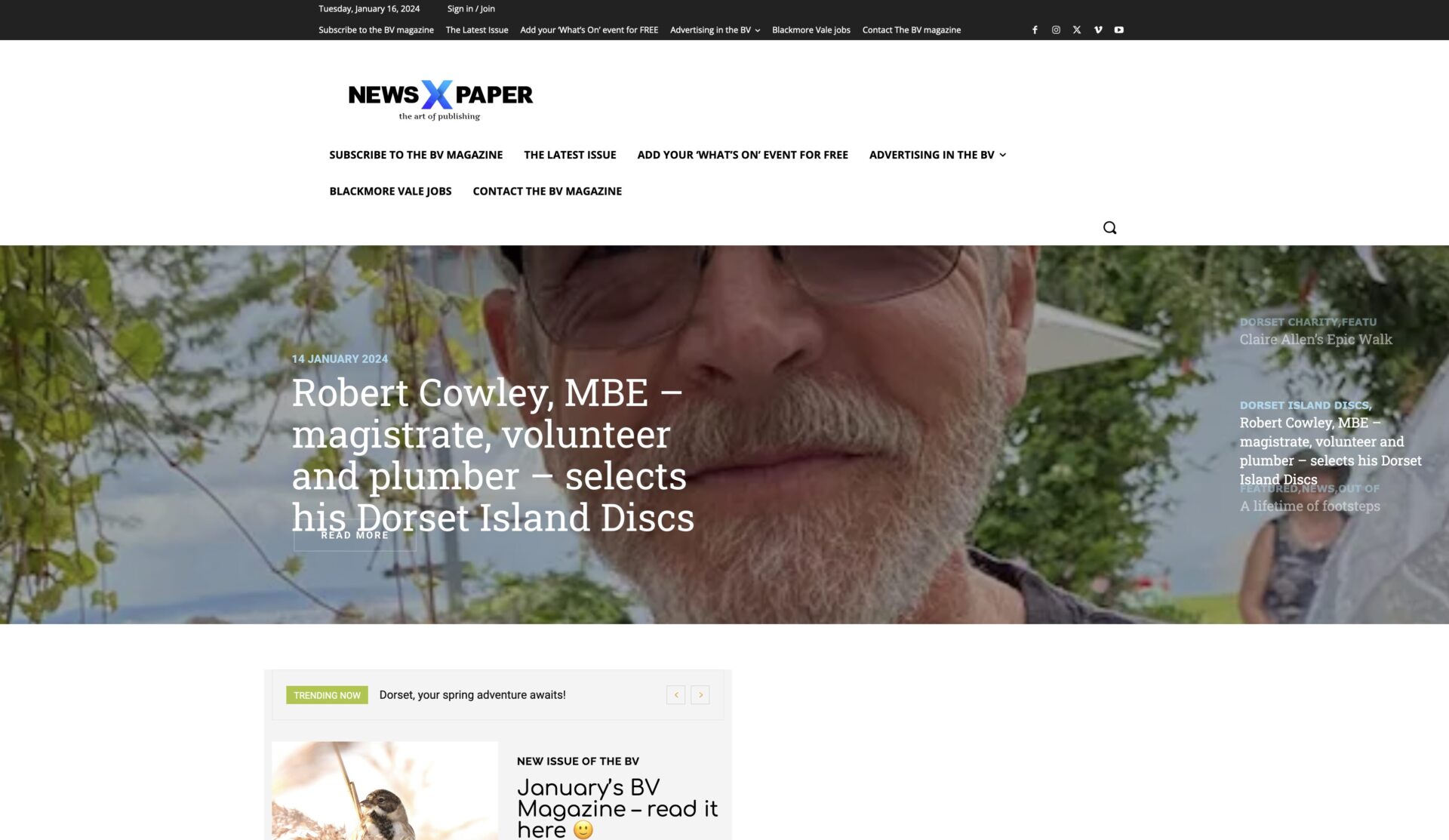
When I make changes to the website – even just creating a new blog post – the site displays incorrectly in Firefox; see a screenshot here https://www.theblackmorevale.co.uk/wp-content/uploads/2024/01/Screenshot-2024-01-16-at-14.02.52.jpg
The header is changed, and the logo defaults back to the ‘Newspaper X’ theme header.
I can easily fix it by manually clearing the cache (I use WP Rocket plug in), and then all is well again – but obviously I don’t want this happening at all.
I can only replicate it in Firefox, never in Chrome.
 Anamaria
 Hello,
1. Using our theme, you can choose from 3 mobile versions
-> mobile responsive => https://www.screencast.com/t/oJ2ShOp47
-> mobile theme plugin => https://forum.tagdiv.com/the-mobile-theme/
-> mobile page => https://tagdiv.com/newspaper-10-3-7-update-brings-customizable-and-fast-mobile-pages/
Suppose you created the mobile pages with tagDiv Composer. In that case, when you install the Mobile Theme plugin, your pages will be overwritten by the plugin (the mobile theme comes with its templates for page, post, category, etc, so your current templates from the desktop theme will get converted to the mobile theme layout, the page content is made without builders in mobile editor => https://www.screencast.com/t/xbgZG8kH also, the options that are provided to edit the mobile theme version are limited (this keeps the things simple)).
This is a video about Responsive Newspaper Theme, AMP & Mobile Theme, Mobile Pages & Templates -> https://www.youtube.com/watch?v=SpGkOnJeNZY.
So, the mobile responsive is what you see when that you select the viewport on phone => https://www.screencast.com/t/matV17hH, so some settings may apply for each viewport(where is the border blue), and others are not(where the border is black).
The mobile page has the mobile templates from Cloud Library => https://www.screencast.com/t/YCcZ8rL8
The Mobile responsive version of the theme and the mobile page editor can be edit with tagDiv Composer, the mobile theme plugin cannot.
For example, you can have the mobile theme plugin activated and use the mobile page/mobile responsive version for the homepage/pages, but for the categories pages/404 page, you can’t use the mobile page/mobile responsive version if you have the mobile theme plugin activated.
So, if you want to design the pages with tagDiv Composer, you can use the mobile page or mobile responsive version.
No, you do not need a plugin to redirect to the homepage; this will automatically change, but please make sure that you have a cache plugin with the support alos mobile versions.
2. You can use this plugin to reinstall wordpress https://wordpress.org/plugins/wp-downgrade/
3. No, this plugin contains malware. You need to remove it immediately.
4. You can use the Wordfence plugin to scan it.
All the plugins and themes can be infected -> https://www.wordfence.com/blog/2024/01/wordfence-intelligence-weekly-wordpress-vulnerability-report-january-1-2024-to-january-7-2024/
Thank you!
 Calin
Calin Hello,
The only think that I have in my mind that can interfere with that option, I think that re the new theme option core optimize the css theme from the theme panel – https://i.imgur.com/6rDEtYy.png disable both options and clear the cache, after that check to see if there are some better results.
Thank you!
Calin Hello,
When the button works when you are logged in, most of the time this situation was related to a cache plugin that interfered with the theme css and js.
Thank you!
Calin Hello,
I just made some tests and for me the filer seems to work correctly, but it is possible to be a situation that I do not cache in my tests. I just did some tests and for me the option seems to work correctly, but it is possible that it is a situation that I am not recreating in my tests and therefore there should be no problems (from my tests on the popular option (last 7days) it shows me I’m looking for the most popular posts from all the posts that were viewed in the useful 7 days).
If you want we can take a look on your installers and see if there is a different on them.
Thank you!
Anamaria Hello,
Please deactivate the tagdiv mobile theme plugin.
Using our theme, you can choose from 3 mobile versions
-> mobile responsive => https://www.screencast.com/t/oJ2ShOp47
-> mobile theme plugin => https://forum.tagdiv.com/the-mobile-theme/
-> mobile page => https://tagdiv.com/newspaper-10-3-7-update-brings-customizable-and-fast-mobile-pages/
Suppose you created the mobile pages with tagDiv Composer. In that case, when you install the Mobile Theme plugin, your pages will be overwritten by the plugin (the mobile theme comes with its templates for page, post, category, etc, so your current templates from the desktop theme will get converted to the mobile theme layout, the page content is made without builders in mobile editor => https://www.screencast.com/t/xbgZG8kH also, the options that are provided to edit the mobile theme version are limited (this keeps the things simple)).
This is a video about Responsive Newspaper Theme, AMP & Mobile Theme, Mobile Pages & Templates -> https://www.youtube.com/watch?v=SpGkOnJeNZY.
So, the mobile responsive is what you see when that you select the viewport on phone => https://www.screencast.com/t/matV17hH, so some settings may apply for each viewport(where is the border blue), and others are not(where the border is black).
The mobile page has the mobile templates from Cloud Library => https://www.screencast.com/t/YCcZ8rL8
The Mobile responsive version of the theme and the mobile page editor can be edit with tagDiv Composer, the mobile theme plugin cannot.
For example, you can have the mobile theme plugin activated and use the mobile page/mobile responsive version for the homepage/pages, but for the categories pages/404 page, you can’t use the mobile page/mobile responsive version if you have the mobile theme plugin activated.
So, if you want to design the pages with tagDiv Composer, you can use the mobile page or mobile responsive version.
No, you do not need a plugin to redirect to the homepage; this will automatically change, but please make sure that you have a cache plugin with the support alos mobile versions.
Thank you!
 Ryan Lee
 This issue was solved by delet the cache files of browser.
 Laura
Laura Hello Calin,
sorry to jump in. Just seeing the new options and I like them very much, gonna use them later.
A quick question about the “aggregate & minify inline CSS”. If I enable this, would there be complications with other plugins that also have these features? For example autoptimize or WP Fastest Cache.
Thank you!
 Bettina
 Hello @khanmohammadimran!
Make a test and deactivate ALL plugins except tagDiv ones, also if you are using a cache plugin, deactivate it, clear all cache and try again.
Thank you!
Anamaria Hello,
Please disable the minify the inline CSS and clear the cache; check after the mobile background colour.
Thank you!
Anamaria Hi,
Usually, this happens with cache plugins. If the cache plugin does not have mobile support then the mobile theme version can be delivered instead.
The solution would be to use the recommended WP Super Cache plugin instead and activate these settings (especially the mobile device support): https://forum.tagdiv.com/cache-plugin-install-and-configure/
Also, please let me know what plugin for the cache you use now.
Thank you!
 mortgageman
Hi I use the mobile theme plugin, and I have an issue with the homepage only. For a few days it might display the homepage from the mobile view from tagdiv composer (which I don’t want) and some days it displays the correct homepage from the mobile plugin, do you have any ideas? It’s not a cache issue as clearing cache doesn’t have an affect.
 sdreesen
We are using tagdiv composer on our wordpress website. The posts on our homepage are set to show “all categories” and “latest”. a few weeks ago it stopped doing it. We have had 3 different wp programmers look at it, and said it might be cache issue, the website host support says its not cache, something with plugin tagdiv.
Can we get some support.
Bettina Hello @volpik!
We’re talking about modal popups with triggers, right? So, I mean the element called modal popup. This modal popup is compatible with the theme: https://forum.tagdiv.com/modal-popup/
Do you use any other modal popups from extra plugins or any other script? Make a test and deactivate ALL plugins except tagDiv ones, also if you are using a cache plugin, deactivate it, clear all cache and try again.
Thank you!
Bettina Hello @volpik!
You can delete it and check the results. Please delete all the caches after the modifications.
Thank you!
sdreesenWe are using tagdiv composer on our wordpress website. The posts on our homepage are set to show “all categories” and “latest”. a few weeks ago it stopped doing it. We have had 3 different wp programmers look at it, and said it might be cache issue, the website host support says its not cache, something with plugin tagdiv.
Can we get some support.
Calin Hello,
1. You have now the amp plugin but also the mobile theme plugin, but I understand that you want to use the responsive version, therefore non of those plugins are not required (you can disable the tagDiv mobile theme and amp plugin).
2. This is usually related to a cache or optimizing plugin that is interfering with the js from the theme. Is this situation always, for example when you are logged in (and the cache is not apply)? If yes, then please check the browser console to see if there are any errors.
Indeed, I checked the website pagination is working now (because you disable the mentioned options from LiteSpeed cache plugin).
For css I think that you can use some options but not all of theme and for js please try to exclude those:
/jquery-?[0-9.](.*)(.min|.slim|.slim.min)?.js

/jquery-migrate(.min)?.js

tagdiv_theme.min.js

tdBlocksArray
If this is not work please try this:

/jquery-?[0-9.](.*)(.min|.slim|.slim.min)?.js

/jquery-migrate(.min)?.js

tagdiv_theme.min.js

tdBlocksArray

tdb_globals

td_youtube_list_ids

iosSlider

/td-cloud-library/assets/js/js_files_for_front.min.js
Also, the amp is deprecated – https://i.imgur.com/gipeN7q.png
Thank you!
Bettina Hello @Laura!
We recommend the Wp Super Cache plugin because it was tested with our theme, and the plugin you need to use was not tested by us.
Thank you!
 joeyfatstat
 Ok on problem #2 I have found that LiteSpeed cache plugin has a conflict with these two seetings:
1. CSS Combine External and Inline
2. JS Combine External and Inline
When I turn these off, the Pagination works. I would like to take full advantage of my Caching plugin tho. Is there any ideas of what I should exclude in CSS & JS in order to turn these options on?
LauraDear Tagdiv Team,
I would like to know if there are any compatibility issues when using the WP Fastest Cache plugin? You are mainly recommending WP Super Cache, are there any special reason for it?
Thank you very much!
All the best to you.
Bettina Hello @wizromeo!
Please use only one builder: the tagdiv Composer and uninstall the WPBakery.
Clear all the cache and check the results.
If the problem is still there, then contact us via email at contact@tagdiv.com and provide the following:
– admin url and credentials
– cpanel url and credentials
– a link to this topic in order to identify you
We will take a look and try to help you asap.
Thank you!
Bettina Anamaria Hi,
Have you checked for a plugin conflict? Please deactivate ALL plugins except tagDiv ones; also, if you are using a child theme or cache plugin, deactivate them, clear all cache, and try again.
Thank you!
Anamaria Hi,
If the image is blurry, then please upload it full-size https://www.screencast.com/t/Oxue274e and clear the cache
Thank you!
Bettina Hello @Hubert !
Sometimes, the issue can be from a plugin conflict or a cache issue. That’s why we recommend first deactivating ALL plugins except tagDiv ones; if you are using a cache plugin, deactivate it, clear all cache (also from your browser), and see the results.
Thank you!