- NewspapertagDiv Composer – Website Manager
- NewspaperWhen tagDiv Composer is Not Working
- NewsmagtagDiv Composer Tutorial
- TutorialsFrom WPBakery to tagDiv Composer
- NewspapertagDiv Composer Tutorial
- NewsmagHow to use the Visual Composer plugin
- NewspaperScroll Animation
- NewspaperSingle External Shortcode and External Shortcode
- NewspaperCredit System
- NewspaperBookmark – Save For Later
- NewspaperFlex Block Builder and Flex Loop Builder
- NewspaperModules Builder in Newspaper Theme
- NewspaperIntroduction to CPT and ACF with Newspaper Theme
- NewspaperCreate a frontend submission form
- NewspaperHow to Use the Tabbed Content shortcode
- NewspaperCreate a form contact page
- NewspaperFilters and sorting for taxonomies
- NewspaperUser review system
- NewspaperCustom Fields Support
- NewspaperWooCommerce: Happy “Add to Favorites!”
 Calin
Calin Hi mita,
Unfortunately, the mega menu and the mobile menu can not be edited to achieve that, but you can use a menu page, you ca create a page using tagDiv Composer https://forum.tagdiv.com/page-menu/
I hope this will help you!
Calin Hi,
Those ” https://ibb.co/DQYsGh2 and https://ibb.co/cL20sgT” are from mobile theme plugin and the color can be adjusted from the theme panel > mobile theme > theme colors -> https://i.imgur.com/hbGWx99.png here is our guide for this https://forum.tagdiv.com/the-mobile-theme/
First, I want to make sure that I was able to inform you of all data about the mobile versions that our theme can have.
1. Responsive version, this is by default when you install the theme and you do not use mobile page or mobile theme plugin.
2. Mobile page/template this allows you to create with tagDiv Composer and cloud a different layout and set different elements for mobile and iPad/tablet and it will overwrite the responsive version.
3. Mobile theme plugin, this is a light theme version for mobile that will overwrite the mobile page and responsive version if enabled.
So when you have a mobile page/template this will be used instead of a responsive version, but if you also have the mobile theme enabled, this one will override both of them.
How to combine them? Yes, this can be possible, for example the mobile page/template will apply only on that page or cloud template that is assigned. But what to do if you want to use a mobile theme plugin too? If you use mobile theme, in Gutenberg editor it is an option to disable the mobile theme in current post/page, if you use the option, then it will be use the mobile page/template (if is assigned) or the responsive version.
So in your case you can disable the mobile theme on the homepage -> https://i.imgur.com/NX57q4t.png or if you do not want it at all, disable the plugin or use it only for amp -> https://i.imgur.com/Grlz5Ee.png.
Here is also a video that explains all those -> https://www.youtube.com/watch?v=SpGkOnJeNZY
Also if you use Cloudflare (CDN) please make sure that it is set like in our guide -> https://forum.tagdiv.com/cloudflare-cdn/
Hope this will help you!
 mataroa50
This morning i transferred my subdomain to my main domain via cloning in plesk and suddenly the td composer stopped working while all other stuff in my website seem to work just fine.
I have no idea what to do to fix this issue and it doesnt make any sence. From what i have seen, other people in the forum have that problem too.
Td composer, opens, but it doesnt display my ads, nore can i edit or save anything new.
The 3 last lines are what appears when i try to save
https://www.screencast.com/t/KMEIByf3E
This is what appears when i try to edit, for example here i tried to change the category of the published articles and basically anything
https://www.screencast.com/t/obgyY5qo
I always get the message: “tdcJobManager.addJob – ERROR: 404 not found”
In my staging site, td composer works as intended. The problem started when i cloned the staging site back to the root.
Lets hope someone can help me and others.
Calin Hi,
This can be done using our tagDiv Composer, you need to open the page in tagDiv Composer, select the header menu and in general tab you’ll see the drop menu items in more -> https://i.imgur.com/egw35dt.png also you can adjust the width -> https://i.imgur.com/ytTyxnx.png
Thank you!
 moreonair
composer keeps loading without displaying
 2zi0
2zi0 Hello Bettina, I tried as you suggested but I’m experiencing a strange problem: In my page I placed a loop block with 8 articles, then a banner and then another loop with 4 articles and an offset of 8
It looks ok on tagDIV composer, but when I see it on the frontend, the second loop is 8 articles with no offset.
I have no cache plugin and it’s no cache, because if I put in the second block a title, it appears correctly
 manojnegi1984
 Thanks for your response and they are helpful, indeed. I have a few more questions:
1. I followed this https://forum.tagdiv.com/tagdiv-composer-tutorial/ and deactivated the button https://prnt.sc/1ror792. But, still, all the posts are loading on the same page https://articlesenior.com/my-first-article-on-this-website/. how to fix this?
2. after the user is logged in, still, at top, it shows “login” and “Register” option, see this http://prnt.sc/1royzse. How to replace Login with “Logout” and Register with “View Profile”.
 Anamaria
 Hello,
If you referring to this, edit with tagDiv Composer, select the block, after then you need to filter that block https://i.imgur.com/gmdhRVs.png
Thank you!
Anamaria Hello,
For logo size we recommend using is 272 x 90px, but the logo can be edited with tagDiv Composer and you can set the logo size => https://www.screencast.com/t/Q49YDqYM -> https://www.screencast.com/t/8xupUNEjSS3
Thank you!
Anamaria Hello,
I saw you use WPBakery plugin, please disable it, clear all cache and after the background ad should work.
Also, my recommendation is to shift from WPBakery to Composer, because WPBakery is an old builder plugin.
Please check our guide to know how to shift from WPBakery to Composer: https://forum.tagdiv.com/visual-composer-tagdiv-composer-transition/
tagDiv Composer contains a lot of functions and features, please check our tutorial here: https://forum.tagdiv.com/tagdiv-composer-tutorial/
Thank you!
Calin Hello,
We have this on our request list to still be display the hidden elements in tagDiv Composer, unfortunately for the moment this was not yet implemented.
Thank you!
Calin Hi, you need to store the image on some platforms like imgur (using greensgot) or lightshot.
Also to set for links in red, blue … colors and the orange for hover, in may case I have set other colors -> https://i.imgur.com/blLQIG6.png -> https://i.imgur.com/ArguZvR.png also when you increase the post content the link you’ll change the links content too -> https://i.imgur.com/kkS93lO.png
This can be done with tagDiv Composer on single post templates.
Thank you!
Calin Hi,
I see that your website it is under construction, but I think that empty space is the place where the header ad is is display, please check in theme panel -> https://i.imgur.com/azeDw7D.png -> https://forum.tagdiv.com/header-ads-adsense/also if is a cloud header you can edit it with tagDiv Composer and see if you have set there an ad box.
If the problem persist, please provide access to your website (remove the construction mode for a few hours to check it).
Thank you!
 sonobanglaCalin
 Hi,
This can be done using tagDiv Composer -> https://i.imgur.com/7PT8cXj.jpg, but I see that you already manage this https://i.imgur.com/le6jH8j.jpg
If there is anything else with we can help, let us know!
 llkv
llkvHello,
when I use theme category template (category.php) for category page I get error in the footer:
wp_booster error:
td_api_base::get_default_component_id : no component of type td_api_category_template . Wp booster tried to get
the default component (the first registered component) but there are no components registered.
/hermes/walnacweb04/walnacweb04ac/b2827/moo.2noobcom/inground-pool-lightscom/wp-content/plugins/td-composer/legacy/common/wp_booster/td_api.php
For clouds category templates everything works.
Please advice
 piratar
Hi I have a problem where a mobile theme was created but when the mobile dimensions were edited in the standard TagDiv composer it got rid og the mobile version and now it seems we can only choose one or the other. That is either have the mobile theme show up on desktop or have the mobile dimentions show up from the TagDiv composer and the mobile template deactivated for mobile. Is there any way to have them both running in parralel togeather again. Have tried activating/deactivating the “tagDiv Mobile Theme” and the “Official AMP for WP” plugins but that doesn’t fix the problem.
 SAMYTHEBIGJUICY
 hi!!!!
I found some raw code before you go into the tagdiv composer that has the word “advertisement”. So perhaps there is something there but obviously doesnt show up in the composer. I reinstalled all the plugins and it hasnt helped to show them. Can someone please help my urgently.
SAMYTHEBIGJUICY Hi – I really would like to stop displaying tagdiv ads on my website…. please.
Here is a video of me in my composer showing I have no ad boxes to select:
https://www.screencast.com/t/dqSxSs157K
Please please please please tell me what I can do to get them off my site.
mataroa50 https://www.screencast.com/t/obgyY5qo
This appears when i try to edit anything
These 3 lines appear when i try to save
https://www.screencast.com/t/KMEIByf3E
Hope these pics appear, and i sincerely hope u can provide an answer.
Before the cloning, td composer worked smooth as butter
 mita
mita We do use your theme Bettina! https://staging2.jornaldoalgarve.pt/
Why you say we don’t? I even sent an screenshot where tagdiv composer is visible!
Can you please provide the information requested?
Thx
-
This reply was modified 5 years by
mita.
 remsta
 Hi,
Thank you for the reply – from the images I posted
Which one is the mobile theme?
– This one: https://ibb.co/DQYsGh2 and https://ibb.co/cL20sgT
OR
– This one: https://ibb.co/gmTr1Kv
The home page I have edited with TagDiv composer (https://ibb.co/gmTr1Kv), the Category pages (here:https://ibb.co/DQYsGh2) I used Cloud templates.
How can I get the home page to show the same as the this with this menu and this layout? https://ibb.co/cL20sgT
(I have tried to create a mobile version of the homepage (page with tagdiv composer) but as soon as I do that – the entire site changes to mobile including on the desktop
I have have Cloudflare and I have purged the cache, made no difference.
 Billy
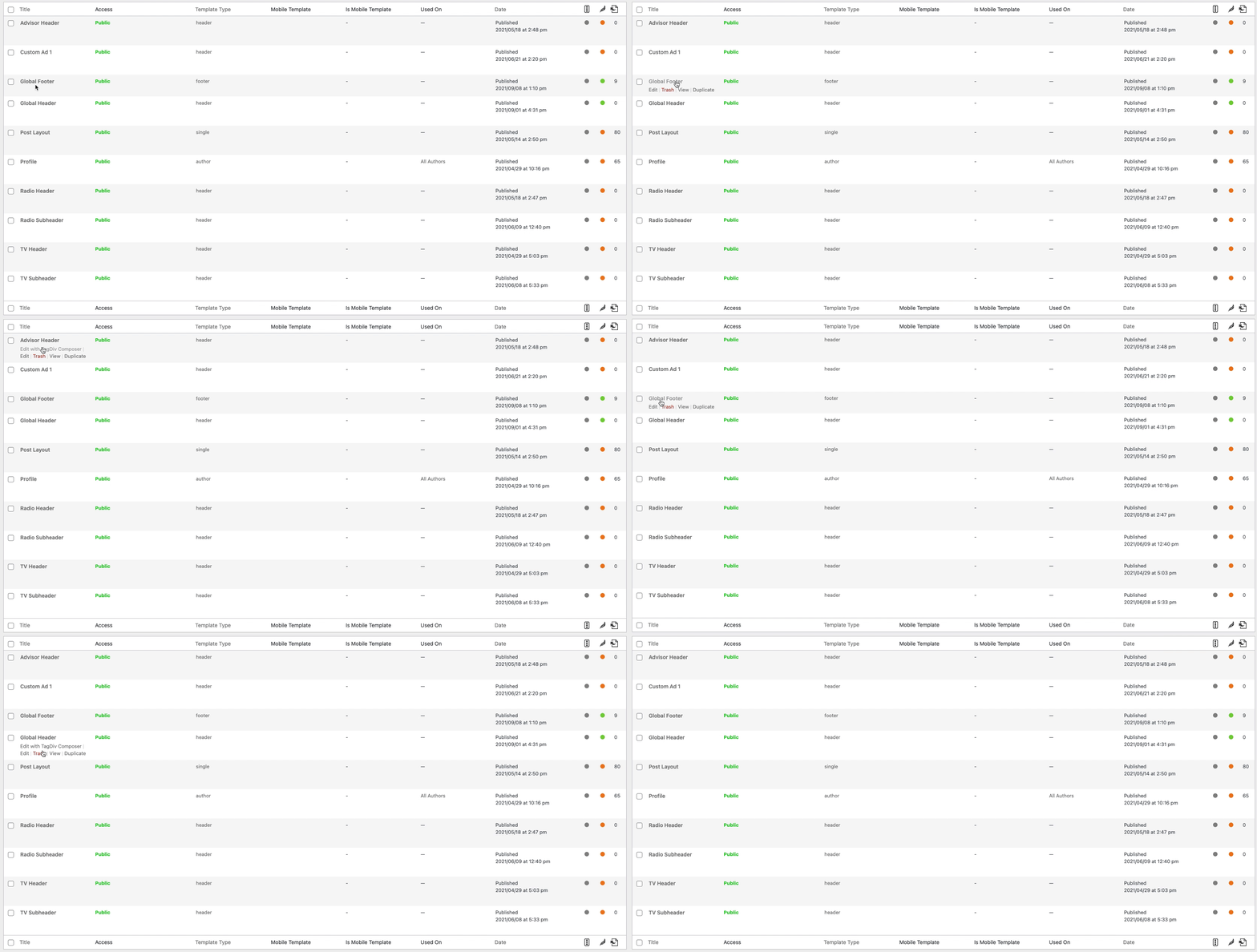
BillyNot sure what is going on, but when I create a footer with cloud templates, but when I go back to edit it the option to Edit with TagDiv Composer is gone. It is only happening with the footers, I have created multiple ones with the same issue.
mataroa50 https://www.screencast.com/t/obgyY5qo
This appears when i try to edit anything
https://www.screencast.com/t/KMEIByf3E
Hope these pics appear, and i sincerely hope u can provide an answer.
Before the cloning, td composer worked smooth as butter
 SAMYTHEBIGJUICY
 Hey Anamaria – thanks but this video presumes I have an actual box to click. There are no ad boxes in my composer!!! They only appear on the website when I’m not logged into wordpress or using an incognito window. Is there some alternate view I need to click to get the boxes to appear for non logged in users?