
- NewspapertagDiv Composer Tutorial
- NewspaperCredit System
- NewspaperCreate a frontend submission form
- NewspaperHow to Use the Tabbed Content shortcode
- NewspaperCreate a form contact page
- NewspaperFilters and sorting for taxonomies
- NewspaperUser review system
- NewspaperModal Popup
- NewspaperFlex Block Settings Guide
- NewspaperSocial Sharing
- NewspaperSingle Post Shortcodes
- NewspaperInfinite Loading for Single Posts
- NewspaperThe Newspaper Mobile Theme: Introduction
- NewspaperHow to Add a Logo in Newspaper
- NewspaperCustom Post Type Support
- NewspaperCloud Library Templates
- NewspaperDesign your Post Pages using the Cloud Library Templates
- NewspaperHeader Builder
- NewspapertagDiv Cloud Library Plugin
- NewspaperAd Box Element and Ads Overview
 Calin
Calin Hi tariq@mta.tv,
If you have the last version of the theme ( Newspaper X) and you want to set the default style/template only, then you can get it from wp-content/plugins/td-composer/legacy/Newspaper/single.php if you want the other styles/design too then you’ll need to get them from wp-content/plugins/td-standard-pack/Newspaper/parts/single/
-> https://forum.tagdiv.com/custom-post-type-support/
Thank you!
 smehr1
 I found documentation on WPML site (https://wpml.org/documentation/theme-compatibility/create-multilingual-wordpress-websites-using-the-newspaper-theme-and-wpml/) and it looks like I will need to declare the shortcodes used by TD Composer so that it can translate the individual elements. Is there any documentation on what the shortcodes are for the various elements used by TD Composer?
 TheRiz
Hello – I am trying to EXCLUDE a post from showing on my homepage, by adding the post ID to the field “Exclude Post ID” inside the “Post Loop” Column type.
Doing this INCLUDES only the post ID added, the exact opposite effect. Am I doing this wrong? Is this feature working as intended?
 fatih-2
 !Update!
I imported pro cloud template. Edited it, trying to add translation via WPML, it shows duplicate design in the td composer as in the image. https://pasteboard.co/IHyOnqD.png
I can not select template based on language from the theme panel. so it is either turkish or english.
 shogunteam
Hello
I built my website wit TD composer. After installing your newest update, I am facing some issues. The website is not being displayed correctly. Even if I install the standard pack plugin. My question is, does it help when I create the whole website using your Cloud Templates. I mean when I rebuild the whole pages, category, single post and some custom pages.. Will my website be displayed correctly after updating the theme to Newspaper 10?
Best
 teknobilimadami
Hello, Tagdiv team. Home (Front page) When I say Edit with TD Composer This is the error. I cannot select any element or tool.
I can’t undo the operation. I’m surprised what to do.
The error message is this: Error at zones: 5 (models): 6 (dom). The model does not match the content. You could try an UNDO operation (CTRL + Z / CTRL + SHIFT + Z)
My last transaction was this; at the bottom of the main page about the text and social icons I was editing. Then I gave this error when I saved the transaction.
Last time I was editing this area. After saying save this error came.
https://prnt.sc/pzfmx9
Review the screenshot for the error.
https://prnt.sc/pzfjlc
 Tandrei911
Hello,
I own ghidulcumparaturilor.ro and, as you will see, the theme is not displayed corectly. This error occured today.
I talked about this problem with my web services provider and he told me that the plugin is not compatible with the Newspaper theme. At least, the problem is with it.
 Frederikil
 @Vlad – please read. I dont have any TD Composer elements. I did only Update from Newspaper 6/7 to 9.8. Now i cant use WPBakery anymore?? 🙁
 picturemeclubbing
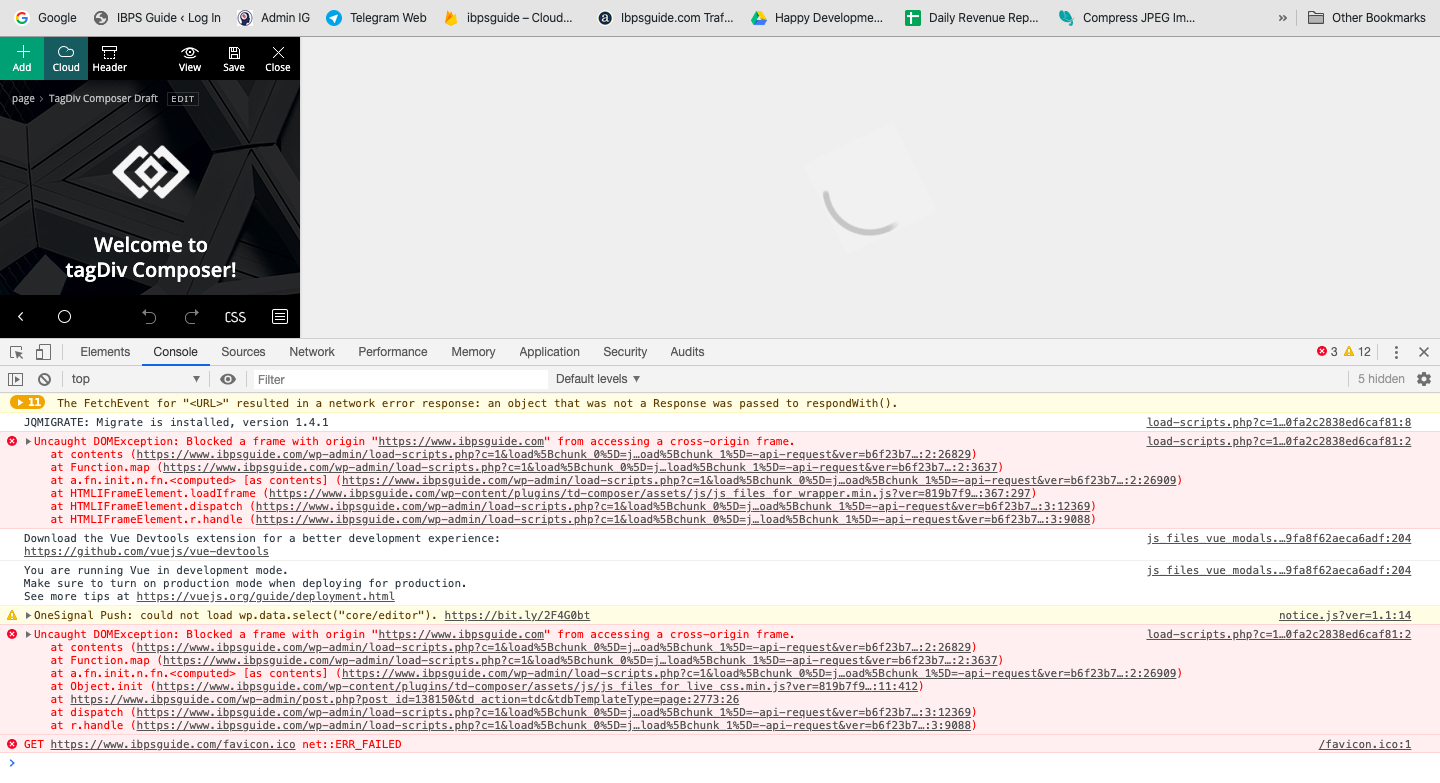
 Having the same issues in all browsers (IE, FF & Chrome). Loading of pages very slow, Save Changes button works 20% of the time, LIVE changes will stop in middle of refreshing itself. Been stuck a few days on this. Host is fine, my internet connection is fine. It’s definitely the install of this template and TD Composer.
 ibpsguideig
 Frederikil
 My other website mitjagtblad.dk used to be only WpBakery as editor (running Newspaper 6/7). After updating to Newspaper 9.8, TD Composer installs automatically and now I can’t hide sections on devices in WPBakery.
I didn’t make any new TD Composer content. All content are made in WPBakery.
How can I continue use WPBakery with Newspaper 9.8?
 viaggindia
 Only solution which i found is the following (it removes also all extra css for login).
IN
wp-content/plugins/td-composer/legacy/Newspaper/parts/header/td-login-modal.php
REMOVE EVERYTHING
********************************************************************************************
IN
plugins/td-composer/mobile/parts/menu-mobile.php
plugins/td-composer/legacy/Newspaper/parts/menu-mobile.php
REMOVE :
<!– login section –>
<?php if (td_util::get_option(‘tds_login_mobile’) != ‘hide’) { ?>
<div class=”td-menu-login-section”>
<?php
if ( is_user_logged_in() ) {
locate_template(‘parts/logged.php’, true);
} else {
locate_template(‘parts/login.php’, true);
}
?>
</div>
<?php } ?>
AND
<!– register/login section –>
<?php if (td_util::get_option(‘tds_login_mobile’) != ‘hide’) { ?>
<div id=”login-form” class=”td-register-section”>
<?php locate_template(‘parts/register.php’, true); ?>
</div>
<?php } ?>
Calin Hi,
1. Please make sure that all the settings are like in our requirements, please follow the guide carefully
– https://forum.tagdiv.com/requirements-for-newspaper/
and please increase all requirements that are lower, and follow all steps.
Usually the “Invalid reply from server endpoint error” is caused by insufficient WP_Memory_limit
2. Usually this is a plugin conflict, some times is from WPBakery, please deactivate ALL plugins except tagDiv ones, also if you are using child theme or cache plugin, deactivate them, clear all cache and try again.
3. Unfortunately only on cloud template you can change the width, without cloud the only width that you can force are these -> http://prntscr.com/pyj043
4. I think that you want to set 1 solid border around the ads, if is this, then you need to use custom css for theme panel ads -> http://prntscr.com/pyj2p0
.td-a-rec{

  border: 1px solid #111;

    padding: 8px;

}
Or you can set with tagDiv Composer ad box and set on it the css -> http://prntscr.com/pyj38a after that you can use the right click to save the element and reuse it -> http://prntscr.com/pyj3rr -> https://forum.tagdiv.com/custom-ad-spots/
Thank you!
ibpsguideig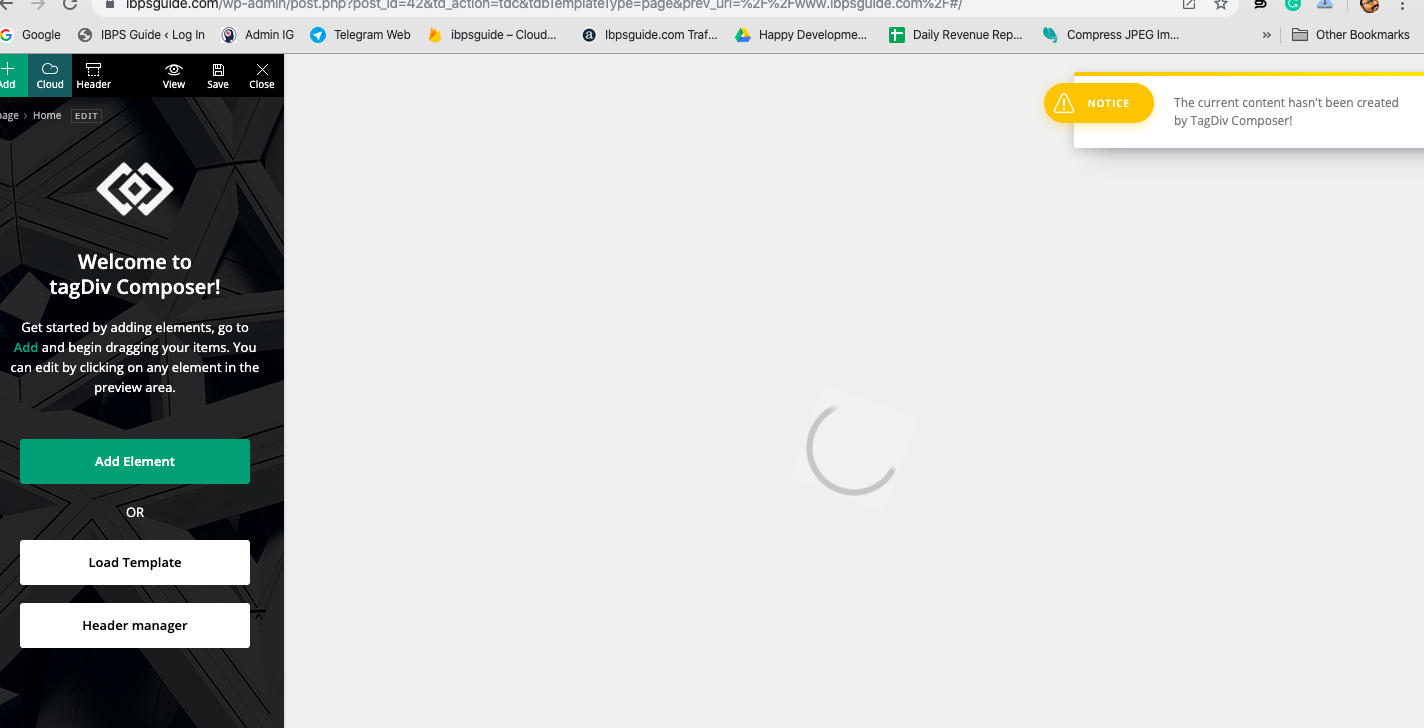
 energeticcity.ca
Hello
We are testing Newspaper 10 and get the following error in wordpress.
Error Details
=============
An error of type E_COMPILE_ERROR was caused in line 26 of the file /srv/htdocs/wp-content/plugins/td-composer/td-composer.php. Error message: require_once(): Failed opening required ‘includes/tdc_version_check.php’ (include_path=’/:.’)
We have completely removed the theme and re-installed it. We have also gone through and disabled all the plugins on the site and still get the critical error.
 Jose
JoseHi again,
This is strange because it only happens on one of my pages. The mobile device doesn’t work properly and the home page of the mobile plugin appears by default. But I have modified the td mobile line and the problem persists.
With the previous version of newspaper (9.x) deactivate the mobile template from gutember. But today I realized that gutemberg doesn’t work. It only works when I deactivate the tagdiv composer plugin.
I made these modifications, but the problem persists. https://forum.tagdiv.com/topic/how-do-i-activate-the-mobile-home/
Any suggestions for solving this problem?
website: https://cutt.ly/0eHUwiY
 mangasarov
Hello.On desktop TD in composer i see this version: https://yadi.sk/i/0bNt5_4nVV9K-Q
but on my iphone xs I see this version: https://yadi.sk/i/r3TTTmkC1cyn7Q
Why?
 jamiesharpe
Hello – I’ve been working to improve my Google PageSpeed / GT Metrix scores and I had a couple questions on their suggestions. Here are the two reports that have been run:
https://gtmetrix.com/reports/www.pinkluggageabroad.com/iutRcr0C
1) Both services have advised me to optimize my images by compressing them. I’ve done that and removed the original larger files from my file library, but these images are still showing up on both reports and not improving my score. Here’s an example of an image that I optimized, deleted the original file from my file manager, emptied the trash and is still showing up on both reports: https://www.pinkluggageabroad.com/wp-content/uploads/2019/10/list-of-quirky-bars-1.jpg
2) Google PageSpeed suggests: “Consider lazy-loading offscreen and hidden images after all critical resources have finished loading to lower time to interactive”. I understand Newspaper has an option to lazy load all images, is there a way to lazy load just offscreen and hidden images?
3) Google PageSpeed for desktop suggests “Large GIFs are inefficient for delivering animated content. Consider using MPEG4/WebM videos for animations and PNG/WebP for static images instead of GIF to save network bytes”. This applies to these GIFs on my homepage https://www.screencast.com/t/n1vvrlINYN. I converted these to MPEG4 files but when I use TD composer to remove the GIF file and replace it with MPEG4, I cannot choose the MPEG4 file. Am I doing something wrong, or is there a workaround that you can suggest?
4) GT Metrix suggests “Leverage browser caching. Page load times can be significantly improved by asking visitors to save and reuse the files included in your website”. I’m currently using WP Super Cache, is there a setting that I can adjust to meet this suggestion?
5) GT Metrix suggests “2.2MiB of JavaScript is parsed during initial page load. Defer parsing JavaScript to reduce blocking of page rendering”. How would I do this?
6) GT Metrix suggests “The requests for the following URLs don’t fit in a single packet. Reducing the size of these requests could reduce latency” but when I click on those URLs, they bring me to a blank page – https://www.youtube.com/api/stats/playback?ns=yt&el=embedded&cpn=wOWKLXK0prCQLirl&docid=kO__C5pOyQo&ver=2&referrer=https%3A%2F%2Fwww.youtube.com%2Fembed%2FkO__C5pOyQo%3Fautoplay%3D1%26loop%3D1%26mute%3D1%26showinfo%3D0%26controls%3D0%26start%3D2%26playlist%3DkO__C5pOyQo%26amp%3Bt%3D25s%26&cmt=0.797&ei=k1fRXc2XFIHmkgaf7I-gCA&fmt=244&fs=0&rt=0.448&of=GC6OCn1lTVgpgJyrp2hYjw&euri=https%3A%2F%2Fwww.pinkluggageabroad.com%2F&lact=15508&cl=280776138&mos=1&vm=CAEQABgEKiBKVmpsYXZfam82S0FEVWM4VUZzMThaRHE5dFpoWUdQVg&volume=100&c=WEB_EMBEDDED_PLAYER&cver=20191113&cplayer=UNIPLAYER&cbr=Chrome&cbrver=75.0.3770.100&cos=X11&autonav=1&autoplay=1&delay=4&hl=en_US&cr=US&len=110.321&fexp=23744176%2C23748146%2C23768780%2C23804281%2C23837040%2C23837772%2C23837993%2C23839361%2C23839597%2C23842630%2C23842986%2C23844999%2C23846545%2C23847168%2C23848795%2C23848871%2C23851771%2C23856652%2C23856867%2C23857013%2C23857013%2C23857493%2C23857850%2C23857850%2C23857949%2C23858319%2C23859128%2C23859212%2C23859427%2C23859929%2C24630404%2C9449243&rtn=6&feature=playlist&afmt=250&size=768%3A1365&inview=0.76 has a request size of 2.6KiB
Request URL: 1.1KiB
Cookies: 54B
Referer Url: 128B
Other: 1.4KiB
Thank you for your help.
 PatWire
 Ryansmmccain
Can you please explain how you updated then? 🙂
Did you delete TagDiv plugins separately from WP dashboard?
Or activate a different theme – then upload Newspaper and activate – then enable plugins?
How did you use TD Composer to redesign and move away from Standard Pack?
Thanks
 Euforian
 tagDiv Composer not working
Fatal error: Cannot redeclare tdc_plugin_init() (previously declared in /var/www/vhosts/euforian.com/httpdocs/wp-content/plugins/td-composer/td-composer.php:32) in /var/www/vhosts/euforian.com/httpdocs/wp-content/plugins/td-composer~/td-composer.php on line 80
 JNGonzalez
Hi, I am running V10.1 and using the newsomatic plugin. If I disable the td-composer then newsomatic runs fine. With td-composer on and also using Gutenberg or the classic editor newsomatic will not work.
I am running the following:
User Agent: Mozilla/5.0 (Windows NT 10.0; Win64; x64; rv:70.0) Gecko/20100101 Firefox/70.0
Web Server: Apache
PHP Version: 7.1.33
PHP Max POST Size: 60M
PHP Max Upload Size: 50M
PHP Memory Limit: 512M
PHP DateTime Class: Available
PHP Curl: Available
Here is the error I get from the newsomatic activity log showing td-composer error on last line:
[16-Nov-2019 12:56:43 UTC] [FATAL] Exit error: Uncaught Error: Call to undefined function iconv() in /home/demoutrage/public_html/wp-content/plugins/td-composer/legacy/common/wp_booster/td_util.php:1861 Stack trace: #0 /home/demoutrage/public_html/wp-content/plugins/newsomatic-news-post-generator/newsomatic-news-post-generator.php(1630): mb_detect_encoding(”) #1 /home/demoutrage/public_html/wp-content/plugins/newsomatic-news-post-generator/newsomatic-news-post-generator.php(3590): newsomatic_utf8_encode(”) #2 /home/demoutrage/public_html/wp-content/plugins/newsomatic-news-post-generator/newsomatic-news-post-generator.php(1491): newsomatic_run_rule(‘0’, ‘0’, 0) #3 /home/demoutrage/public_html/wp-includes/class-wp-hook.php(288): newsomatic_run_my_action_callback(”) #4 /home/demoutrage/public_html/wp-includes/class-wp-hook.php(312): WP_Hook->apply_filters(”, Array) #5 /home/demoutrage/public_html/wp-includes/plugin.php(478): WP_Hook->do_action(Array) #6 /home/demoutrage/public_html/wp-admin/admin-ajax.php(175): do_action(‘wp_ajax_newsoma…’) #7 {main} , file: /home/demoutrage/public_html/wp-content/plugins/td-composer/legacy/common/wp_booster/td_util.php, line: 1861 – rule ID: 0!
All help is sincerely appreciated.
 NoFrag
 Hi,
We haven’t taken the time to add an answer this topic for a while but we still have a problem.
Images still don’t load correctly since we have updated the theme last June. The problem is that we have to choose “media file” when we upload an image so that the lightbox works properly. It could be a solution, if we didn’t have thousands of old posts that don’t work correctly since the update, because uploaded images are not set with the “media file” property, but “Attachment page”. With this option, the image doesn’t show correctly, as you can see on this example : https://nofrag.com/2019/06/18/138137/
The image is visible, as you’ve written in your first reply, but if you click on the image, you’ll see the lightbox embed with your theme failing to show the image in fullscreen, displaying a message “The image could not be loaded”. As a workaround, we use another lightbox plugin (simple lightbox), which shows correctly the image (in “media file” or “attachment page” mode) but as I’ve written, it’s just a workaround: your lightbox is still called by the user click and he will see the error message before the image.
I’ve seen that click on an image calls a JS script which use “magnific popup” script (https://github.com/dimsemenov/Magnific-Popup) in your td composer plugin, and I’ve found no option to disable this script. We have already installed the last release of this plugin but it doesn’t fix our problem.
We would like to use your lightbox instead of using a third party plugin, or completely disable your lightbox if you’re not planning to fix it. Could you help us ?
 SHUBHAM GEHANI
1 – How To Edit Sub Footer Copyright Line In Newspaper 10 Displaying Newspaper WordPress Theme by TagDiv.
2 – Also When I go to the page edit with td composer after clicking on the cloud template on left and after selecting template clicking on import the template doesn’t get import it remains on the page as it is.
 lanho
lanhoI’ve just installed theme Nemspaper 10.1, using default setting. I want to edit main menu. I open front page by TD Composer but it always notice ” The content hasn’t been created by TagDiv Composer ” and I don’t see any edit button for main menu
and logo.
Pls show me how to edit the theme header.
 frankcf
 Thanks, but that’s not the point. The point is to create a site from 0 with a simple example checklist. In the past I created a setup checklist for Newspaper that looked like this:
1. Install Newspaper
2. Install X Plug-Ins (e.g. TD Composer)
3. Go Theme Menu
4. Select Header (e.g. Style 7)
5. Upload your logo and favicon
.. etc.
Would be great if you could walk people through creating a simple site without having to rely on a pre-canned demo. Either a blog post or quick video would be super helpful.
Thanks!


