- NewspapertagDiv AMP Plugin Tutorial
- NewspaperTrack Subscription Sources with Locker URL in Opt-In Builder
- NewspaperWP Rocket and Newspaper Theme: Optimization Guide
- NewspaperCredit System
- NewspaperIntroduction to CPT and ACF with Newspaper Theme
- NewspaperHow to edit modules for Flex Block X
- NewspaperHow to use the Posts List shortcode
- NewspaperUser review system
- NewspaperCustom Fields Support
- NewspaperHow to generate Facebook App ID
- NewspaperHow to insert a block inside the content of a post
- NewspaperModal Popup
- NewspaperPayPal Setup
- NewspaperLink Tracker
- NewspaperLockers
- NewspaperGeneral Options that May Interfere with the Newspaper Theme
- NewspaperAdd Cryptocurrency Price Ticker Widget
- NewspaperPosts Loop Element
- NewspaperThe Newspaper Mobile Theme: Introduction
- NewspaperAutoptimize Plugin – install and configuration
 lblanco
 The problem is:
1. Some friend associations will like to use our today’s Daily liturgy post in his homepages.
2. This post, obviously, changes every day as it is the older one of the cathegory named “Daily liturgy” having the tag “ld-next”. (As we have posts for every day of the year, we use this tag, which is daily updated, to sepparate past days from actual and next days)
3. As they want to point directly to this today’s post, I ask if it si possible to give them an URL like, lets say: “revista.arautos.org/?cathegory=633&tag=”ld-next” that they can use in his pages.
4. Or if you have a better, more simple solution for our problem.
 jmbenech
Hello, Thanks a lot for your wonderful Newspaper theme. I really enjoy to work with it !
However, I’m recently facing an unexpected problem as I’m trying to save some changes on pages under TagDiv Composer:
Use case :
1/ I had to change a small text in ‘description_field’ of a an ‘Image_Info_Box’ extended shortcode, everything ok, i can change the text and save the file, then view it with actual change. No problem at all with that
but :
2/ Then, I want to change the image Url. (Both in Image_url_field and Button_url_field) I can write it. ok. But I cannot save it… when I first try to reload the page (view), it was rendering the old url… and if I reload it in the Composer , it comes with the former basic homepage_url with a /# nul anchor… 🙁
This same problem occurs with a CTA_multipurpose_shortcode when I want to address the ‘Button_url_field’ on another page…
I guess something goes wrong 🙂
I tried my best to solve the problem by myself but I’m stuck.
Debug mode on:
If I’m firing the console this error message appears :
Uncaught TypeError: tdcStore._db is undefined

getObjectStore

https://mysite.org/wp-content/plugins/td-composer/assets/js/js_files_for_wp_admin.min.js?ver=23f7cf05c1213c4bc7a6753a64c58bf1:37

get

https://mysite.org/wp-content/plugins/td-composer/assets/js/js_files_for_wp_admin.min.js?ver=23f7cf05c1213c4bc7a6753a64c58bf1:38

<anonymous>

https://mysite.org/wp-admin/post.php?post_id=12723&td_action=tdc&tdbTemplateType=page&prev_url=//mysite.org/:1307
this happens in js_files_for_wp_admin.min.js:37:262
And last , as I’m saving the page in TDC, I got this warning :
tdcJobManager.addJob - Error callback - textStatus: timeout errorThrown: timeout
at the end of the shortcode bloc is written :
box_custom_url=\”https://mysite.org//jeunes-et-politique/\”]”, columns: 3, jobId: 6, postId: “12723”, replyHtml: “” }
The double slash // inside of the url seems to be part of the problem …
Can you help ?
 Kentaro Darkdox
For the last few days, I tried to enable Infinite Load on the Mobile version of my site, but it doesn’t work.
The Mobile custom Template has Auto Loading activated, and the added mobile version is found.
I tried both the Mobile and Mobile+Amp options in the Mobile settings.
Am i missing something?
The site is AlertaGeekchile.cl
http://prntscr.com/T7YgZ4aG6T_8
http://prntscr.com/kcmsAojb8DNf
 GamersRD
 Thank you but i’ve another question on this same topic. Is there any option that i can put my overall score without putting or showing the feature name? For example this one: https://imgur.com/a/Bj5nvND but still using my final overallscore and summary.
Thanks for your help again
-
This reply was modified 4 years by
GamersRD.
 Calin
Calin Hi,
This situation can appear from more problems.
For example it can be from a plugin conflict, for this you need to make a test using only tagDiv plugins.
Also, this problem can appear only on specific page, or it can be do to a code set in the header or footer (you can test it by setting the default header and footer -> https://i.imgur.com/VVlG7W7.png), in this case what you can do is to use the revisions for that page or cloud template -> https://www.wpbeginner.com/beginners-guide/complete-guide-to-wordpress-post-revisions/
We also made a guide, please check it: When tagDiv Composer is not working -> https://forum.tagdiv.com/tagdiv-composer-not-working/
If the problem persist, we can take a look at it, make a full backup for your website
and please send us an email at contact@tagdiv.com provide wp-admin access and include the link of this topic. We’ll check it as soon as possible.
Thank you!
 Prateek
 Tablet viewport width is already set at 100%. It’s the height part that’s problemtic. I want the menu to scroll if the content doesn’t fit inside the viewport in terms of width. I am not opposed to scrolling—I want it. But it just doesn’t scroll.
Suppose, I have a page that displays some stuff in 8 small sections and I set this page to show up in menu(putting the id of page in menu item). What happens is that on desktop it will open fine showing 4 sections per row. On tablet/landscape mobile you want it to scroll down till the last section because you’re showing one section per row, but it just won’t scroll. I can’t figure out why.
If your screen is 1000px tall and the menu items are 1400px tall, the extra items in that 400px would not appear because you can’t scroll. Width is not the issue, height is.
Another example is the tagDiv popup builder which is great. If you display page content in popup, doesn’t matter how long the page is, it will let you scroll down to the very bottom till the last piece of content but in menu it is not possible or atleast I’ve been unable to achieve it.
You can emulate the issue on your side—
1. Go to this demo-https://demo.tagdiv.com/newspaper_music_life_pro/
2. Open the browser inspection tool.
3. Select iPad Air as the device or set 820 as width if the device option is unavailable.
4. Click on arrow icon beside FOR LIFE menu item (not the menu item itself, it would redirect).
You would find that a lot of menu content is below the screen/viewport height but you can’t access it because it doesn’t let you scroll down.
 devenkh2
Hello, I am trying to implement a new tag/ad code under the “Share” buttons and above “Related Articles.” I can’t seem to find out how this is done. Any assistance would be gratefully appreciated. Thank you

GamersRDHello there,
Im installing your template to my website and i have a question about the options for review.
Is this the only options available or am i looking in the wrong place? Example: https://imgur.com/a/ZkoDsPF
As you can see, im using the 3 ones but i want to know if i can have like The Good and The Bad or an option to only put only overall score without putting all the details. Something more like the actual one im using (it comes with my old template) example https://imgur.com/bDu8Liq
 LHubAgency
Hello TagDiv,
I’m having a problem with the Filter option.
I need to show only the Posts that have two specific categories (both of them must be assigned the same Post) but not the Posts that have only one of them.
So, giving an example.
I have two categories: CAT1 and CAT2.
I want to show the posts with CAT1 AND CAT2 but not the ones with only CAT1 OR CAT2.
Is it possible to do?
P.S. Unluckly adding manually a tag/new category is out of discussion, because I would need to do this operation for many categories)
I’ll wait for a response and thank you in advance!
 Hazarcan Doğa Bakan
Hi,
When I run my website in mobile mode, it says no mobile content and when I run it as desktop and responsively change the display size, it gets disturbed. You can find the images in this link: Link
What can I do to reslove this issu? how can I edit the theme as mobile? And I want to use the same footer in mobile as in desktop.
This is the page: Link
thank you.
 Rustam
This site can’t be reachedThe webpage at https://mysite.uz/wp-admin/post.php?post_id=9768&td_action=tdc&tdbTemplateType=page&prev_url=%2F%2Fmysite.uz%2F might be temporarily down or it may have moved permanently to a new web address.
ERR_HTTP2_PROTOCOL_ERROR
 Bettina
 Hello @Racesport !
We have some elements in the TagDiv Composer, for example: Woo Cart, Woo Menu Cart. Please check the documentation: https://forum.tagdiv.com/tagdiv-shop/
Hope that helps you!
Thank you!
 oyarseeduardo
 Hello
Thank you for your answer.
I didn´t explain very well.
Is there any possibility to add a box where the people can rate my posts?
For example: someone loves a post and rate it with 5 stars.
That was my idea.
Thank you
Eduardo
 Anamaria
 Hello,
Usually the “Invalid reply from server endpoint error” is caused by insufficient WP_Memory_limit, if you’ll set it to 256M, and is still not working, please double it and check the rest of the settings from our guide -> https://forum.tagdiv.com/requirements-for-newspaper/ also make sure that you are using SSL and you have a good bandwidth, the one from our server is 1GB/s and the one that I use at home is 500MB/s, if you have low bandwidth, then you can access parts of the cloud, this can be done from the frontend, for example, if you are on a post -> https://i.imgur.com/4G74M7F.jpg or from tagDiv Composer -> https://i.imgur.com/2F6MhfI.png or from backend -> https://www.screencast.com/t/wekHmc7kJ8J
Thank you!
Bettina Hello @chauthong2!
Please check if there is applying this color from Newspaper -> Theme panel -> Theme colors -> General theme colors -> Theme accent color. If you use something custom from a plugin, it could be a plugin conflict with our theme. You can change the CSS there too: https://forum.tagdiv.com/create-custom-code-using-the-browsers-inspector/
Also, try to apply !important after every line like this for example: .class{background-color: red!important;}
And it should apply the correct CSS.
Thank you!
 finrising
Good afternoon. The main page of our site began to display incorrectly. The columns are no longer displayed. Everything was fine for a few years and today it broke.
The page shows naked tag code instead of html. For example:
<em>[tdc_zone zone_shadow_shadow_offset_vertical="0" h_display=""][vc_row row_divider_bottom=""][vc_column width="1/3" tdc_css="eyJhbGwiOnsib3BhY2l0eSI6IjkwJSIsImRpc3BsYXkiOiIifX0="]</em>
We have a Newspace theme and tagDiv Composer Version 2.3. This is an old version (only it works stably with our plugins).
When we enter the wp-admin (administrative panel of the site) and then to the Pages section, we see that the page title no longer displays the ability to change the page using blocks (tagDiv Composer). This button is gone.
What happened? And what should we do?
finrisingGood afternoon. The main page of our site began to display incorrectly. The columns are no longer displayed. Everything was fine for a few years and today it broke.
The page shows bare tag code instead of html. For example:
[tdc_zone zone_shadow_shadow_offset_vertical="0" h_display=""][vc_row row_divider_bottom=""][vc_column width="1/3" tdc_css="eyJhbGwiOnsib3BhY2l0eSI6IjkwJSIsImRpc3BsYXkiOiIifX0="]
We have a Newspace theme and tagDiv Composer Version 2.3. This is an old version (only it works stably with our plugins).
When we enter the wp-admin (administrative panel of the site) and then to the Pages section, we see that the page title no longer displays the ability to change the page using blocks (tagDiv Composer). This button is gone.
What happened? And what should we do?
Calin Hi,
I think that you can add an extra class and then the code provided will apply. For example set the “.single” class in front of the “p.has-drop-cap:first-letter” then the font-size will apply -> https://i.imgur.com/0VEjCV8.png
I hope this will help!
Thank you!
 deepak8151
I created a home page and footer with cloud template but it not showing on mobile can you help me with that?
And also contact us , about uc , privacy policy page not showing on mobile
PrateekHello, team tagDiv.
The menu item FOR LIFE in music and life demo doesn’t work as expected. Below a certain viewport width, the instrument section and the two articles requires vertical scrolling to be found. It’s unscrollable/(sticky?). The viewport width I tested it on is landscape mobile (real device not td composer).
Is it same for everybody else as well?
 kirkgraeme
I’m sorry to raise this again, but I have searched the forum and tried various settings and CSS without success to remove what I think is a comment count icon and number.

The example attached is for the category pages, but I have the same problem with a block 6 section on my home page.
Post views and comment count are both switched off in the post settings>posts and custom post types.
What will remove the unused feature?
Thanks
 marcorroma
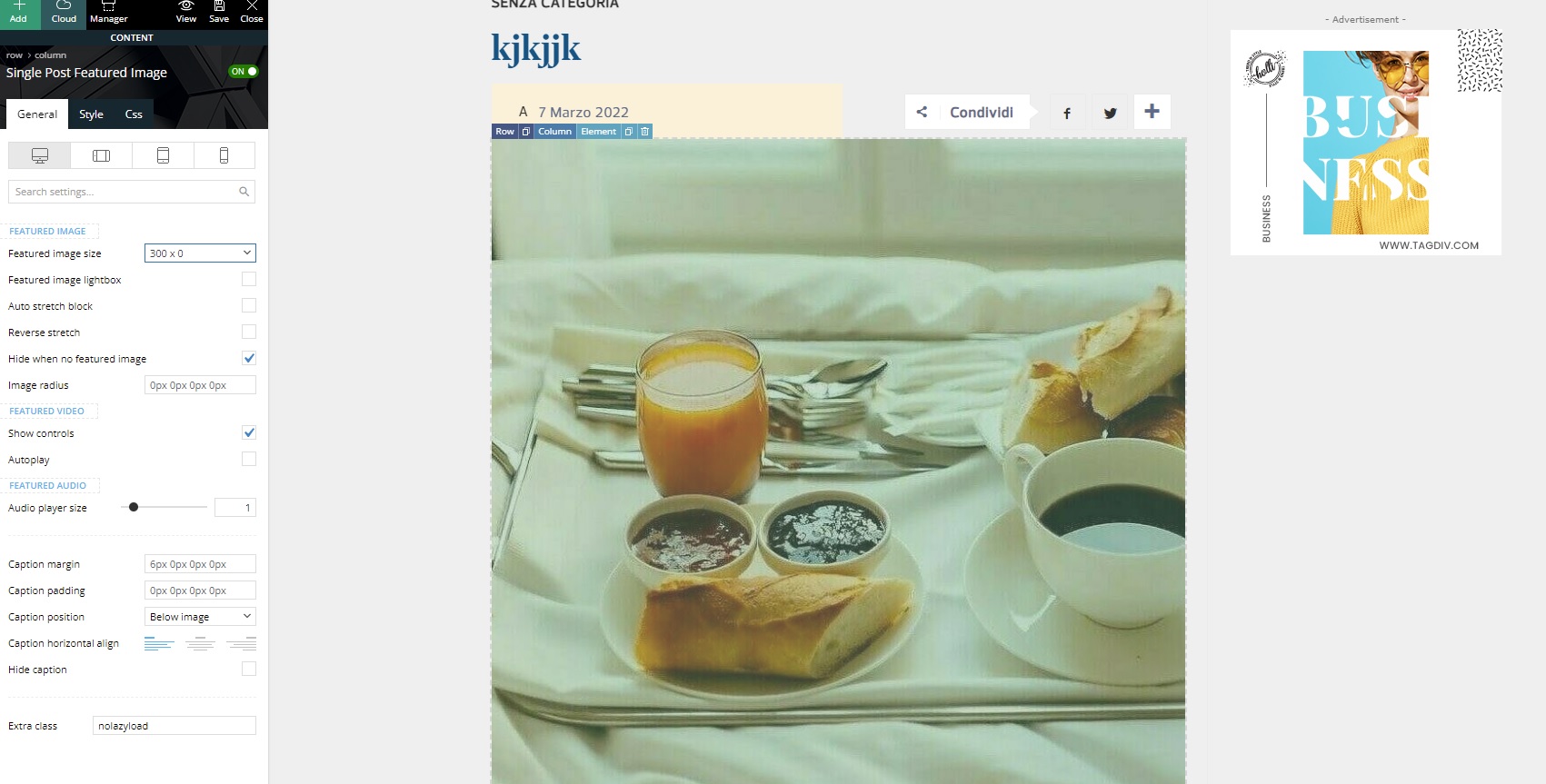
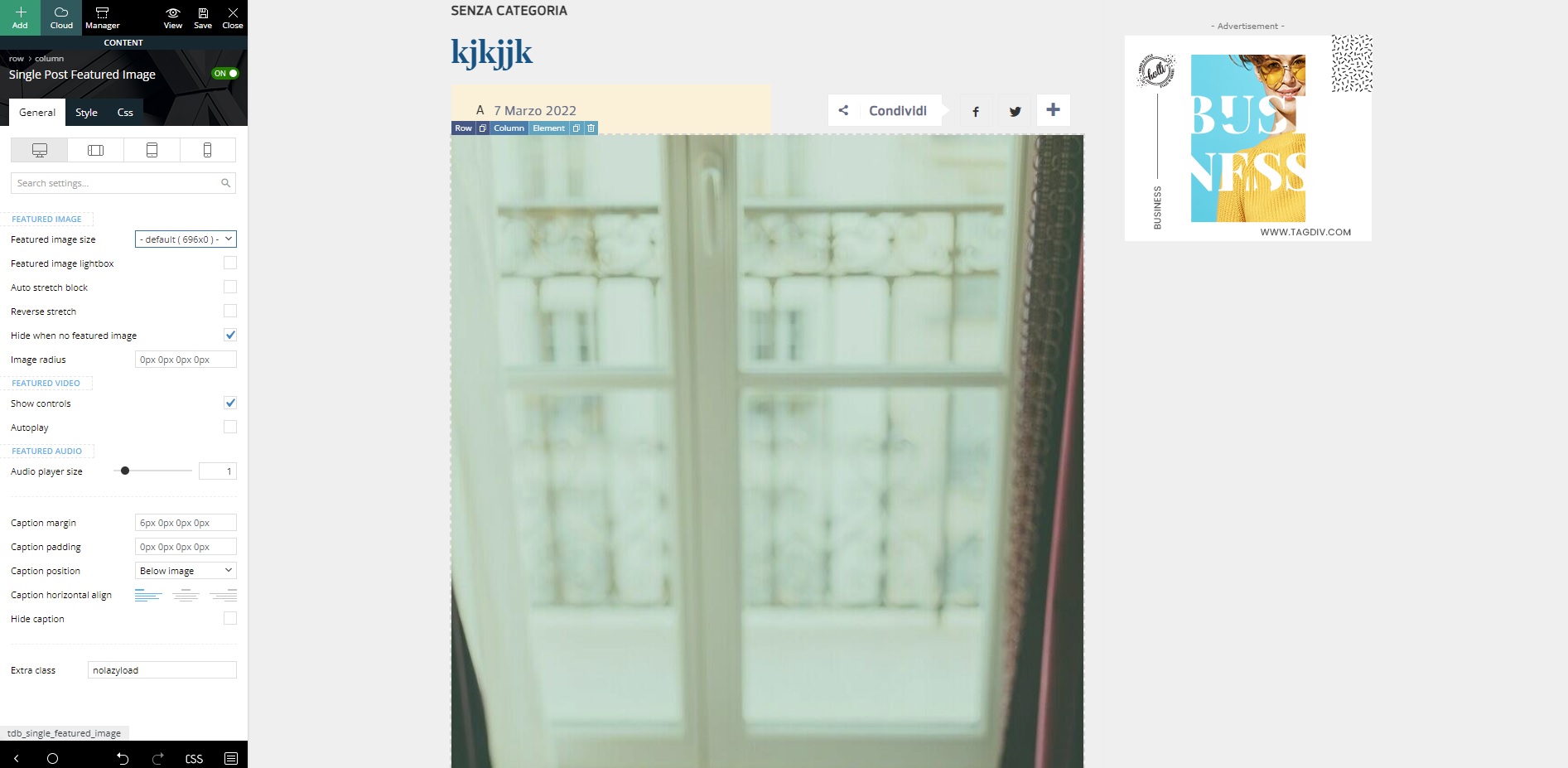
Hi, I have a problem with WordPress image cropping.
When I crop a photo with the WordPress tool, the thumbnails created with WordPress are cropped (small, medium and full). And the thumbnails that are created with your theme are not cropped.
This is an example if I try to change the featured image of my post layout. I’m changing to one created by WordPress (300×0) and one created by your theme (696×0).
https://i.ibb.co/Yc9CjcG/300x.jpg
https://i.ibb.co/jb1t6Ks/696x.jpg
I await support.
Thank you
 Bamsfoldigital
Good day everyone
I cant see the Top Bar to edit or change from my Theme Panel. and each time I try to change any setting from the theme panel, the system booth for a long time without change the settings. for example I want to dissable the sign/logout settings, the system booths for a long time, if I refresh, the boothing stops without changing anything. I will appreciate if anyone can tell what may be wrong. I just install the newspaper theme four days ago
 Flash83
Dear Team,
I saw an error in the counter of the post.
This post is just posted and on g-analytics I dont’ see those numbers
This in an example https://www.intrieste.com/2022/03/07/news-coffee-time-07-march-2022/
The counter is near the comment, top right, I just use via stylecss the white color to not show it.
Can you help us?
Just an update: I just enabled the AJAX and USE LAST 24/48 HOURS & 7 DAYS POST SORTING & I’m using WP SUPER cache plugin
Thanks
Bettina Hello!
I’m sorry that you are very disappointed about this theme, but I feel that we can find the solution, some settings for your amp and mobile theme plugin and a great configuration, in order to display them perfectly on your website.
I know that our theme is a little bit hard to manage and set, but that’s why we are here.
Please contact us via email at contact@tagdiv.com and provide the following:
– admin url and credentials
– cpanel url and credentials
– a link to this topic in order to identify you
– more information about your issue
Our team will take a look!
Thank you!