- NewspaperModules Builder in Newspaper Theme
- NewspaperIntroduction to CPT and ACF with Newspaper Theme
- NewspaperHow to edit modules for Flex Block X
- NewspaperStripe Setup
- NewspaperPayPal Setup
- NewspaperAdd Cryptocurrency Price Ticker Widget
- NewspapertagDiv Shop
- NewspaperDesign your post pages using the Default Templates
- NewspaperTheme modules and blocks
- NewspaperUsing the Theme Translations with WPML
- NewspaperHow to Set the Image Avatar
- NewspaperNewspaper theme documentation
- NewspaperSmart Sidebar
- NewspaperBreadcrumbs
- NewspaperFooter Builder
- NewspaperMain Menu
- NewspaperInstalling Pre-built Websites
- NewspaperPre-built Websites: Introduction
- NewspaperWhat’s Included in the Newspaper Theme Package
 Anamaria
 Hello,
Please make sure the tagDiv Standard Pack plugin is updated and activated.
Those shortcodes and the error are from tagDiv Standard Pack, and this plugin is not required from version 10.4, because the new demos are using cloud templates.
Thank you!
 Lalit
LalitHi,
Please watch the following video for flex block-1 bug. The element border-radius is not working. Using tech news demo.
https://drive.google.com/file/d/1loAtJwqq9GlmXhsERGNxaJbs1lIAYHM6/view?usp=sharing
Please help
Regards,
 niteshjha206
https://www.dopetechnews.com/ this is my website and I am using the city pro demo. when I edit the website menu is working very good but on live site, it is not working. As you can see there is 5 item in the menu bar. out of 5 first news and last daily tech news are category other 3 in middle are page. the page menu button is working and clickable (not mega menu working). I have tried many things but it has the same problem.
 Calin
Calin Hi,
The page loading speed can depend on many factors, and each website is unique from this point of view. Let me explain some of these factors and maybe they give you some starting points for optimizing your website.
External factors: server speed, if you are using CDN or not, the external resources loaded by your website like ads, fonts, tracking scripts like Facebook Pixel, Google Analytics, Twitter analytics, Hotjar and so on.
Internal factors: the number of elements on the page, image size, image formats, if you are using mobile optimized layouts, console errors, if you are using the Standard Pack plugin on not, if you are using PRO demo or a standard one.
What I recommend is to make a full backup to your website and install a pre pre-build website, after that disable tagDiv Standard pack, in this way you load some les resources and increase the some speed.
Also, please check our guide from page speed -> https://forum.tagdiv.com/how-to-make-the-site-faster/
Thank you for your understanding!
Calin Hi iwebuserstudio,
The background from the Magazine PRO will apply only if you install the demo.
Please check in the theme panel > background -> https://i.imgur.com/IobdwzD.png if there is still assigned the background image, is is not, please set it, this should make the website boxed again.
Thank you!
 iwebuserstudio
Hello,
I installed single post page template(Single Post Template – Magazine PRO) from cloud template
However the background disappear when it installed in my WP.
demo :
https://tinyurl.com/y2ybzgca
after install in my WP
https://tinyurl.com/y6djdno4
Would you tell me how to set it back >
 CHeat
CHeatGood Day Sir/Ma’am,
RE: Breadcrumbs: Root>Page [Need more… Root/Home>Grand>Parent>Child]
I’ve read many TagDiv docs attempting to find an option and/or tweak. However, many docs are dated articles for old/legacy versions of the themes. Such as, my current theme doesn’t have the Breadcrumb option referenced within the Template Settings secion.
We currently running TagDiv/Newspaper v.11.4
Per one of the TagDiv articles, I downloaded a breadcrumb section from the TagDiv Cloud:
SECTIONS: Breadcrumbs – News – Vintage Choppers Store
It works; however, there is really no options to tweak (i.e. navigation path) the add-on.
All we get is Root/Home and whatever the distant page (i.e. below).
Page: https://www.right360.social/politics/country/united-states/congress/house/democrats/
The breadcrumb is simply: Right360 > Democrats
1. Alot of context is lost; is it House Democrats or Senate Democrats.
2. User experience isn’t really improved… it displays the current page and always the root.
Would like to expand the breadcrumb to something like:
Root/Home > Grand > Parent > Child
I’d like to minimize our plugin footprint…
I know Yoast provides some of this functionality; however, I also read some TagDiv Theme conflict posts.
Thoughts/Suggestions?
R/, Chad
Anamaria Hello,
If you want to have a website like our demo, please set a background color or image and enable background boxed layout from Theme Panel -> Theme Colors -> General -> https://i.imgur.com/9usafCm.png -> https://i.imgur.com/Hj0qv7h.png
Also, yes, you can use our image for the background.
Thank you!
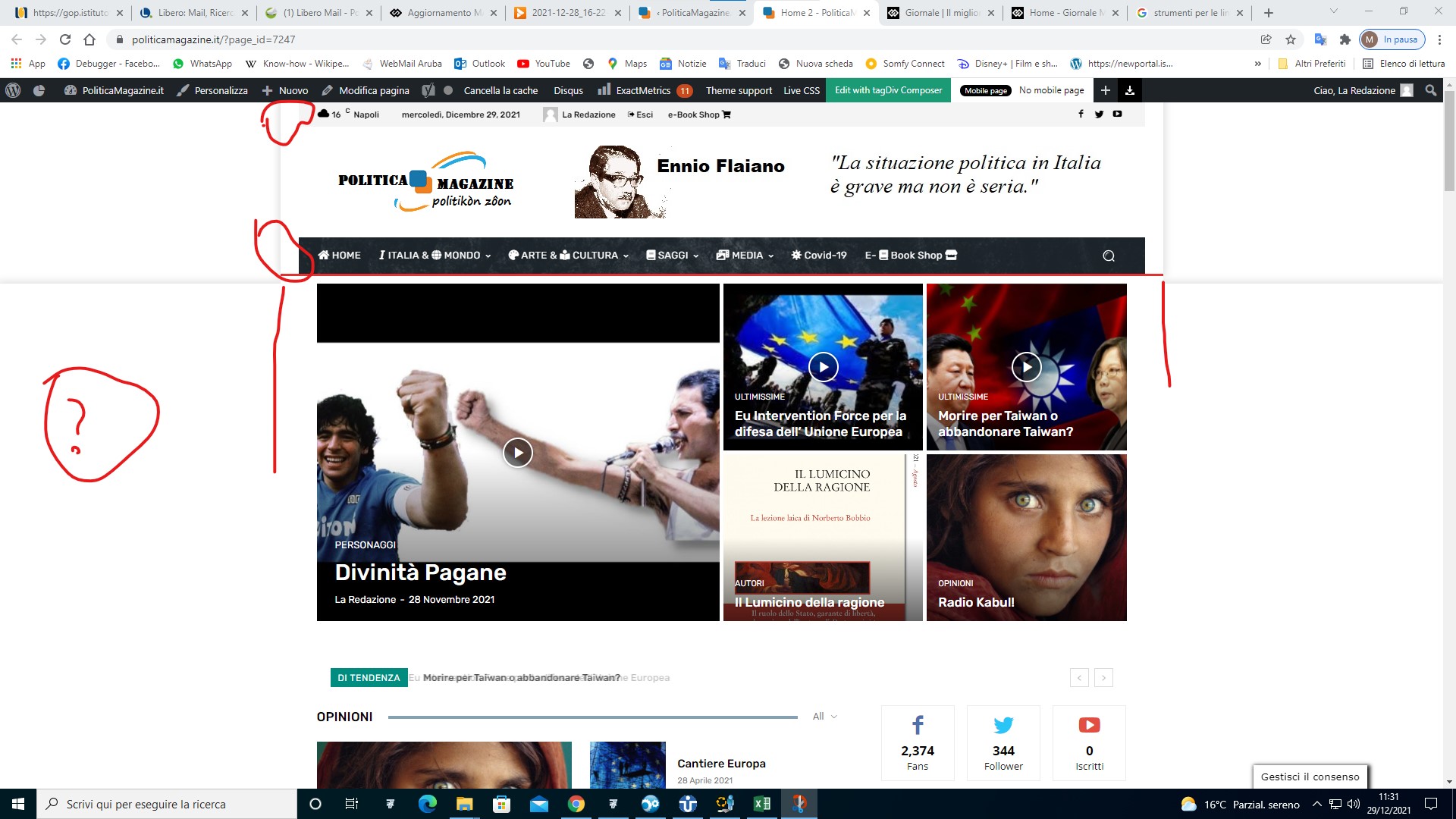
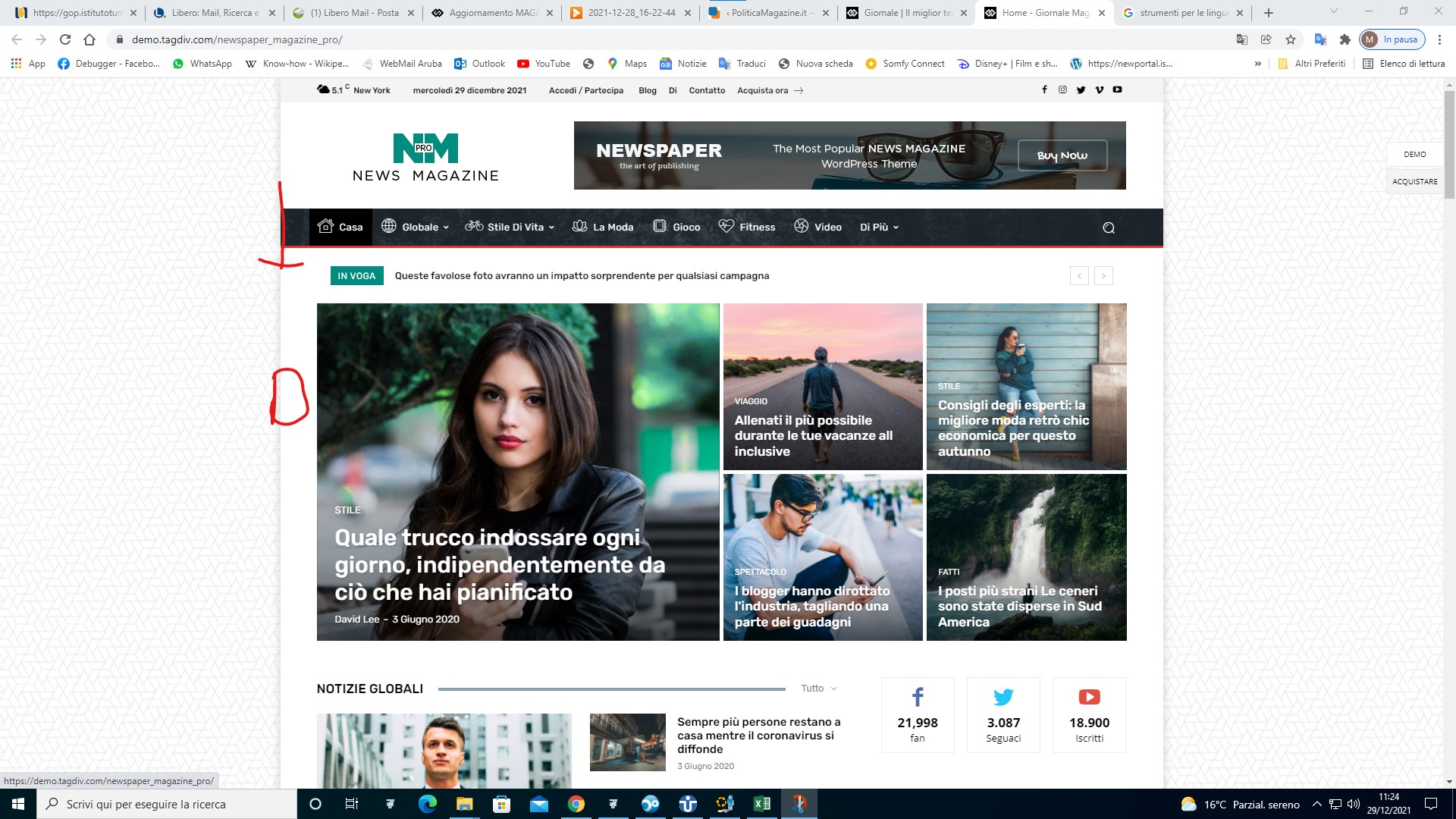
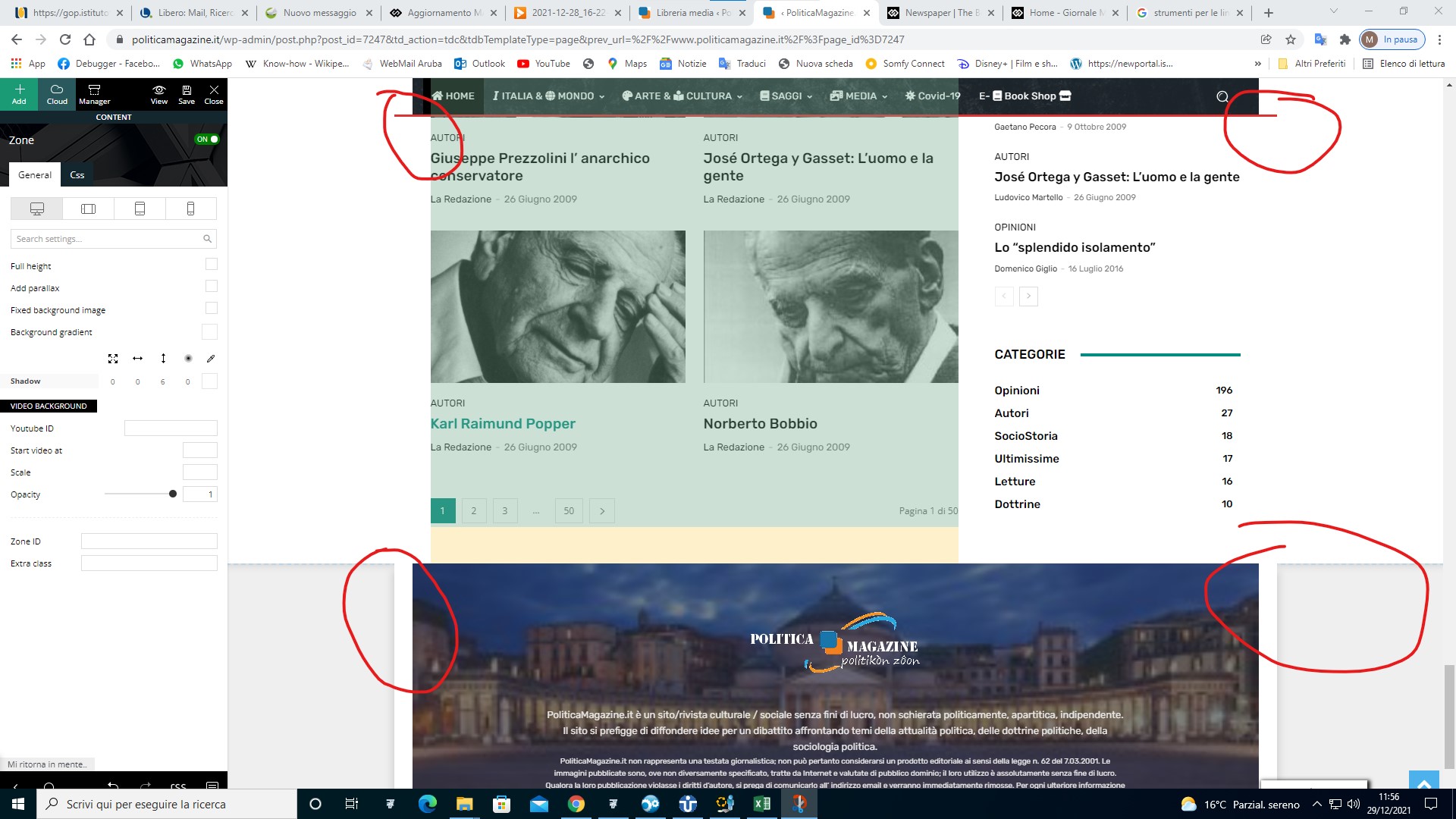
 PoliticaMagazine
 I can’t help aligning Head with the Content and the Footer. Also is it possible to have the side background of your demo? Also in your demo it looks like it is off the side
https://www.politicamagazine.it/wp-content/uploads/2021/12/4.jpg
https://www.politicamagazine.it/wp-content/uploads/2021/12/3.jpg
https://www.politicamagazine.it/wp-content/uploads/2021/12/5.jpg
 r.stone
 Here is the plugins status:
———-
In this demo:
https://demo.tagdiv.com/newspaper_medicine_pro/
1) First panel: I want to change numbers, and I Dont see any options to do that. We have a dropdown which can be changed to put SUMMARY STATISTICS, but not sure where are those statistics being monitored.
2) In the same slider, Where we have a post showing up “Here is Why You Should Be Avoiding Crowds Because of COVID19” — I have a short code with me, which already works fine to show some data, I want to use that instead. What could be the fastest way to change this thing.
Tx.
 Bettina
 Hello @pedro2!
There are some filters in the flex blocks with custom title which can be inserted with the TagDiv Composer. Explore them here: https://forum.tagdiv.com/flex-block-settings-guide/
Or you can install a demo/template which have the blocks already created.
For more customizations, we recommend to use cloud/PRO templates in order to have the possibility to edit them with the TagDiv Composer which contains a lot of functions and features, please check our tutorial here: https://forum.tagdiv.com/tagdiv-composer-tutorial/
Documentation here:
– https://forum.tagdiv.com/cloud-library-templates/
– https://forum.tagdiv.com/design-post-pages-using-cloud-library-templates/
– https://forum.tagdiv.com/cloud-library-category-templates/
Check also our video tutorials here: https://www.youtube.com/c/tagdivThemes/videos
Hope that helps you!
Thank you!
r.stoneHello,
Good Day.
I have installed Newspaper theme and its demo ‘Coronavirus Medicine PRO’.
However, when I go to home page edit mode, I can see a bunch of code inside the text blocks of WP Bakery Page Builder. For instance, I want to edit the number of deaths in the slider area, I am unable to spot, exactly where I have to change this. Further, I want to add some dynamic content to these slides, however, I am unable to do that, as I guess that this installation has some issues. Please see the screen below of home page edit mode:
Tx
LalitHi,
Please check here -https://prnt.sc/245dzvp
I am using the Tech news demo and found that the date is not inline in the class=”td-module-meta-info” in the author line. Please also take care that is should not go outside the screen wide, it should break words if date is longer.
2nd how to show author image in mobile theme like – beebom.com
Thanks
 dpsOnline.it
Hi there, I have imported the demo Magazine on my site. I’m trying to insert links of my socials accounts but the links don’t work (in the header and in the footer). also, in the footer of the page, if I insert the links, the social icon disappears.
how can I do? thank you
Lalit Hello,
I am using tech news demo and activated autoload feature.
While looking at the analytic data I found a real-time visitor comes to one of my post ending with ?tdb_action=tdb_ajax
I wonder how he/she reach this URL?
Tried to access the URL with ?tdb_action=tdb_ajax and found, it has no header,footer and page was also not scrolling, and in the source of the page, it has two meta robots tags.
I don’t know what is it and how to fix it.
It is similar like – https://demo.tagdiv.com/newspaper_tech_news_pro/2019/05/13/td-post-hands-on-google-pixel-3a-xl-review/?tdb_action=tdb_ajax
Please investigate it.
Bettina Hello @Lane18 !
1. For this you can use the flex block element with some filters which is suitable for your needs: https://forum.tagdiv.com/flex-block-settings-guide/ or posts loop element. Both of them have the pagination feature. If you have an example please provide the link, let me know about which demo you use or your website link in order to help you efficiently. A solution for sending a screenshot/video is this: Download, capture, send: https://www.techsmith.com/jing-tool.html. After making the screenshot, you will have a link, paste it here.
2. If you have a cloud/PRO template, but you can’t edit the footer, then edit your homepage with the TagDiv Composer, scroll till footer, click on footer zone and you can edit/delete the elements there.
Select the row from footer and in the CSS tab you’ll find the background: https://i.imgur.com/Yq06HV5.png
3. If you need random ads, then you can use auto ads and you should place the code in the Theme Panel -> Analytics/Js Codes. For reference, check this article: https://support.google.com/adsense/answer/9261805?hl=en&ref_topic=9261304
4.If you want to have the fullwidth row, then you can use the stretch row like this: https://www.screencast.com/t/bsbB5P97A
Hope that helps you!
Thank you!
LalitIn India, we use first, middle and last name. Ex: LALIT RAGHUWANSI RUDRA
I am using Tech news demo and full name (LALIT RAGHUWANSI RUDRA) on blocks looks unattractive – https://prnt.sc/23occm6
Please help me so that I can only display the first name to all blocks on the homepage, archive, etc only except single post and author page. I know I can make it short from the WordPress profile but this is not the right solution for me as it will also show the single name on posts and author profile page.
Please provide me with such a functions.php code to achieve the task.
your help will be appreciated.
thanks
Bettina Hello @xmaxms!
If you install the demo, those information do not appear on the about page.
Try to delete them like this: https://www.screencast.com/t/cRplwcHl65R
Let me know the results!
Thank you!
Bettina Hello!
Your current demo is indicated here: https://www.screencast.com/t/dC2nQSoagjwl
You can verify for example from the settings which font is used, or by inspecting the website -> Computed: https://forum.tagdiv.com/create-custom-code-using-the-browsers-inspector/
Usually, we use the fonts from Google Fonts for the demos. The theme comes with two preset default Google Fonts: Open Sans and Roboto.
Thank you!
Bettina Hello @dobriyalji!
You can choose a demo from here: https://demo.tagdiv.com/select_demo/select_demo_newspaper/
Check this video tutorial, it could help you with some tips: https://www.youtube.com/watch?v=SoGQ0d5kIBg
Or we could do this for you, for customization and other services, please contact our custom work team here: https://tagdiv.com/premium-customization-services/
Thank you!
 Konstantinos Mavridakis
 Hello Callin and thank you for the help.
Is there a way to check if the fonts come from the demo? How can I check if there is a specific demo installed?
Thank you.
Calin Hi Konstantinos Mavridakis,
Using the Newspaper theme you can use Google fonts so there will be no problems, or you can choose to use custom fonts -> https://i.imgur.com/pSiLBxj.png so you can use a font that is not on google fonts.
Now the Helvetica is not on google fonts -> https://i.imgur.com/1nvhzQO.png -> https://fonts.google.com/ so most possible the demo you have installed or the developer how set the website set the font therefore this must be loaded as custom font in this place -> https://i.imgur.com/b0AR7Pl.png -> https://forum.tagdiv.com/font-customization/
I hope this will help you!
Thank you!
 Tdoc31
 actually the post here from the 15th of devember solved my case
https://forum.tagdiv.com/topic/wp_booster-error-after-import-demo/
-
This reply was modified 4 years by
Tdoc31.
 rlwilkinson80
 Hi there,
The screenshot thing didn’t work, so I thought I would just send across my access for you, so you can checkout the home page for yourself and see if you can work out the problems I am having.
Here is the link to the demo site:
And here are the log in details:
Warmest, Rebecca.
-
This reply was modified 4 years by
 Calin.
Calin Hi ewebmag,
Usually, the links are inheriting the color set as “THEME ACCENT COLOR” in the theme panel -> https://i.imgur.com/0bFqMRi.png now if you are using a pro demo, you can edit the single post template with tagDiv Composer, click on the post content and change the color for links -> https://i.imgur.com/jRCLlxA.jpg
I hope this will help you!