- NewspaperHow to use the Flex Blocks cache option
- NewspaperCache plugin – install and configure
- NewspaperWP Rocket and Newspaper Theme: Optimization Guide
- NewspaperFlex Block Settings Guide
- NewspaperGeneral Options that May Interfere with the Newspaper Theme
- NewspaperThe Newspaper Mobile Theme: Introduction
- NewspaperAutoptimize Plugin – install and configuration
- NewspaperHow to update a plugin
- NewspaperCloudflare (CDN)
- NewspaperFacebook Share
- NewspaperVideo Playlist
- Newspaper7 Days Post Sorting
- NewspaperAjax View Count
- NewspaperTop bar templates
- NewspaperHow to Update the Newspaper Theme
- NewspaperHow to Install Newspaper via FTP
- NewspaperHow to Install Newspaper via WordPress
- NewspaperRequirements for Newspaper
- NewspaperHow to Make the Site Faster
 Bettina
 Hello @ilisakpop99 !
Make a test and deactivate ALL plugins except tagDiv ones, also if you are using a cache plugin, deactivate it, clear all cache and try again.
If the problem is still there, then contact us via email at contact@tagdiv.com and provide the following:
– admin url and credentials
– a link to this topic in order to identify you
We will take a look and try to help you asap.
Thank you!
 Anamaria
 Hello,
Please check the console when you try to save the changes made in Theme Panel maybe is possible to be from the firewall or security module which blocks the admin-ajax.php request, which usually displays a 403 or 404 error.
If you don’t use a security plugin, please ask your host about this, maybe you have a security module that blocks this.
If you use a plugin like Wordfence please set it in learning mode.
Also, if you are using Cloudflare, please make sure that is set as in our guide https://forum.tagdiv.com/cloudflare-cdn/, you need to disable the Rocket Loader.
Please make sure that you do not have a plugin conflict, please deactivate ALL plugins except tagDiv ones, also if you are using a child theme or cache plugin, deactivate them, clear all cache and try again.
Let me know the results!
Thank you!
Bettina  platamun47
Dear support,
When use wp rocket cache blockquote class=”instagram-media” in post not view!
Please see url: https://nook.rs/ivana-i-goran-babic/
How to resolve this issues?
Thank in advance!
 romerito13
 Hi Anamaria,
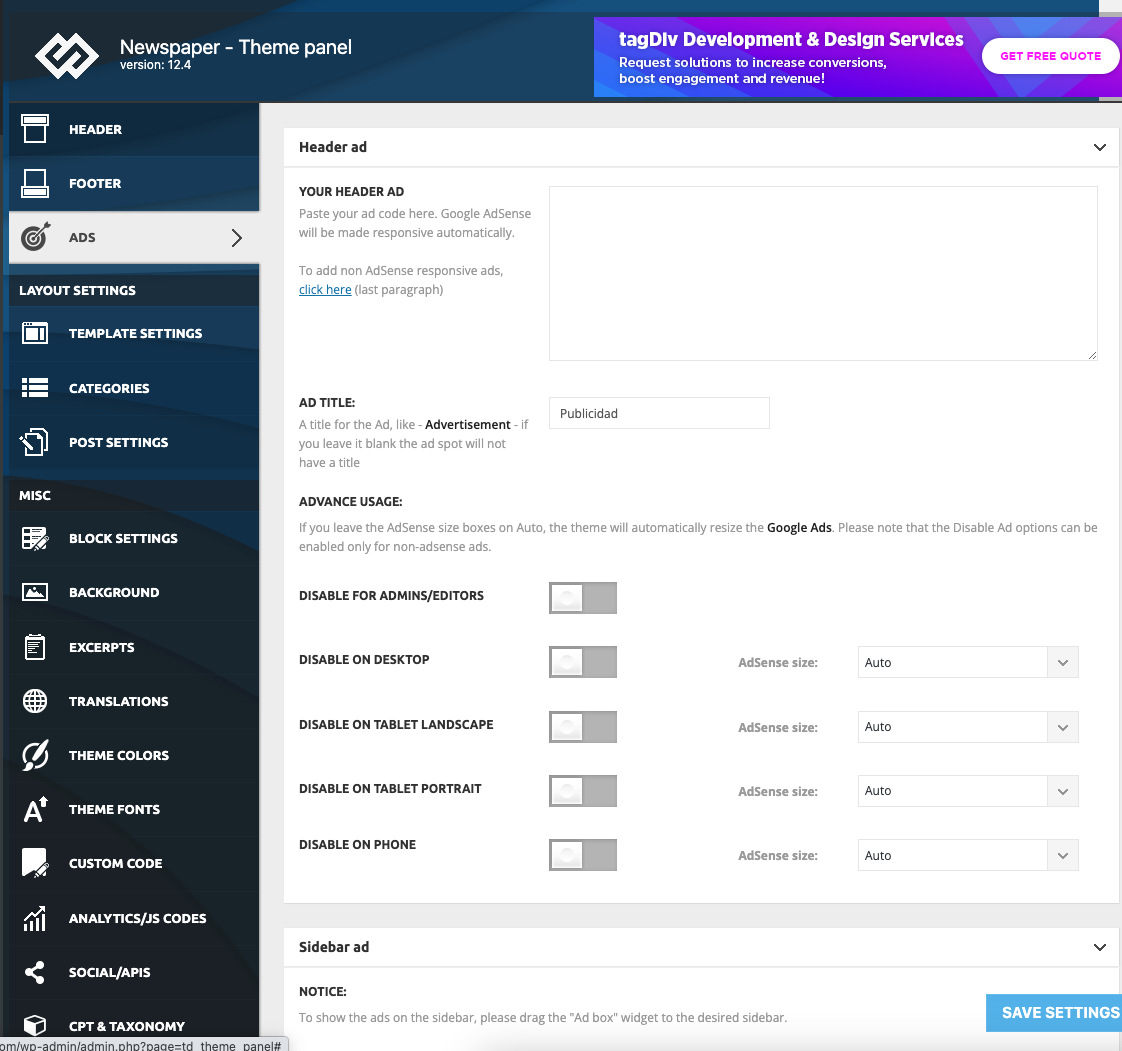
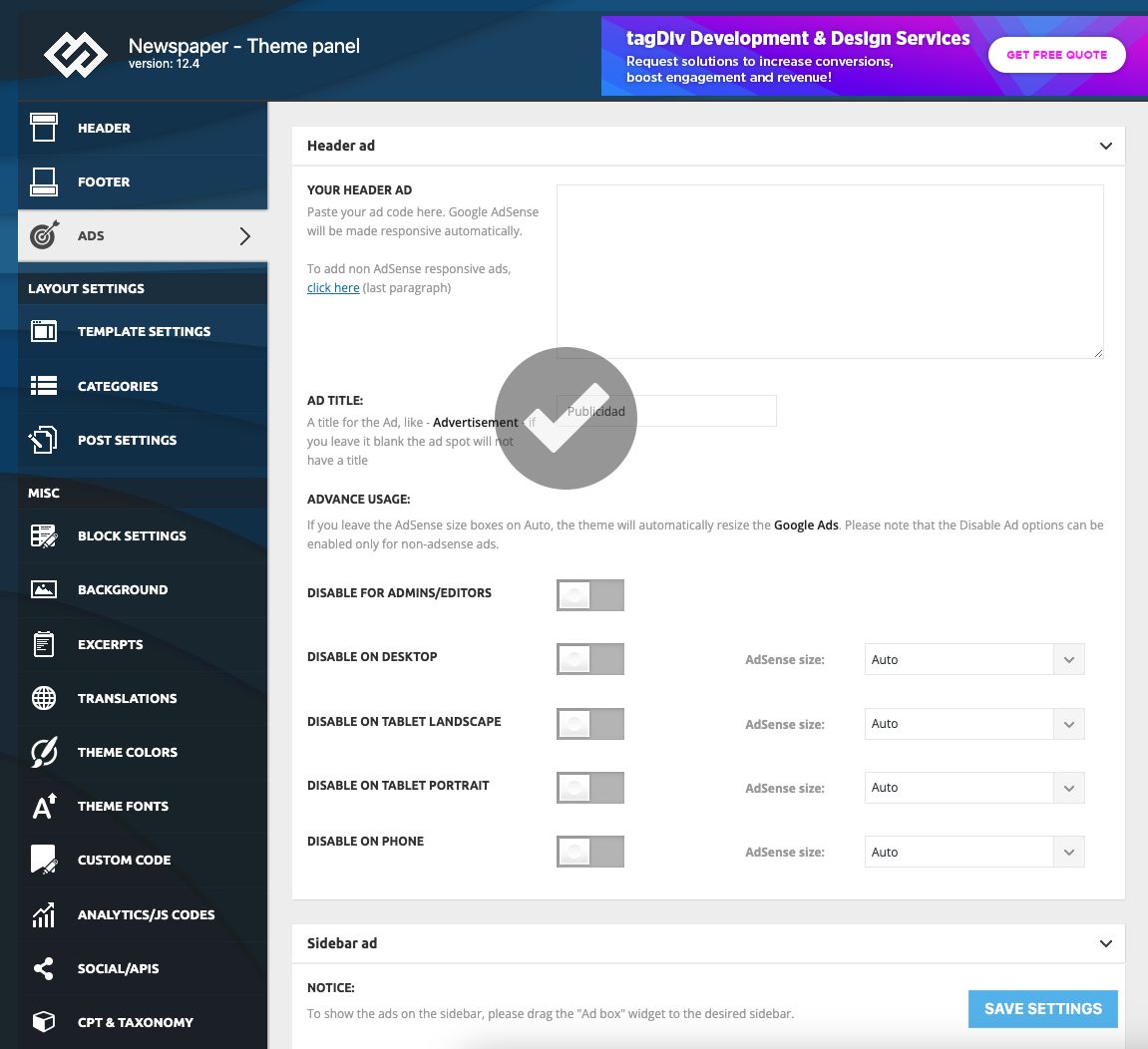
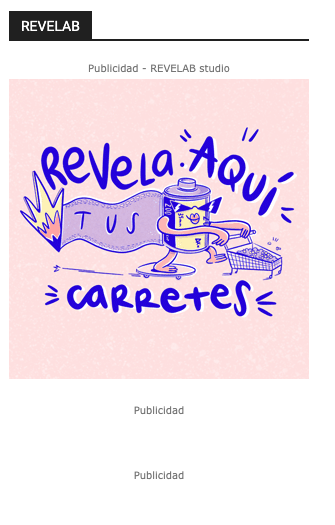
I’ve already deleted all the ads but they still being visible.
I’m losing my mind with that! And I have a customer who paid for ads and I don’t know how to solve it.
Even after updating I’ve deleted cache, but nothing changes.
https://www.indiescretos.com/banners/errorbanner2.png
https://www.indiescretos.com/banners/errorbanner3.png
https://www.indiescretos.com/banners/errorbanner4.png
https://www.indiescretos.com/banners/errorbanner5.png
https://www.indiescretos.com/banners/errorbanner6.png
-
This reply was modified 3 years by
romerito13.
Bettina Hello @mongooz !
It should work. Check if you do not have any padding or margin in the CSS tab of the column/row/element. Make a test and deactivate ALL plugins except tagDiv ones, also if you are using a cache plugin, deactivate it, clear all cache and try again.
Thank you!
 tw144
tw144 I updated the post and cleared the cache, but still cannot see the duration. Can you try with this video? https://www.himmlisches-jerusalem.de/wp-content/uploads/media/video/DEU/Wer-ist-der-antichrist_mobile.mp4
Thanks!
Anamaria Hi,
I did a test and for me, the video duration is displayed https://i.imgur.com/nFOuIRO.png please try to update the post and clear the cache.
Thank you!
 PatWire
 Hi Anamaria
Have checked cache plugin Litespeed OC is off –
Host checked too there’s no other OC at their end – and they added:
‘I’ve cleared the .htaccess file of any Litespeed cache entries as sometimes they get stuck and still cause “cached” pages. If you want to try again and see if that helps.
If it doesn’t you may need to refer back to the theme dev to see if they have further suggestions.’
None of that worked in this case –
Anamaria Hi,
Please delete the object cache file https://forum.tagdiv.com/general-options-may-interfere-newspaper-theme/ and check after.
Thank you!
PatWire What was the solution for this?
I have the same issue with Litespeed cache – some content blocks not updating, others are updating
When in TDComposer they show as updated, but after saving they show older posts. Offset is blank and they are sorted as Latest by Category.
Thank you
-
This reply was modified 3 years by
PatWire.
Bettina Hello!
Please re-install the theme or do these steps:
1. deactivate TagDiv Composer
2. uninstall (delete) TagDiv Composer
3. clear cache (if a cache plugin is present).
4. install TagDiv Composer
5. activate TagDiv Composer
6. clear cache (if a cache plugin is present).
Make sure that the plugins are installed and active. Clear the cache and let me know the results!
Thank you!
Anamaria Hello,
I think that you have there a plugin conflict, please let only the tagDiv plugin be enabled, chec k if you have an object cache file, and try after.
Thank you!
 amritlawin
 Hi Bettina,
Previously, you supported and solved my different website theme issues and problems. But now Anamaria is giving support but unfortunately, she is not able to solve my theme problems, I am helpless, please help.
As directed by “Anamaria” I have disabled the mobile theme plugin from here https://i.imgur.com/aAjtwLW.png, and also I cleared the cache, but it only shows the footer section on the website https://prnt.sc/FNH4LSutrjEL. Since I have disabled the mobile theme plugin as directed by “Anamaria” the website is not showing the header section and content. Please it is requested to involve your development team to solve this problem immediately.”
Thank You!
amritlawin Hi,
As directed by you I have disabled the mobile theme plugin from here https://i.imgur.com/aAjtwLW.png, and also I cleared the cache, but it only shows the footer section on the website https://prnt.sc/FNH4LSutrjEL. Since I have disabled the mobile theme plugin as directed by you the website is not showing the header section and content. Please it is requested to involve your development team to solve this problem immediately.
Bettina Hello @Jumich !
Normally, if the plugin is uninstalled, then this issue shouldn’t be there. Try to clear your cache and also re-index your website.
Thank you!
Bettina Hello @multimediaviral!
We have a guide with some tips on why our Composer is not working properly; please check it here: https://forum.tagdiv.com/tagdiv-composer-not-working/.
Examine some other potential interfering factors: https://forum.tagdiv.com/general-options-may-interfere-newspaper-theme/
Sometimes, the issue can be from a plugin conflict or a cache issue. That’s why we recommend first deactivating ALL plugins except tagDiv ones; if you are using a cache plugin, deactivate it, clear all cache (also from your browser), and see the results.
Let me know the results!
Thank you!
Anamaria Hello,
Please disable the mobile theme plugin form here https://i.imgur.com/aAjtwLW.png, clear the cache, and check after.
Thank you!
Anamaria Hello,
First, please delete the ad box image -> https://i.imgur.com/MGtOW4h.png and try after se5t another ad from the theme panel, clear all cache.
Thank you!
Anamaria Hello,
Usually, this happens with cache plugins. If the cache plugin does not have mobile support then the mobile theme version can be delivered instead.
The solution would be to use the recommended WP Super Cache plugin instead and activate these settings (especially the mobile device support): https://forum.tagdiv.com/cache-plugin-install-and-configure/
I hope this helps.
Thank you!
Anamaria Hello,
I just verified and now is displayed correctly, maybe was a cache issue https://i.imgur.com/9fdt9bh.jpg
To remove a element you can do it with tagDiv Composer => https://www.screencast.com/t/Y5j6ArY8Ug , select the element and with right-click, you can delete it => https://www.screencast.com/t/GshM3Q3nwDv
Thank you!
 multimediaviral
can’t open the tagdiv composer, just loading with gray screen and the Header in the homepage is not showing
found this critical issue :
Page cache enhances the speed and performance of your site by saving and serving static pages instead of calling for a page every time a user visits.
Page cache is detected by looking for an active page cache plugin as well as making three requests to the homepage and looking for one or more of the following HTTP client caching response headers:
cache-control, expires, age, last-modified, etag, x-cache-enabled, x-cache-disabled, x-srcache-store-status, x-srcache-fetch-status.
Median server response time was 819 milliseconds. It should be less than the recommended 600 milliseconds threshold.
No client caching response headers were detected.
A page cache plugin was detected.
please reply
 Miller-J
Hello,
The mobile version of my website in the Bluehost customizer is different than the one I have created in WordPress, and some pages, such as product category pages are taking the old incorrect one from Bluehost. It’s also creating cache issues – sometimes when I update a menu item’s url and publish the changes, suddenly the mobile version of the site uses this “Bluehost” version.
I cannot change the version in Bluehost. Bluehost support tried but couldn’t resolve the issue, and told me that it’s likely a problem with the theme, and that I should contact the developer.
How can I get the mobile version in Bluehost customizer to match the correct one, including headers and footers, I have created with TagDiv in WordPress?
-Jeremy
 chrisfoxatx
 Hi Bettina,
That’s the one I’ve been using, but since pages are cached unless they are updated the date becomes stale.
Do you have a JS code that can be inserted there that shows the date of the browser/device instead as it will stay up to date and then it won’t matter if the whole page is still cached worldwide.
 ersandrino
 I did exactly what you are showing me but the question does not change: https://prnt.sc/LmupAFAiOht0
I tried to go into incogniot and clear the cache but nothing changes!
Have you tried resizing your browser by moving it manually? You will notice that the two columns shift incorrectly and do not follow the left column. Responsive doesn’t work as it should.