
- NewspapertagDiv Composer – Website Manager
- NewspaperWhen tagDiv Composer is Not Working
- NewspapertagDiv Composer Tutorial
- NewspaperScroll Animation
- NewspaperSingle External Shortcode and External Shortcode
- NewspaperCredit System
- NewspaperBookmark – Save For Later
- NewspaperFlex Block Builder and Flex Loop Builder
- NewspaperModules Builder in Newspaper Theme
- NewspaperIntroduction to CPT and ACF with Newspaper Theme
- NewspaperCreate a frontend submission form
- NewspaperHow to Use the Tabbed Content shortcode
- NewspaperCreate a form contact page
- NewspaperFilters and sorting for taxonomies
- NewspaperUser review system
- NewspaperCustom Fields Support
- NewspaperWooCommerce: Happy “Add to Favorites!”
- NewspaperWoo Brands
- NewspaperModal Popup
- NewspaperShortcodes
 Calin
Calin Hi,
The image is store on imgur and is displaying the image from the theme panel > post settings > general post settings were the option for “enable article schema” option is located.
So, to set the JSON-LD script on a page use tagDiv Composer edit the page and add the HTML element – https://we.tl/t-SjCkdyTLvu
 Simion C.
 Hi,
That means you are using the older standard header templates. In this case the module that displays the posts in the live search can only be customized using the global settings https://prnt.sc/LlosNc8Un4KE Please note that disabling the date there will affect all the blocks and modules, not just the live search. For more advanced customization please consider switching to cloud headers which you can fully customize with the composer https://cloud.tagdiv.com/#/load/Headers
In case you just want the date removed from the live search, and you are not yet ready to switch to cloud headers, please enter this CSS -> https://pastebin.com/ryMaeFZD in the theme custom CSS section https://prnt.sc/wWJSRj_1ouC3 Then clear the cache to make sure the code applies. The date should be gone from the live search, like this https://prnt.sc/7r4GQQs1lO7L
Let us know if we can help with something else and we will check as soon as possible.
Thanks.
Simion C. Hi,
I believe that’s on your blog. The footer can be customized with the composer. If you edit for example the homepage with the composer https://prnt.sc/9ORTEOqJmztt and scroll down to the footer, you can click on anything and customize it https://prnt.sc/VdlRyG4eUfXu
The posts that Popular Posts displays depends on the filtering and sorting it uses. It may be set on popular sorting, which can display older posts as well if they are popular. Or it may be “stuck” if the options required for the theme to count post views are not active. I suggest changing the sorting to random 7 days, to have some variety of new posts in that block https://prnt.sc/g9fHJYkj22t5 as a quick solution.
Everything can be customized with the composer. The theme panel is very rarely needed to be used. It was used more many years ago when the theme used to use the simpler header and footer templates, or post templates, etc. But ever since we added the cloud library and the PRO demos, these are fully built with the composer -> https://tagdiv.com/cloud-library-templates/
Please let us know if we can help with something else and we will get back to you as soon as possible.
Thanks.
 inpeaks
 I have disabled all the plugins, except for tagDiv Cloud Library, tagDiv Composer, Yoast SEO, and Yoast SEO Premium. The duplicate title persists. https://inpeaks.com/2025/12/23/dynamics-365-consulting-the-backbone-of-modern-connected-enterprises/
Screenshot: https://ibb.co/JR9s36ZC
 Jude
Jude Hi Calin
Thank you for you reply. Firstly I can’t see the image as it says I’m unable to view in my country? Is there a way I can view it?
I didn’t realise I could use tagDiv Composer in HTML element. How exactly do I do that?
Thanks
Take care
Jude
 Actuarius
 I’m using the Journal page style.
When I enter the editing of the website, I have the information – This type of header is not editable with tagDiv Composer.
I don’t use any page header (Cloud Header).
Where can I change these settings?
Calin Hi Jude,
Our theme adds the schema.org/Article markups by default. This option can be enabled/disabled from the theme panel > post settings > general post settings – https://i.imgur.com/16f1CJS.png. It is recommended that when an extra SEO plugin is activated, the option to not interfere be disabled.
If you want to set a JSON-LD script on a page it can be done using tagDiv Composer in HTML element.
Thank you!
 thalesbrandao Calin
 Hi,
To add a video to the forum, it needs to be hosted on a platform as you did now.
It appears that my colleagues didn’t upload all the cloud templates for doctors to the cloud 🙁 but, do not worry, I will provide each template you need.
Now the CPT template, the one under the Cloud Templates > CPT/Taxonomies – https://i.imgur.com/4XyThJL.png will be used only on CPTs, (doctors is a CPT in taht case), now, in provided screenrecord I see taht you try to edit an article, so for articles will be used the Cloud Templates for Single Post Template, those are under Cloud Templates > General – https://i.imgur.com/eABjPhi.png (you can edit it the same use tagDiv Composer, select the flex block x and remove the cpt “tdcpt_doctors” from filter taxbs after taht use the module tab to chnage the module layout).
To add a module to Flex Block X or Flex Loop, you need to edit the template or page with tagDiv Composer, select the element – https://i.imgur.com/GfWkUEM.png first in the general tab, and remove the CPT type “tdcpt_doctors” – https://i.imgur.com/zPaJKVa.png after that from the Module tab, change between Module 1 and Module 2 – https://i.imgur.com/YgyJY9Y.png – https://i.imgur.com/nSJJZVy.png
For the flex block, the CPT that needs to be removed is under the filter tag, after that do the same with the modules, change to module 2 and back to module 1. Use the one you like the most – https://i.imgur.com/IpWFX3l.png
thalesbrandao Ao procurar ajuda com esse problema, podem solicitar que você forneça algumas das seguintes informações:
WordPress versão 6.9
Tema atual: Newsmag (versão 5.4.3.4)
Plugin atual: tagDiv Mobile Theme (versão 2.7 | built on 04.11.2025 10:36) PHP versão 8.3.28
Detalhes do erro
================
Um erro do tipo E_ERROR foi causado na linha 300 do arquivo /home/cidadema/public_html/marketing/wp-content/plugins/td-mobile-plugin/td_mobile_theme.php. Mensagem de erro: Uncaught Error: Class “AMP_Theme_Support” not found in /home/cidadema/public_html/marketing/wp-content/plugins/td-mobile-plugin/td_mobile_theme.php:300
Stack trace:
#0 /home/cidadema/public_html/marketing/wp-includes/class-wp-hook.php(341): td_mobile_theme::{closure}(”)
#1 /home/cidadema/public_html/marketing/wp-includes/class-wp-hook.php(365): WP_Hook->apply_filters(NULL, Array)
#2 /home/cidadema/public_html/marketing/wp-includes/plugin.php(522): WP_Hook->do_action(Array)
#3 /home/cidadema/public_html/marketing/wp-content/plugins/td-composer/legacy/common/wp_booster/td_wp_booster_functions.php(34): do_action(‘td_global_after’)
#4 /home/cidadema/public_html/marketing/wp-content/plugins/td-composer/legacy/Newsmag/functions.php(22): require_once(‘/home/cidadema/…’)
#5 /home/cidadema/public_html/marketing/wp-content/plugins/td-composer/td-composer.php(191): require_once(‘/home/cidadema/…’)
#6 /home/cidadema/public_html/marketing/wp-includes/class-wp-hook.php(341): {closure}(”)
#7 /home/cidadema/public_html/marketing/wp-includes/class-wp-hook.php(365): WP_Hook->apply_filters(”, Array)
#8 /home/cidadema/public_html/marketing/wp-includes/plugin.php(522): WP_Hook->do_action(Array)
#9 /home/cidadema/public_html/marketing/wp-content/themes/Newsmag/includes/wp-booster/tagdiv-wp-booster-functions.php(3): do_action(‘td_wp_booster_l…’)
#10 /home/cidadema/public_html/marketing/wp-content/themes/Newsmag/functions.php(20): require_once(‘/home/cidadema/…’)
#11 /home/cidadema/public_html/marketing/wp-settings.php(710): include(‘/home/cidadema/…’)
#12 /home/cidadema/public_html/marketing/wp-config.php(106): require_once(‘/home/cidadema/…’)
#13 /home/cidadema/public_html/marketing/wp-load.php(50): require_once(‘/home/cidadema/…’)
#14 /home/cidadema/public_html/marketing/wp-admin/admin.php(35): require_once(‘/home/cidadema/…’)
#15 {main}
thrown
Calin Hi,
I just checked the website and I see that the background color on the icon box element is on both desktop and mobile. Therefore, I recommend checking it with the tagDiv Composer.
Thank you!
Calin Hi,
1. This can be done using tagDiv Composer, select the row holding the “empty column” that you want to remove and use the right click on the row icon -> https://i.imgur.com/JodWvlW.png -> https://i.imgur.com/e6bb8U5.png or using the drag and drop or you can simply click on the row and press the delete button from your keyboard.
2. You can set an image on each category, go to the Theme panel > Category and open each category and upload a background image – https://i.imgur.com/Y0Rq1l7.png https://forum.tagdiv.com/set-background-category-page/ on the category cloud template, you should have the element “Category Background Image”.
3. You can do that, you can duplicate the global template (if you do not have a different one and you want to be similar) and make teh edits you want. After that go on that category and from the top bar select the category you want to have on that category (click on the name to get it with green like this – https://i.imgur.com/Pb7DrIU.png )
4. Yes, this thread will be open as long as it is needed.
Thank you!
Calin Hi,
Please check whether you are using a Single Post Template (Cloud Template). If so, edit it using tagDiv Composer and verify whether the content is displaying twice. If it is, this indicates that the Single Post Content element has been added twice. Delete one of them, and the issue will be resolved.
Thank you!
Calin Hi,
To resolve the search problem, it will be need to replace the current theme plugin tagDiv Composer with the one from here – https://cdn.tagdiv.com/wp-content/uploads/2025/11/td-composerfix.zip
Thank you!
Calin Hello,
Please follow the instructions outlined above. If you want to delete an empty column, it can only be removed by deleting the row that contains it. To do this, select the row and use the methods mentioned earlier.
Also, please note that empty columns are only visible within the TagDiv Composer on the frontend and will not be displayed.
Thank you,
Calin Hi,
If you are referring to the block titles, then you need to edit the homepage using tagDiv Composer, select the block and check in the general tab the title you can remove/change it after your needs – https://i.imgur.com/532B75W.png https://i.imgur.com/qorxsCT.png
If this is not what you mean, please let me know!
Thank you!
Calin Hi,
If that search section can be edited usng tagDiv Composer, then you can search on the element after the date, like this – https://i.imgur.com/U3BEntO.png
I hope this will help you!
Calin Hi,
Most of the time, the problem is from a shortcode that is not compatible with our theme or a plugin conflict; therefore, after you set it with tagDiv Composer and save the page/cloud template, the next time you try to edit it, you’ll get that error.
If is only for one page or a cloud template (it can be on the header or footer, you can change them for tests and see if the problem persists), this is from some settings/shortcodes set on it and it can be fixed using the page revision https://wordpress.com/support/page-post-revisions/
Thank you!
Calin Hi depatech,
If you have the latest version and you face a critical error when using the search, it will be need to replace the current theme plugin tagDiv Composer with the one from here – https://cdn.tagdiv.com/wp-content/uploads/2025/11/td-composerfix.zip
Thank you!
Calin Hi Suhasbhat,
I think that you have the Newspaper theme and not the Newsmag theme. Using the Newspaper theme, it is possible to use a cloud single post template that needs to be edited using the tagDiv Composer. Another case is to have standard templates, but the tagDiv Standard Pack plugin should not be installed from Newspaper plugins.
Notice: in case you have set a single post t
Thank you!
 dlogan2023
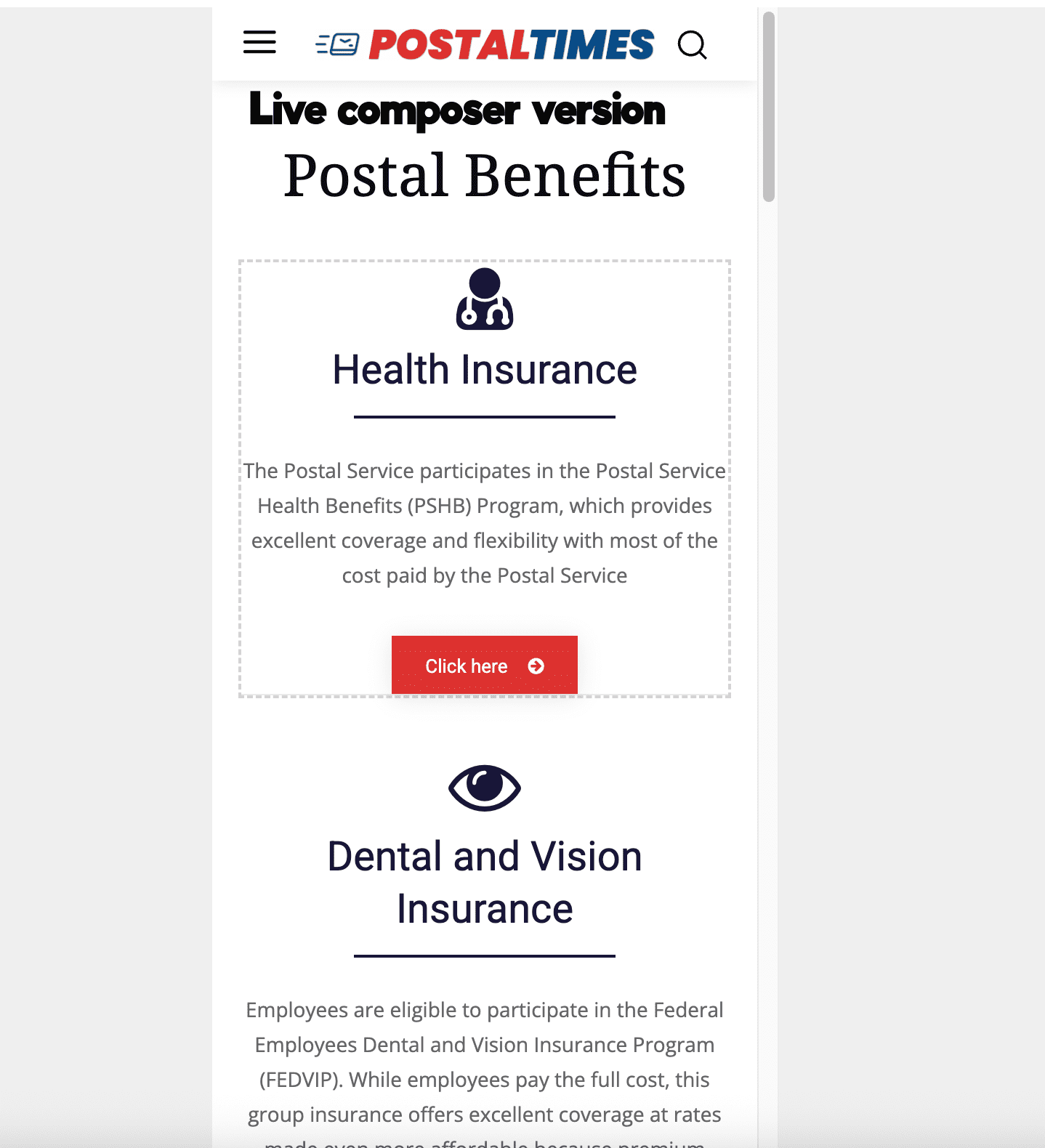
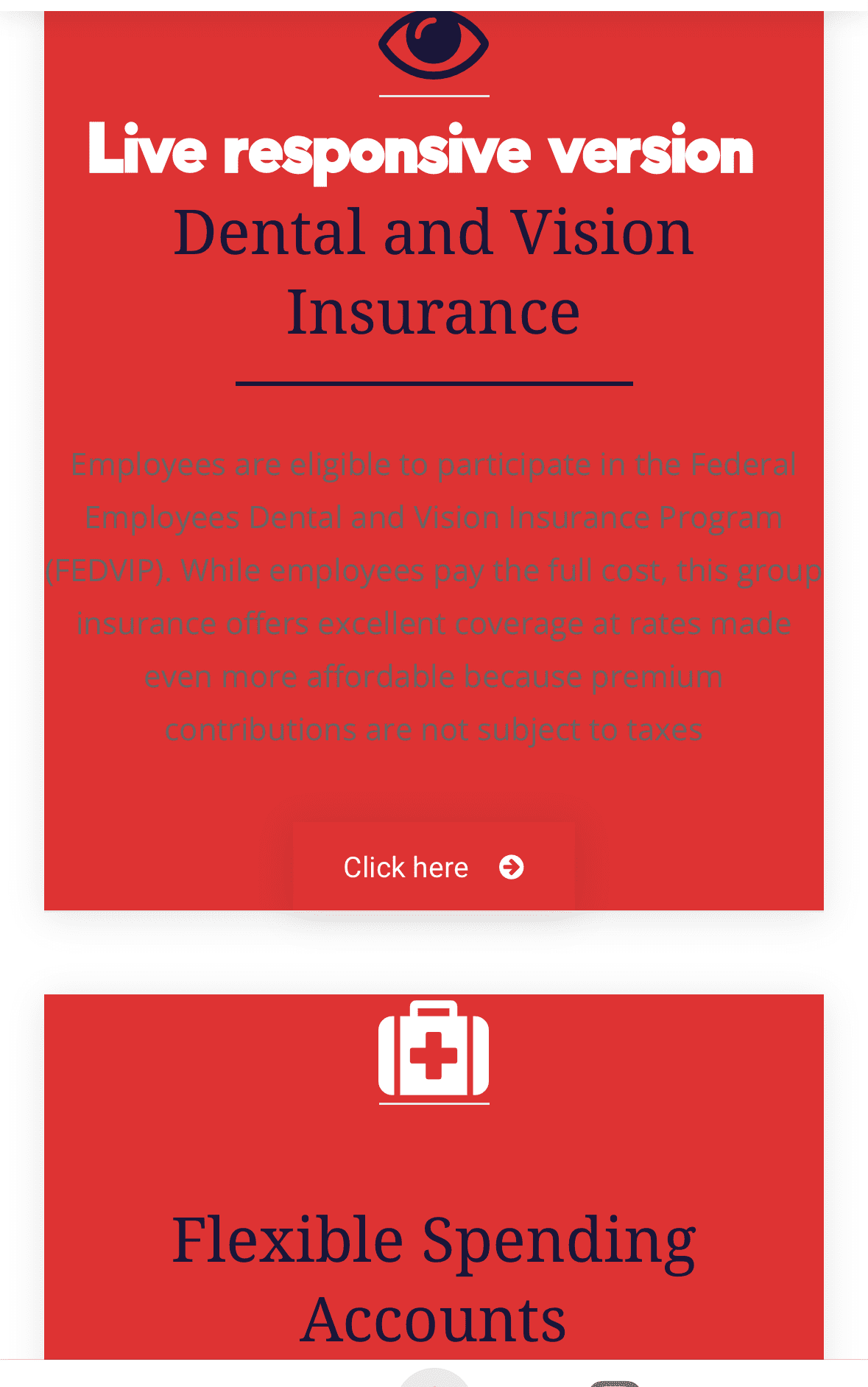
My responsive mobile pages are not following the colors settings I have set in the composer.
 uxengineer
 I added this ACF Pro accordion demo plugin: https://wpengine.com/builders/accordion-block-acf-fields/
from their Github repo: https://github.com/colorful-tones/acf-accordion-block
I don’t see it available in Newspaper tagDiv Composer blocks for a CPT taxonomy template. Is there a way to add a custom plugin there (and not just via a shortcoode)?
 berwarnews
When I edit any template with td composer I get error “Ooops… Error 404. Sorry, but the page you are looking for doesn’t exist.”
Please help.
With endless love and greetings.
 frenzygh
Hi,
I’m having difficulty locating where the homepage section titles (the labels above the news blocks) are edited.
I understand they are part of the Newspaper theme setup, but even after checking the Home page in tagDiv Composer, I can’t find the exact block or setting where those titles are controlled.
Could you please point me to the exact location (page, block, or theme panel section) where those labels can be edited, or guide me on what to click to access them?
Thank you for your help
Calin Hi,
You can use the tagDiv Composer to create pages and templates, not individual posts.
What happened is that you added a Text with Title element to a single post template. Each time you thought you were editing the post content, you were actually editing that fixed element in the template. Because it’s a static element, the same text appears on all articles that use this template.
Instead, you should use the Post Content element. This element automatically renders the content created in the WordPress editor (Classic Editor or Gutenberg) and will display the correct, unique content for each post.



