
- NewspaperHow to Use tagDiv Cloud Library
- NewspaperCloud Library Templates
- NewspaperCloud Library – Category Templates
- NewspaperDesign your Post Pages using the Cloud Library Templates
- NewspapertagDiv Cloud Library Plugin
- NewspaperCloudflare (CDN)
- NewspaperSingle External Shortcode and External Shortcode
- NewspaperSearch setup for custom post type
- NewspapertagDiv Composer – Website Manager
- NewspaperFlex Block Builder and Flex Loop Builder
- NewspaperModules Builder in Newspaper Theme
- NewspaperIntroduction to CPT and ACF with Newspaper Theme
- NewspaperCreate a frontend submission form
- NewspaperFilters and sorting for taxonomies
- NewspaperUser review system
- NewspaperHow to use the Google Maps API
- NewspaperWooCommerce: Happy “Add to Favorites!”
- NewspaperHow to insert a block inside the content of a post
- NewspaperHow to setup the Contact Page
- NewspaperPosts Loop Element
 crodexter
Hello,
I het this error when I try to edit cloud template
“Errors at elements: 1(models) : 2(dom). The model does not match the content Current state has involved an issue. You could try an UNDO operation (CTRL+Z / CTRL+SHIFT+Z)”
Is it possible that custom code I added to HTML block could caused?
I added two image s with a style.
Where I can find template code so that I delete added HTML code?
I searched forum and found similar question but without answer.
Thank you
 Ernum
ErnumHello!
Thank you for that awesome work what have you done 🙂
I wanted to ask update from 8 to 11.
I would need to update webpage silently 🙂
Is that right to do?
1) I’ll upload new theme to the FTP.
2) I’ll change current website to Twentyeleven theme.
3) I’ll rename old Newspaper theme to different folder name and new theme to the old folder name (to keep database settings and url-s)
4) I’ll acticate new theme.
5) I’ll install immediately Standard Pack plugin to keep remain settings what I had.
6) Install plugins what I need (td-composer, td-cloud-library)
7) I’ll build new frontpage with td-composer on another page. (So long standard pack holds visual composer premade front page what I had before)
8) I’ll make new header and footer from tagdiv cloud library.
9) I’ll change footer and header and front page.
10) I’ll disable Standard pack plugin and conclusion is that – website is faster? 🙂
Best regards
 Soumitra
I am trying enable this plugin on my website but its not working. I searched and saw people are facing this issue. Kindly help me to solve the issue. I can share you the access if required.
Website: http://antardeshi.in/
Thanks.
 Ngatia
Hello,
I created a Single Post from existing cloud template but display shows more than one article in a page. How can we restrict. Template used https://cloud.tagdiv.com/hands-on-beats-powerbeats-pro-review/ output http://www.eblue.co.ke/waryahe/architecture/mobile-marketing-is-said-to-be-the-future-of-e-commerce/
 nwnuyhs
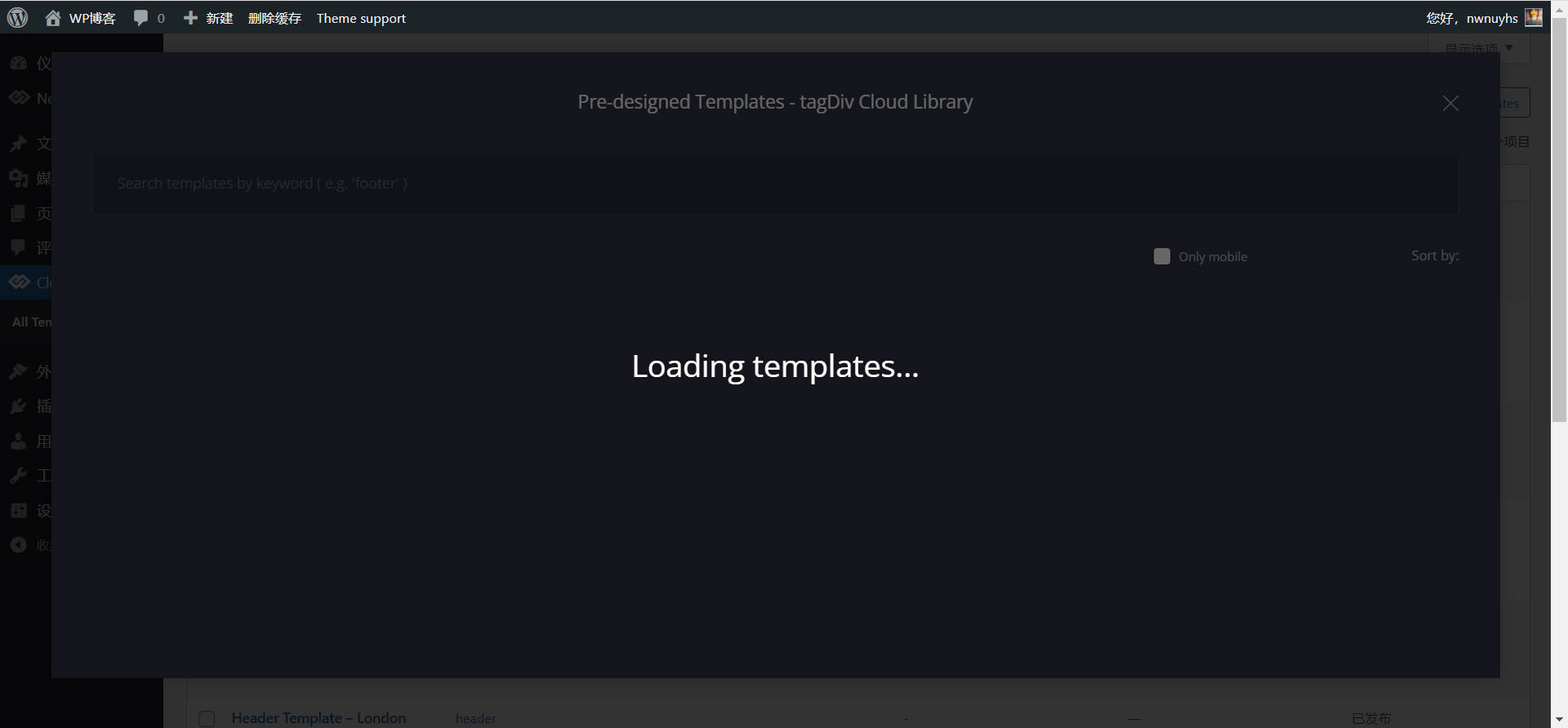
it’s all the time like this ,but other pages are right,how to solve the problem?
 MarijaZT
 https://www.screencast.com/t/CNkoiCE77 as you can see, I have chosen the theme for my SHOP but no content from the template is showing.
Also, how to set those images on the home page to be seen in full mode, now they are seen partial only https://www.screencast.com/t/EkkjoTvK
This is a standard single post template and I want a cloud library template https://www.screencast.com/t/sKX3YJ5t
But when I change to the cloud library template I lose all the content https://www.screencast.com/t/8pemvV9koI
nwnuyhs Cloud Templates is quite slow to load, it’s like a turtle
 Calin
Calin Hi FKnews,
When you are using cloud templates, you have one that it is set as global and that one will apply on al categories that do not have set an individual cloud template -> https://i.imgur.com/rWAbFBR.jpg so, yes, editing that cloud template will make the changes on all categories.
Thank you!
Calin Hi,
The problem with 500 is when you try to edit a page or cloud template ? If is so then it may be a plugin conflict, please make a test using only tagDiv plugins.
The logo and the colors can be set using tagDiv Composer and editing the page on frontent, for example this guide will show how to set the logo -> https://forum.tagdiv.com/add-logo-newspaper/
Thank you!
 Anamaria
 Hello,
You have a header template from Cloud Library, then you need to edit with tagDiv Composer https://www.screencast.com/t/Y5j6ArY8Ug, select the row on the top, and with right-click you can delete it => https://www.screencast.com/t/fdBMaqQevyo
Thank you!
Calin Hi sergioseroz,
Please try the steps from those guide:
-> How to Make the Site Faster
-> Cache plugin – install and configure
-> Cloudflare (CDN)
-> Autoptimize Plugin – install and configuration
I hope this will help you!
Anamaria Hello,
To optimize the website and make it faster, please check our guides from here:
-> How to Make the Site Faster
-> Cache plugin – install and configure
-> Cloudflare (CDN)
-> Autoptimize Plugin – install and configuration
Thank you!
 rm81680
Hi,
Post is not loading properly while browsing ‘next post’, ‘previous post’, or ‘related article’. In some instances, the header panel comes on top of the post, in other cases, the footer panel appears at the end of the post.
website:
https://sciencetrend.ca
Thanks in advance
Calin Hi,
Thank you for contacting us!
I checked your website and cloud header and footer seems to be set -> https://i.imgur.com/isbRPk6.png but, maybe you set them in the time. I’ll like to have some more details about this situation, in this way I can have a clue about what happened. Can you please provide some more details, did you made some updates? Maybe you installed a plugin, changed a demo or something? Usually, those are cases when the tagDiv Cloud Library can be disabled and display default header and footer.
Thank you!
 Bettina
 Hello!
Please edit the category template by clicking on the green button here: https://www.screencast.com/t/Iobu2YcZa
and not from the Dashboard -> Cloud Templates.
Thank you!
Bettina Hello @hegroup!
Please note that Cloud library templates do not work with CPTs.
A guide for CPT you can find here: https://forum.tagdiv.com/custom-post-type-support/
Thank you!
Bettina Hello @suzwon!
If you use a cloud template, then you can modify/delete the top bar with the TagDiv Composer and for default template: from the theme panel https://i.imgur.com/LpsEGWq.png
If your settings from the theme panel are missing and you use default templates, then please make sure you have Standard pack plugin installed and active.
Thank you!
Bettina Hello @insumedical!
1. Yes, you can import cloud/PRO templates, which means you can customize them with the Tagdiv Composer which contains a lot of functions and features, please check our tutorial here: https://forum.tagdiv.com/tagdiv-composer-tutorial/
Documentation here:
– https://forum.tagdiv.com/cloud-library-templates/
– https://forum.tagdiv.com/design-post-pages-using-cloud-library-templates/
– https://forum.tagdiv.com/cloud-library-category-templates/
Check also our video tutorials here: https://www.youtube.com/c/tagdivThemes/videos
2. Discount period currently active for the cyber sale, ending 01/12/2021.
Thank you!
Calin Hi admin123@,
Thank you for contacting us!
Most of the time the problem is from a shortcode that is not compatible with our theme, therefore after you set it with tagDiv Composer and save the page/cloud template, the next time when you try to edit it, you’ll get that error. Usually, when it is from a shortcode the problem is only on the pages that use that shortcode.
Also this can be a plugin conflict, so you can make a test using only tagDiv plugins.
For this situation we made a guide for how to investigate this problem and fix it -> https://forum.tagdiv.com/tagdiv-composer-not-working/
Let me know the results!
Calin Hi Gundud,
On our demos we used more steps, but, all of them are in our guides:
For example we do not use external resources.
Use a cache plugin -> https://forum.tagdiv.com/cache-plugin-install-and-configure/
Optimize the website: this can be done using an extra plugin https://forum.tagdiv.com/autoptimize-install-configuration/ or using our guide with CSS Analyzer -> https://tagdiv.com/whats-new-in-the-newspaper-theme-10-4-update/
Use a Cloudflare (CDN) ->https://forum.tagdiv.com/cloudflare-cdn/
I hope this will help you!
Calin Hi,
To set the featured image on full width of page, you’ll need to use tagDiv Composer to edit the cloud template, set a row on full width -> https://i.imgur.com/7zhVDrw.jpg then drag the featured image on that row, then just adjust the image format -> https://i.imgur.com/hGcplfS.jpg
You can reinstall the demo like you said or you can get only the cloud templates from cloud and replace them.
Thank you!
Bettina Hello!
We have an element in the TagDiv Composer called RAW HTML and you can place it where you’ll like if you need custom widgets and you use cloud/PRO templates.
Thank you!
Calin Hi,
If you want to add the Rumble as a social network, what you can do is to use a cloud header and a cloud footer, in this way you add an icon using tagDiv Composer, then set the svg icon for Rumble and the full link -> https://i.imgur.com/AYOyMnG.png
I hope this will help you!
Bettina Hello!
When you use a cloud/PRO template, then you can easily change the font for every element and see the font you use in Website Manager. Also, you can upload a custom font. For more information about those possibilities, please check our documentation here: https://forum.tagdiv.com/font-customization/
Thank you!
 gerris
The Cloud Templates are disappared why? (tdb_templates post type)
now header and footer are broken
this are the link:
https://new.anaaotoscana.it/
i alredy give you the wordpress access thanks



