
- NewspaperAutoptimize Plugin – install and configuration
- NewspaperCache plugin – install and configure
- NewspaperInstalling Pre-built Websites
- NewspaperHow to Install Newspaper via FTP
- NewspaperHow to Install Newspaper via WordPress
- NewspaperIntroduction to CPT and ACF with Newspaper Theme
- NewspaperHow to edit modules for Flex Block X
- NewspaperWooCommerce: Happy “Add to Favorites!”
- NewspaperWoo Brands
- NewspaperStripe Setup
- NewspaperModal Popup
- NewspaperPayPal Setup
- NewspaperFlex Block Settings Guide
- NewspaperHow to setup the Contact Page
- NewspaperAdd Cryptocurrency Price Ticker Widget
- NewspaperInfinite Loading for Single Posts
- NewspaperThe Newspaper Mobile Theme: Introduction
- NewspapertagDiv Social Counter plugin
- NewspapertagDiv Shop
- NewspapertagDiv Opt-In Builder
 vsnihal
 I just did that. The problem came back as soon as I re installed the plugin. 🙁
 erfahrungsguru
We have completely reinstalled WordPress and the Newspaper Theme on a fresh domain and have set up a demo theme. Now we have noticed that both the existing and new posts, the texts are displayed twice. That is, in the demo posts and in new ones from us, the text is doubled and we do not know why. What can we do? As I said, everything is installed FRESH.
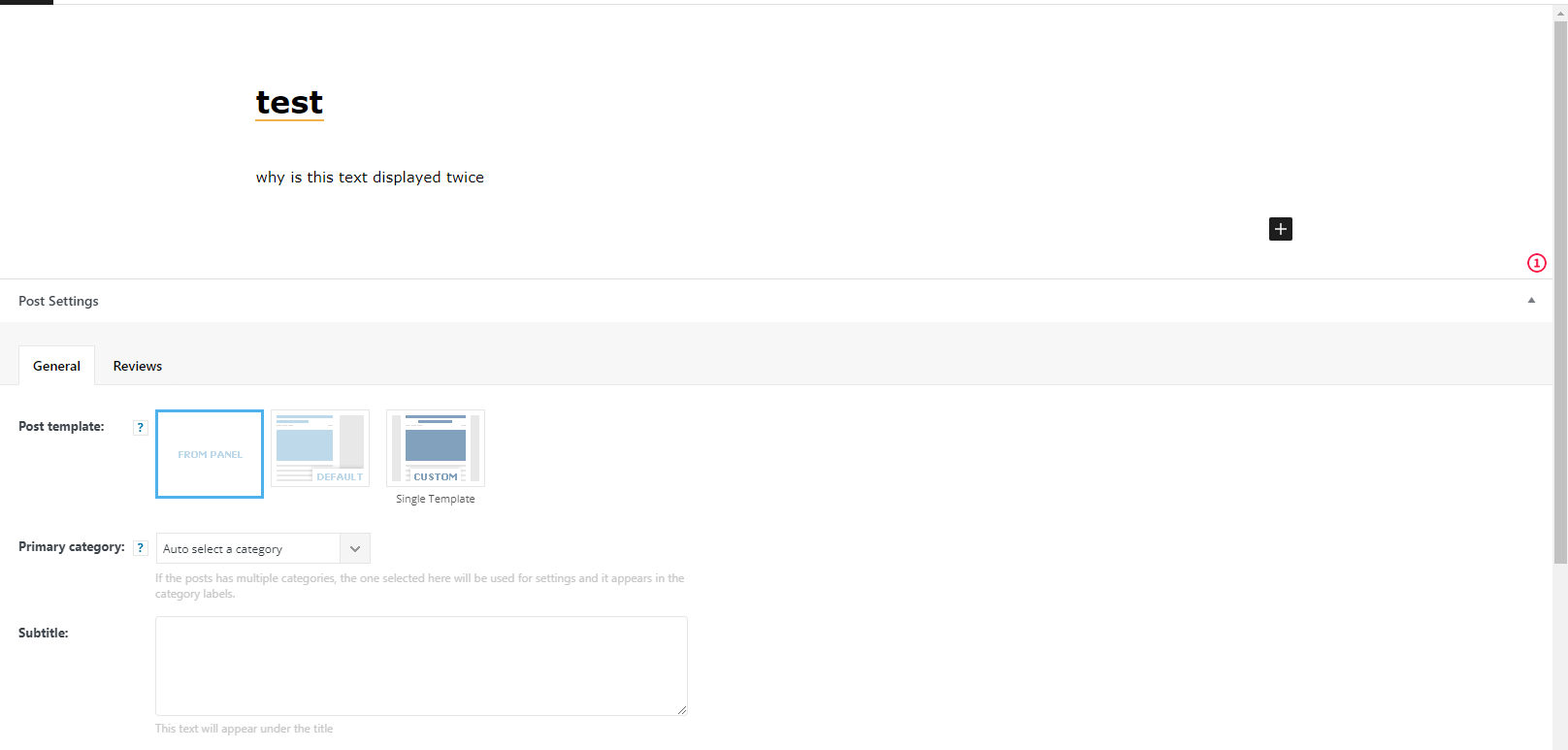
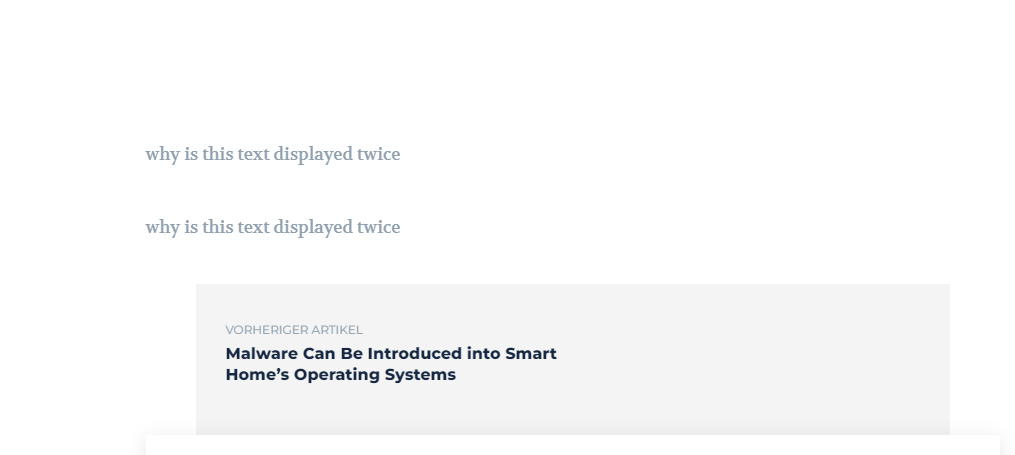
here is an example. own post – see scrollbar, the text can be seen twice.
erfahrungsguruWe would like to have a German website and of course we need the German language on the website.
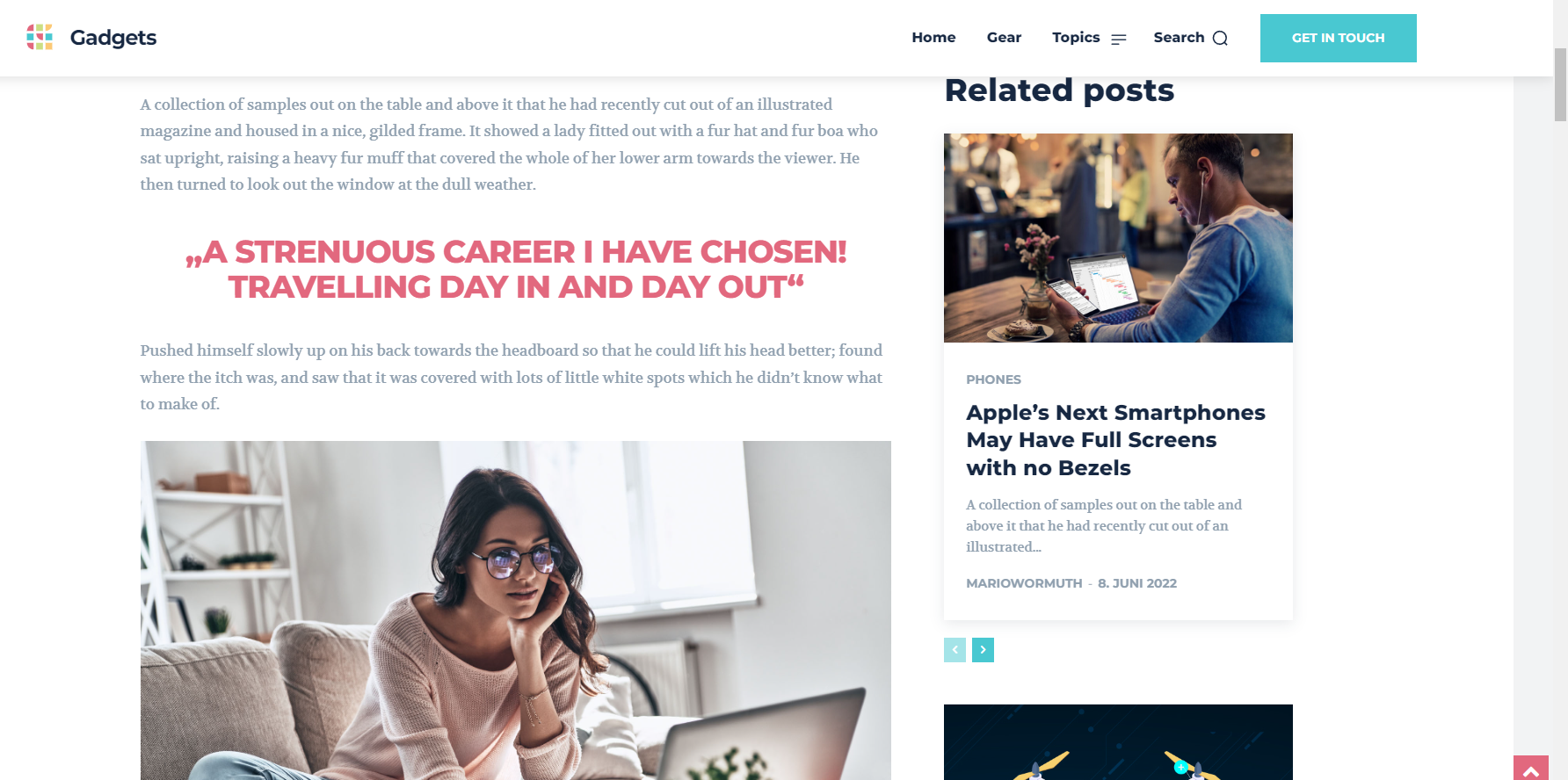
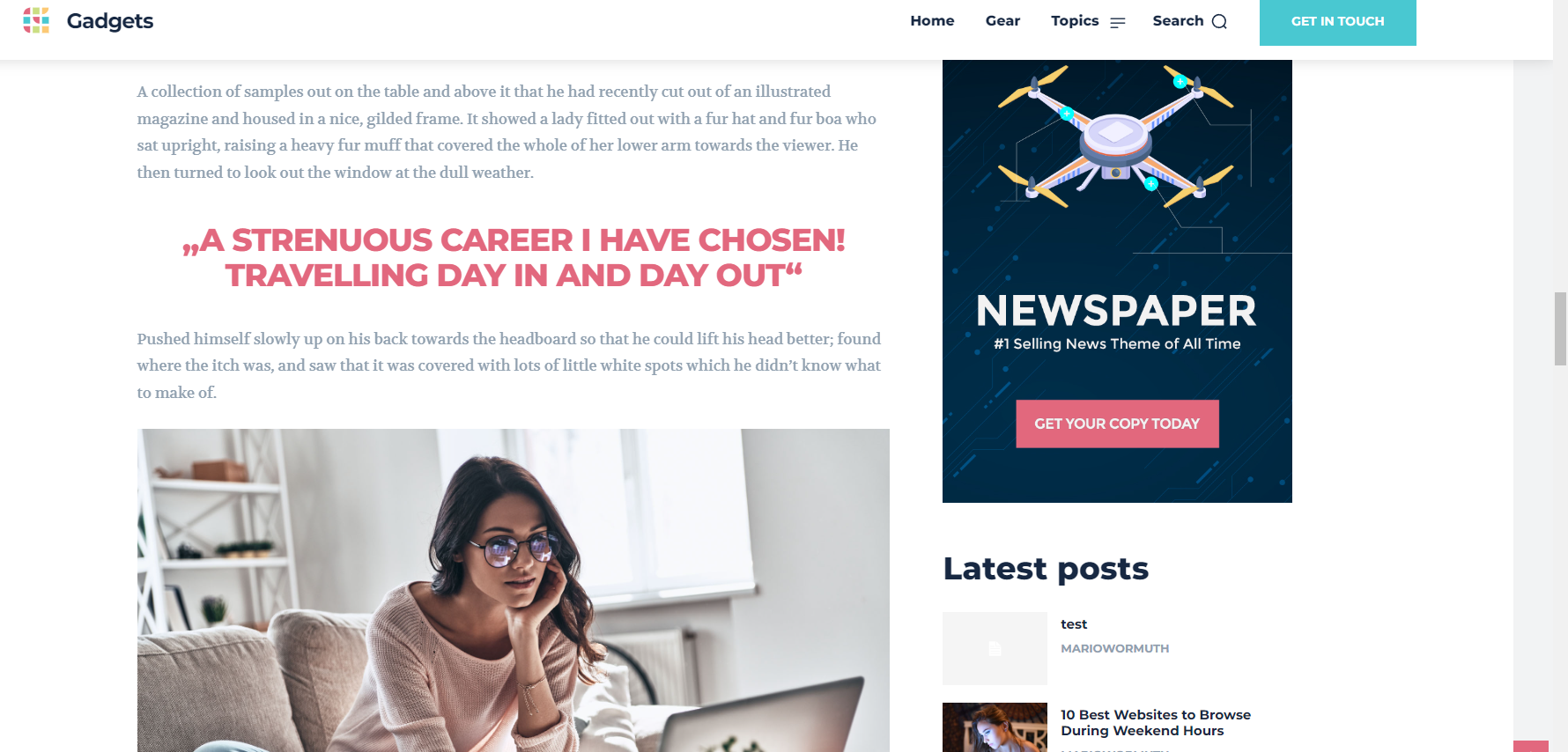
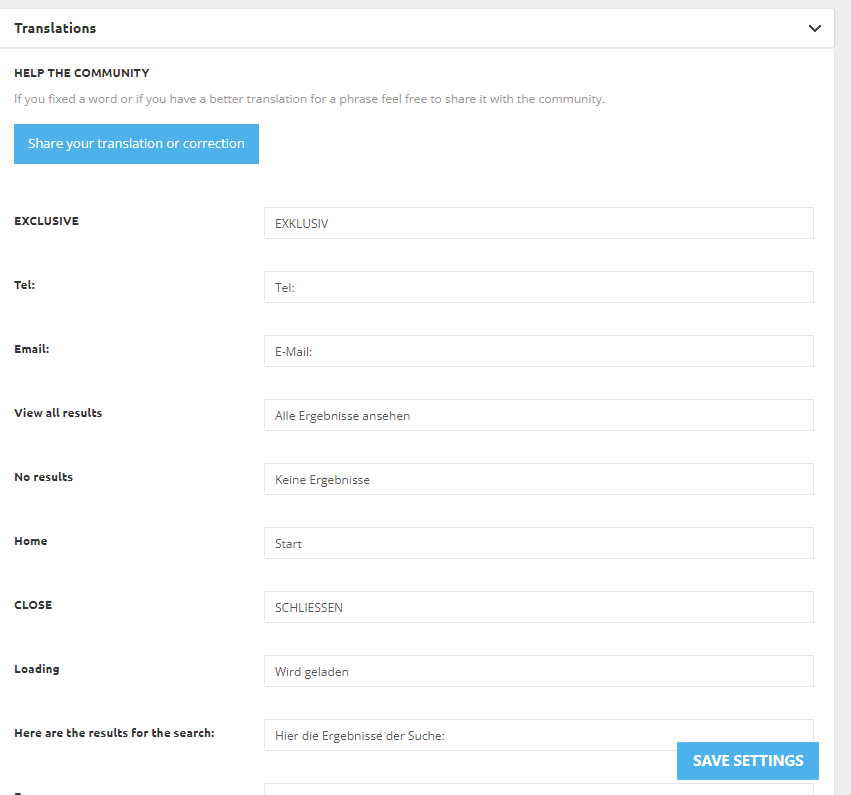
Now we have fortunately seen that your theme already offers this in the settings and we were very happy about it. Now we have changed in the Theme Options: “Translations” to German and also clicked Save Settings. But unfortunately the items are still all in English.
On the website only a demo theme was installed, nothing more was done.
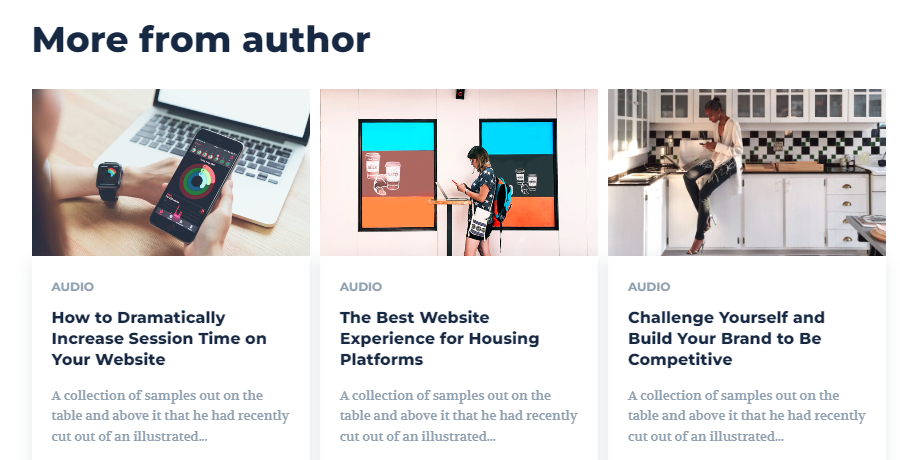
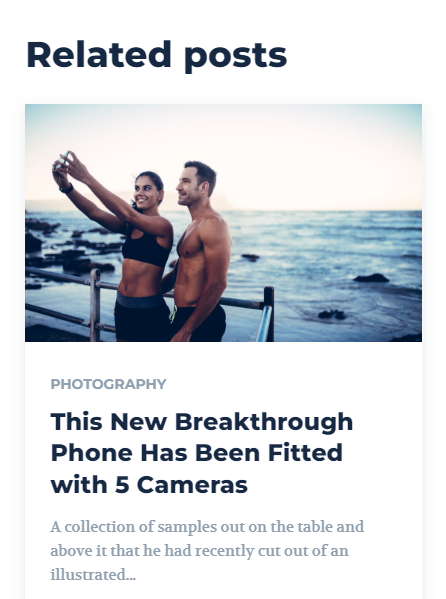
Here you can see on the screenshots: “Related posts” and “more from author” and everything else on the website too. These things should be in German if you have set and saved the language package or are we doing something wrong?
I am looking forward to your answer.
 Anamaria
 Hello,
Please try to do a new install.
Also, please let me if you changed something in the theme files or templates.
Thank yoou!
Anamaria Hello,
Please try to deactivate, delete and reinstall the tagdiv Cloud Library.
Thank you!
 RECORD EUROPA
 Brilliant, it’s resolved (desktop/mobile).
You are fantastic!
I disabled, deleted and reinstalled composer and it works.
Thanks.
 Bettina
 Hello!
Please make sure you do not have WP Bakery installed and active, clear the cache and try again.
Let me know the results!
Thank you!
vsnihalI had purchased newspaper theme in last october. I have been having a trouble in my wordpress dashboard. WHen I click New post, the page that shows up will be having certain CSS like codes in text format. I have to scroll down to use the wordpress editor.
I also have purchased two more licenses for my new two websites. They are online but haven’t customised to use yet. I fear, i might encounter this problem in them too.
From the expert advices, It came to know that this problem was because of the tagdiv plugin cloud builder. As I used the pre designed designs of tagdiv, I cannot uninstall that. If I uninstall it, there will be error codes and some other stuffs on my website.
I am attaching a screenshot of the issue here : https://prnt.sc/MAHWOJwmQrWU , https://prnt.sc/7Bfy33ZZhGQ4
Anamaria Hello,
@pcland I saw now, that you have the LightBox enabled, please disable it and clear all cache -> https://i.imgur.com/aImjH3Y.png -> https://forum.tagdiv.com/modal-window/
if the problem is not resolved after, please contact us at contact@tagdiv.com and provide wp-admin access.
@foreclosurepedia We always tried to help you and I don’t think we ever asked for money to solve bugs in our theme. . Also, for various reasons, not everyone is comfortable providing access to the website.
Considering that it is the same theme, the options are the same, no matter what prebuilt website you have installed, that’s why the videos and screenshots are from my install. I also searched and did not find an email from you about the issue of the single image background and the link to investigate.
Have a nice day!
 Calin
Calin Hello,
Is not mandatory, it is just recommended, so if you want you use it, then install a object cache for the amp, if not, then you do not use it.
Thank you!
 justaguy
 Edit: I can reach it now. Does somebody know what might have happened here? Installing the font and setting it as global font seemed to be ok, but fiddling around with things like font weight crashed the whole thing for an hour or so.
 aveek.d22
I am trying to install the Chained News pre-built website on my WordPress account, but it does not appear in the list. Am I missing something here?
Anamaria Hello,
First of all please make sure that the installation process was done correctly -> https://forum.tagdiv.com/install-via-wordpress/, that the requirements were set as in our guide -> https://forum.tagdiv.com/requirements-for-newspaper/ and that the problem is not caused by a plugin conflict.
Also, please provide as much information about the issues as possible, including a video or screenshots, so that we can assist you properly.
Thank you!
Anamaria Hi,
In case your website has been hacked, then are more steps that need to be done, because most of the times hackers leave a way to can get back on your website.
-> https://www.siteguarding.com/en/what-to-do-if-your-website-has-been-hacked#
To prevent your website to be hacked indeed is not enough only to install the theme, you’ll need to add extra settings and plugins for security. For this you can check this guide:
https://www.hostgator.com/blog/3-easy-steps-that-protect-your-website-from-hackers/
Indeed, Wordfence or other plugins for security are necessary.
Thank you for your understanding!
Anamaria Hello,
If you have the Mobile theme plugin installed and active, then you use the Mobile theme version. In order to display the responsive version, you need to uninstall the Mobile Theme plugin.
Also, please check this topic where I explained each mobile version -> https://forum.tagdiv.com/topic/mobile-version-not-working-properly-2/ and choose what mobile version you want.
Thank you!
Bettina Hello!
Please make sure your plugins are up to date too.
Social Counter can be found in the Newspaper -> Plugins. Please install and activate it!
Thank you!
Calin Hello,
Please check those similar topics about how to resolve that warning:
-> https://wordpress.org/support/topic/wpcachehome-must-be-set-in-config-file/
-> https://www.litespeedtech.com/support/forum/threads/resolved-cant-install-wp-super-cache-on-wordpress.8362/
I hope this will help you!
Thank you!
Anamaria Hello,
Yes, you can import what template you want, it doesn’t matter if you have another imported template.
You can duplicate a template, or install a new one and assign on the posts you like or create one from scratch by importing a blank template and build it as you like.
Check this topic: https://forum.tagdiv.com/topic/different-logo-in-categorypage/ ; Here is explained how to duplicate a header template correctly and do some changes for single post template
Thank you!
 wambango
When I go to the theme via the appearance section, it says that the theme is broken and missing the ccx styling sheet. Since this issue started there have been several other issues, such as wp will take a long time to load or come back with an error code. The pictures only load in Firefox, with the mobile version of Chrome, you have to scroll down a bit for the pictures to load but on the desktop version, the pictures don’t load. I was having other issues but they were corrected after I bought and installed the theme. I was hoping that it would fix everything…
How can I get the ccx styling sheet and upload it?
 tomaricci
Hi, I recently installed a new newspaper theme with tagdiv as a theme builder. I just noticed that going into the Classic Editor section I can’t use the Yoast Seo plugin, I can see it but it doeasn’t work so I cannot use it. What can I do exaclty?
Wordpress 6.0
Newspaper 11.5.1
 vittoriogiusti
Hi there
I have a problem with the home page of the Blockchain theme I have installed, on any mobile browser on iPhone.
The issue is present also on the demo (https://demo.tagdiv.com/newspaper_blockchain_pro/)
When the page is loaded part of the hero section does not appear.
When it is scrolled down, the hero section appears, but the upper part is cut (the label “invest in crypto the smart way” is not visible).
Any suggestion on how to fix this?
Thanks
Vittorio
 kipmckay
Just purchased additional licenses and installed a new website using Newspaper Theme. The theme will not activate and the activate scroll just sits.
 Lamb
Lamb I have checked with a dev and apparently all permissions were correct and the problem came from php version. I had 7.4 and the activation of the tagdiv standard pack was only possible with php 7. He found a way to go back to version 7 activate and then go on version 7.4 … Are the files updated?
There are still very strange things … in the back office theme part, I see tagdiv as if non installed whereas it is installed as in the pluggins i see it installed… then, strangely my website disappered again.
Do you know if the problem comes from php version 7.4 and its compatibility with the theme pluggins?
 roguljluka
After updating, error when editing category template in Cloud Templates. Other templates are OK
Even if i import new template i get error.
Tryed to uninstall, reinstall TagDiv Composer nothing helps.
I got old Tagdiv Composer in backup folder but also not helping.
Errors at elements: 1(models) : 0(dom). The model does not match the content Current state has involved an issue. You could try an UNDO operation (CTRL+Z / CTRL+SHIFT+Z)
 MartinLWilliamson
 Hello again Anamaria, following your suggestion about object cache, I switch off the caching on my site, deactivated and deleted the tagdiv composer plugin, then reinstalled and reactivated it. Then I switched one of my mega menu items to use the top level category and cleared all my browser(s) caching.
Alas, still ALL the category items show in the mega menu, as before. Not sure what else it could be but the theme not working with WP6 at the moment.

